
Self-host xpipe-webtop
24.10Connection hub for SSH, containers, VMs, and Kubernetes
yay -S xpipe- Stars
- 14 644
- Port
- 21721 (HTTP API server of the webtop container when enabled with XPIPE_API_SERVER=true)
ghcr.io/xpipe-io/xpipe-webtop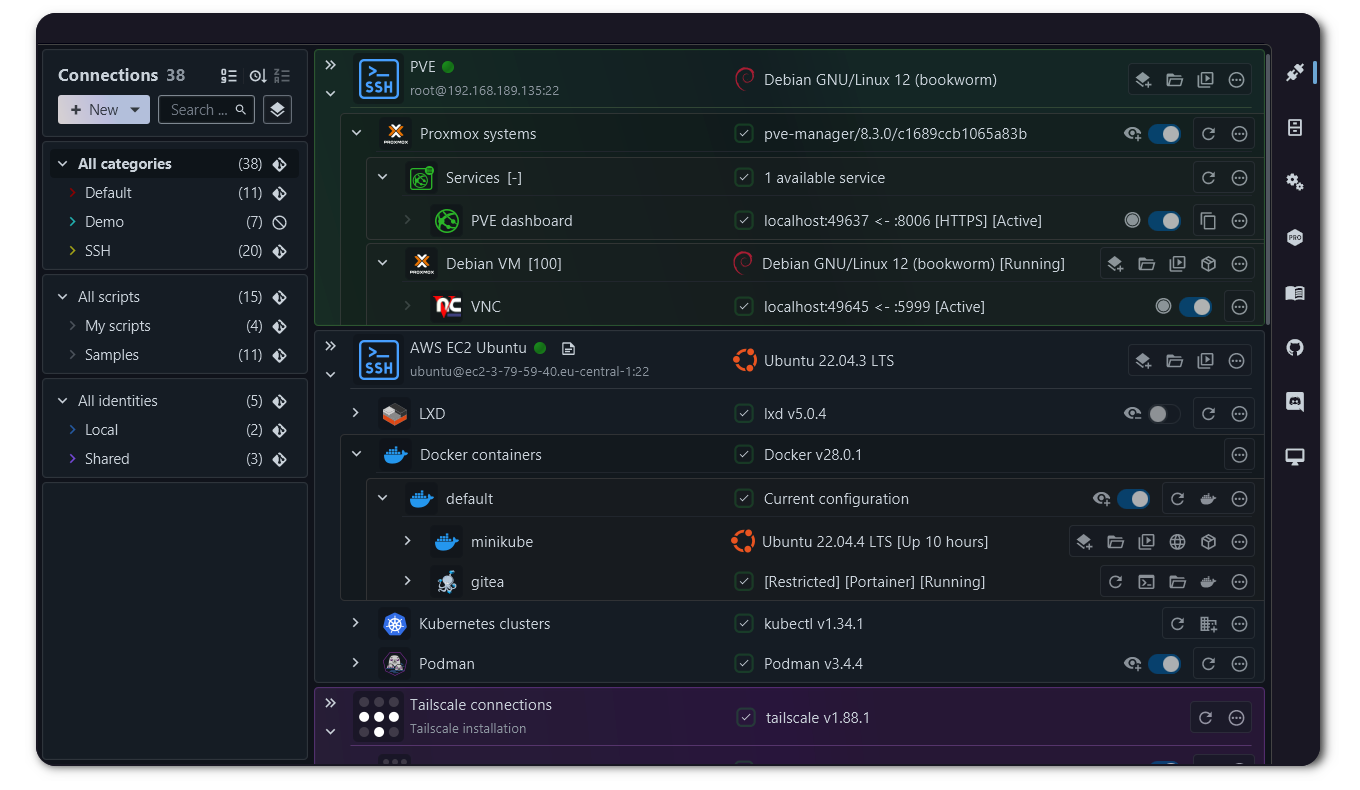
What is xpipe-webtop?
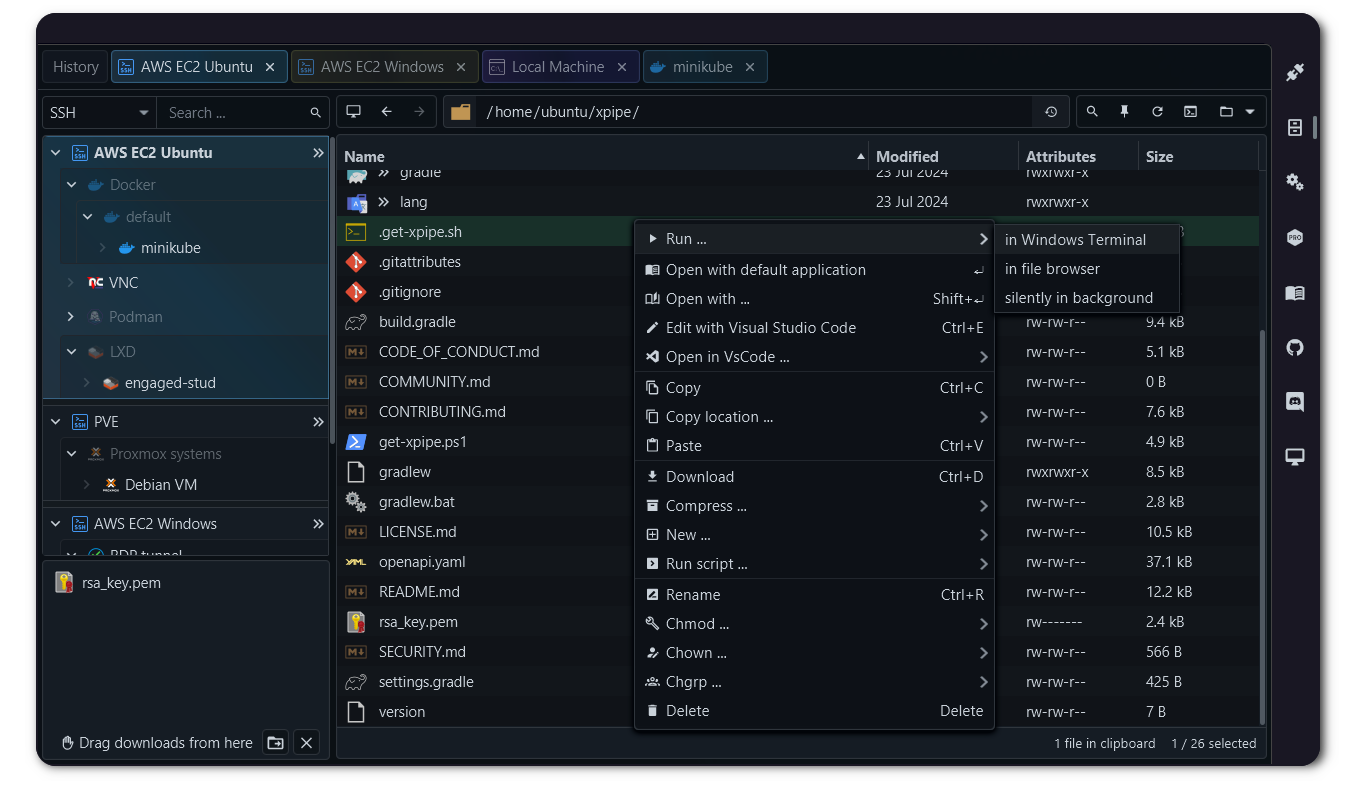
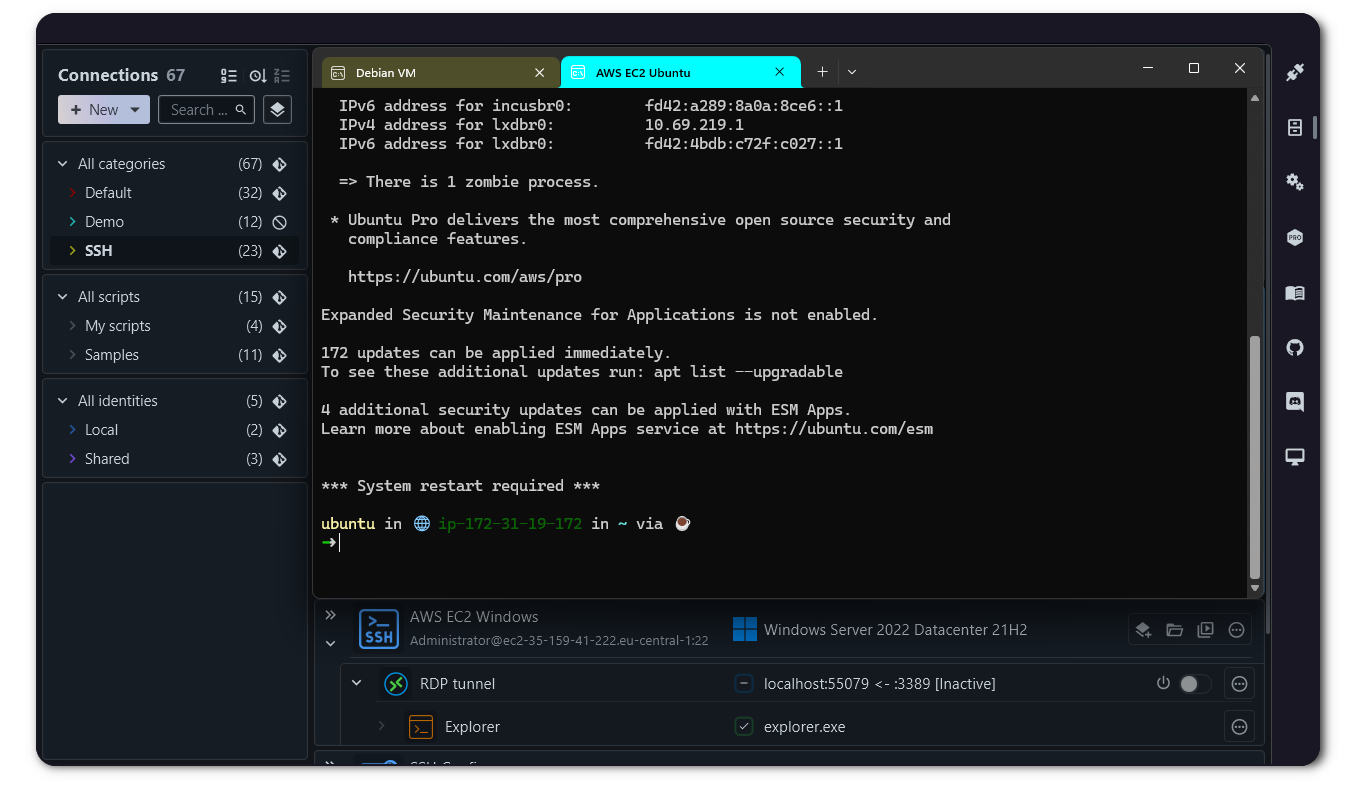
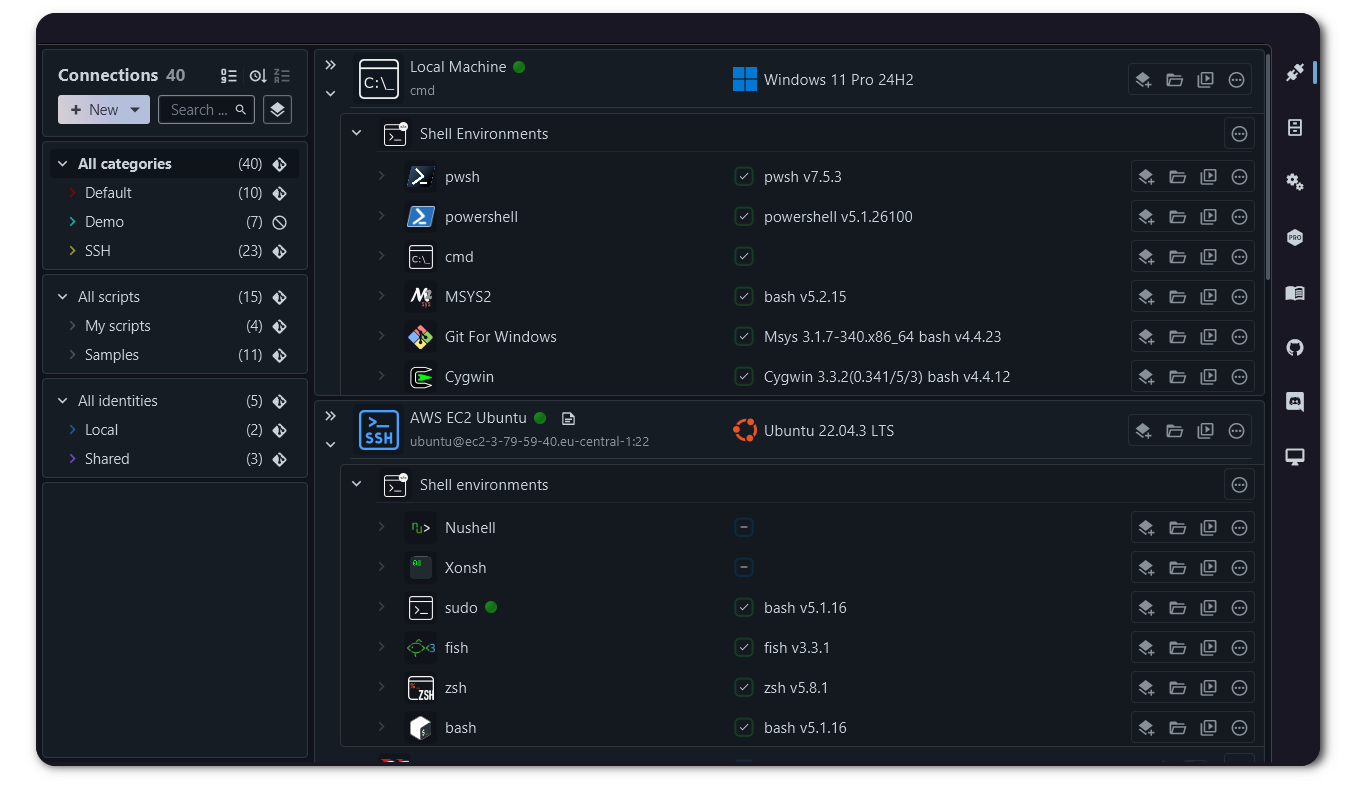
XPipe is a desktop connection hub that gives you one place to reach your whole server infrastructure: SSH hosts and tunnels, Docker, Podman, LXD/incus and Kubernetes containers, and virtual machines on Proxmox, Hyper-V, KVM, or VMware. It builds on the command-line tools you already have installed (OpenSSH, docker, kubectl, git) and needs nothing set up on the remote systems. Alongside the hub it offers a remote file browser, a terminal launcher that opens your favourite emulator into a shell session, shell scripting and custom init environments, port tunneling for remote web services, plus VNC/RDP/X11 support. Connection data lives in a local encrypted vault that can be synced or shared with a team through your own git repository, and secrets can be pulled from an installed password manager instead of being stored by XPipe. There is also an integrated MCP server and HTTP/Python APIs for automation. XPipe is installed per desktop via MSI/PKG/DEB/RPM/AppImage/tarball, package managers, or a one-line script; a Webtop container image provides browser access to the same environment. The core is Apache-2.0 licensed, but it is open core: homelab and professional plan features ship as closed-source extensions, and some capabilities such as extra concurrent tunnels, hypervisor counts, and team vaults are behind paid tiers.
xpipe-webtop alternatives
 WebSSHSelf-hosted SSH/SFTP browser workspace with multi-user terminals, split panes, file transfers, and optional Passkeys/OIDC/LDAP. Deploy via Docker on your infrastructure.CompareWebSSH with xpipe-webtop
 NextermOpen-source, self-hosted server management console: SSH, VNC and RDP sessions, an SFTP file manager, Docker deployments, monitoring and team organizations.CompareNexterm with xpipe-webtop
 TermixThis open-source, self-hosted server manager turns SSH access, remote desktop, file transfers, container control and monitoring into toggleable plugins.CompareTermix with xpipe-webtop
 WebterminalSelf-hosted open-source bastion host unifying SSH, RDP, VNC, database and Kubernetes access via browser or native clients with fine-grained auth and full audit.CompareWebterminal with xpipe-webtop
 ShellHubSelf-hosted, open-source SSH gateway to reach Linux and IoT devices from a web terminal or any SSH client, with session recording, audit logs and firewall rules.CompareShellHub with xpipe-webtop
 skiffSkiff is a self-hosted, open-source SSH manager with searchable command memory, persistent sessions, and encrypted vault. Runs via Docker or Node.js with SQLite.Compareskiff with xpipe-webtop
 electerm-webelecterm-web is a self-hosted, open-source web terminal and SSH/SFTP client with AI assistance, multi-language support, cloud sync, and responsive mobile design.Compareelecterm-web with xpipe-webtop
 webtopUbuntu, Alpine, Arch, and Fedora based Webtop images, Linux in a web browser supporting popular desktop environments.Comparewebtop with xpipe-webtop
Should you self-host xpipe-webtop?
xpipe-webtop scores 70/100 on selfhost.directory (how scoring works) and ranks #5 of 23 in Remote Access. It has 14 644 GitHub stars, +76 in the last 30 days.
It shipped 36 stable releases in the past year. The latest, 24.10, came out on 29 October 2026. New versions land roughly every 2 days.
Setup is easy: most people get it running in one sitting. An official Docker image is available. It is Apache-2.0-licensed and written mostly in Java.
Its closest alternative on selfhost.directory is Pangolin (76/100, 23 347 stars). It scores higher overall, so compare the two before you pick. See xpipe-webtop vs Pangolin side by side.
Features
- Built-In MCP ServerRequires a client supporting the streamable HTTP transport.
- Connection hub
- Container Management
- Encrypted local vault
- HTTP and Python API automation
- Password manager secret retrieval
- Port tunneling for remote services
- Remote desktop (VNC and RDP)
- Remote file browser
- Shell scripting system
- SSH Support
- Terminal launcher
- Virtual Machine ManagementSome hypervisors require the paid homelab/professional plans.
- X11 forwarding
xpipe-webtop README

XPipe is a connection hub that allows you to access your entire server infrastructure from your local desktop. It works on top of your installed command-line programs like SSH, docker, or others, and does not require any setup on your remote systems. It integrates with your favourite text editors, terminals, shells, VNC/RDP clients, password managers, and command-line tools. The platform is designed to be extensible, allowing anyone to add easily support for more tools or to implement custom functionality through a modular extension system.
More in Remote Access
 xrdpxrdp is a self-hosted, open-source RDP server for Linux with clipboard, audio, and drive redirection.
 ZeroTierOpen-source networking daemon for encrypted peer-to-peer virtual L2 networks; the node and its network controller can be self-hosted on Linux, Docker, Windows or macOS.
 zrokOpen-source zero-trust tunneling tool for sharing web apps, TCP/UDP services and folders through firewalls; self-host your own instance or use zrok.io.
 AgentDockThis self-hosted, open-source MCP runtime lets AI clients like ChatGPT, Claude or Codex run commands, edit files, use Git, and automate browsers on your own machines.
 Apache GuacamoleSelf-hosted, open-source remote desktop gateway that lets you access desktops via web browser using VNC, RDP, and SSH protocols without any client software.
 BastillionSelf-hosted bastion host with browser-based SSH terminal, centralized key management, and full session recording. Supports 2FA, SAML SSO, LDAP, runs as a single Java JAR.
 beaconSelf-hosted agent for remote tunnels, browser terminal, and health monitoring on every machine — Pi, NAS, VPS, Proxmox — zero open ports, no cloud root.
 boreA minimal open-source, self-hosted TCP tunnel in Rust: expose a local port through a remote server you run yourself with a single `bore server` command.
 chimeraSelf-hosted web app to remotely install GOG, Epic, and Flathub games, upload ROMs for 20+ emulators, and control system actions on Linux gaming machines.
 chiselSelf-hosted, open-source TCP/UDP tunnel over HTTP with SSH encryption; a single Go binary running as both server and client, with SOCKS5 and reverse port forwarding.
 chrome-remote-desktop-imageSelf-hosted Docker image providing a full Ubuntu desktop with XFCE, Chrome Remote Desktop, and Firefox for remote access behind NAT without port forwarding.
 claude-cli-telegramSelf-hosted Node.js bot for controlling a real Claude Code CLI from Telegram with sessions, streaming, approvals, voice, git tools, and Mac remote commands.
0 comments