
Self-host BackApp
v0.7Web UI for SSH backup scheduling and management
- Stars
- 205
- Port
- 8080 (HTTP web interface)
ghcr.io/dennis960/backapp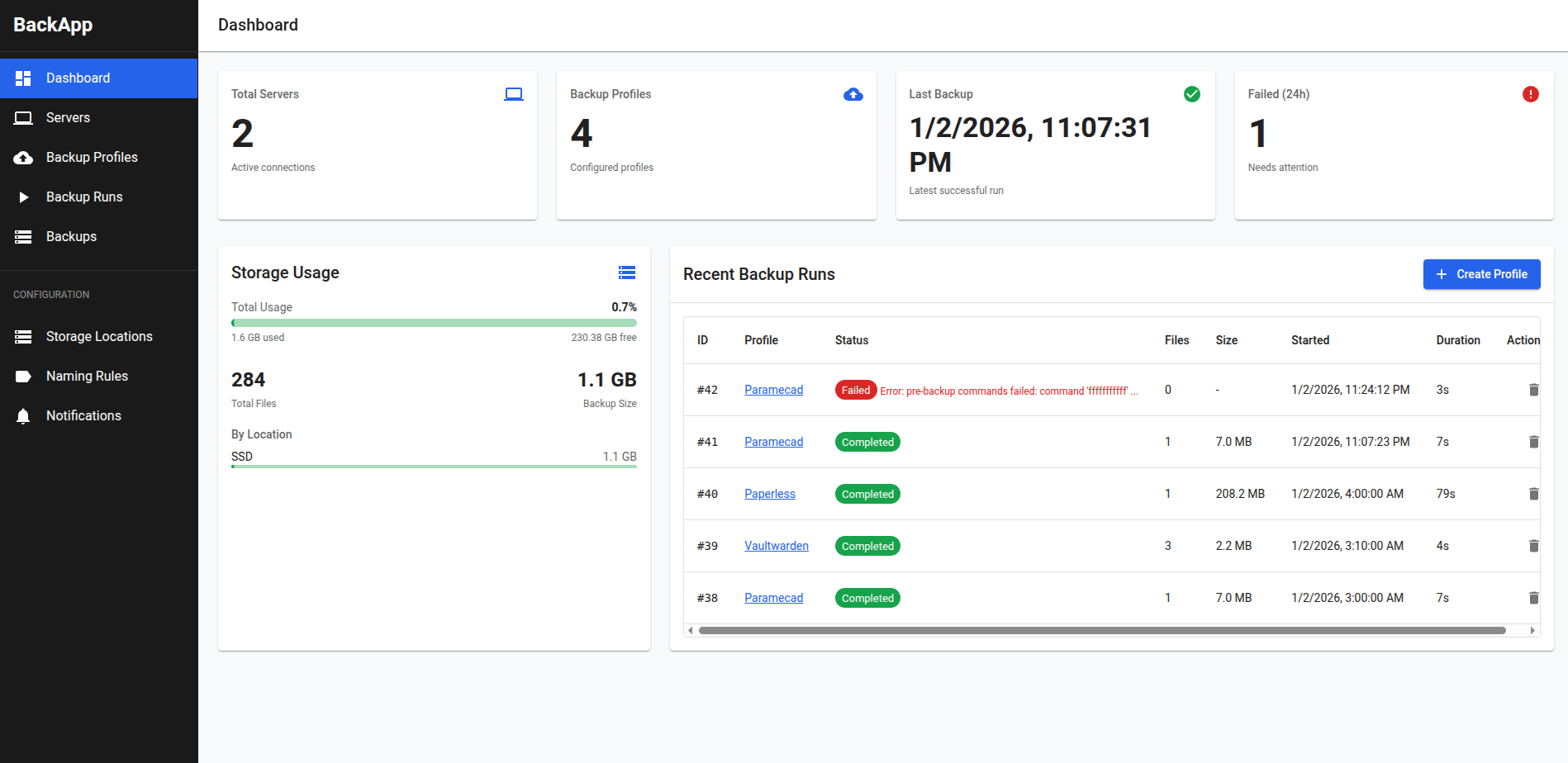
What is BackApp?
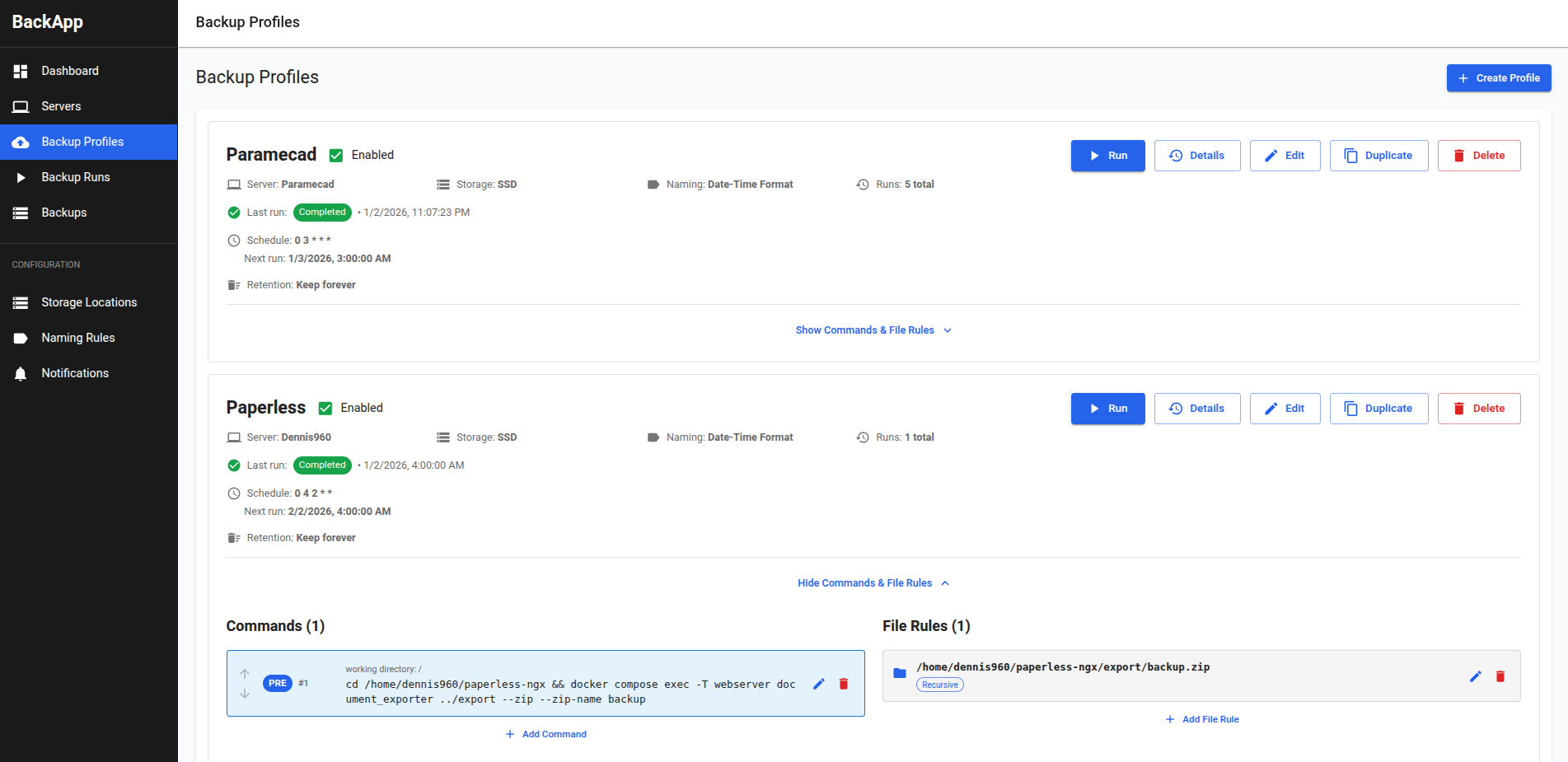
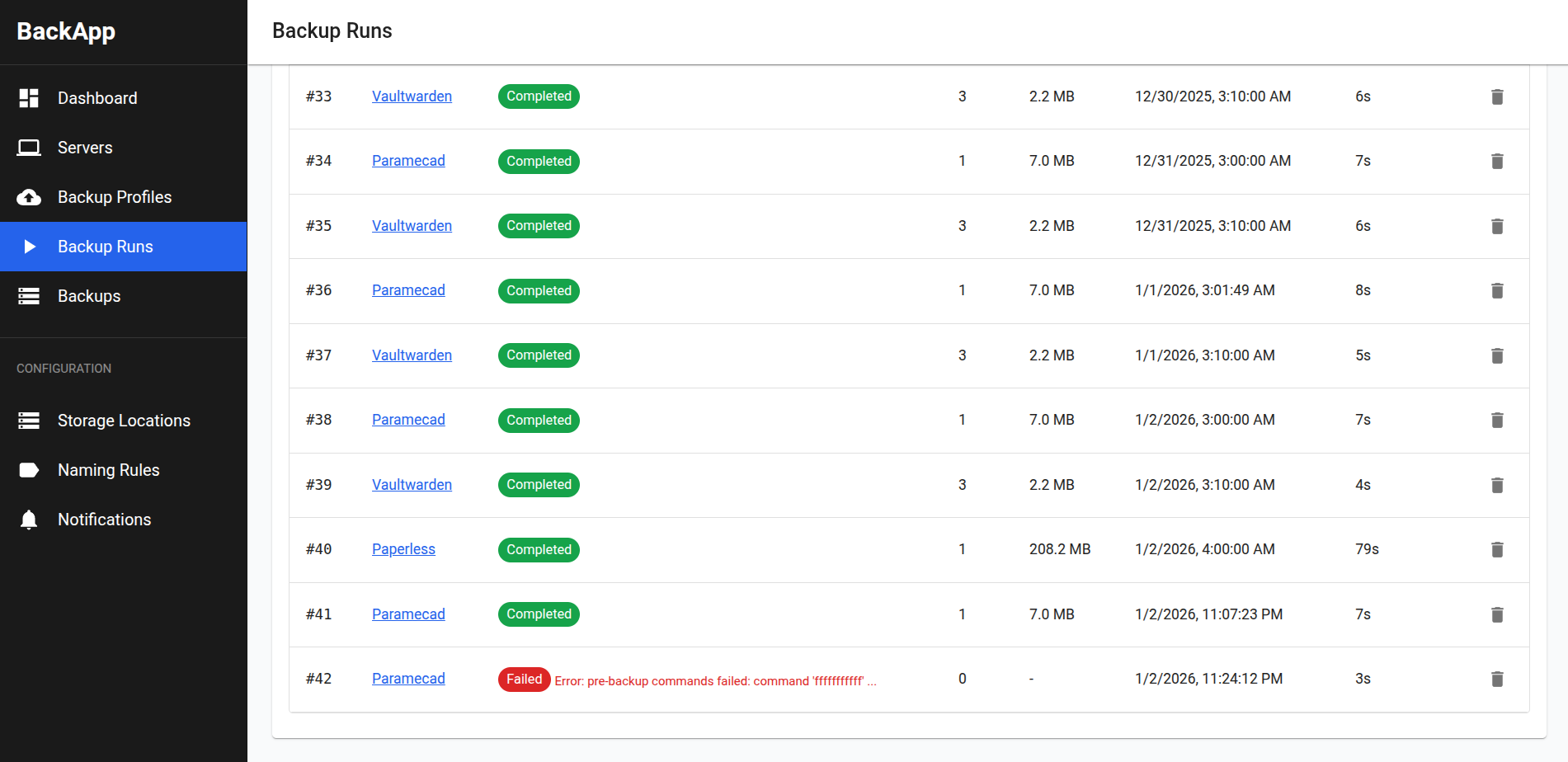
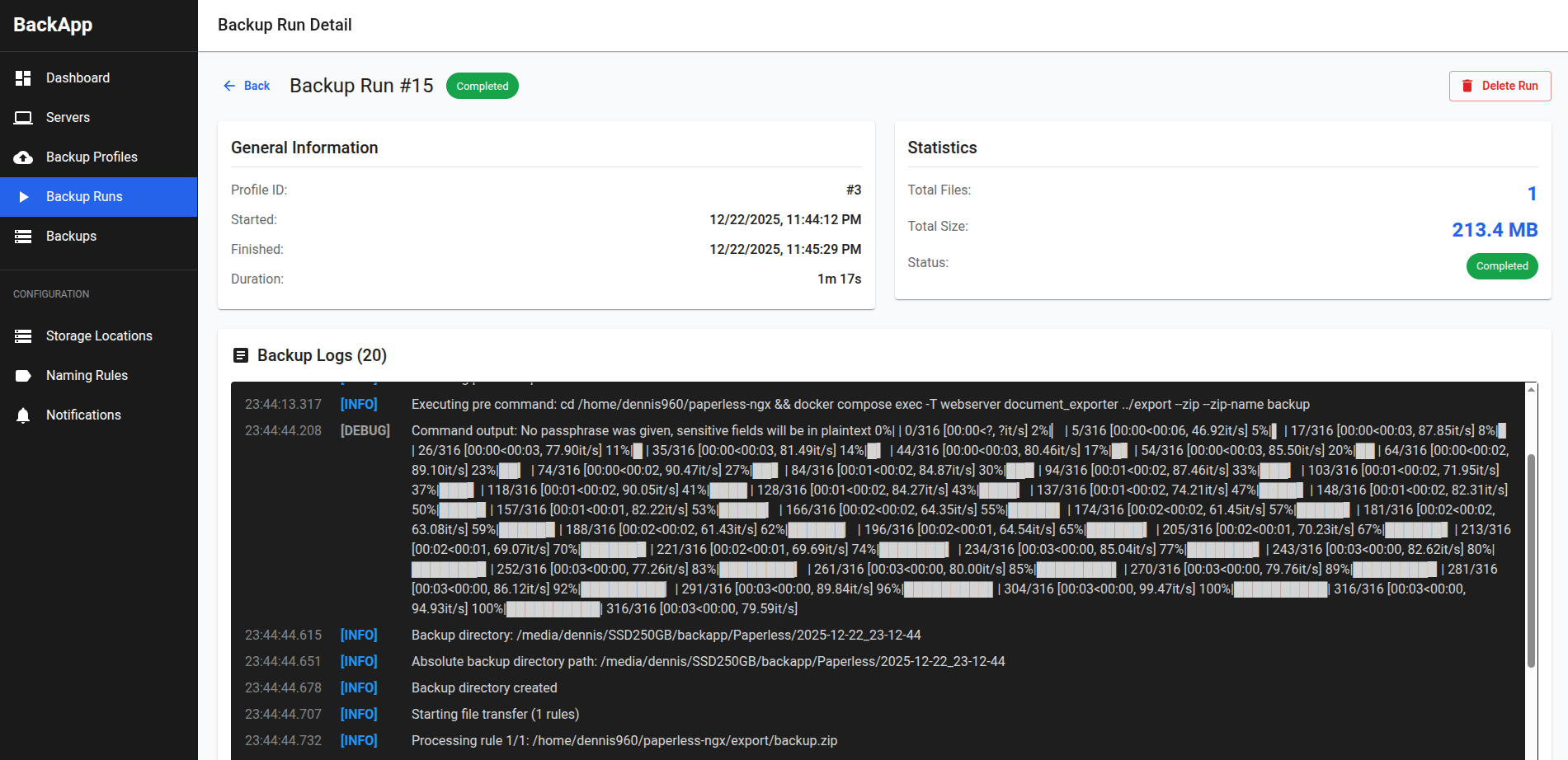
BackApp is a compact Go and React program (under 50 MB) you run on your own machine to automate pulling backups from distant servers over SSH. A browser dashboard lets you register many remote hosts, pick where files land locally, name the backup folders with templates, attach commands that run before or after each job, filter which paths get copied, set recurring schedules with cron syntax, and prune old copies automatically. Every run shows full logs with command output. The tool deliberately omits incremental copies, deduplication, and restore helpers. It ships as a single executable with an embedded SQLite store, configurable through flags for the listening port and database file, and also publishes a container image on GitHub's registry.
Should you self-host BackApp?
BackApp scores 42/100 on selfhost.directory (how scoring works) and ranks #40 of 46 in Backup. It has 205 GitHub stars.
It shipped 12 stable releases in the past year. The latest, v0.7, came out on 26 October 2026. New versions land roughly every 1 days.
Setup is easy: most people get it running in one sitting. An official Docker image is available. It is MIT-licensed and written mostly in Typescript.
Its closest alternative on selfhost.directory is Restic (82/100, 36 854 stars). It scores higher overall, so compare the two before you pick. See BackApp vs Restic side by side.
Features
- Automatic retention policy
- Backup profiles with templates
- Confirmation dialogs
- Cron Scheduling
- Detailed backup logs
- File include/exclude rules
- Manual backup trigger
- Multiple remote servers
- Pre- and post-backup commands
- SSH backup automation
- Storage locations and naming rules
- Web-based management UI
BackApp README
More in Backup Management
 borgbackupserverSelf-hosted web UI that centrally manages encrypted Borg backups on Linux, Windows, and macOS via agents that poll over HTTPS and push data over SSH.
 BorgitoryA self-hosted web dashboard for BorgBackup that adds scheduling, monitoring, archive browsing, and Rclone-based cloud sync.
 borg-uiSelf-hosted web UI for Borg Backup that replaces terminal commands with a modern interface for creating, scheduling, and restoring backups.
 borgwarehouseBorgWarehouse is a self-hosted, open-source web UI to provision and monitor BorgBackup repositories, handle SSH access and quotas, and send backup alerts.
 burpBurp is a self-hosted, open-source network backup program with client-server model, delta differencing, Windows VSS, SSL encryption, and flexible retention.
 chatvaultSelf-hosted, open-source WhatsApp backup tool with directory import, automated email backup, and a chat-like frontend for browsing messages and attachments.
 Duplicati_MonitorSelf-hosted PHP web app that collects and visualizes Duplicati backup reports from multiple computers with dashboard charts and searchable history.
 ElkarBackupElkarBackup is a self-hosted, open-source backup solution centralizing Linux and Windows backups via web UI, built on rsync/rsnapshot with instant recovery.
 EneruSelf-hosted UPS monitor that manages orderly shutdown of virtual machines, containers, and remote servers when power fails, with a web dashboard, terminal UI, and API.
 fogprojectFOG is a free, self-hosted computer cloning and imaging solution that deploys Windows, Linux, and macOS over PXE with a web-based management interface.
 FTPGrabFTPGrab is a self-hosted, open-source CLI tool that pulls files from FTP/SFTP servers on a schedule with filtering, deduplication, and notifications.
 GitSaveGitSave is a self-hosted, open-source app for scheduled Git repository backups from GitHub, GitLab, and other platforms with a responsive web UI.
0 comments