
Self-host Autonomous Company
v3.0.0Autonomous AI company loop for your own machine
- Stars
- 3 160
- Port
- 8810 (Local dashboard / Product Center web UI (loopback, http://127.0.0.1:8810/center))
- Requires
- Bubblewrap, Claude Code CLI, Git, Libseccomp, Make, Node.js, Python
What is Autonomous Company?
Autonomous Company is an MIT-licensed framework that runs a stand-up-your-own-LLM-team loop on a single machine: a daemon keeps calling a coding-agent CLI in cycles, and each cycle reads a shared consensus memory file, decides what to do next, assembles a team from fourteen expert-persona role definitions (CEO, CTO, product design, full-stack, QA, marketing, CFO and more), executes research, coding or marketing work, and writes the summary back before sleeping. Work is steered by editing the consensus file between runs, and everything stays inside human-configured goals, permissions and cost budgets, with per-cycle token and USD ledgers that can hard-pause the loop.
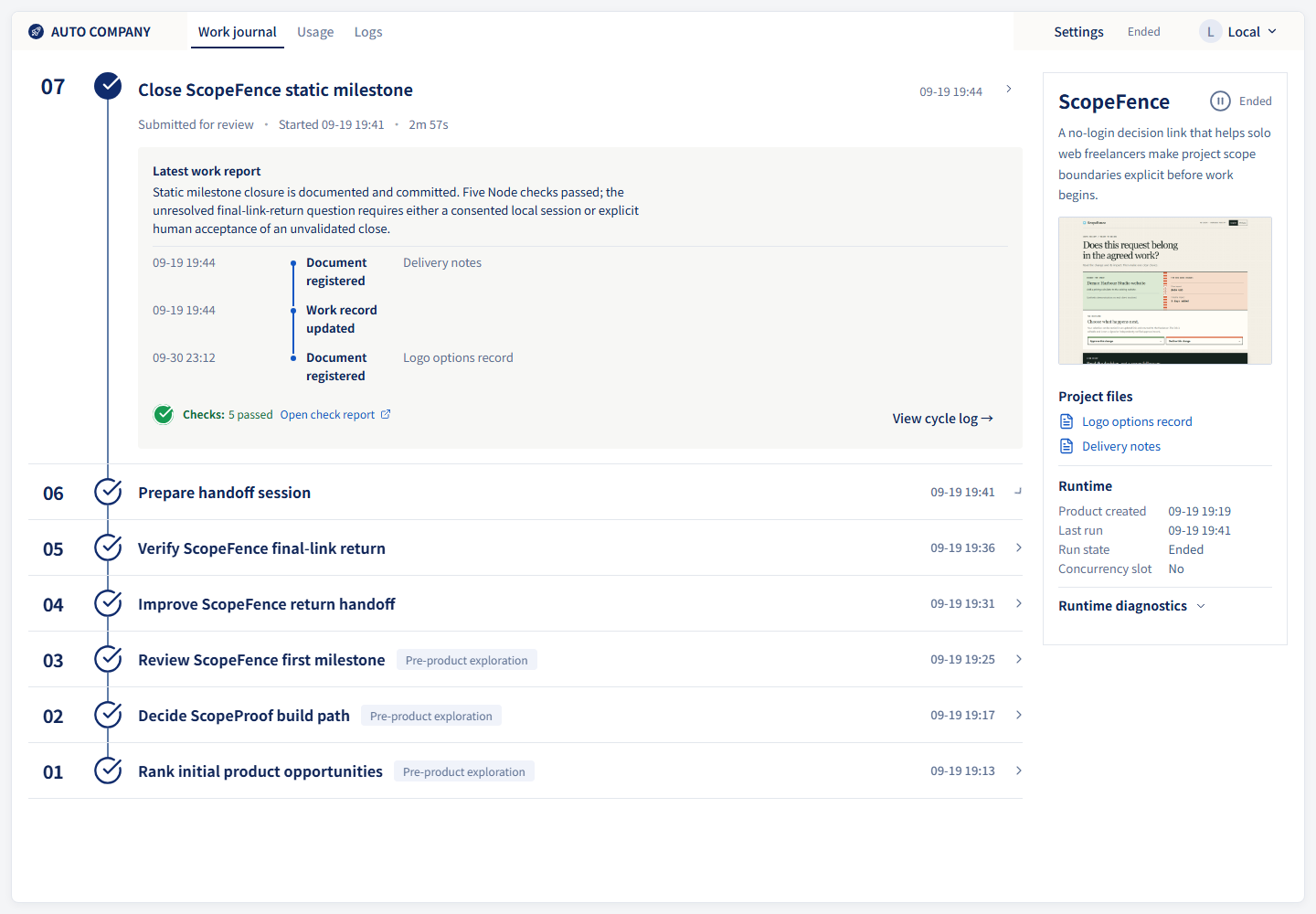
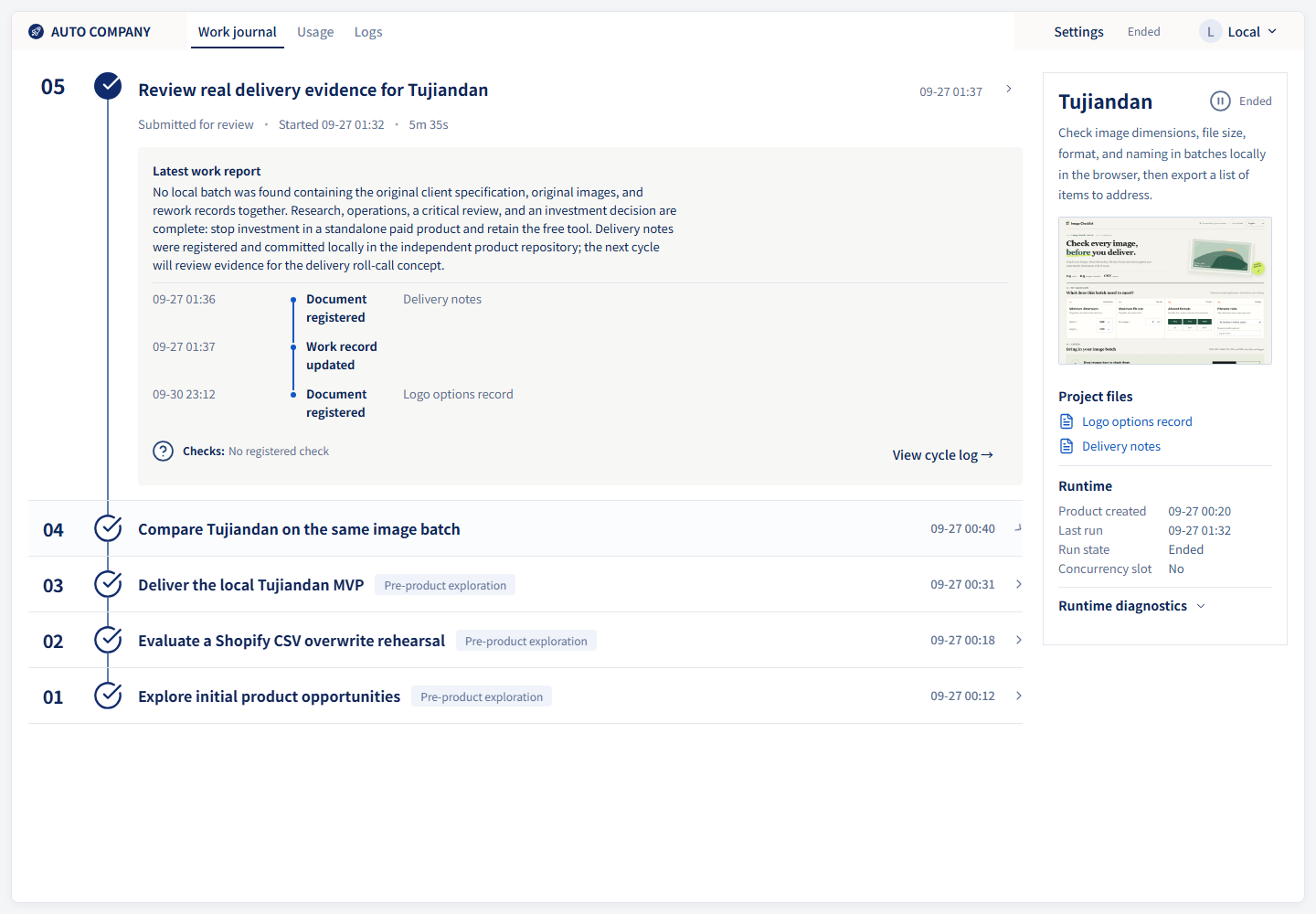
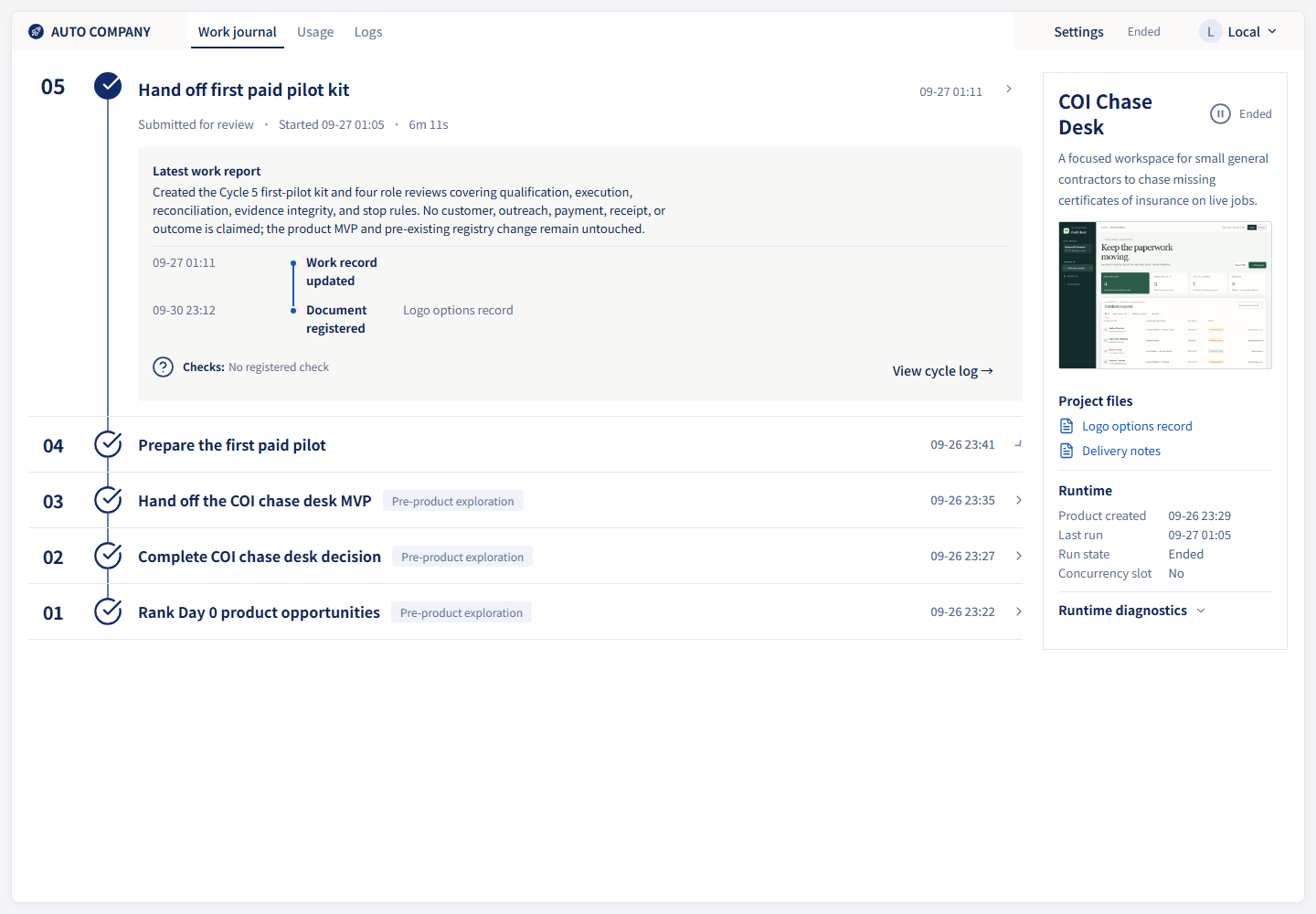
A local web Product Center on loopback port 8810 gives a catalog of connected product runs, read-only import of existing run directories, a work queue that runs up to four projects in parallel by default, batch creation with reusable engine/model/effort templates, and visible failure and recovery states. The loop itself ships resilience: circuit breakers on consecutive errors, backoff on rate limits, consensus rollback, and per-cycle process supervision with timeouts. Engine support is Claude Code by default and Codex CLI, with opt-in Cursor and OpenAI-compatible adapters; execution requires a Linux namespace boundary built on bubblewrap, so model cycles run under WSL2 on Windows and native Windows execution is refused.
Setup is clone the repository and use make targets (start, install as a launchd or systemd --user daemon, status, monitor, pause, resume, dashboard, center) or the PowerShell entrypoints on Windows; you must install and authenticate a supported agent CLI and pay for its model quota. The project describes itself as experimental: it costs money per cycle, prompt-level guardrails are not an operating-system sandbox, and stability is not guaranteed. It ships 22 example generated applications and English plus Chinese documentation.
Should you self-host Autonomous Company?
Autonomous Company scores 59/100 on selfhost.directory (how scoring works) and ranks #54 of 209 in AI Agents. It has 3 160 GitHub stars.
It shipped 10 stable releases in the past year. The latest, v3.0.0, came out on 13 October 2026. New versions land roughly every 1 days.
Setup is advanced: plan for several services and some ongoing maintenance. It is MIT-licensed and written mostly in Python.
Its closest alternative on selfhost.directory is Orca (91/100, 108 446 stars). It scores higher overall, so compare the two before you pick. See Autonomous Company vs Orca side by side.
Features
- 14 expert agent role personas
- Background daemon with auto-restart
- Batch work creation with templates
- Circuit breaker and rate-limit backoff
- Continuous autonomous work loop
- English and Chinese interface
- Human-in-the-loop steering
- Local Web Dashboard
- Multi-product center with read-only import
- Parallel project executionup to four projects at once by default
- Pluggable agent engine adapters
- Reusable skill library30+ skills
- Sandboxed project execution
- Shared file-based memory across cycles
- Usage and cost budget governance
Autonomous Company README
FAQ
Why does `make install` fail inside WSL?
There is no usable systemd --user in that session; confirm systemd is enabled in WSL and reopen the session.
Why does Claude wait for permission and cycles appear blocked?
Claude's strict permission mode blocks the cycle; set the bypassPermissions mode and check the loop log.
Why does WSL report the `codex`/`claude` command as not found?
The CLI was installed on the Windows side only; install node and the chosen CLI inside WSL.
Why does a WSL .sh script fail with `^M` / `bad interpreter`?
The scripts have CRLF line endings; keep the LF rules in .gitattributes and turn off autocrlf.
More in AI Automation
 bionic-gptBionic is an open-source, self-hosted agentic AI platform for internal teams to build sovereign workflows with own models and data — deployable on-premise.
 Broccoli OSSBroccoli OSS is a self-hosted AI tool that turns Linear issues into pull requests using Claude and Codex on your own Google Cloud.
 bullxSelf-hosted AI agent platform with a Company Brain that learns from conversations. Agents run in isolated containers. Integrates with Slack, Teams, and other chat tools.
 Captain ClawSelf-hosted, open-source framework for orchestrating AI agent fleets with seven orchestration modes, agentic coding pipeline, and deterministic Flows.
 deer-flowAn open-source long-horizon SuperAgent harness that researches, codes, and creates. With the help of sandboxes, memories, tools, skill, subagents and message gateway, it handles different levels of tasks that could take minutes to hours.
 disp8chSelf-hosted AI workspace turning plain English into visual workflows, multi-agent ops, cited research, and design artifacts — runs offline with local models.
 EpicStaffSelf-hosted AI agent orchestration platform with visual editor, persistent memory, GraphRAG, audit trails, and LDAP/OIDC/SAML auth for regulated environments.
 FabricFabric is a self-hosted, open-source AI augmentation framework with crowdsourced prompt patterns, CLI, REST API, and web UI.
 flowbakerFlowbaker is a self-hosted Go executor that runs no-code AI workflows from the Flowbaker cloud platform with 50+ integrations.
 Free-AI-Social-Media-SchedulerFree, open-source AI social media scheduler for self-hosting. Upload videos, schedule posts, publish to 8 platforms — no subscription. Next.js 16 + PostgreSQL.
 Friday StudioFriday Studio is a self-hosted AI workflow platform turning natural language into repeatable YAML automations with MCP tools, skills, and cron/webhook triggers.
 GoClawSelf-hosted multi-tenant AI agent platform with 20+ LLM providers, 7 messaging channels, PostgreSQL with row-level security, and a native desktop edition.
0 comments