
Self-host AtoM
v2.10.2Standards-based archival description and access platform
- Stars
- 304
- CPU
- 2 vCPUs @ 2.3GHz
- RAM
- 7GB
- Storage
- 50GB minimum for core stack plus more for digital objects
- Port
- 9000 (PHP-FPM (internal container port))
- Requires
- Apache FOP, Elasticsearch, Ffmpeg, Ghostscript, ImageMagick, Java, MySQL, Pdftotext (poppler-utils), PHP
What is AtoM?
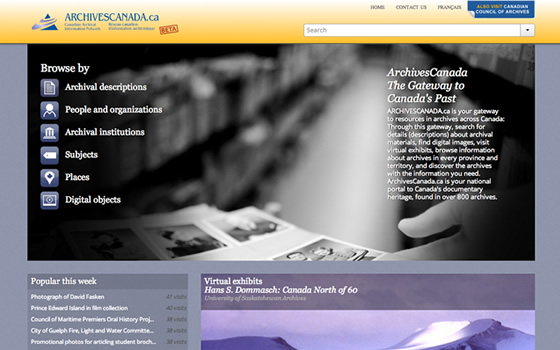
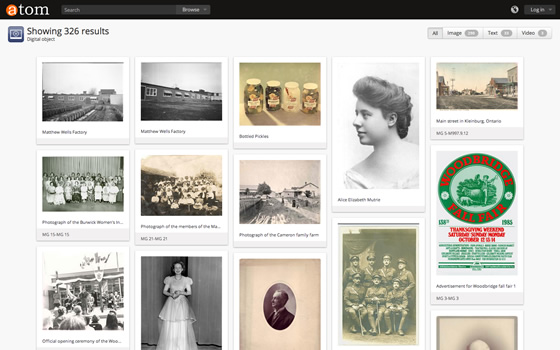
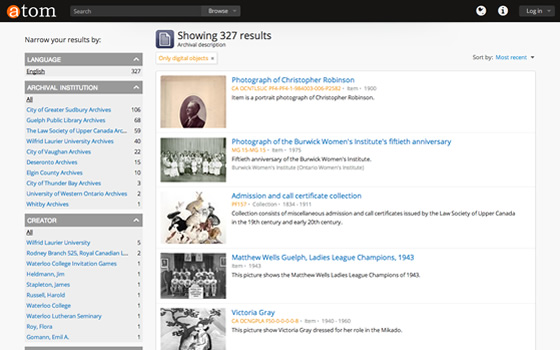
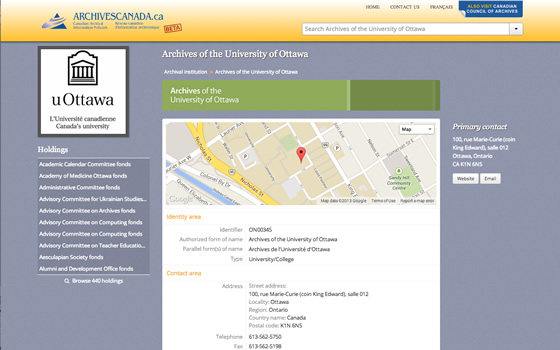
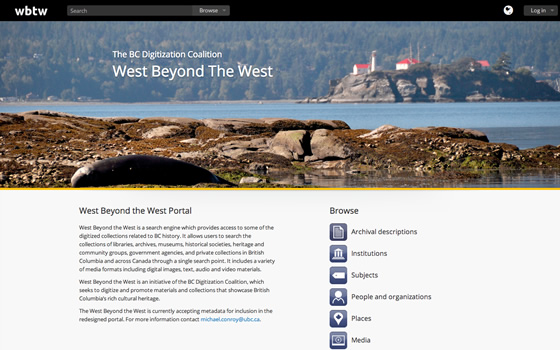
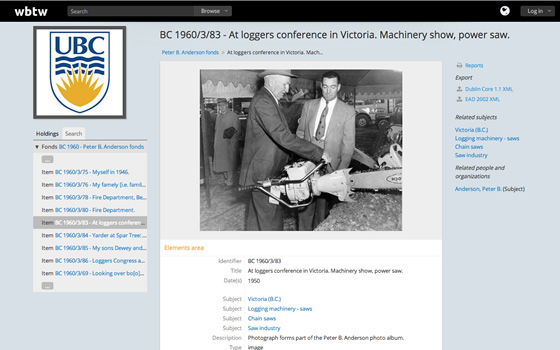
This open-source platform provides archival institutions with a web-based system for describing and sharing collections online. It follows International Council on Archives standards and handles multilingual, multi-repository environments. Key functions include metadata import and export using common archival formats, managing digital objects with automatic derivative creation, producing finding aids, and offering a translation interface. The stack requires Linux with PHP 8, MySQL, Elasticsearch, and Gearman. Docker Compose simplifies development setup. Authentication options include local accounts plus CAS, LDAP, and OpenID Connect. Licensed under AGPL-3.0.
Should you self-host AtoM?
AtoM scores 56/100 on selfhost.directory (how scoring works) and ranks #6 of 12 in Archiving & Preservation. It has 304 GitHub stars.
It shipped 5 stable releases in the past year. The latest, v2.7.3-hotfix.1, came out on 26 August 2026. New versions land roughly every 1 days.
Setup is advanced: plan for several services and some ongoing maintenance. It is AGPL-3.0-licensed and written mostly in PHP.
Its closest alternative on selfhost.directory is ArchiveBox (79/100, 28 896 stars). It scores higher overall, so compare the two before you pick. See AtoM vs ArchiveBox side by side.
Features
- Asynchronous job processing
- CAS authentication
- Command-line administration tools
- Digital Object Management
- Finding aid generation
- Full-Text Search
- Import/export (EAD, EAC-CPF, CSV, SKOS)
- LDAP Authentication
- Multilingual Support
- Multi-repository support
- OAI-PMH repository
- OIDC Authentication
- Standards-based archival description
- Web-based interface
AtoM README
More in Archiving & Preservation
 Auto-ArchiverSelf-hosted, open-source Python tool to automatically archive videos, images, and social media from URLs, Google Sheets, and CSV files with S3 and Google Drive storage.
 bareosOpen-source, cross-platform network backup and recovery suite (a Bacula fork) with Director/File/Storage daemons, PostgreSQL catalog, tape, S3 and a web UI.
 BichonSelf-hosted, open-source email archiver written in Rust that pulls mail over IMAP or OAuth2, indexes it for full-text search, and serves a WebUI and REST API.
 EonvelopeOpen-source self-hosted email archive supporting IMAP, POP, Exchange, and JMAP with integrations for Paperless-ngx, Immich, Nextcloud, and Searxng.
 EspialOpen-source, self-hosted bookmark server with multiple accounts, tagging, a browser bookmarklet, REST API and snapshot archiving via ArchiveBox or the Wayback Machine.
 Fedora RepositoryFedora Repository is a self-hosted, open-source digital repository for managing and preserving digital content, used by libraries and archives worldwide.
 GanymedeSelf-hosted platform for saving Twitch VODs and live streams with synchronized chat, OIDC login, and Docker Compose deployment.
 genewebSelf-hosted, open-source genealogy app in OCaml with local web server for family trees, GEDCOM import/export, and relationship exploration.
 hoardy-webPassively capture, archive, and hoard your web browsing history, including the contents of the pages you visit, for later offline viewing, replay, mirroring, data scraping, and/or indexing. Your own personal private Wayback Machine that can also archive HTTP POST requests and responses, as well as most other HTTP-level data.
 KarakeepOpen-source, self-hosted app for saving links, notes, images and PDFs, with LLM auto-tagging, semantic search, offline mobile reading, and page archives.
 LinkAceA self-hosted, open-source bookmark manager that archives links, monitors them for breakage, and offers tags, lists, multi-user SSO and a REST API.
 LinkWardenOpen-source, self-hosted bookmark manager that keeps a screenshot, PDF and HTML copy of every saved page, with reader annotations and shared team collections.
0 comments