
Self-host aeterna
v1.5.5Dead man's switch for digital legacy messaging
- Stars
- 306
- Ports
- 80 (HTTP proxy (nginx) serving frontend and API), 3000 (Backend API server), 5173 (Frontend development server (Vite))
- Requires
- SMTP server
ghcr.io/alpyxn/aeterna-backend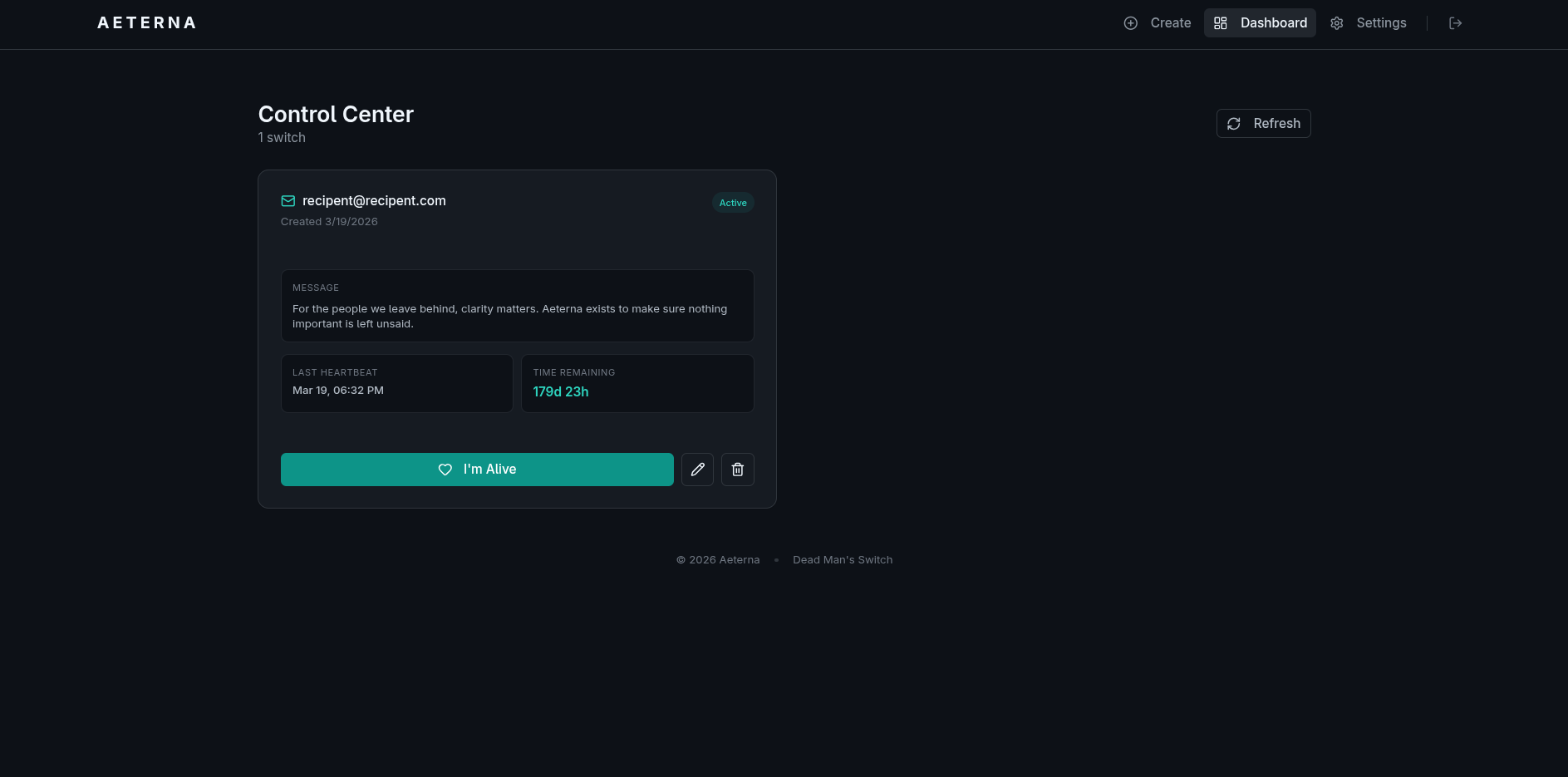
What is aeterna?
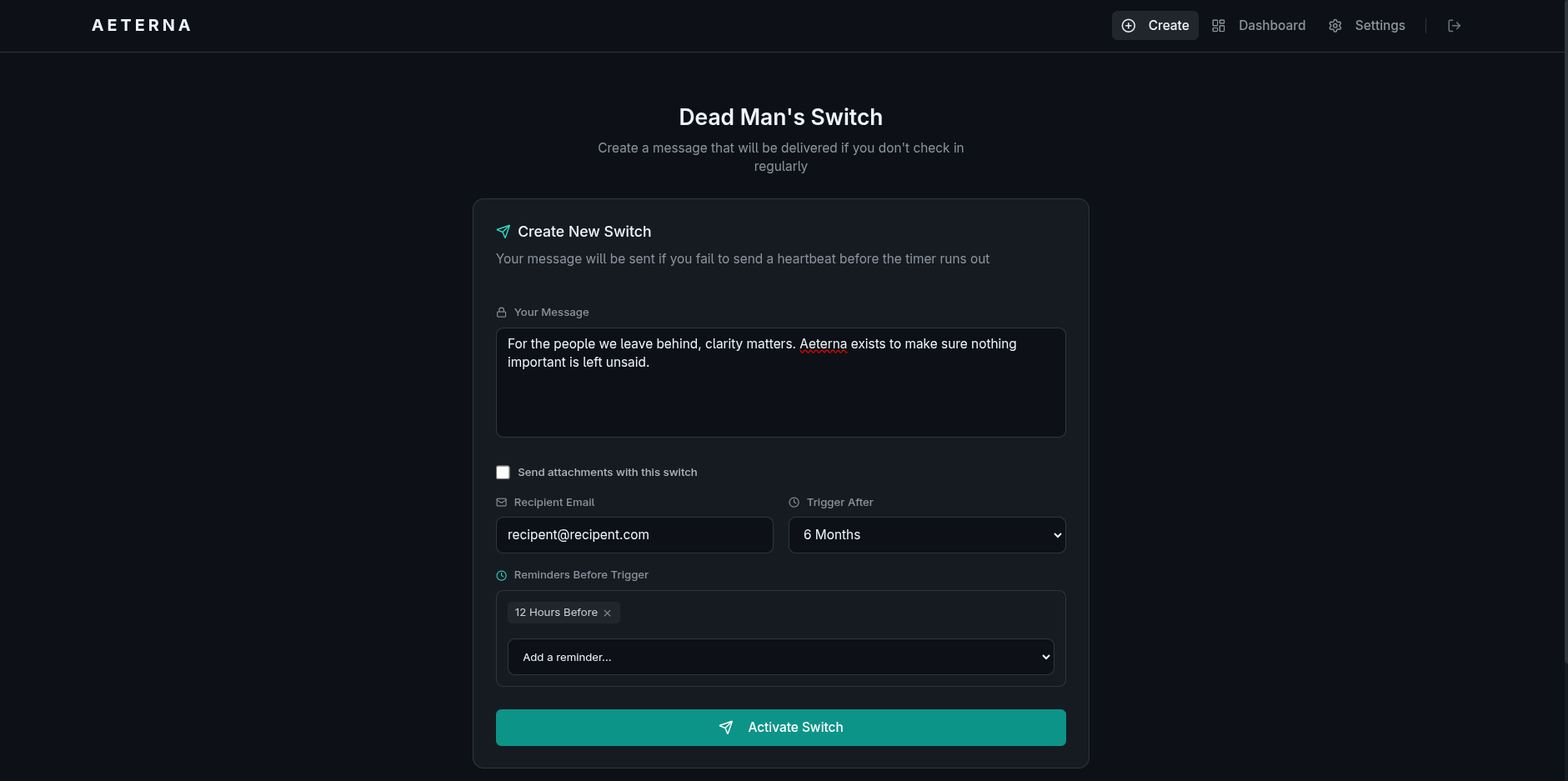
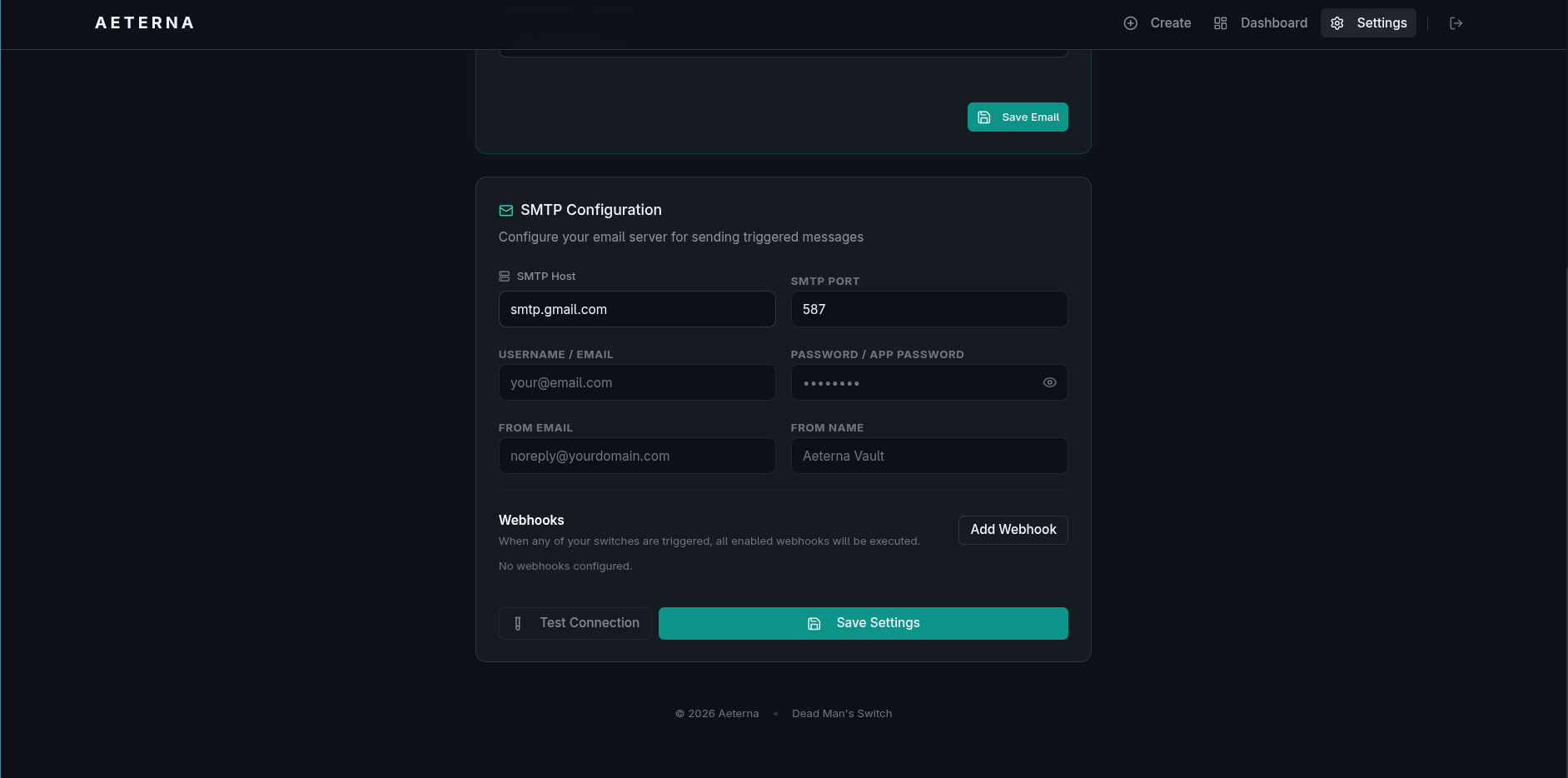
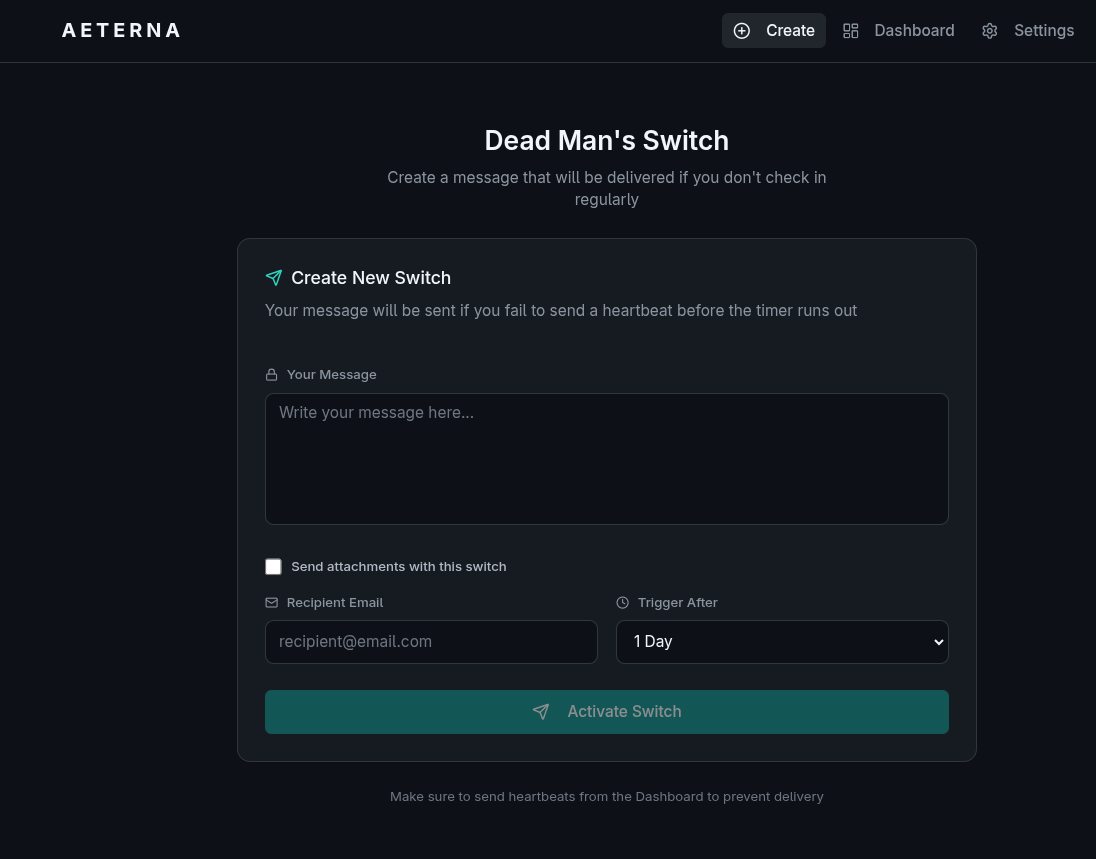
Aeterna is a self-hosted dead man's switch designed for end-of-life planning and digital legacy. Users write messages and attach files, then check in periodically via a web UI or email link. If check-ins stop, Aeterna automatically delivers the messages and attachments to designated recipients via email and can trigger webhooks for home automation or custom scripts. All data is encrypted at rest using AES-256-GCM, with the encryption key stored securely on the server and never exposed in environment variables. Attachments are automatically deleted after delivery for privacy. The software runs as a Go backend API and React frontend, using SQLite for storage. It can be deployed via an interactive install.sh script (which handles Nginx, Let's Encrypt SSL, and key generation), Docker Compose with published images from GHCR or Docker Hub, or compiled natively from source (Go 1.21+ and Node.js). SMTP settings are configured post-installation through the web UI. The project is licensed under GPL-3.0.
Should you self-host aeterna?
aeterna scores 48/100 on selfhost.directory (how scoring works) and ranks #18 of 38 in Personal Productivity. It has 306 GitHub stars.
It shipped 4 stable releases in the past year. The latest, v1.5.5, came out on 6 September 2026. New versions land roughly every 6 weeks.
Setup is moderate: expect some configuration beyond a single command. An official Docker image is available. It is GPL-3.0-licensed and written mostly in Go.
Its closest alternative on selfhost.directory is LanguageTool (75/100, 15 205 stars). It scores higher overall, so compare the two before you pick. See aeterna vs LanguageTool side by side.
Features
- Auto-Cleanup
- Automated installation wizard
- Backup and update management
- Dead man's switch
- Email delivery
- Encryption at Rest
- File attachments
- Heartbeat check-in
- Reverse proxy templates
- SQLite encryption (optional)Optional feature enabled via DB_ENCRYPTION_ENABLED=true
- Webhook Integration
aeterna README
More in Backup Management
 alt-coreAlterante Core is a self-hosted, open-source decentralized filesystem in Java for file discovery, automated backup/replication, and web-based file access.
 arkeepArkeep is an open-source, self-hosted backup management platform with a web dashboard for Restic/Rclone backups across multiple servers.
 Auto Backup🗃️ Improved Backup Service for Home Assistant that can Automatically Remove Backups and Supports Generational Backup Schemes.
 BackAppBackApp is a self-hosted, open-source backup automation tool with a React web UI that schedules and inspects remote server backups over SSH.
 borgbackupserverSelf-hosted web UI that centrally manages encrypted Borg backups on Linux, Windows, and macOS via agents that poll over HTTPS and push data over SSH.
 BorgitoryA self-hosted web dashboard for BorgBackup that adds scheduling, monitoring, archive browsing, and Rclone-based cloud sync.
 borg-uiSelf-hosted web UI for Borg Backup that replaces terminal commands with a modern interface for creating, scheduling, and restoring backups.
 borgwarehouseBorgWarehouse is a self-hosted, open-source web UI to provision and monitor BorgBackup repositories, handle SSH access and quotas, and send backup alerts.
 burpBurp is a self-hosted, open-source network backup program with client-server model, delta differencing, Windows VSS, SSL encryption, and flexible retention.
 chatvaultSelf-hosted, open-source WhatsApp backup tool with directory import, automated email backup, and a chat-like frontend for browsing messages and attachments.
 Duplicati_MonitorSelf-hosted PHP web app that collects and visualizes Duplicati backup reports from multiple computers with dashboard charts and searchable history.
 ElkarBackupElkarBackup is a self-hosted, open-source backup solution centralizing Linux and Windows backups via web UI, built on rsync/rsnapshot with instant recovery.
0 comments