
Self-host vorker
Self-hosted Cloudflare Worker alternative built on workerd
- Stars
- 204
- Ports
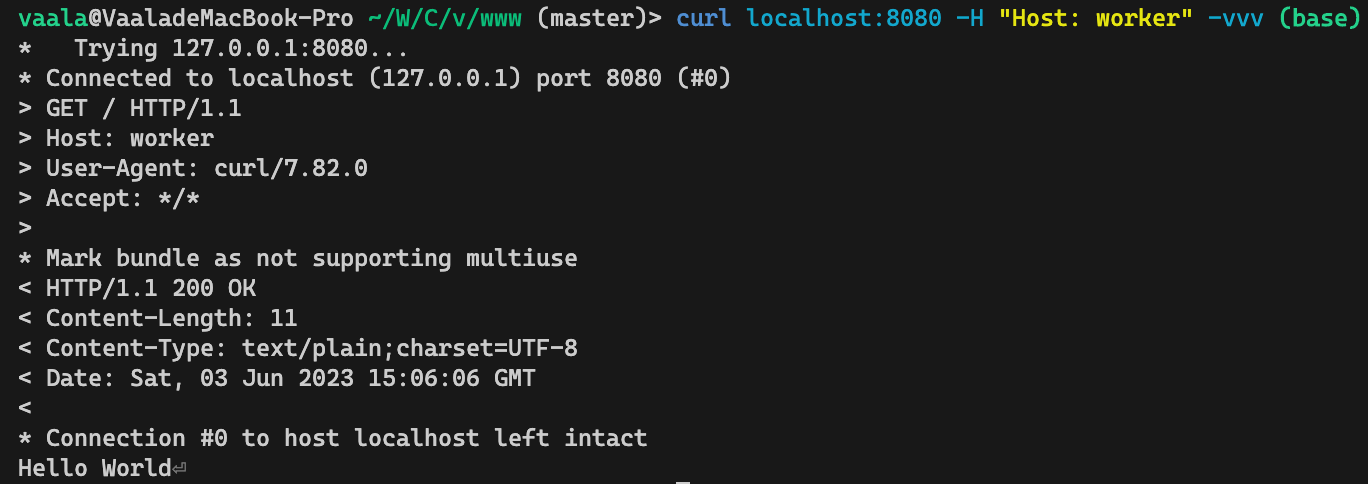
- 8080 (Worker reverse proxy port), 8888 (Admin web UI port), 18080 (Tunnel relay port), 10080 (Tunnel reverse proxy port)
- Requires
- SQLite
vaalacat/vorker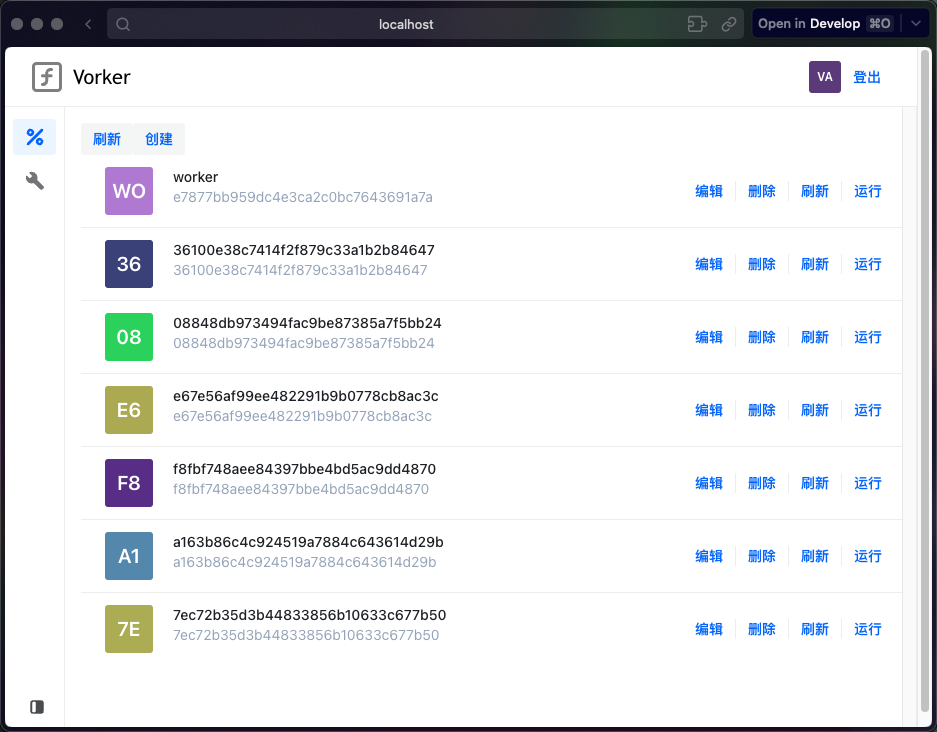
What is vorker?
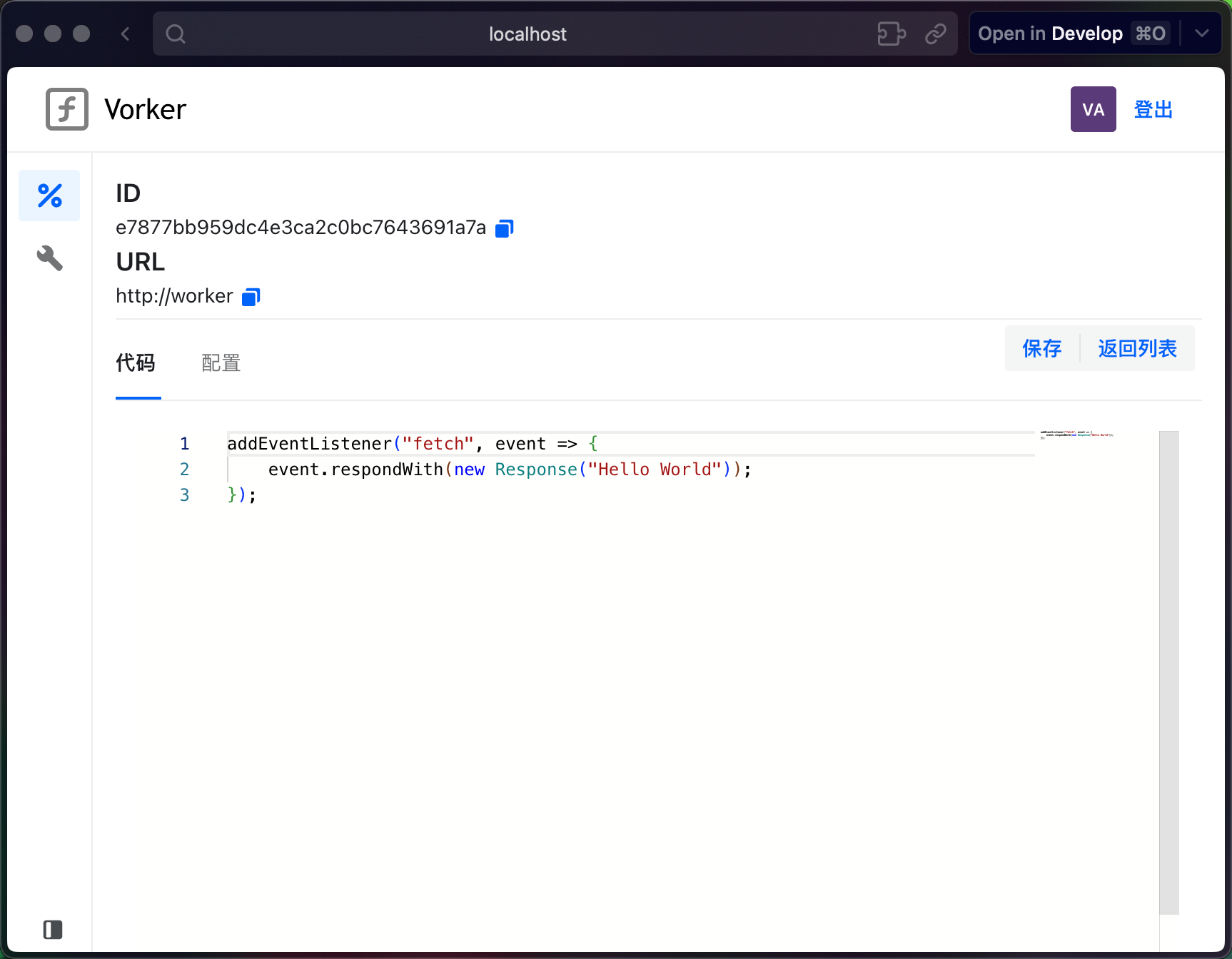
Vorker is a self-hosted Cloudflare Worker alternative that runs on Cloudflare's open-source workerd runtime. It provides a web-based control panel for managing multiple workers, routing them to custom domains, and editing code online with a Monaco-based editor. The platform supports multi-node deployments with high availability via LiteFS, user authentication with JWT, and experimental Cloudflare Durable Objects. Workers are configured via Cap'n Proto templates and can be deployed via Docker or Docker Compose. The project is written in Go (Gin) for the backend and Next.js/React for the frontend. Development has moved to a successor project called frp-panel.
Should you self-host vorker?
vorker scores 36/100 on selfhost.directory (how scoring works) and ranks #6 of 7 in Serverless. It has 204 GitHub stars.
There was no stable release in the past 12 months, so check the repository's recent activity before you rely on it.
Setup is advanced: plan for several services and some ongoing maintenance. An official Docker image is available. It is written mostly in Go.
Its closest alternative on selfhost.directory is faas (68/100, 26 253 stars). It scores higher overall, so compare the two before you pick. See vorker vs faas side by side.
Features
- API control
- Cloudflare Durable ObjectsNot fully durable - objects lost on worker restart/migration
- High AvailabilityRequires LiteFS enabled
- KV storageNot yet implemented
- Log CollectionNot yet implemented
- MetricsNot yet implemented
- Multi-node Deployment
- Multi worker routing
- User Authentication
- Web UI & Online Editor
- Worker CRUD management
- Worker debuggingNot yet implemented
- Worker version controlNot yet implemented
vorker README
More in Serverless
 beamA self-hostable, open-source platform for running serverless AI workloads with GPU inference, code sandboxes, and background task queues.
 faasOpenFaaS CE is a self-hosted serverless platform that packages your code as OCI images and runs them as auto-scaling functions on Kubernetes, with a CLI and REST API.
 FaastaSelf-hosted FaaS for Rust WASIp3 components in Wasmtime with swappable SQL, KV, and blob storage backends.
 open-computeSelf-hosted platform running Cloudflare Workers apps on your hardware via a single Rust binary with 99% API compatibility.
 openwhiskSelf-hosted, open-source serverless FaaS platform: Actions run on events via Triggers, with sequences, a package catalog and the wsk CLI. Installs on Kubernetes via Helm.
 self-workerdself-workerd is an open-source, self-hosted FaaS platform on Cloudflare's workerd runtime with a publisher API and isolated worker instances, deployable via Docker.
 trusted-cgiSelf-hosted serverless functions engine via CGI. Single binary, no deps, with scheduling, queues, and token security for hobby projects.
0 comments