
Self-host beam
gateway-0.1.859Open-source runtime for serverless GPU inference
- Stars
- 1 854
- Ports
- 1993 (gRPC API gateway), 1994 (HTTP API gateway), 1995 (Service proxy)
- Requires
- PostgreSQL, Redis, S3-compatible Object Storage
What is beam?
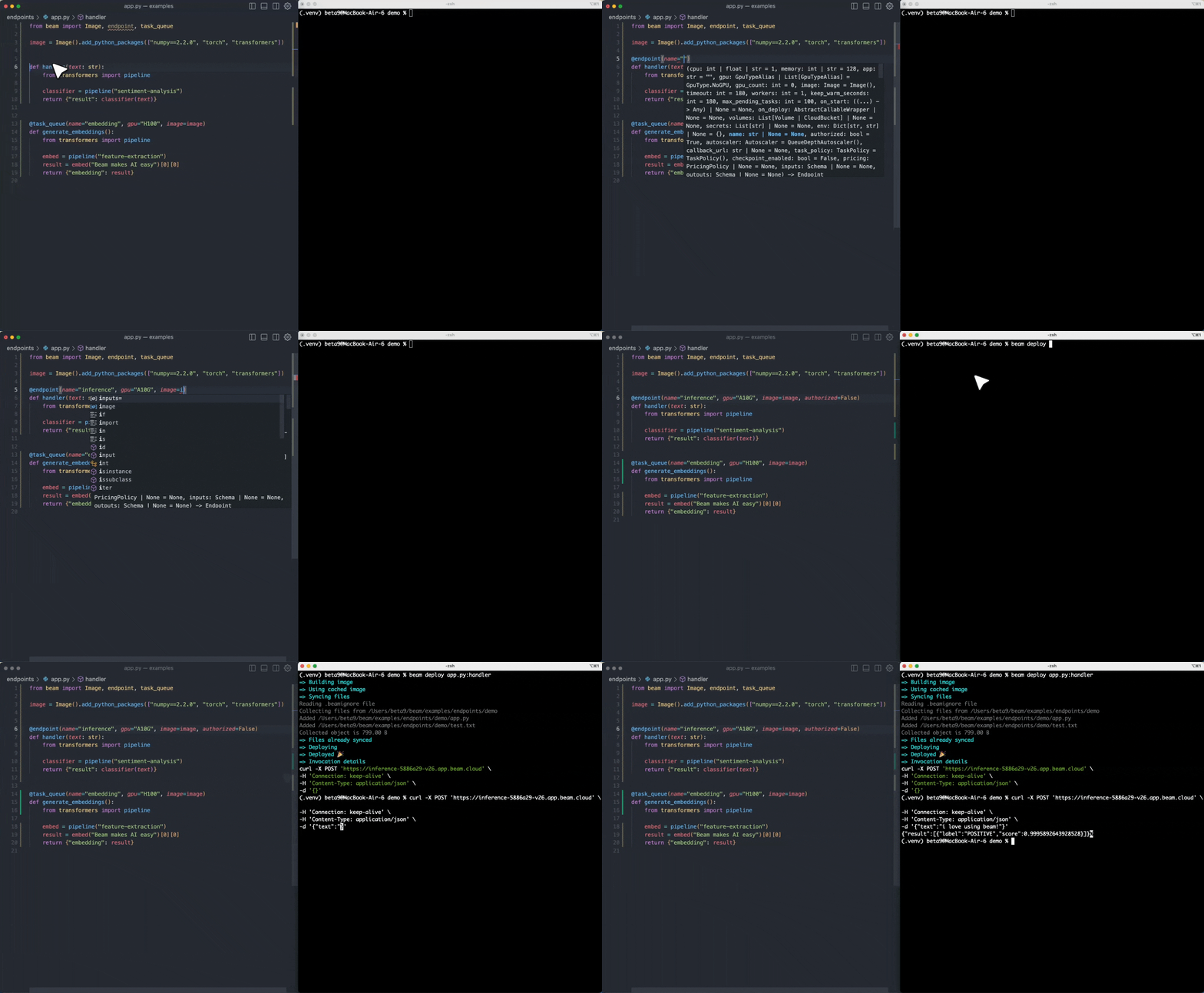
Beta9 is an open-source platform for running serverless AI workloads on your own infrastructure. It provides GPU-accelerated inference endpoints that autoscale, isolated sandboxes for executing untrusted code, and durable background job queues with retry logic. The system achieves sub-second cold starts through a custom container runtime with built-in caching, scales to zero when idle, and supports persistent distributed volumes. You can run it on cloud GPUs or your own hardware. Self-hosting options include a local k3d cluster for development and production Kubernetes deployments on AWS EKS via Helm, with dependencies on PostgreSQL, Redis, and S3-compatible storage. The Python SDK uses decorators to define endpoints, tasks, and sandboxes. Licensed under AGPL-3.0.
beam alternatives
 Big-AGISelf-hosted, open-source AI workspace for experts: run 2 to 24 models in parallel with Beam, personas, image generation, voice and BYO API keys via Docker.CompareBig-AGI with beam
 dstackdstack is a self-hosted, open-source control plane for GPU compute across clouds, Kubernetes, and bare-metal. It streamlines AI development, training, and inference.Comparedstack with beam
 openbeamOpenBeam is a self-hosted, open-source enterprise search platform unifying SaaS tools and IoT systems into one searchable layer with hybrid search and AI agents.Compareopenbeam with beam
 gpustackOpen-source, self-hosted GPU cluster manager that deploys LLMs on NVIDIA, AMD or Ascend hardware via vLLM, SGLang and TensorRT-LLM behind OpenAI-compatible APIs.Comparegpustack with beam
 OllamaOllama is a self-hosted, open-source platform for running LLMs locally on macOS, Windows, and Linux with a REST API and official SDKs.CompareOllama with beam
 heliconeHelicone is a self-hosted, open-source LLM observability platform and AI gateway for 100+ models with cost tracking, agent tracing, prompt management, and a playground.Comparehelicone with beam
 LangfuseLangfuse is a self-hosted, open-source LLM engineering platform for tracing, prompt management, evaluations, and analytics — used by 50,000+ companies.CompareLangfuse with beam
 orbitSelf-hosted AI gateway connecting private data to local or hosted LLMs via one OpenAI-compatible API with built-in auth, quotas, audit logs, and admin UI.Compareorbit with beam
Should you self-host beam?
beam scores 60/100 on selfhost.directory (how scoring works) and ranks #32 of 123 in AI. It has 1 854 GitHub stars, +41 in the last 30 days.
It shipped 403 stable releases in the past year. The latest, gateway-0.1.859, came out on 16 November 2026.
Setup is advanced: plan for several services and some ongoing maintenance. It is AGPL-3.0-licensed and written mostly in Go.
Its closest alternative on selfhost.directory is hatchet (72/100, 8 299 stars). It scores higher overall, so compare the two before you pick. See beam vs hatchet side by side.
Features
- Background task queues
- Bring your own GPU
- Code sandboxes
- Fast cold starts
- Hot Reloading
- Parallelization and concurrency
- Python SDK
- Scale to Zero
- Scheduled jobs
- Serverless GPU inference
- Volume storage
beam README


Beam is a fast, open-source runtime for serverless AI workloads. It gives you a Pythonic interface to deploy and scale AI applications with zero infrastructure overhead.

FAQ
GPU requested but framework cannot use it - what to do?
Run nvidia-smi, then check that your framework and CUDA versions support the GPU. See GPU acceleration documentation.
How to run commands with pipes in a sandbox?
Use sb.process.exec('sh', '-c', 'first-command | second-command') for shell syntax, then .wait() for completion.
Why is no URL returned for my deployment?
Set a port for your web service, or call expose_port on a sandbox. Containers without ports have no public URL.
Why do requests fail even when deployment is active?
Check logs and ensure your server listens on the configured port at 0.0.0.0 or ::. Use 'beam deployment wait <id>' to check endpoint or ASGI readiness.
How to resolve 'No space left on device'?
Run 'df -h' inside the container to find the full filesystem. Remove temporary files or move persistent data to a volume or disk.
Why does 'cannot import name App from beam' occur?
App belongs to the older V1 SDK. Use V2 decorators and abstractions instead; see the migration guide and quickstart.
How to fix 'No module named beam' error?
The CLI is installed in isolation. Create a virtual environment and install the SDK in your project environment: python -m pip install beam-client
What to do when unable to connect to gateway?
Run 'beam doctor' to check your connection and credentials. Try 'beam login' to sign in again, or upgrade the CLI.
How to resolve 'concurrency_limit_reached or cpu quota exceeded'?
Check your workspace limits and running containers. Stop unused deployment versions as warm containers consume capacity even without requests.
How do I fix 'Insufficient Credits' error?
Open Settings → Credits in your workspace dashboard. Start Developer plan if prompted, or add credits to your existing plan.
More in AI
 beelzebubOpen-source, self-hosted deception runtime that turns SSH, HTTP, TCP, Telnet, MCP decoys into honeypots, configured via YAML rules, with LLM replies and Go plugins.
 blindaiBlindAI is an open-source AI privacy solution using Intel SGX enclaves for confidential inference. Self-host models or query hosted ones via Python client.
 BlinkoSelf-hosted AI note-taking app using RAG for intelligent search. Supports Markdown, native desktop apps on macOS/Windows/Android/Linux, PostgreSQL storage.
 BokeBoxSelf-hosted private AI podcast studio turning videos, links, articles, and meetings into spoken episodes with customizable persona, voice, and MCP/plugin extensibility.
 brain-dbSelf-hosted memory database for AI agents with fused semantic, lexical, graph, and temporal retrieval. Single Rust core, binary wire protocol, Apache-2.0.
 brain.mdSelf-hosted markdown notes with MCP server for AI agents. Single Bun binary, local vector search via WASM ONNX, per-folder permissions, optional auth. AGPL.
 Breeze TTS 2Self-hosted open-weight TTS model with voice cloning, design from descriptions, and voice direction. Streaming REST API and CLI for real-time synthesis on NVIDIA GPUs.
 BricksLLMOpen-source Go AI gateway that meters LLM traffic with per-key rate limits, spend caps, and PII masking, covering OpenAI-style APIs, Anthropic, Azure and vLLM.
 BusabaseSelf-hosted open-source workspace where AI agents and people share typed records, documents, reusable skills, and internal tools with built-in review workflows.
 by2kbby2kb is a self-hosted CLI turning Bilibili/YouTube URLs into Markdown transcripts, abstracts, and study notes via local Whisper or cloud ASR.
 CanonrySelf-hosted, open-source AEO platform that tracks AI visibility across answer engines alongside search and traffic data, with CLI, REST API, MCP, and web UI.
 CatGPT-GatewaySelf-hosted gateway turning ChatGPT/Claude browser sessions into an OpenAI-compatible API with tool calling, vision, and file attachments.
0 comments