
Self-host url-to-png
v2.1.4Self-hosted URL to PNG screenshot service with Playwright
- Stars
- 256
- Port
- 3089 (HTTP API for screenshot generation)
ghcr.io/jasonraimondi/url-to-png
What is url-to-png?
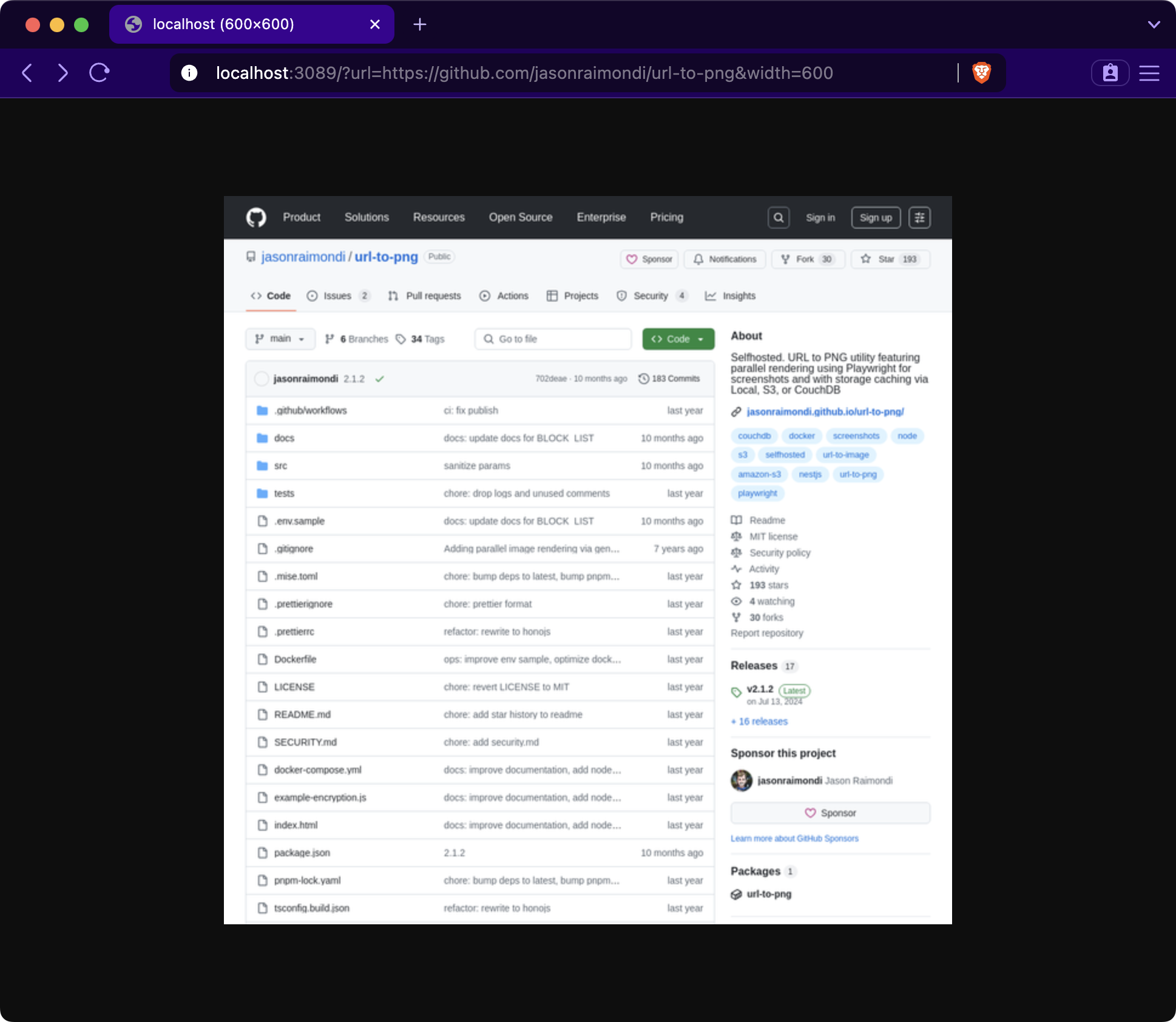
URL to PNG is a self-hosted HTTP service that renders webpage screenshots as PNG images. It uses Playwright (Chromium) for parallel rendering and accepts query parameters to customize output dimensions, viewport size, mobile emulation, dark mode, full-page capture, and device scale factor. Generated images can be cached using a choice of storage backends: local filesystem, S3-compatible object storage, or CouchDB. The service exposes a Prometheus metrics endpoint for monitoring the browser connection pool. It runs as a Docker container (ghcr.io/jasonraimondi/url-to-png) on port 3089, or locally via pnpm with Playwright Chromium installed. Configuration is done through environment variables for logging, cache control, allow/block lists, Playwright timeouts, connection pool sizing, defaults for all rendering options, encryption, and storage provider settings. The project is licensed under MIT and actively maintained.
Should you self-host url-to-png?
url-to-png scores 49/100 on selfhost.directory (how scoring works) and ranks #13 of 16 in Web Scraping. It has 256 GitHub stars.
It shipped 2 stable releases in the past year. The latest, v2.1.4, came out on 18 April 2026.
Setup is easy: most people get it running in one sitting. An official Docker image is available. It is MIT-licensed and written mostly in Typescript.
Its closest alternative on selfhost.directory is firecrawl (91/100, 196 246 stars). It scores higher overall, so compare the two before you pick. See url-to-png vs firecrawl side by side.
Features
- Allow/block list for domains
- Browser connection pooling
- Configurable Playwright options
- Customizable image dimensions
- Device scale factor support
- Force reload bypassing cache
- Full-page screenshot capture
- Image caching with multiple storage backends
- Mobile user agent emulation
- Prometheus metrics endpoint
- Request encryption
- URL to PNG screenshot generation
url-to-png README
More in Image Processing
 withoutbgPython SDK for local and cloud background removal (pip install withoutbg)
 CompreFaceOpen-source face recognition system you can self-host. Provides REST API for detection, verification, recognition, age/gender/mask/pose analysis.
 Digicardself-hosted, open-source web app for composing simple graphics and virtual cards: text, images, shapes, Pixabay backgrounds and image export, with no account needed.
 DigifaceSelf-hosted, open-source avatar maker built on the Avataaars art: twelve customization options, random generation, PNG export at 900x960, and four interface languages.
 FlyimgSelf-hosted, open-source image optimization service: resize, crop and compress any image URL on the fly and serve AVIF, WebP or MozJPEG from one Docker container.
 FlyReq Image StudioFlyReq Image Studio is a self-hosted, open-source AI image and video generation workspace with multi-model support, infinite canvas, agent mode, and PWA.
 frigate_plate_recognizerSelf-hosted Docker service that identifies license plates from Frigate events using Plate Recognizer or CodeProject.AI and publishes results via MQTT.
 iipsrviipsrv is a self-hosted, open-source FastCGI image server that streams and zooms gigapixel-scale images via IIIF, IIP, Zoomify, and DeepZoom protocols.
 ImageFlowSelf-hosted, open-source image management and delivery platform that converts to WebP/AVIF, serves device-aware images, and offers a random-image API with tag filters.
 imagorA self-hosted, open-source HTTP image server built on libvips that resizes, crops, filters and converts on demand, speaking thumbor URL syntax as a drop-in replacement.
 imagor-studioSelf-hosted photo gallery with built-in layered editing, template system, and on-demand URL transformations. Virtual scrolling handles huge libraries.
 ImgCompressSelf-hosted Docker app for compressing, converting, and cropping 70+ image formats with local AI background removal — zero cloud uploads.
0 comments