
Self-host imagor-studio
v1.2.4Image gallery with layered editing for self-hosting
- Stars
- 231
- Port
- 8000 (HTTP web server)
- Requires
- libvips / ImageMagick / FFmpeg (bundled in Docker image), SQLite (embedded, default)
shumc/imagor-studio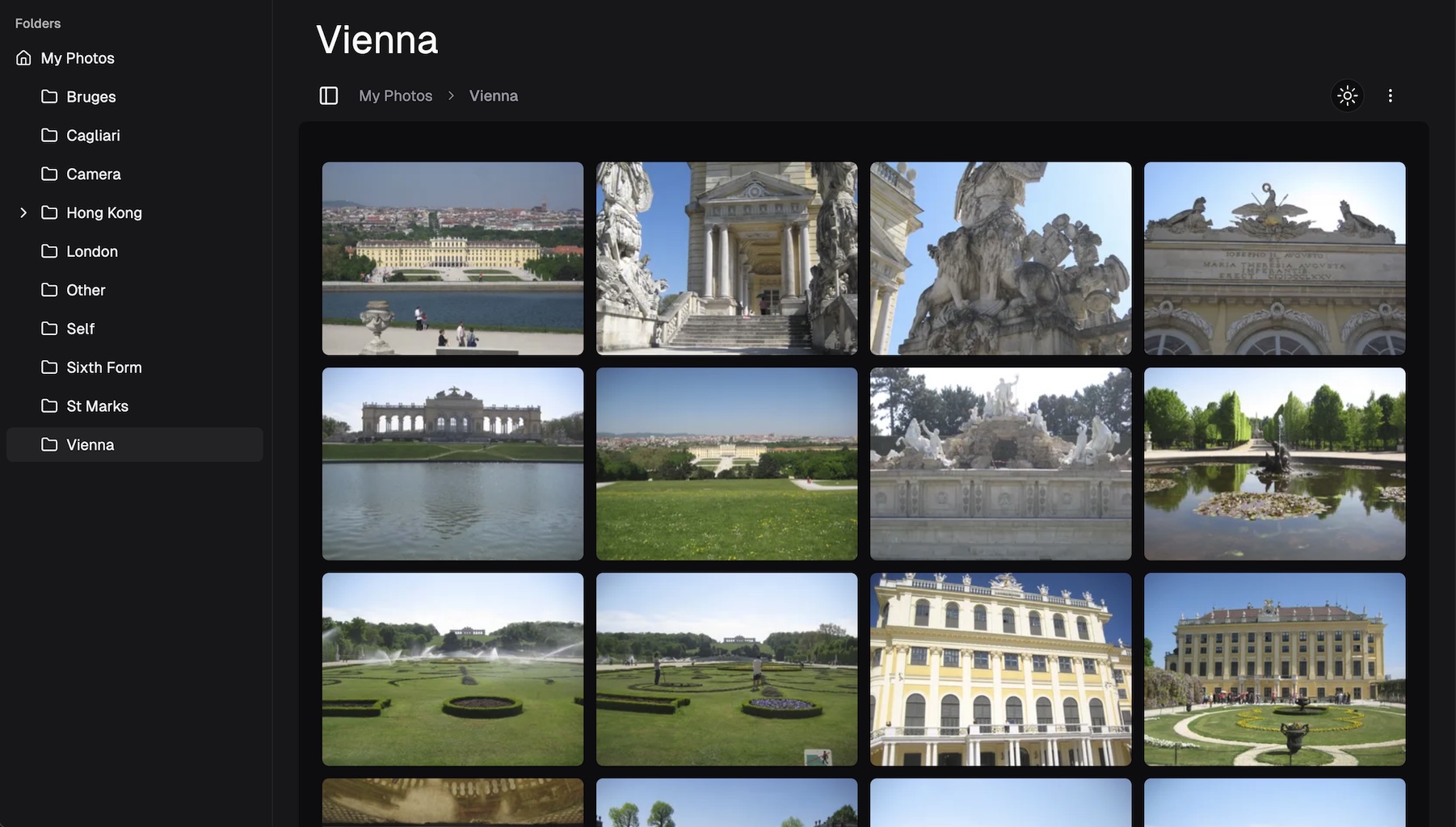
What is imagor-studio?
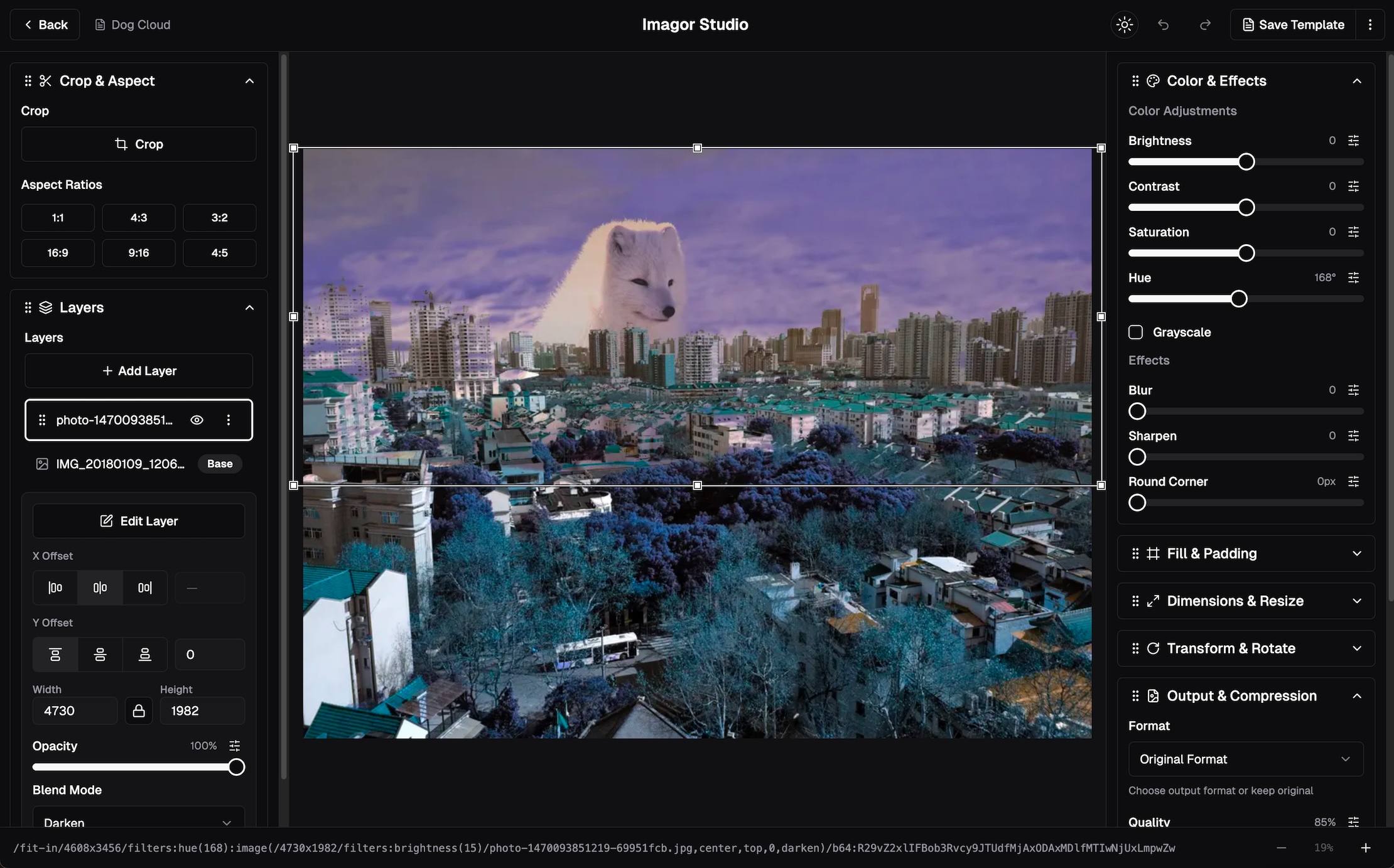
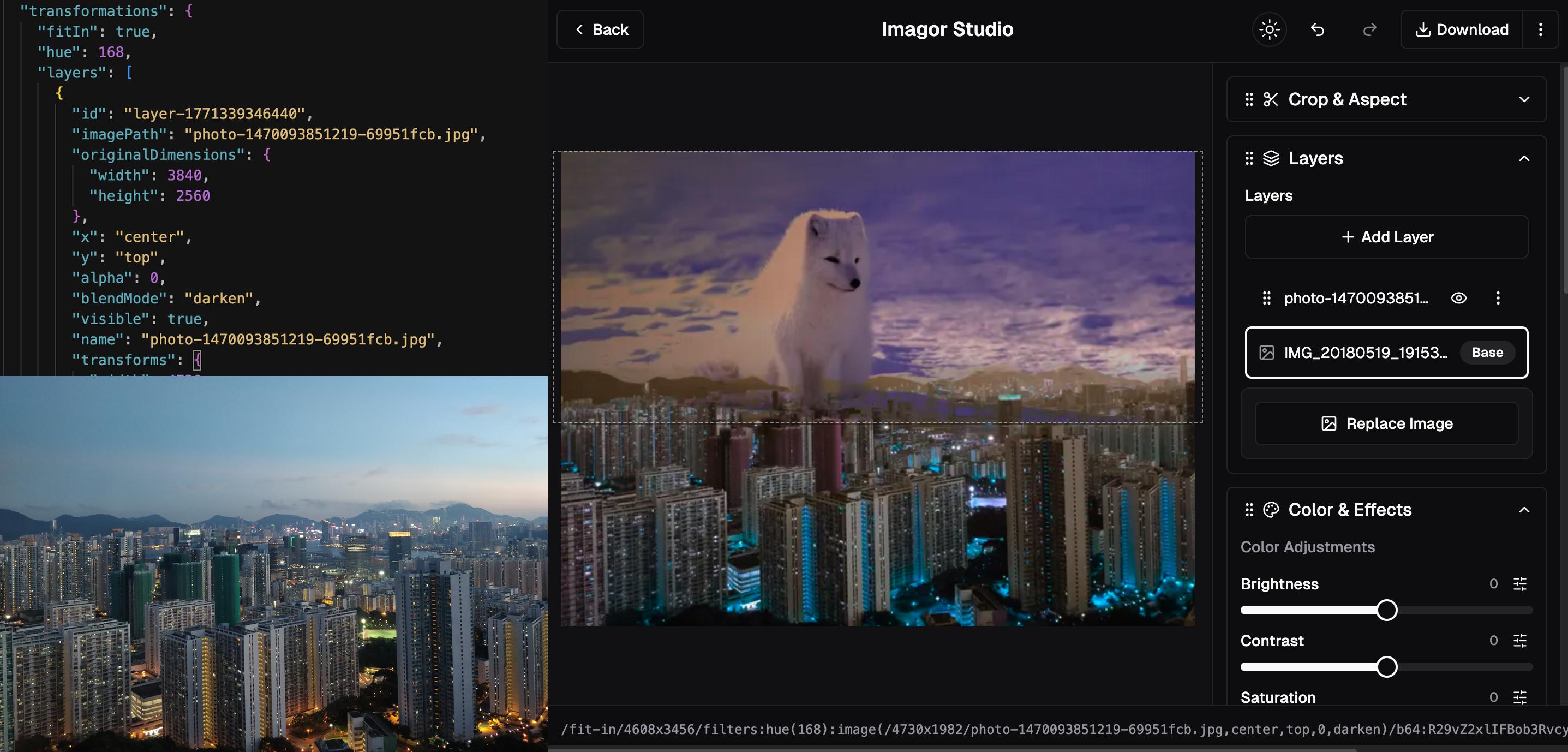
Imagor Studio is an open-source image gallery and editing workspace you run on your own hardware. It lets you browse thousands of photos instantly using virtual scrolling, organize them with drag-and-drop folder management, and build layered edits with live preview. Every change happens through generated URLs — source files stay untouched while transformed versions are created on demand via the imagor processing engine. You can save layered edits as reusable JSON templates and apply them across your collection. The app works with local folders, Amazon S3, MinIO, Cloudflare R2, and similar S3-compatible services. It runs as a single Docker container (shumc/imagor-studio) with embedded SQLite by default, or PostgreSQL/MySQL for production clusters. Authentication uses JWT with optional guest read-only access. Licensed AGPL-3.0 with a paid Early Bird tier ($39) that unlocks branding options. No native mobile apps, but the web interface is responsive with touch support.
Should you self-host imagor-studio?
imagor-studio scores 47/100 on selfhost.directory (how scoring works) and ranks #13 of 19 in Photo Galleries. It has 231 GitHub stars.
It shipped 6 stable releases in the past year. The latest, v1.2.4, came out on 2 August 2026. New versions land roughly every 3 weeks.
Setup is moderate: expect some configuration beyond a single command. An official Docker image is available. It is AGPL-3.0-licensed and written mostly in Typescript.
Its closest alternative on selfhost.directory is Immich (93/100, 117 490 stars). It scores higher overall, so compare the two before you pick. See imagor-studio vs Immich side by side.
Features
- Branding customizationRequires paid Early Bird license ($39) to activate
- Drag-and-drop management
- Edit history with undo/redo
- Layered image editing
- Multi-layer compositing
- Non-destructive editing
- REST API
- Universal storage support
- URL-based transformations
- Virtual scrolling gallery
imagor-studio README
More in Photo Galleries
 ImmichImmich is an open-source, self-hosted photo and video backup solution with mobile apps, facial recognition, and Google Photos-like features for individuals and families.
 immichFrame
 Immich KioskSelf-hosted, open-source slideshow for Immich photos on browsers and kiosk devices with extensive customization via Docker, URL params, or YAML config.
 Inky Bird FrameInky Bird Frame is a self-hosted, open-source project that turns bird observations into illustrated plates for color e-paper displays and a browser journal.
 MemtlySelf-hosted, open-source event photo gallery where guests upload and view photos/videos via QR codes, with admin moderation and multiple database backends.
 ownphotosA self-hosted, open-source take on Google Photos built on a Django backend and React frontend, with face recognition, object search, event albums and a map view.
 pellicolaPellicola is a self-hosted PHP photo publishing app with EXIF, maps, albums, RSS, and GDPR compliance.
 PhotoPrismAI-Powered Photos App 🌈💎✨
 PhotoShowPhotoShow is a self-hosted, open-source PHP web gallery for organizing photos with drag-and-drop upload, themes, responsive design, and no database required.
 PicImpactOpen-source, self-hosted photo portfolio site with a masonry gallery, Live Photos, WebGL viewer, EXIF and map views, RSS, S3/R2/AList storage, TOTP and passkeys.
 Pic-OSelf-hosted photo publishing platform (Laravel 12) with albums, tokenized share links, masonry grid viewer, slideshow, and Docker deployment.
 picpeakSelf-hosted photo gallery for photographers to share password-protected, expiring galleries with clients. Includes proofing, guest uploads, and white-label branding.
0 comments