
Self-host ImgCompress
release_0.9.0Self-hosted image toolbox with local AI background removal
- Stars
- 348
- Port
- 5000 (HTTP web interface)
karimz1/imgcompress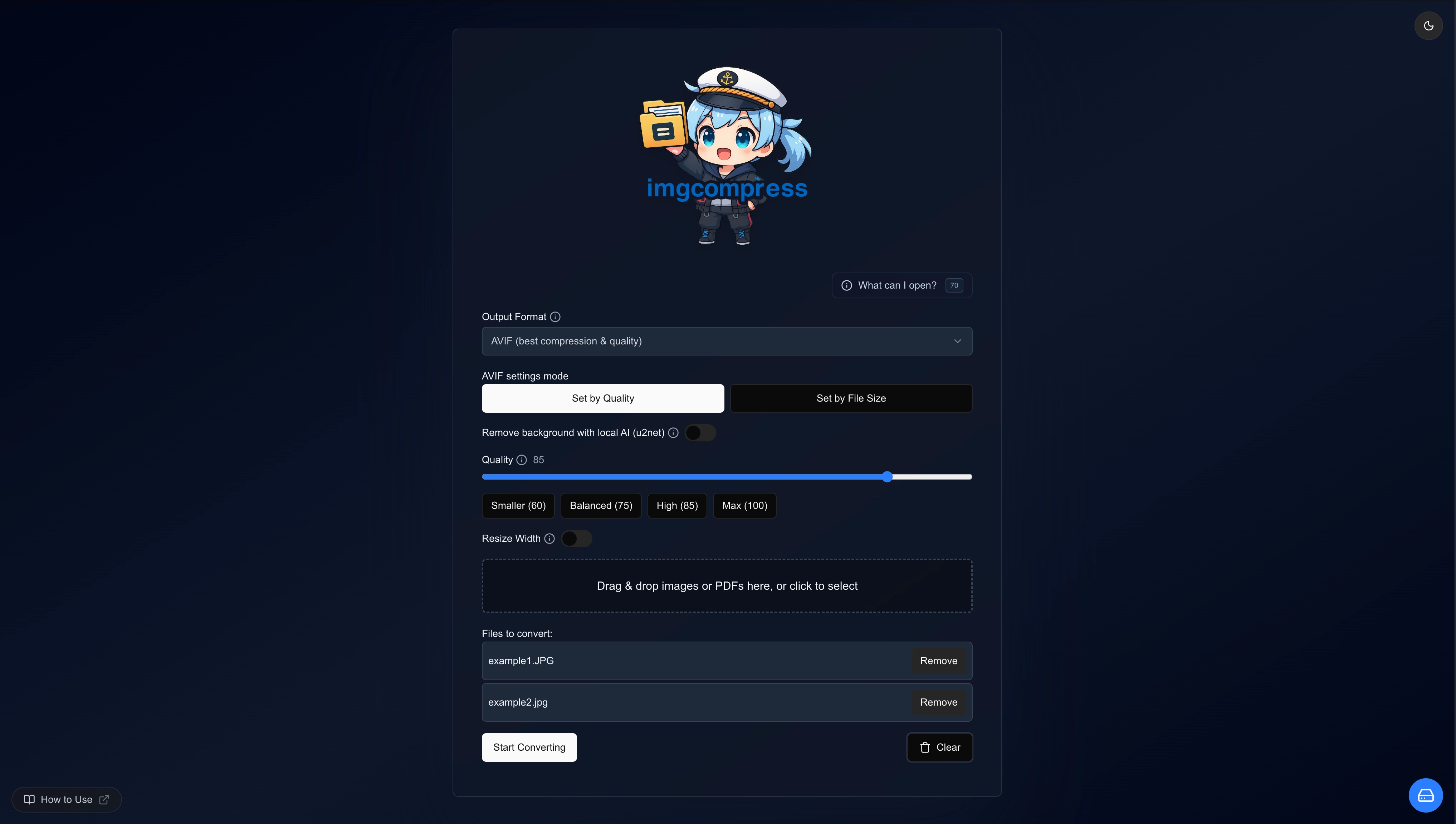


What is ImgCompress?
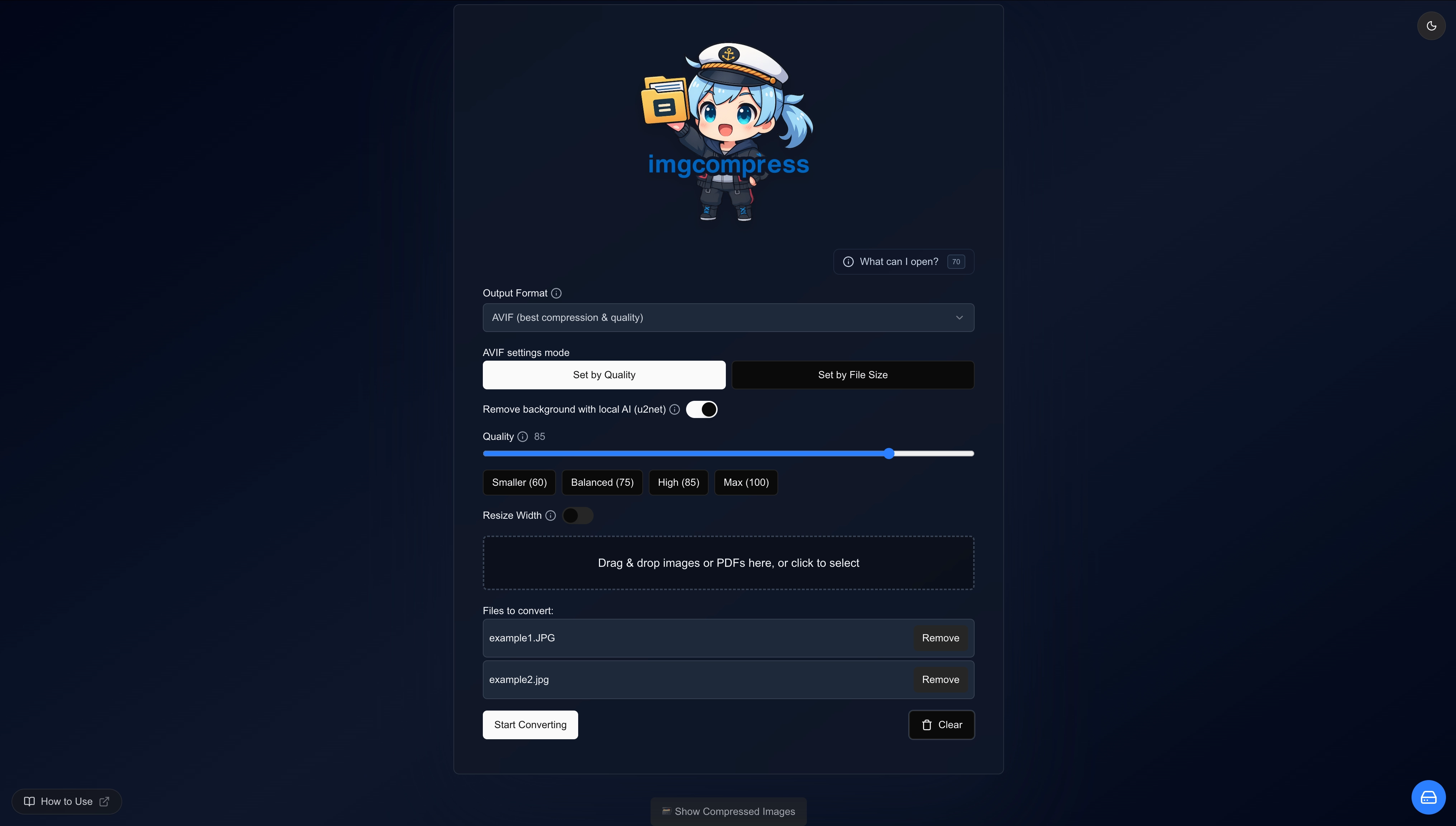
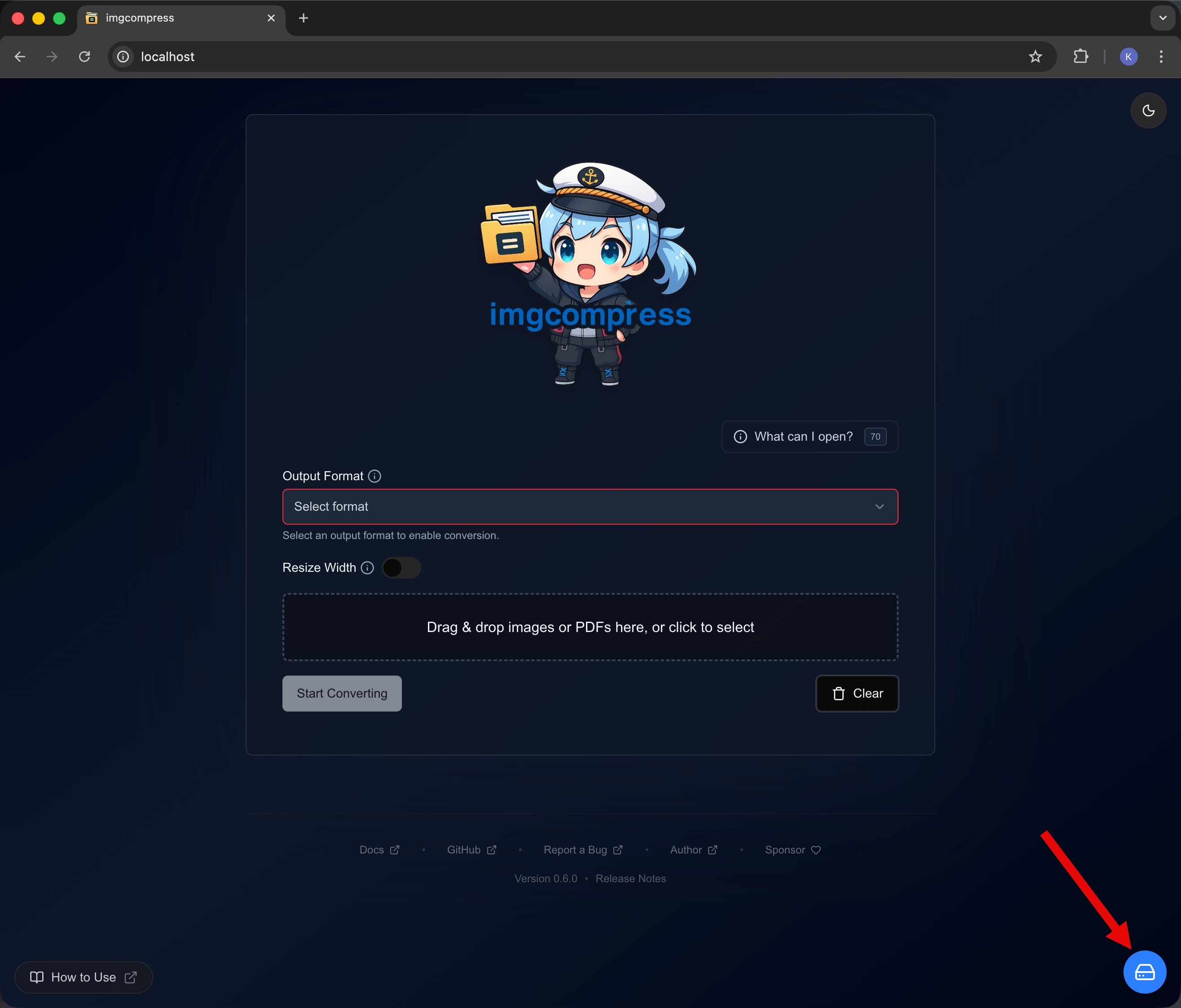
This tool runs in one Docker container and handles over 70 image formats including HEIC, PSD, AVIF, EPS, and RAW. It converts between formats, compresses in bulk using multiple CPU cores, crops each file with preset ratios, and removes backgrounds using a local AI model that executes on your CPU. A web interface provides drag-and-drop batch processing with target file-size control, while a CLI enables automation. The container is hardened with no shell, no network tools, non-root execution, healthchecks, and log rotation. No built-in authentication exists, so it's meant for trusted networks or behind a reverse proxy. Licensed GPL-3.0 with donation options via GitHub Sponsors, PayPal, and Buy Me a Coffee.
Should you self-host ImgCompress?
ImgCompress scores 53/100 on selfhost.directory (how scoring works) and ranks #8 of 13 in Image Processing. It has 348 GitHub stars.
It shipped 12 stable releases in the past year. The latest, release_0.9.0, came out on 21 August 2026. New versions land roughly every 6 days.
Setup is easy: most people get it running in one sitting. An official Docker image is available. It is GPL-3.0-licensed and written mostly in Typescript.
Its closest alternative on selfhost.directory is Rembg (78/100, 25 214 stars). It scores higher overall, so compare the two before you pick. See ImgCompress vs Rembg side by side.
Features
- 70+ Image Format Support
- Air-Gap Ready
- Bulk Compression
- Format Conversion
- Local AI Background Removal
- Multilingual UI
- PDF Export
- Per-File Cropping
- Security-hardened container
- Single-Container Deployment
- Storage ManagementCan be disabled via DISABLE_STORAGE_MANAGEMENT=true
- Target File Size Control
- Web UI and CLI
ImgCompress README
More in Image Processing
 imgproxySelf-hosted, open-source image processing server that resizes, crops, filters and converts images on the fly through signed URLs, running behind your CDN.
 immich-upload-optimizerSelf-hosted proxy for Immich that intercepts uploads and compresses images/videos using JPEG-XL, Caesium, and HandBrake to save storage space.
 kriti-imagesSelf-hosted Go image transformation service with URL-based API for real-time processing, replacing commercial services like Cloudflare Images.
 krokiOpen-source, self-hosted diagram API that turns text into images using 30+ engines such as PlantUML, Mermaid, GraphViz and D2, deployed with Docker or Kubernetes.
 LLMII (ImageIndexer)Self-hosted desktop app using a local vision LLM to caption and keyword images, embedding results in standard metadata fields for any photo manager.
 MazanokeSelf-hosted, open-source image optimizer that compresses, resizes and converts JPG, PNG, WebP, HEIC and more entirely on-device, with offline PWA use and EXIF stripping.
 moocupMoocup is a self-hosted, open-source visual editor that lets you drop a screenshot, apply styles and background gradients, and export polished mockups in seconds.
 next-image-transformationOpen-source, self-hosted image optimization service that replaces Vercel's Next.js image optimization, forwarding resize, crop and quality requests to Imgproxy.
 openinaryOpen-source, self-hosted Cloudinary alternative for on-the-fly image/video transforms, S3 storage, and edge caching — run via Docker.
 PictSharePictShare is a self-hosted, open-source media hosting service for images, GIFs, MP4s, audio, and text bins with a simple upload API and no database required.
 pi-timoloSelf-hosted Raspberry Pi security monitoring using picamera and OpenCV. Creates timelapse videos, motion tracking, and low-light night vision images with rclone sync.
 RembgOpen-source, self-hosted background remover: a Python library, CLI and HTTP server that cuts subjects out of images using switchable ONNX models.
0 comments