
Self-host The-One-File
TOFV-2.0Visual topology mapper in a single portable HTML file
- Stars
- 548
- Port
- 10101 (TheOneFile_Verse collaboration server)
ghcr.io/gelatinescreams/theonefile_verse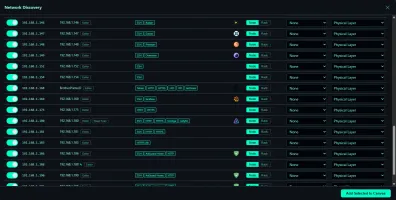
What is The-One-File?
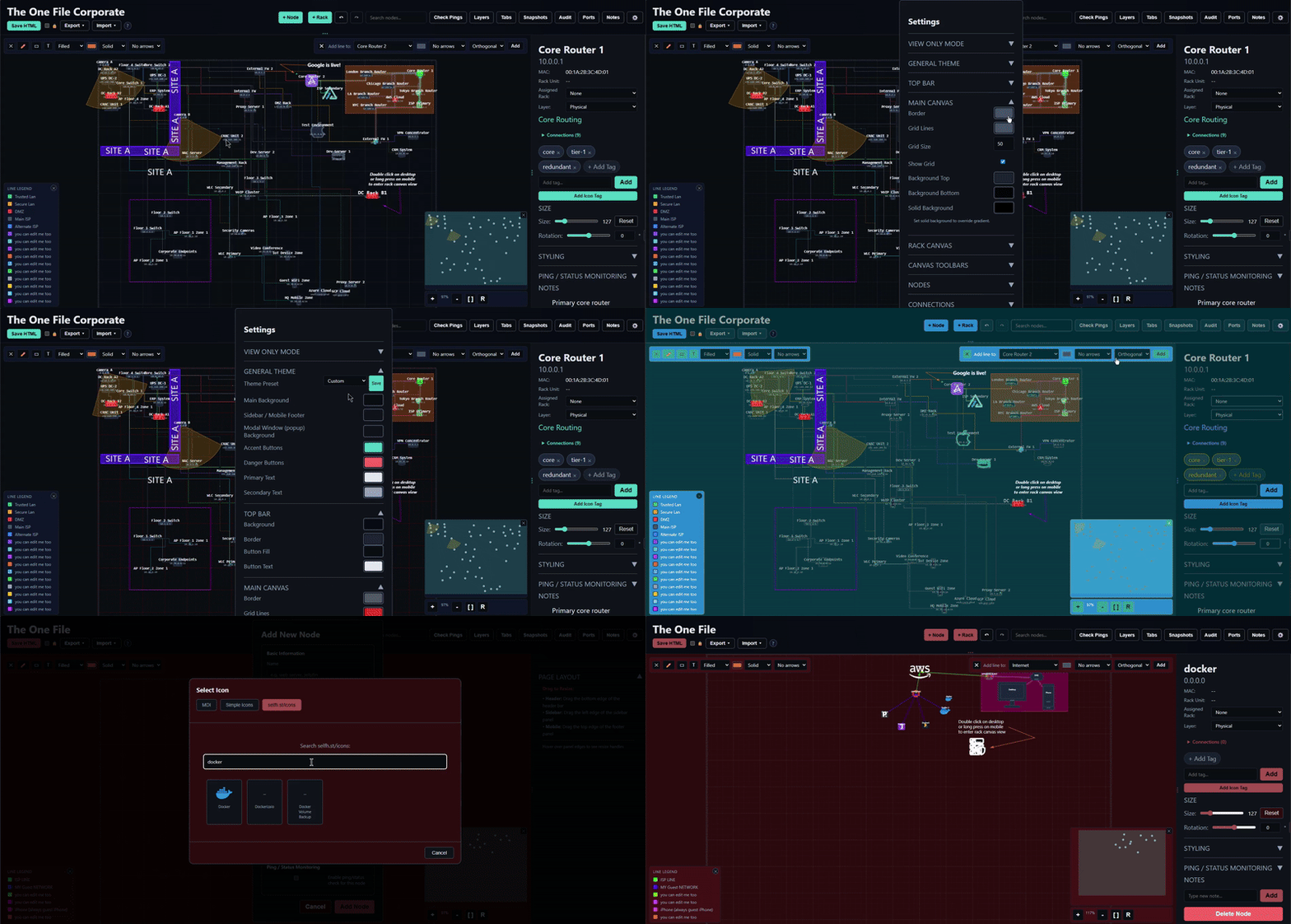
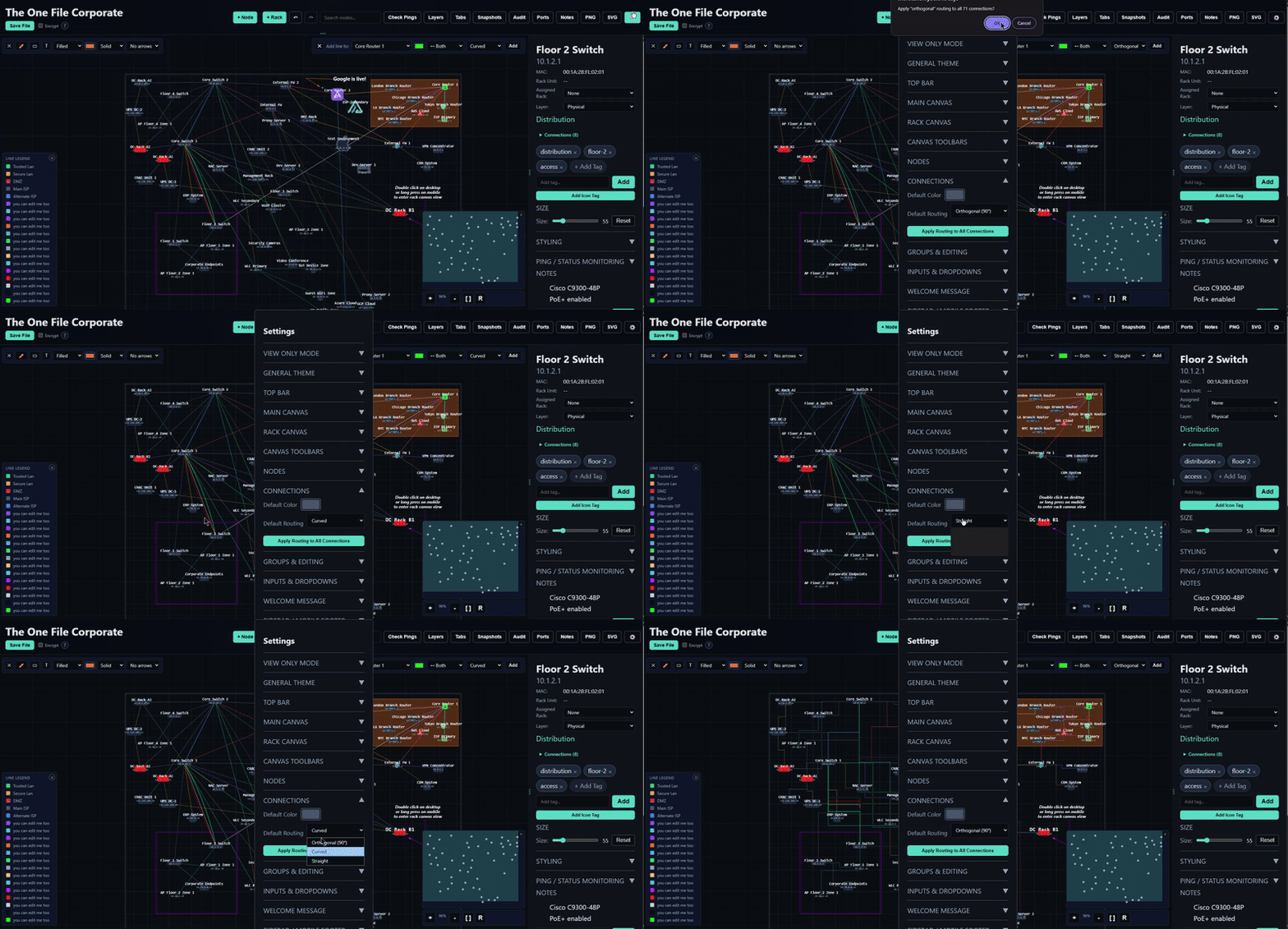
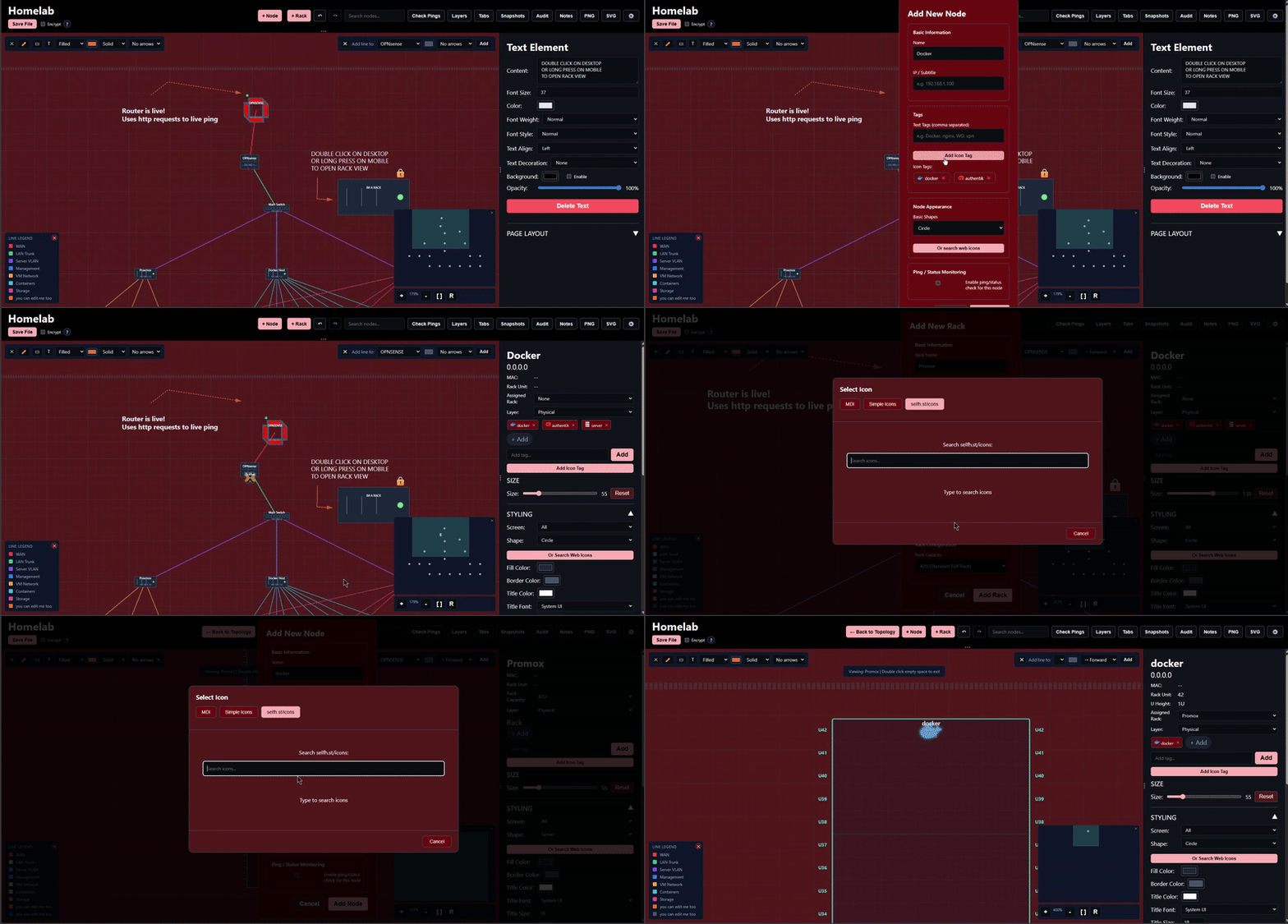
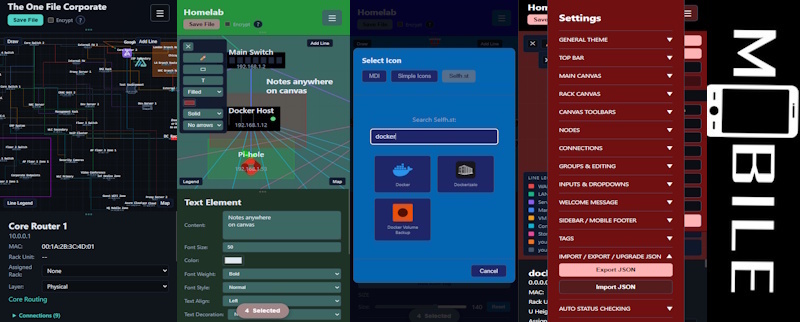
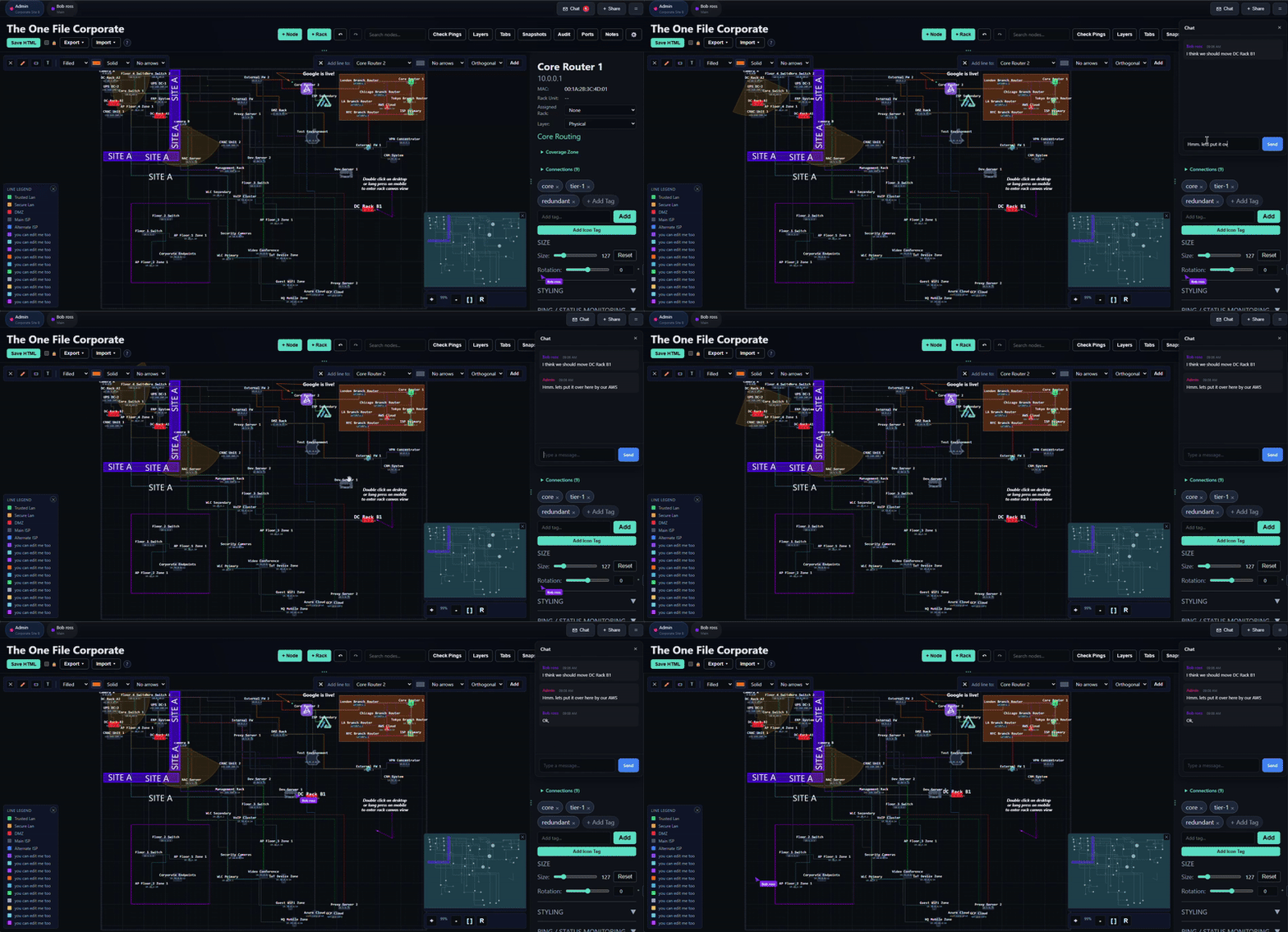
The One File is a browser-based visual planning tool for creating network topologies, infrastructure diagrams, rack layouts, and mind maps. It ships as a single HTML file that works completely offline, saves all data into itself, and optionally encrypts content with AES-256-GCM. Three editions exist: Core (pure offline), Networkening (adds live status monitoring and icon libraries), and TheOneFile_Verse (a Docker wrapper enabling real-time multi-user collaboration on port 10101). Features include free-form drawing, per-breakpoint styling, rack U-unit views, layer filtering, bulk operations, keyboard shortcuts, touch-optimized mobile UI, and recording/playback of changes. No server or database is required for the Core and Networkening editions; TheOneFile_Verse runs via Docker Compose with a single volume for persistence.
Should you self-host The-One-File?
The-One-File scores 52/100 on selfhost.directory (how scoring works) and ranks #18 of 34 in Network Management. It has 548 GitHub stars.
It shipped 10 stable releases in the past year. The latest, TOFV-2.0, came out on 7 June 2026. New versions land roughly every 8 days.
Setup is easy: most people get it running in one sitting. An official Docker image is available. It is Other-licensed and written mostly in HTML.
Its closest alternative on selfhost.directory is 3x-ui (84/100, 48 772 stars). It scores higher overall, so compare the two before you pick. See The-One-File vs 3x-ui side by side.
Features
- AES-256-GCM encryption
- Bulk Operations
- Free-form drawing
- Icon librariesNetworkening and Verse editions
- Keyboard Shortcuts
- Layer system
- Live network monitoringNetworkening edition only
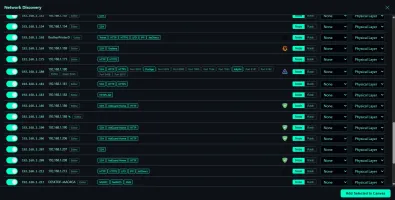
- Network discovery and service detectionTheOneFile_Verse edition
- Network Topology Mapping
- Rack U-unit visualization
- Real-time multi-user collaborationTheOneFile_Verse edition only
- Recording and playback
- Single-file offline operationCore and Networkening editions
The-One-File README
More in Diagramming
 astradrawAstraDraw is a self-hosted, open-source whiteboard forked from Excalidraw with workspaces, role-based access, real-time collaboration, and video walkthroughs.
 ChartDBOpen-source database diagram editor that visualizes schemas with a single query, supports major databases, exports SQL, and self-hosts via Docker.
 DigimindmapOpen-source, self-hosted mind-mapping web app by La Digitale: shared maps guarded by a secret question, item notes, PNG and .dgm export, QR and embed sharing.
 DigiwordsOpen-source, self-hosted word cloud maker from La Digitale for in-person and remote classes: per-word weight, colour and font, PNG export, QR link, view counter.
 drawdbSelf-hosted, open-source tool for drawing database schemas as ER diagrams; it imports DDL, exports DBML plus SQL in seven dialects, and needs no account.
 draw.iodraw.io is a JavaScript, client-side editor for general diagramming.
 DrawnixSelf-hosted, open-source all-in-one whiteboard with mind maps, flowcharts and freehand drawing, built on the Plait framework.
 ExcaliDashExcaliDash is a self-hosted, open-source Excalidraw workspace adding collections, real-time collaboration, version history, and backups with local or OIDC auth.
 excalidrawExcalidraw is a self-hosted, open-source virtual whiteboard for hand-drawn diagrams with infinite canvas, dark mode, and PWA support.
 excalidraw-collaborationSelf-hosted Excalidraw stack for live collaborative drawing: an open-source Docker Compose setup with frontend, scene storage and a Go room server.
 flowchart.funEasily generate flowcharts and diagrams from text ⿻
 FossFLOWFossFLOW is a self-hosted, open-source PWA for creating isometric infrastructure diagrams with drag-and-drop editing, connector routing, and JSON import/export.
0 comments