
Self-host tasks
android-2026.07.0500Local-first task manager with E2E encryption and sync
- Stars
- 345
- Port
- 3000 (HTTP web interface and sync API)
hamsterbase/tasks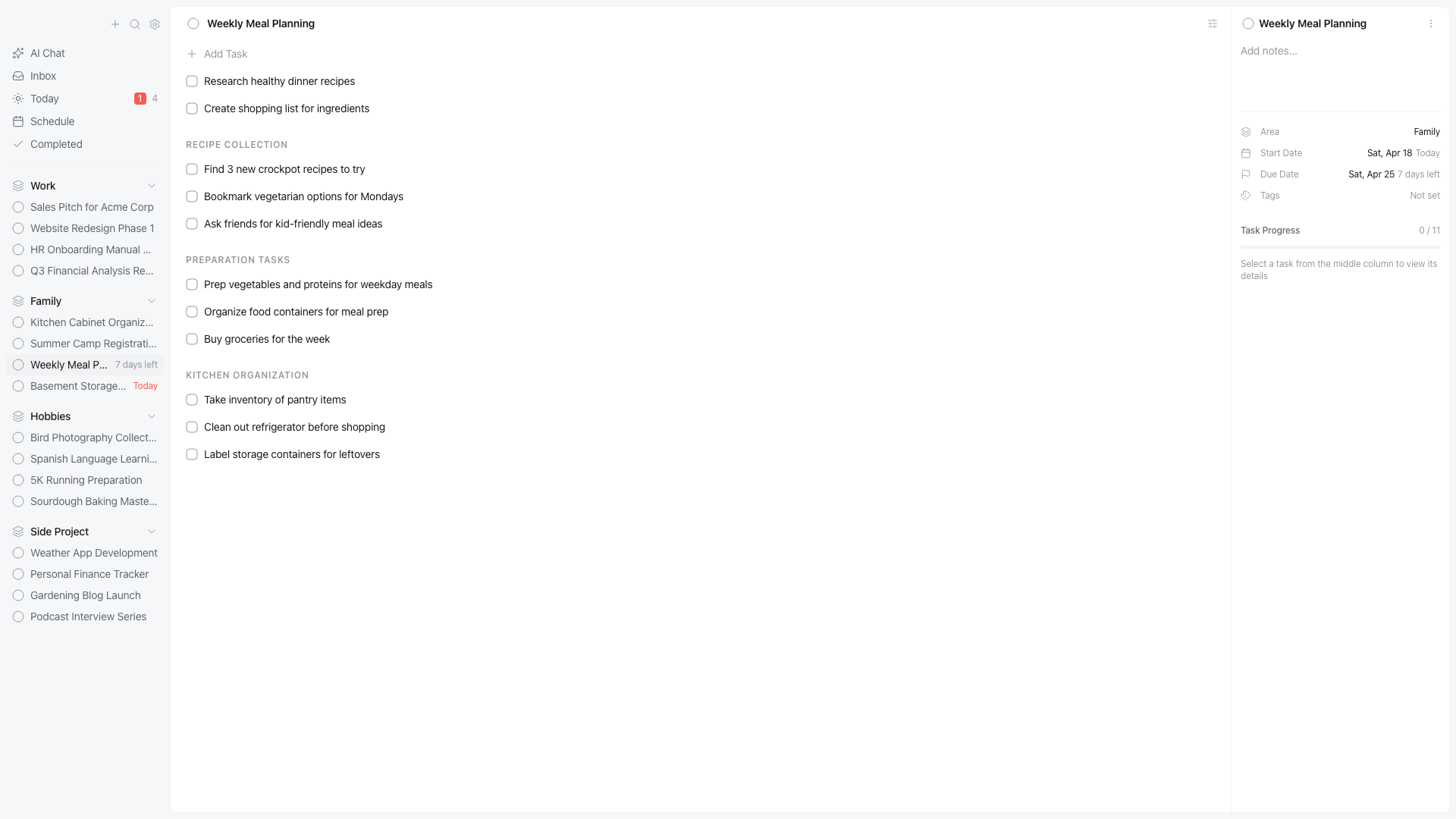
What is tasks?
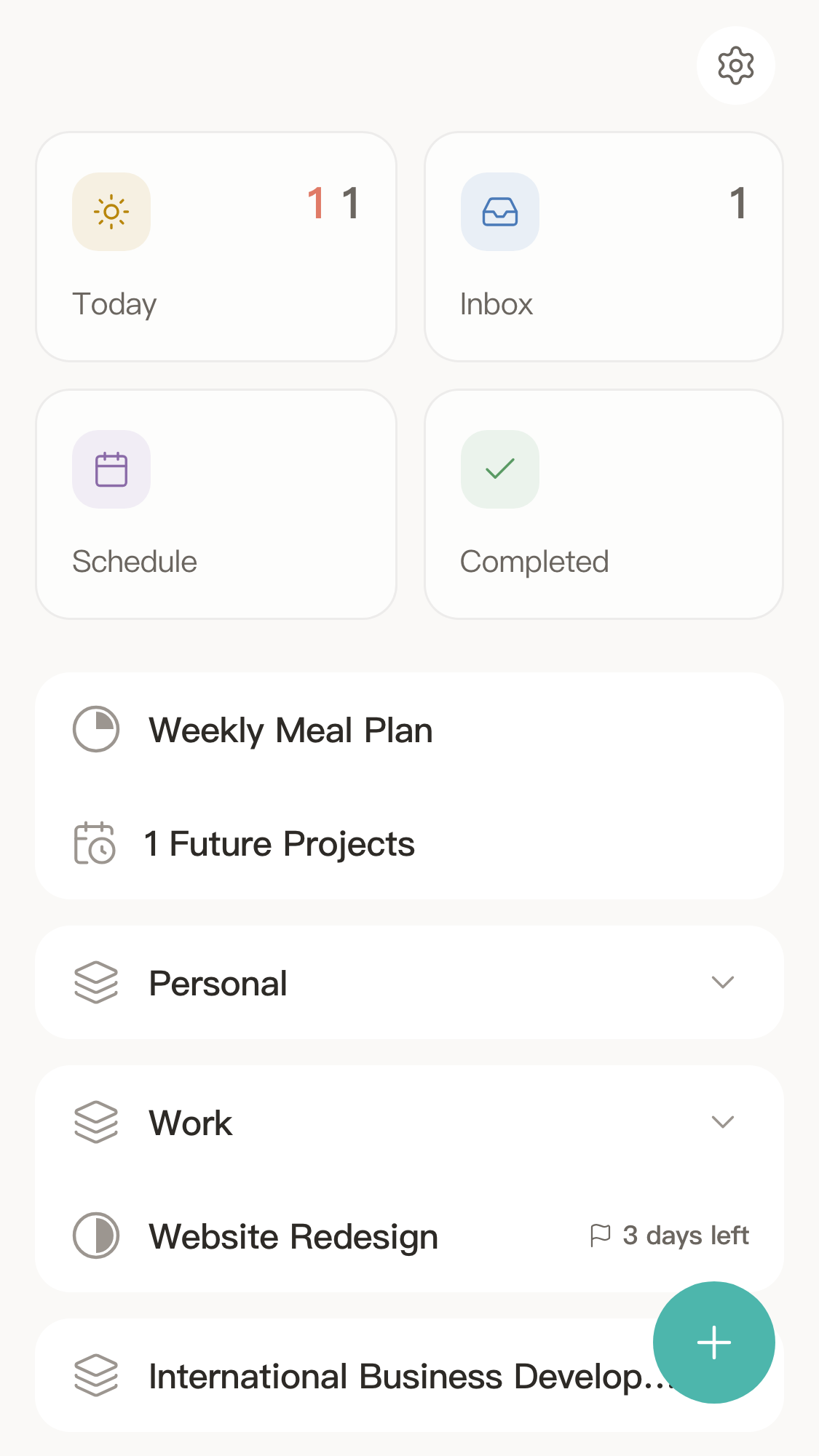
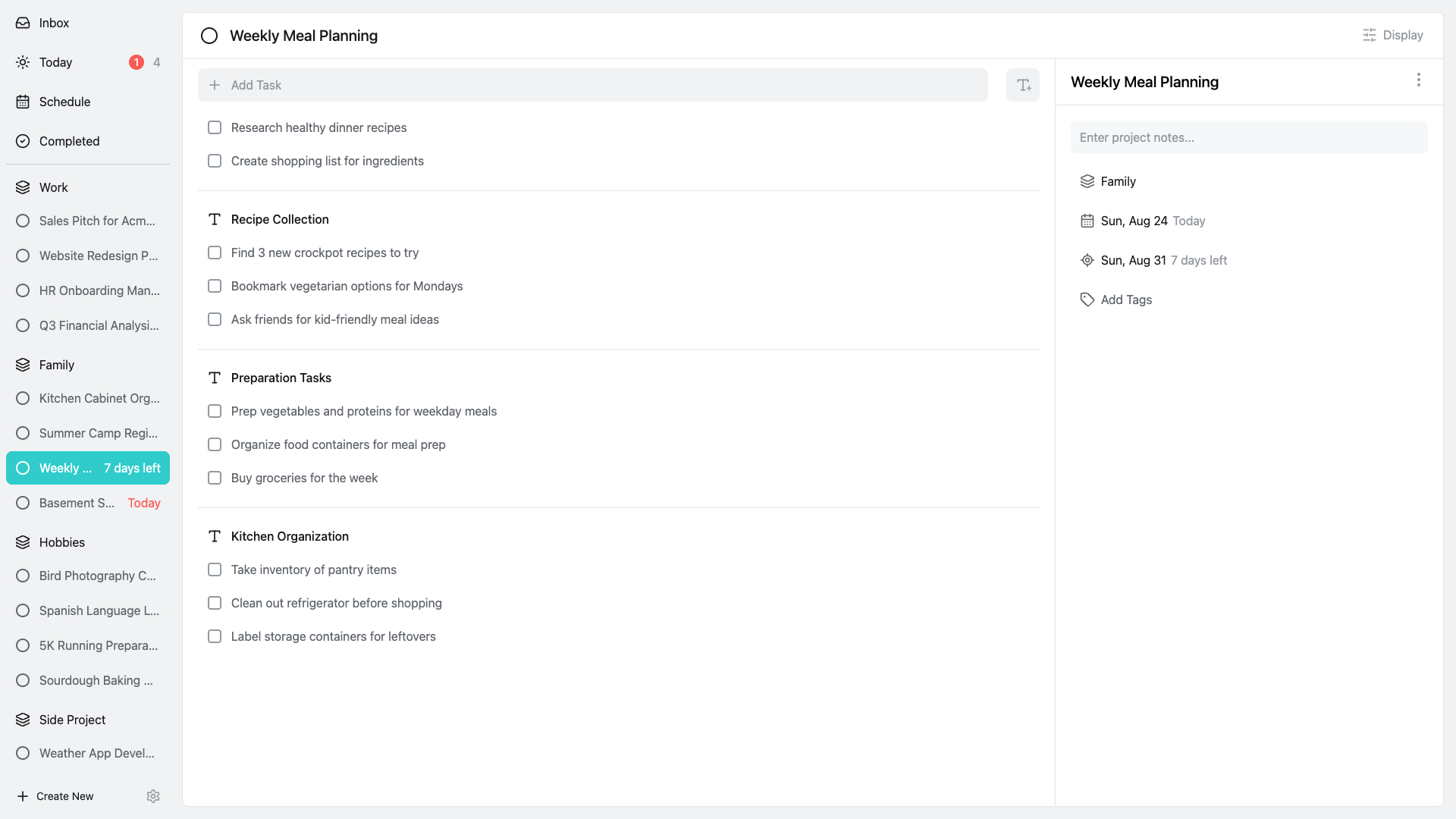
HamsterBase Tasks is a task management application for creators who want full control over their data. It uses a local-first architecture where all information stays on your device and is encrypted end-to-end, so even the developers cannot read it. The app works completely offline and can synchronize across devices when you run the optional self-hosted sync server via Docker. Native apps exist for macOS, Windows, Linux, iOS, and Android, plus a web version. The self-hosted server runs as a Docker container (hamsterbase/tasks) on port 3000 with an optional AUTH_TOKEN for stable sync tokens. The project is licensed under AGPL-3.0 and offers a free tier with unlimited tasks, plus paid Pro and Lifetime tiers for cloud-synced databases and cloud inbox features.
Should you self-host tasks?
tasks scores 51/100 on selfhost.directory (how scoring works) and ranks #11 of 34 in Task Management. It has 345 GitHub stars.
It shipped 7 stable releases in the past year. The latest, android-2026.07.0500, came out on 5 July 2026.
Setup is easy: most people get it running in one sitting. An official Docker image is available. It is AGPL-3.0-licensed and written mostly in Typescript.
Its closest alternative on selfhost.directory is Super Productivity (83/100, 23 206 stars). It scores higher overall, so compare the two before you pick. See tasks vs Super Productivity side by side.
Features
- Cross-platform apps
- Data Ownership
- End-to-end encryption
- Local-First Storage
- Multi-device SyncRequires self-hosted server setup
- No telemetry or analytics
- Offline Support
- Self-hosted sync serverRequires Docker and AUTH_TOKEN configuration
tasks README
More in Task Management
 Tasks.mdA self-hosted, open-source Kanban board that stores tasks as Markdown files on disk. Runs in a single Docker container with PWA support, dark mode, and multilingual UI.
 TaskTroveTaskTrove is a self-hosted task manager with natural language parsing, kanban, calendar views, and dark/light themes. Free edition unlimited; Pro adds multi-user and SSO.
 taskwarrior-webuiA self-hosted web interface for Taskwarrior featuring Material Design, dark theme, offline PWA support, Kanban board, and Timewarrior time-tracking integration.
 TickySelf-hosted open-source Kanban board with projects, time tracking, labels, attachments, reminders, dark mode, and offline operation.
 TidyQuestSelf-hosted web app that turns chores into RPG quests with health bars, coins, streaks, and family leaderboards.
 tinyagiTinyAGI is a self-hosted, open-source multi-agent AI orchestrator that runs agent teams across Discord, Telegram, WhatsApp, and a web portal with persistent sessions.
 todofyA local-first desktop task and calendar app with smart views, Kanban board, Pomodoro timer, recurring tasks, and natural-language capture.
 TracksOpen-source, self-hosted Getting Things Done web app built on Ruby on Rails with contexts, projects, tagging, stats, feeds, API and multi-user support.
 trello-clone-laravel-8-open-sourceSelf-hosted Laravel 8 project management tool cloning Trello with Jalali, Gregorian, and Hijri calendars, admin panels, and role-based access.
 tribuA self-hosted, open-source household hub that unifies calendars, tasks, shopping, contacts, birthdays, meal plans, and a shared display for kitchen screens.
 triggerOpen-source TypeScript platform for durable background jobs and AI agent workflows, self-hosted as a Docker Compose or Helm webapp plus worker stack.
 TrofTrof is a self-hosted AI assistant that breaks down project descriptions into Vikunja tasks with clarifying questions and mandatory review before saving.
0 comments