
Self-host Ticky
v1.15.2Open-source Kanban board with time tracking
docker compose up -d- Stars
- 301
- Port
- 8080 (HTTP web interface)
- Requires
- MySQL
ghcr.io/dkorecko/ticky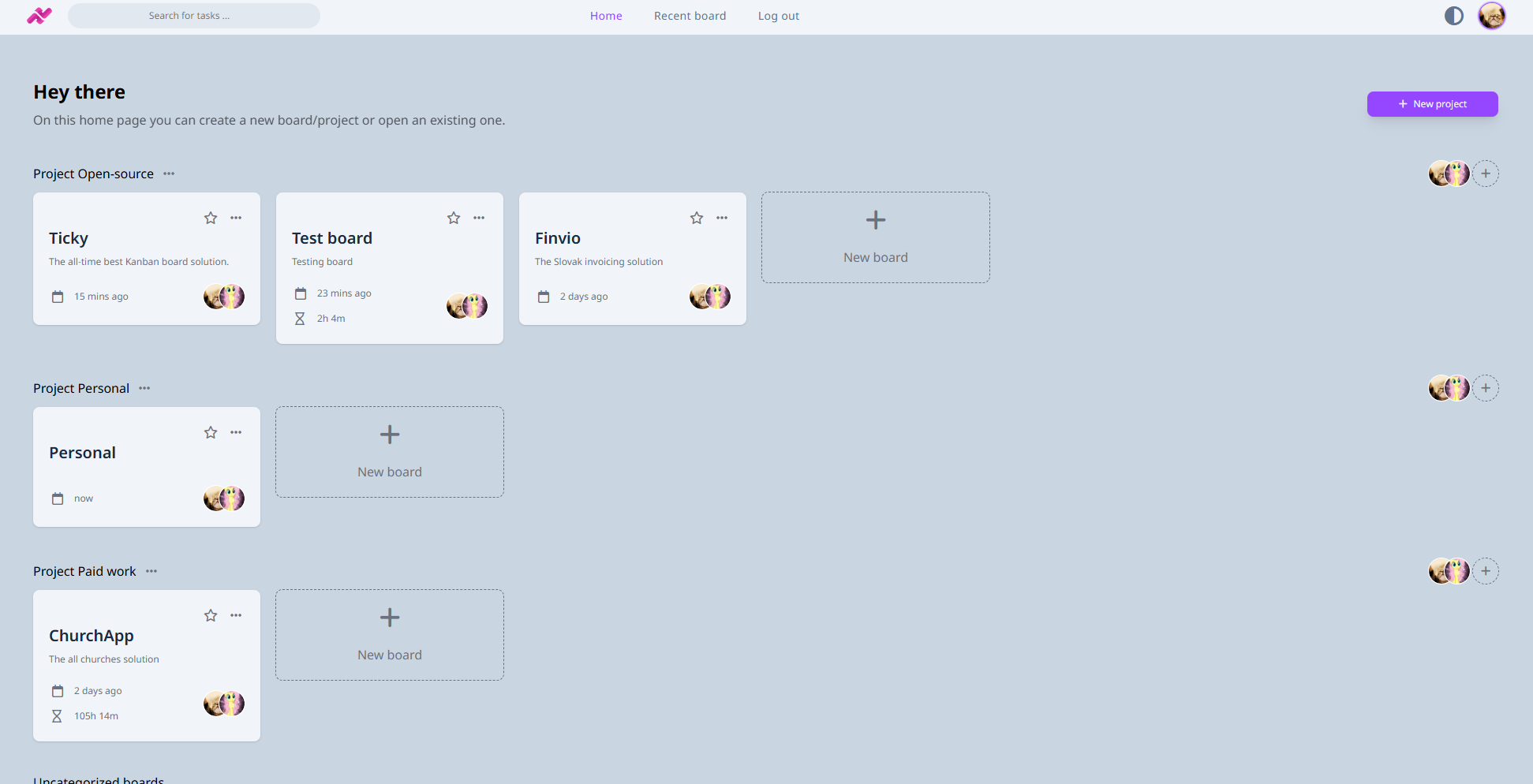
What is Ticky?
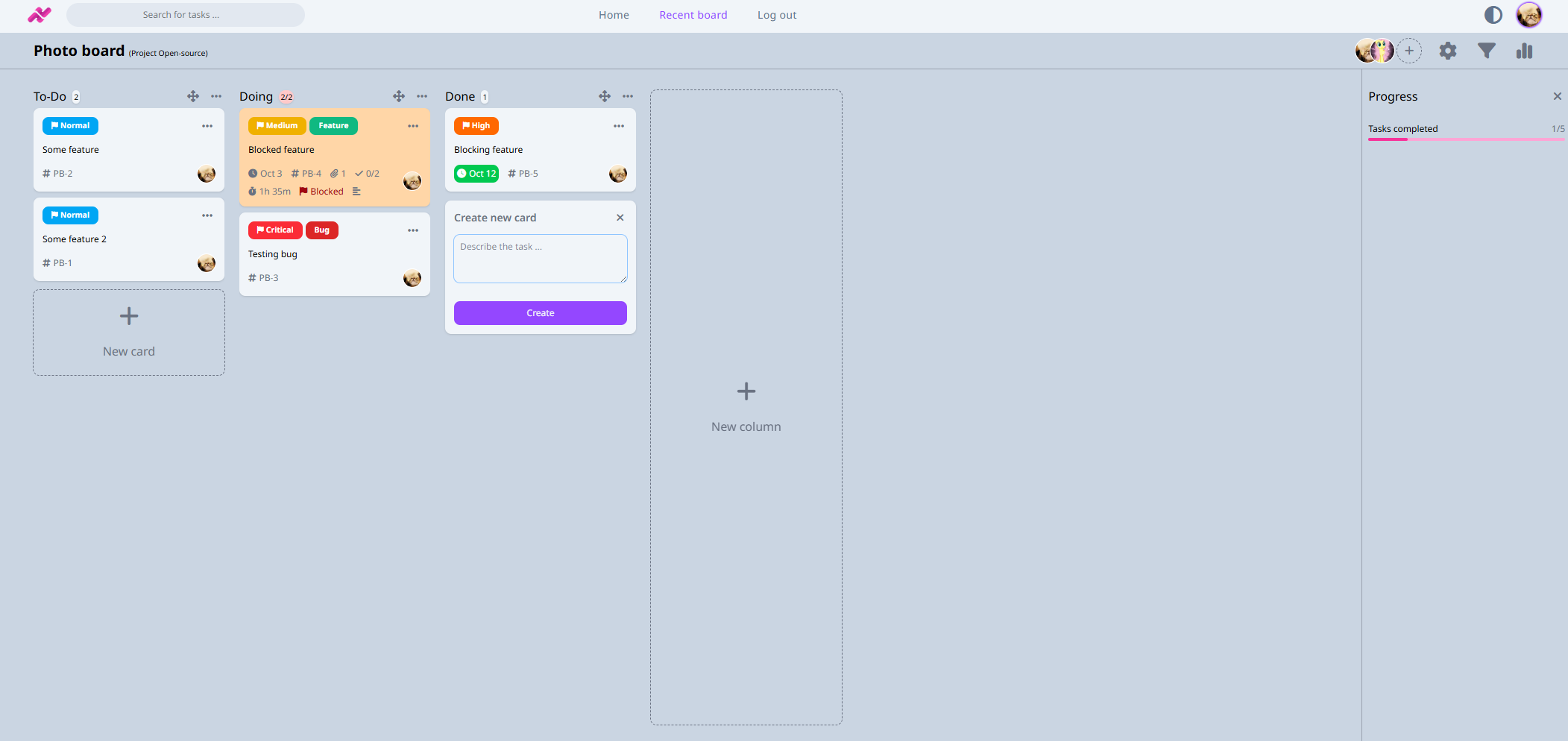
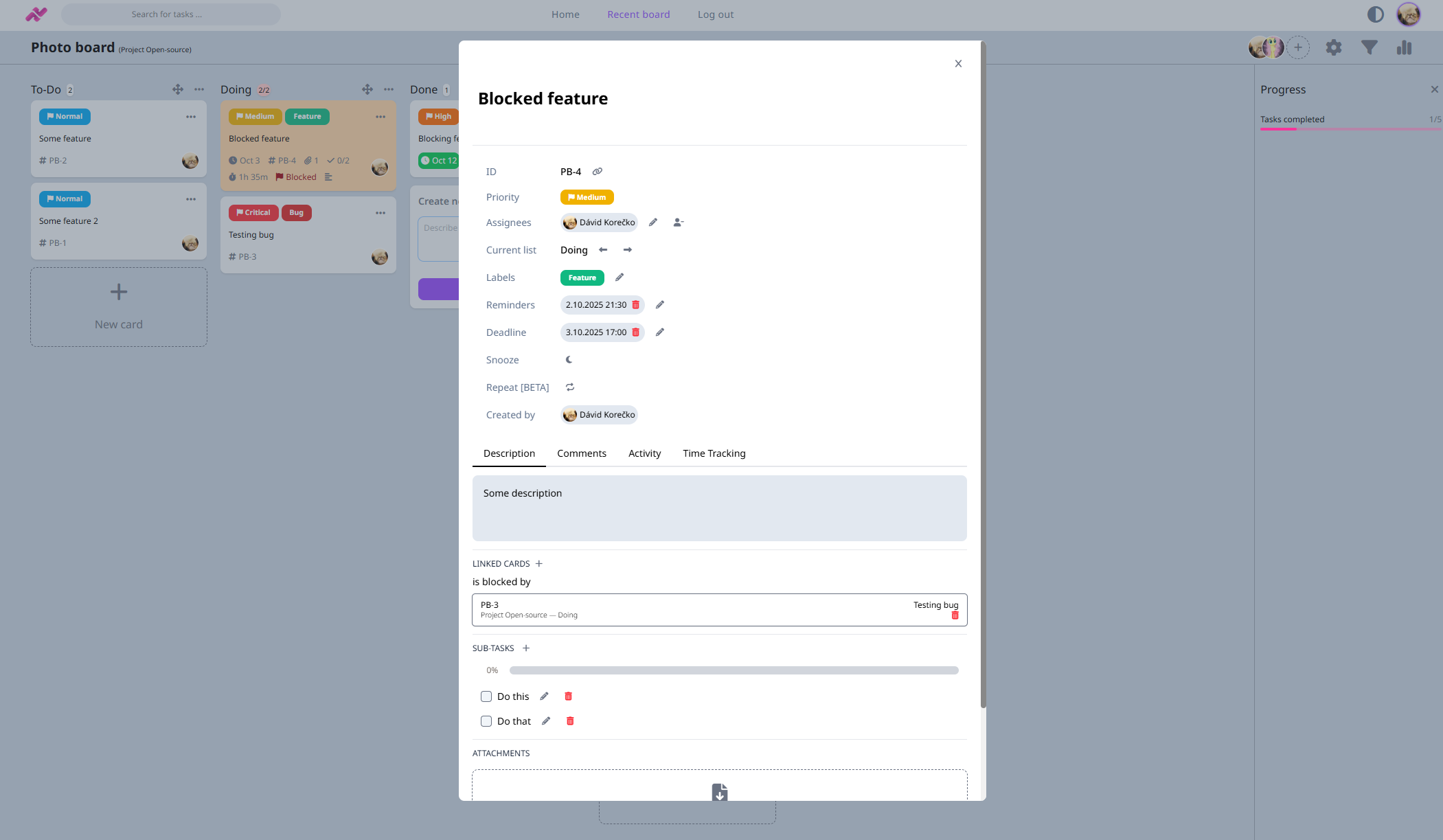
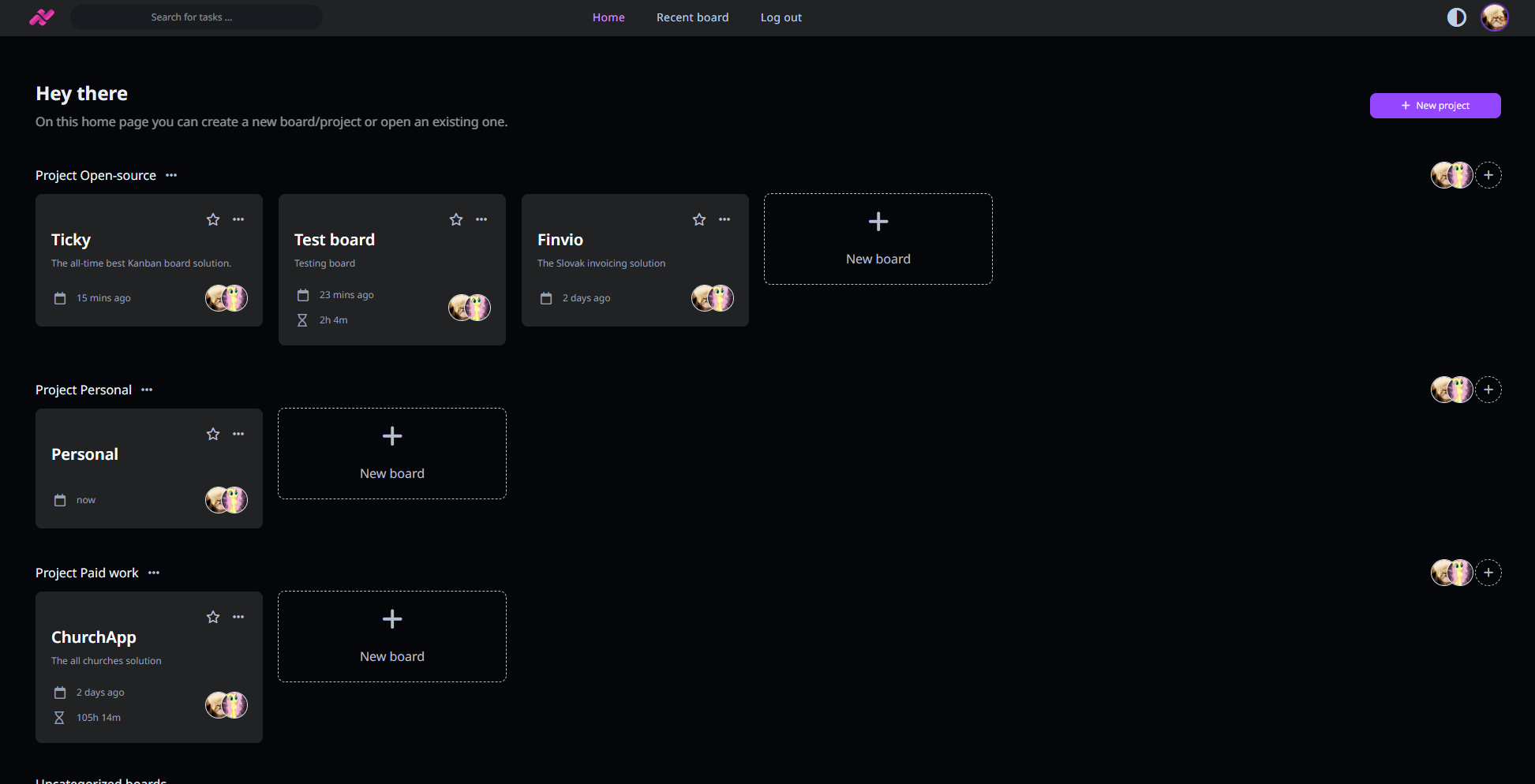
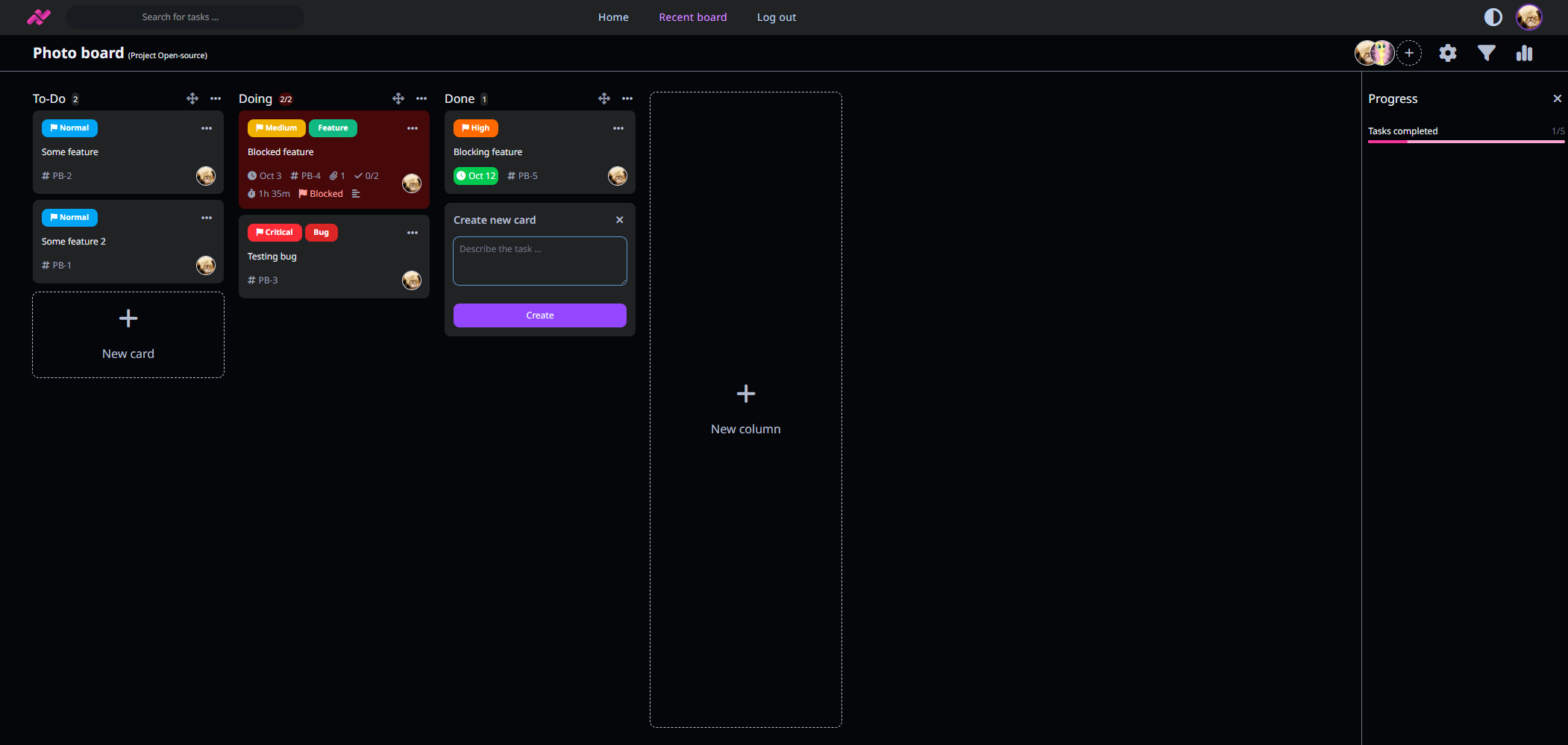
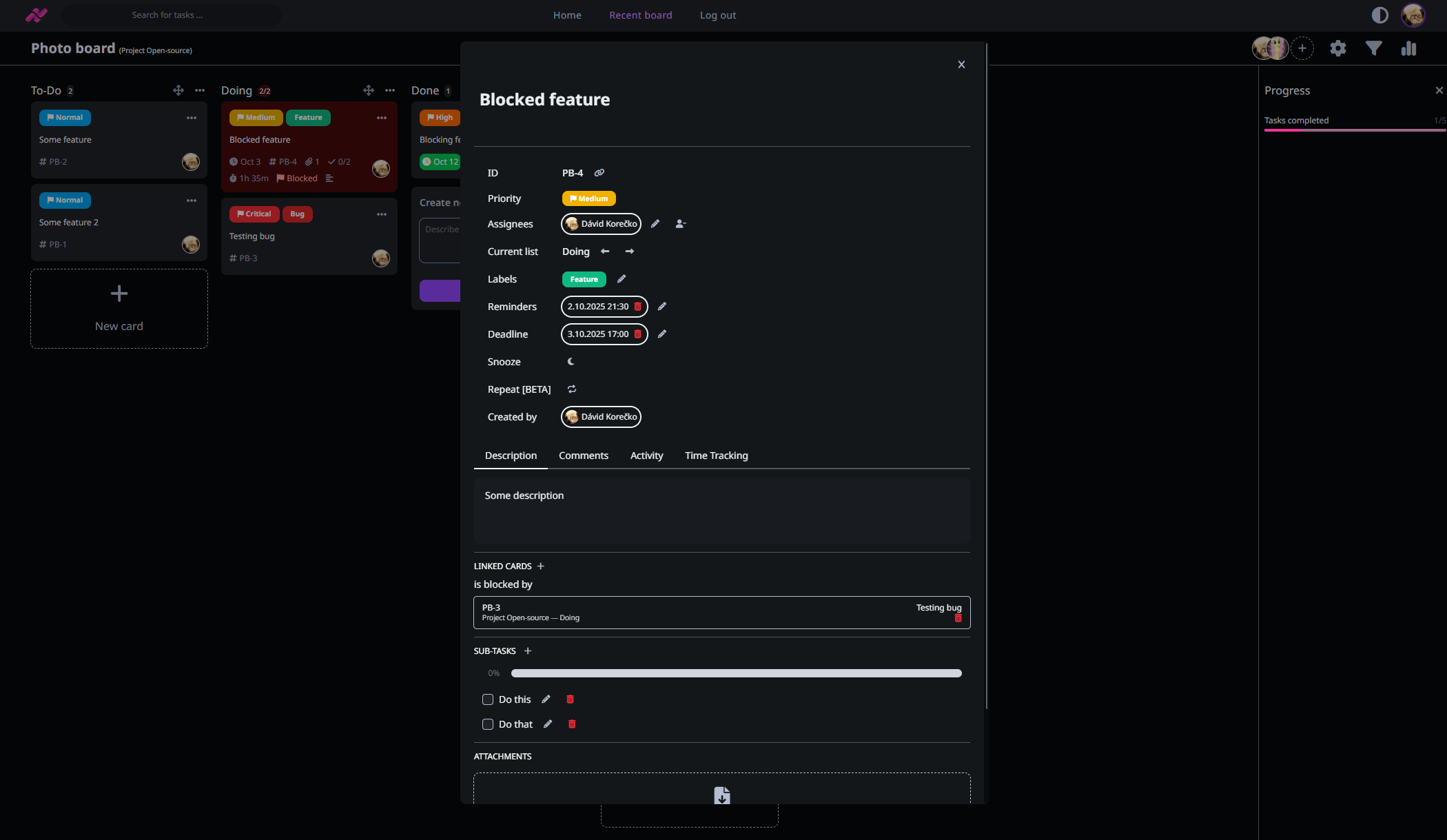
A modern task manager with Kanban boards built on ASP.NET Core Blazor. It handles projects, boards, columns, cards with subtasks, deadlines, time tracking, labels, priorities, attachments, reminders, and card linking. User roles at project and board level, optional self-registration, admin panel, email notifications, activity log, comments, search, filtering, snooze and repeat cards, Trello import, responsive UI with dark mode. Runs via Docker Compose with MySQL or manual .NET build. Fully offline mode disables avatar service and SMTP. MIT licensed, actively maintained.
Should you self-host Ticky?
Ticky scores 50/100 on selfhost.directory (how scoring works) and ranks #14 of 34 in Task Management. It has 301 GitHub stars.
It shipped 4 stable releases in the past year. The latest, v1.15.2, came out on 2 January 2026. New versions land roughly every 7 days.
Setup is moderate: expect some configuration beyond a single command. An official Docker image is available. It is MIT-licensed and written mostly in HTML.
Its closest alternative on selfhost.directory is Super Productivity (83/100, 23 206 stars). It scores higher overall, so compare the two before you pick. See Ticky vs Super Productivity side by side.
Features
- Activity Tracking
- Admin Panel
- Attachments
- Card linking
- Comments
- Kanban Boards
- Labels and priorities
- Projects
- Reminders and notificationsRequires SMTP configuration
- Repeat cards
- Snooze cards
- Subtasks
- Time Tracking
- User Management
Ticky README
More in Kanban
 trello-clone-laravel-8-open-sourceSelf-hosted Laravel 8 project management tool cloning Trello with Jalali, Gregorian, and Hijri calendars, admin panels, and role-based access.
 4ga Boards4ga Boards is a self-hosted, open-source kanban tool with realtime collaboration, dark mode, SSO, and multi-level hierarchy for teams.
 clawdeckOpen-source Rails kanban for OpenClaw AI agents: boards, live activity feed, REST API. The hosted site is ending, but self-hosted installs from the repo keep working.
 fizzyA kanban tool for tracking issues and ideas from 37signals — entirely free hosted, or self-hosted via the ONCE installer, a Docker image, or Kamal.
 FocalboardOpen-source, self-hosted kanban and project boards with table, calendar and gallery views for Trello or Notion users; the standalone repo is now unmaintained.
 golang-kanbanA self-hosted, open-source Kanban board in Go with HTMX, supporting PostgreSQL/SQLite, dark mode, drag-and-drop, multiple boards, export/import.
 kanAn open-source Trello alternative for self-hosted kanban boards: workspaces, labels, comments, activity logs, Trello imports and a REST API, run via Docker Compose.
 KanboardSelf-hosted, open-source Kanban task board for teams: WIP limits, swimlanes, automatic actions, subtasks and time tracking, with LDAP or OAuth2 logins.
 KaneoOpen-source, self-hosted project tracker for teams: kanban boards, Gantt and calendar views, a backlog, time tracking, and free single sign-on via OAuth or OIDC.
 KittyClawSelf-hosted kanban where AI agents (Claude, Codex, Grok, Mistral, Ollama) work alongside humans with pipelines, processors, live streaming, and MCP server.
 LeantimeSelf-hosted, open-source project management system with kanban, gantt, sprints, timesheets, wikis and goals, built around ADHD, dyslexia and autism.
 OpenProjectSelf-hosted, open-source project management tool: Gantt timelines, Scrum and Kanban boards, time and cost reports, wikis, meetings and forums.
0 comments