
Self-host oiia
0.1.0Multi-user agent platform for coding agents on your machines
- Stars
- 373
- Port
- 4317 (HTTP/WS server)
- Requires
- Node.js, SQLite

What is oiia?
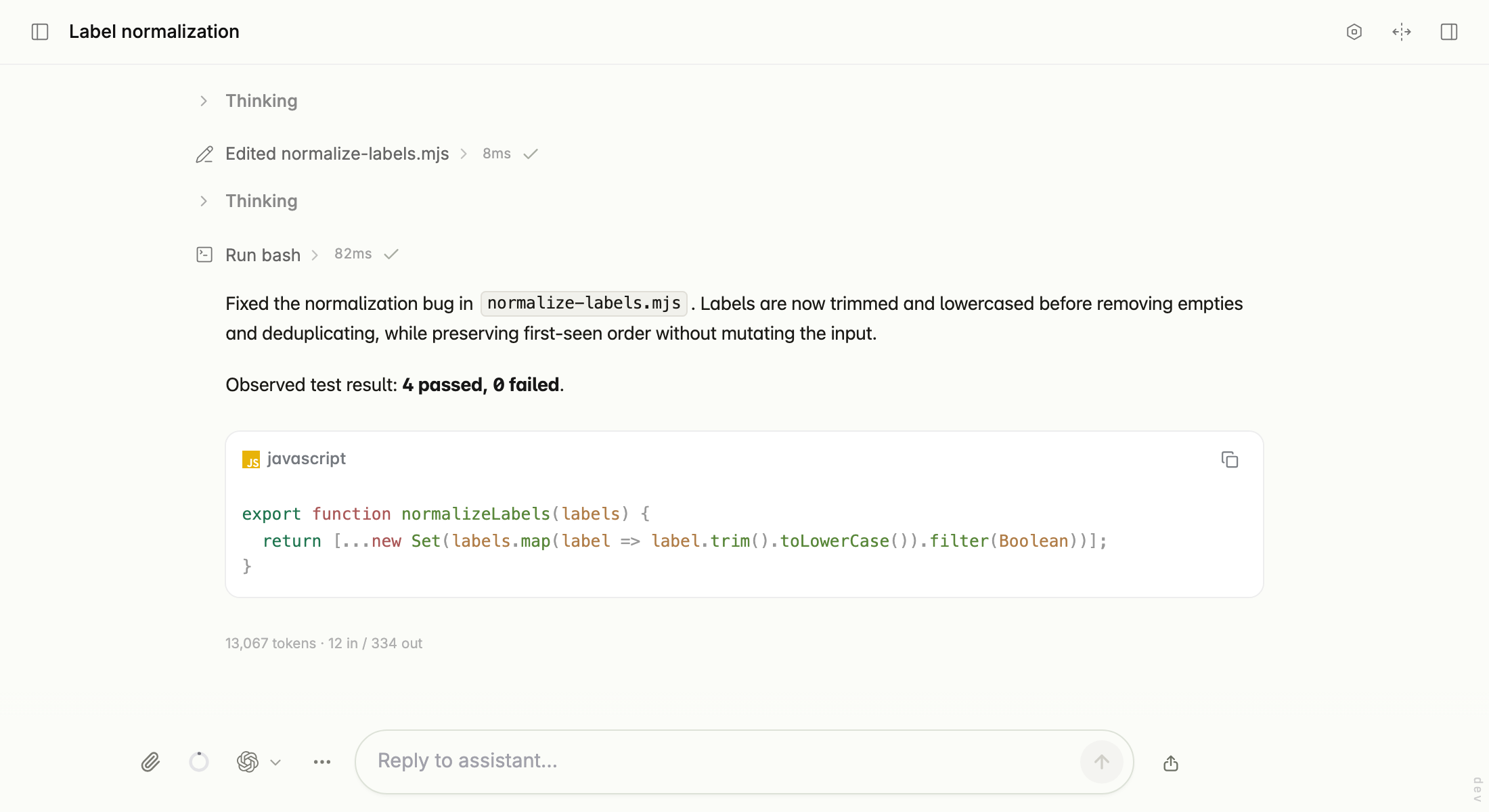
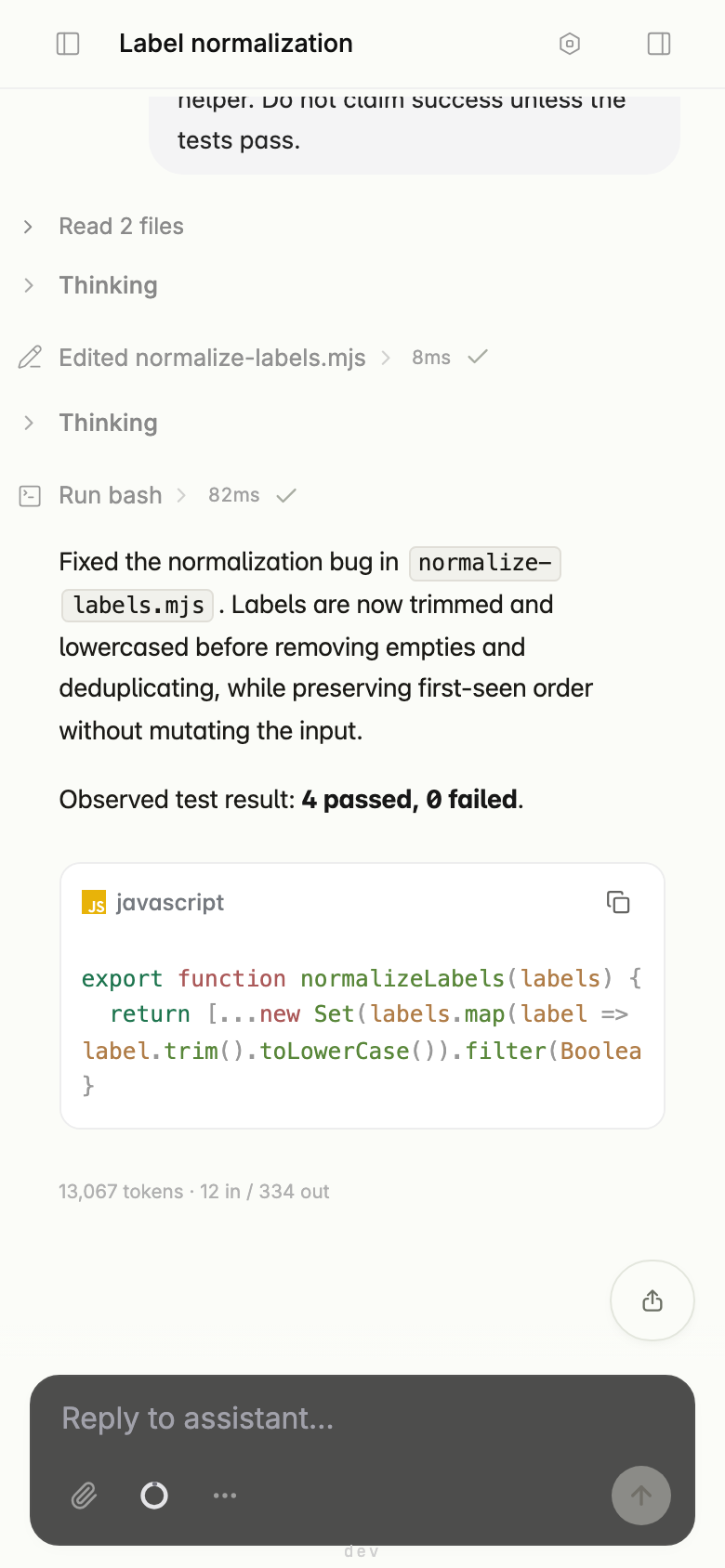
This browser-based platform lets you run coding agents on your own infrastructure while the actual code executes on machines you choose — a laptop behind NAT via an outbound WebSocket connector, an SSH host, an E2B cloud sandbox, or the server itself in a confined local sandbox. Sessions persist on the server and survive browser tab closes, network interruptions, and redeployments, with complete history replay on any device. The system supports multiple agents with subagent delegation, agent teams across sessions, and declarative workflows. It provides a workspace file browser, three approval policies, session reconnection with replay, MCP server integration, shareable links with secret redaction, an audit log, and rendering for Mermaid diagrams, KaTeX math, and syntax-highlighted code. It installs as a PWA on iOS and Android. The stack uses Node/Express with WebSocket, SQLite (WAL) for persistence, and the pi-mono agent engine. Users supply their own LLM provider keys (encrypted at rest); operators can configure a shared model channel. Authentication uses email/password with optional GitHub OAuth and Google OIDC. No upstream model credentials are baked into the source.
Should you self-host oiia?
oiia scores 43/100 on selfhost.directory (how scoring works) and ranks #153 of 209 in AI Agents. It has 373 GitHub stars.
There was no stable release in the past 12 months, so check the repository's recent activity before you rely on it.
Setup is advanced: plan for several services and some ongoing maintenance. It is written mostly in Typescript.
Its closest alternative on selfhost.directory is Orca (91/100, 108 642 stars). It scores higher overall, so compare the two before you pick. See oiia vs Orca side by side.
Features
- Approval policies
- Audit Log
- Connector for NAT traversal
- Durable sessions
- File tree with preview and uploads
- Local sandbox backend
- MCP tool integration
- Mermaid/KaTeX/syntax highlighting
- Multi-Agent Orchestration
- Reconnect with replay
- Security assessment profiles
- Share links with secret redaction
- SSH sandbox backend
oiia README
More in Self-hosting
 oksskoltenSelf-hosted RSS reader that auto-fetches full articles, provides AI summaries and chat, runs in one Docker container.
 OmniMailOmniMail is a self-hosted, open-source multi-domain webmail on Cloudflare Workers. Aggregates domain email with iCloud, Gmail, Microsoft, QQ, NAVER, Yandex.
 OpenAgentCoreOpenAgentCore lets you run AI coding agents like Codex and Claude Code on your own hardware using the OpenAI SDK, with your choice of models and sandboxes.
 OpenHabitTrackerA free, open-source habit tracker that runs everywhere and lets you sync data to your own Docker server.
 OpenTrashmailOpen Trashmail is a self-hosted, open-source disposable email solution with its own SMTP server, web UI, JSON API, RSS feeds, and webhooks.
 Open-WebUIOpen WebUI is a self-hosted AI platform connecting to Ollama and OpenAI-compatible APIs with RAG, plugins, voice/video calls, and enterprise auth on your hardware.
 OvertChatSelf-hosted AI chat with local models, bundled voice/search, multi-user accounts, native mobile/desktop apps, and portable SQLite database.
 phantom-wgPhantom-WG is a self-hosted, open-source WireGuard VPN platform with multihop routing, IPv6 dual-stack, and crash recovery via SQLite, all in isolated Docker containers.
- PlexPlex Media Server is a self-hosted media server application that allows users to organize and stream their personal media libraries.
 polar-flow-serverSelf-hosted server syncing all Polar health data to PostgreSQL with personal baselines, anomaly detection, and a built-in MCP server for AI assistants.
 posthornSelf-hosted email gateway bridging apps to transactional providers (Postmark, Resend, Mailgun, AWS SES, SMTP) with HTTP form, API, and SMTP ingress.
 puppy-stardew-serverRun a persistent Stardew Valley multiplayer world on your own hardware with a web control panel, automated backups, and mod support.
0 comments