
Self-host Rocketship
v0.5.43QA testing framework for coding agents
- Stars
- 182
- Requires
- Temporal
What is Rocketship?
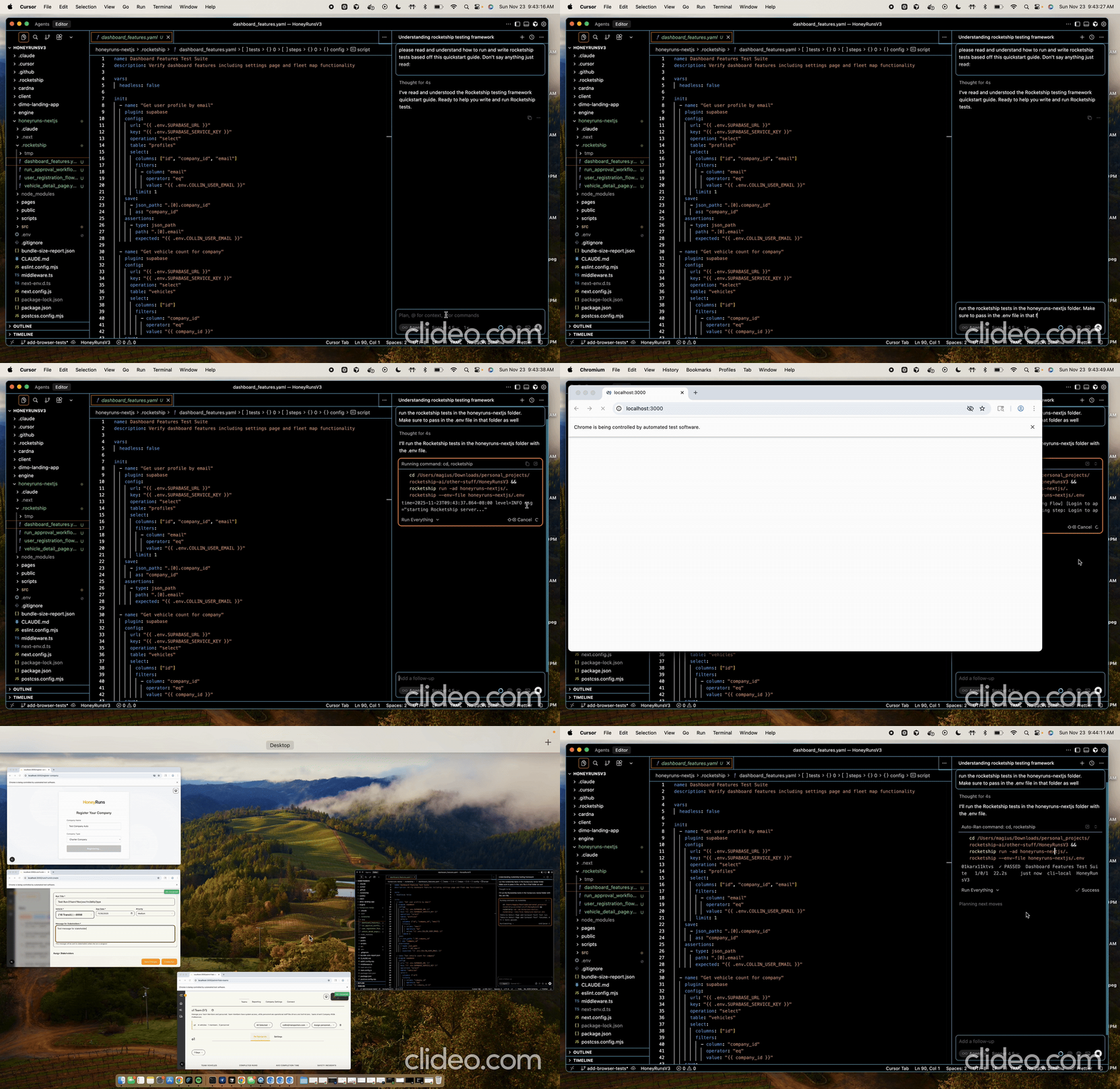
Rocketship is a QA testing framework designed for coding agents to test customer journeys in web applications. It uses declarative YAML test specifications stored in a .rocketship directory, with each test composed of steps that call plugins like HTTP, Supabase, Playwright, and Agent. The framework includes a CLI for local execution, variable passing, retry policies, lifecycle hooks, and a plugin ecosystem for APIs and protocols. Users can run tests locally with automatic server management via the -a flag, or deploy Rocketship on their own infrastructure for scheduled runs and history persistence. It requires Temporal for orchestration, with optional Playwright for browser testing and Claude Agent SDK for AI-driven steps.
Should you self-host Rocketship?
Rocketship scores 43/100 on selfhost.directory (how scoring works) and ranks #9 of 10 in Testing. It has 182 GitHub stars.
It shipped 10 stable releases in the past year. The latest, v0.5.43, came out on 18 January 2026. New versions land roughly every 2 days.
Setup is advanced: plan for several services and some ongoing maintenance. It is MIT-licensed and written mostly in Go.
Its closest alternative on selfhost.directory is Locust (78/100, 28 245 stars). It scores higher overall, so compare the two before you pick. See Rocketship vs Locust side by side.
Features
- AI-driven testing
- Browser Automation
- CLI
- Declarative YAML
- HTTP/API testing
- Lifecycle hooks
- Plugin Ecosystem
- Retry policies
- Variable passing
Rocketship README
More in Testing
 tapflowOpen-source, self-hosted stand-in for Appetize or BrowserStack App Live: a relay plus macOS agents drive simulators and emulators your team tests in a browser.
 VeridropSelf-hosted, open-source tool that probes Claude, OpenAI and Gemini API relay endpoints to expose swapped models, stripped features and bogus token billing.
 WebHook TesterSelf-hosted, open-source tool for testing and debugging webhooks with customizable responses, WebSocket notifications, and multiple storage backends.
 ZealotSelf-hosted, open-source beta app distribution server for iOS, Android, macOS, Windows and Linux builds, with OTA install pages, webhooks and a fastlane plugin.
 Aerokube MoonMoon is a self-hosted commercial browser automation platform for Kubernetes/OpenShift running Selenium, Playwright, Cypress, and Puppeteer tests.
 AngusTesterSelf-hosted AI-native test automation platform using one YAML language (AngusScript) for API, Web, mobile, and LLM testing. Community Edition free under GPL-3.0.
 argosThe open source visual testing platform for teams and AI agents. Review the product, not just the code.
 canyonSelf-hosted, open-source JavaScript code coverage solution for per-test-case coverage during E2E and UI automation runs, with CI integration and build tool support.
 docker-hello-worldA minimal Docker image that serves HTTP responses on port 8000, designed for fast testing feedback loops. Self-hosted via Docker, open-source, under 2 MB.
 EgmaEgma is a self-hosted, open-source platform for simulation testing and production monitoring of voice agents with LiveKit, Pipecat, and Retell support.
 faker-serverSelf-hosted mock server on Faker.js with web UI for managing mock APIs and key-based access control.
 graphql-meterSelf-hosted GraphQL load testing platform that auto-discovers schema operations and runs tests via Locust or k6 with live monitoring and run comparison.
0 comments