
Self-host canyon
v3.0.15JavaScript code coverage platform for E2E testing
- Stars
- 178
- Ports
- 3000 (development mode frontend and API), 8080 (production mode frontend and API)
- Requires
- Node.js, PostgreSQL
zhangtao25/canyon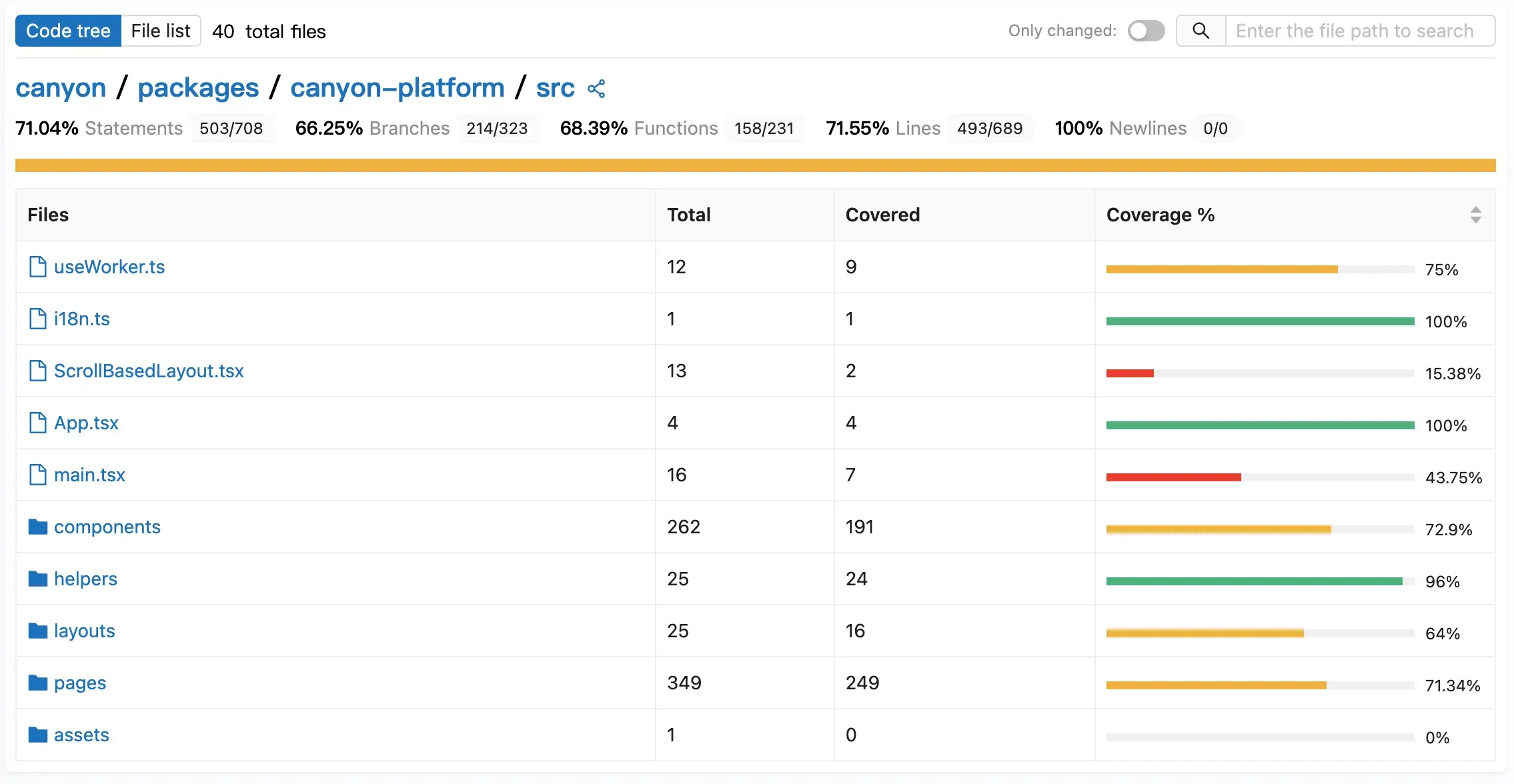
What is canyon?
This platform collects JavaScript code coverage during end-to-end and UI automation test runs. It separates hit data from map data at compile time, which lets it process the large amounts of coverage data that UI tests generate. The system has three parts: plugins that add instrumentation during CI builds, a Node.js and React application that receives and processes the coverage data, and a web interface for viewing reports broken down by individual test cases. It works with popular build tools like Vite, Next.js, and Webpack, automation frameworks such as Playwright, and CI systems including GitHub Actions and GitLab CI. You can run the community edition yourself on your own hardware using Node.js 20 or later with PostgreSQL 14 or later, or by pulling the zhangtao25/canyon Docker image. The codebase is MIT licensed and receives regular updates.
Should you self-host canyon?
canyon scores 47/100 on selfhost.directory (how scoring works) and ranks #7 of 10 in Testing. It has 178 GitHub stars.
It shipped 12 stable releases in the past year. The latest, v3.0.15, came out on 9 September 2026. New versions land roughly every 3 days.
Setup is advanced: plan for several services and some ongoing maintenance. An official Docker image is available. It is MIT-licensed and written mostly in Typescript.
Its closest alternative on selfhost.directory is Locust (78/100, 28 245 stars). It scores higher overall, so compare the two before you pick. See canyon vs Locust side by side.
Features
- Automation framework integrations
- Build tool integrations
- CI provider detection
- GitLab source metadata integration
- Per-test-case coverage
- Real-time coverage reports
- Self-hosted community edition
- Separate hit and map data
- Source Map Support
canyon README
FAQ
为什么 Compare 中的变更代码文件数量和 GitLab 不一致?
Compare counts only files that Babel compiles and includes in coverage calculation (js, jsx, ts, tsx), while GitLab shows all Git diff files including docs, images, and config files. The difference is due to different statistical scopes.
More in Testing
 docker-hello-worldA minimal Docker image that serves HTTP responses on port 8000, designed for fast testing feedback loops. Self-hosted via Docker, open-source, under 2 MB.
 EgmaEgma is a self-hosted, open-source platform for simulation testing and production monitoring of voice agents with LiveKit, Pipecat, and Retell support.
 faker-serverSelf-hosted mock server on Faker.js with web UI for managing mock APIs and key-based access control.
 graphql-meterSelf-hosted GraphQL load testing platform that auto-discovers schema operations and runs tests via Locust or k6 with live monitoring and run comparison.
 Hoppscotch Community EditionSelf-hosted, open-source API development ecosystem for testing REST, GraphQL, WebSocket, and MQTT APIs — a lightweight Postman alternative with PWA and desktop apps.
 httpbinSelf-hosted, open-source HTTP request & response service for testing clients: inspect requests, emit status codes, cookies, redirects and formats.
 InbucketSelf-hosted disposable webmail server for testing email functionality, with built-in SMTP, POP3, and REST interfaces — no external database required.
 Insomnia MockbinSource-visible HTTP mock server that powers Insomnia's API mocks; run it self-hosted with Docker, Compose or Kubernetes plus Redis for HAR-based mock responses.
 KeployOpen-source record-and-replay testing tool that turns live API, database and queue traffic into runnable tests and mocks; self-hosted via a CLI agent.
 krakenKraken CI is a self-hosted, open-source CI/CD system for massive-scale testing with hardware testing support, cloud autoscaling, and detailed test analytics.
 LocustOpen-source, self-hosted load-testing tool: scenarios are plain Python, driven from a web UI on port 8089, headless for CI, or across distributed master/worker nodes.
 mailcueMailCue is a self-hosted, open-source email testing server with Postfix, Dovecot, DKIM, DMARC, SpamAssassin, REST API, and React UI in one Docker container.
0 comments