
Self-host pihole-unbound-tailscale-dockerized
1.0.0Docker stack for private DNS: Pi-hole, Unbound, Tailscale
docker compose up -d- Stars
- 161
- CPU
- 2
- RAM
- 2 GB
- Storage
- 15 GB
- Port
- 53 (Unbound DNS resolver (UDP))
What is pihole-unbound-tailscale-dockerized?
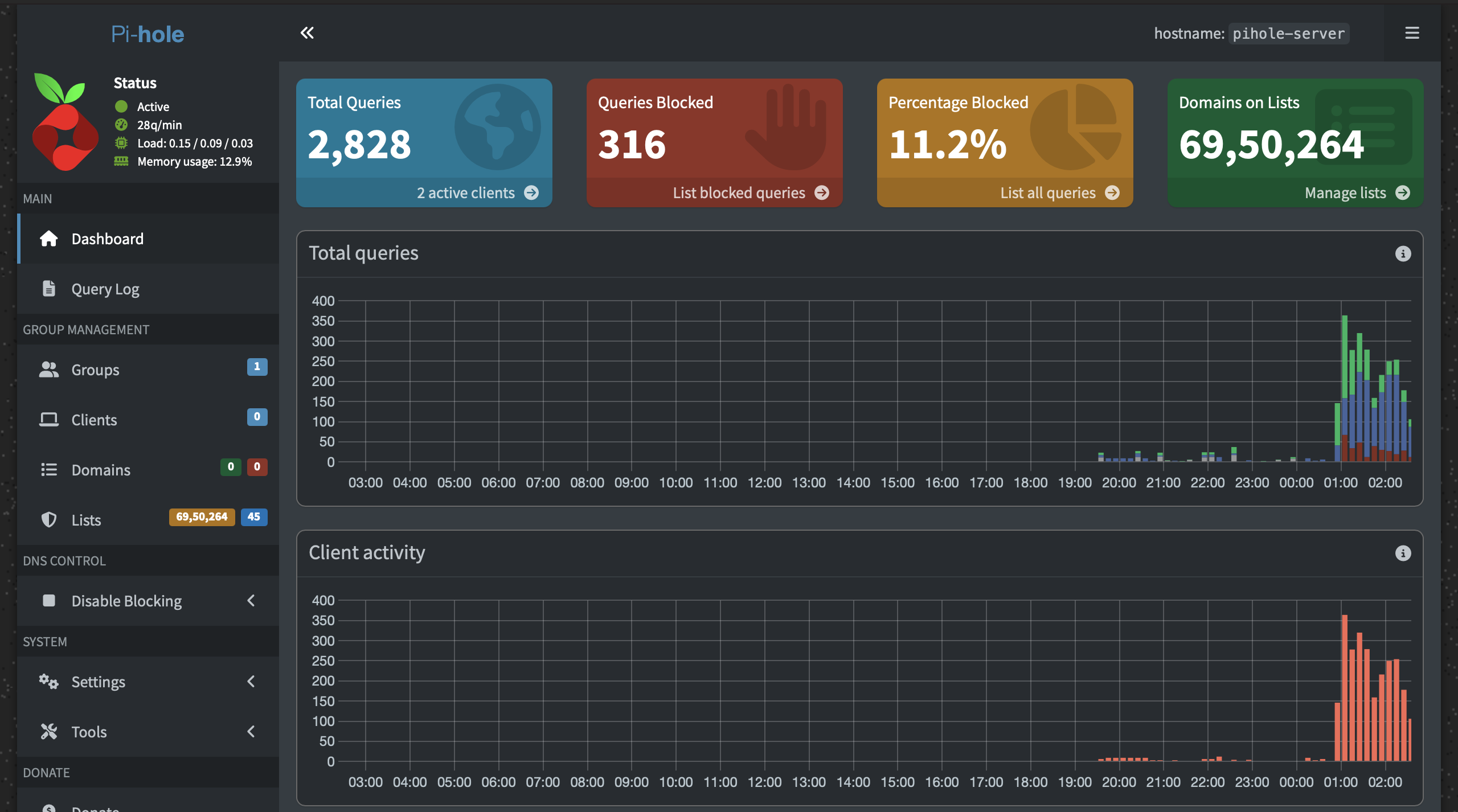
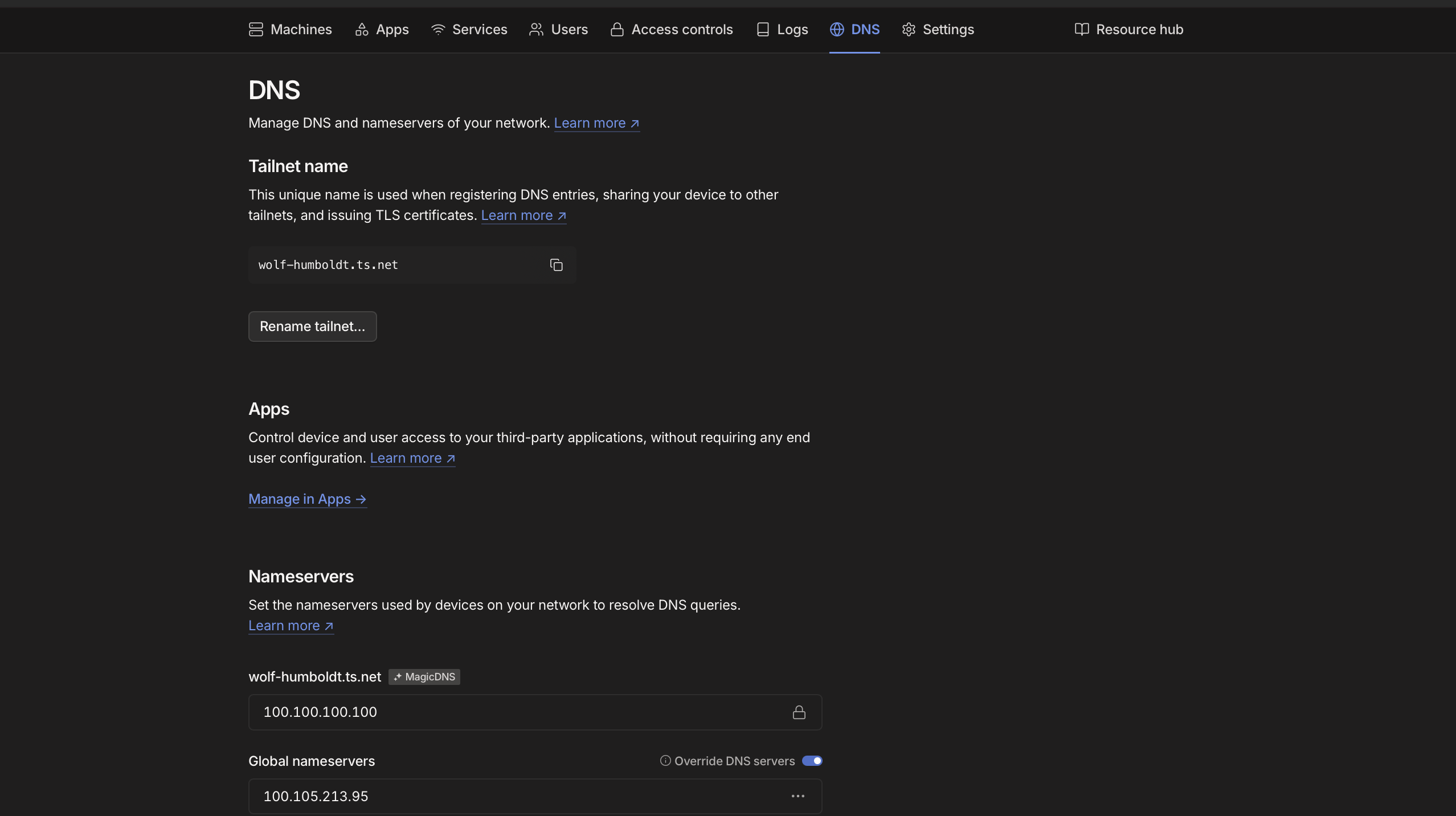
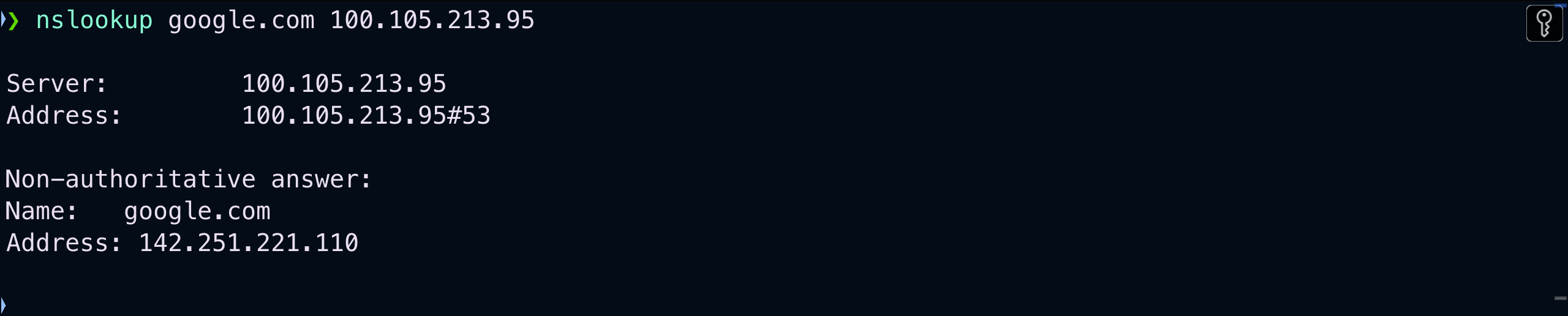
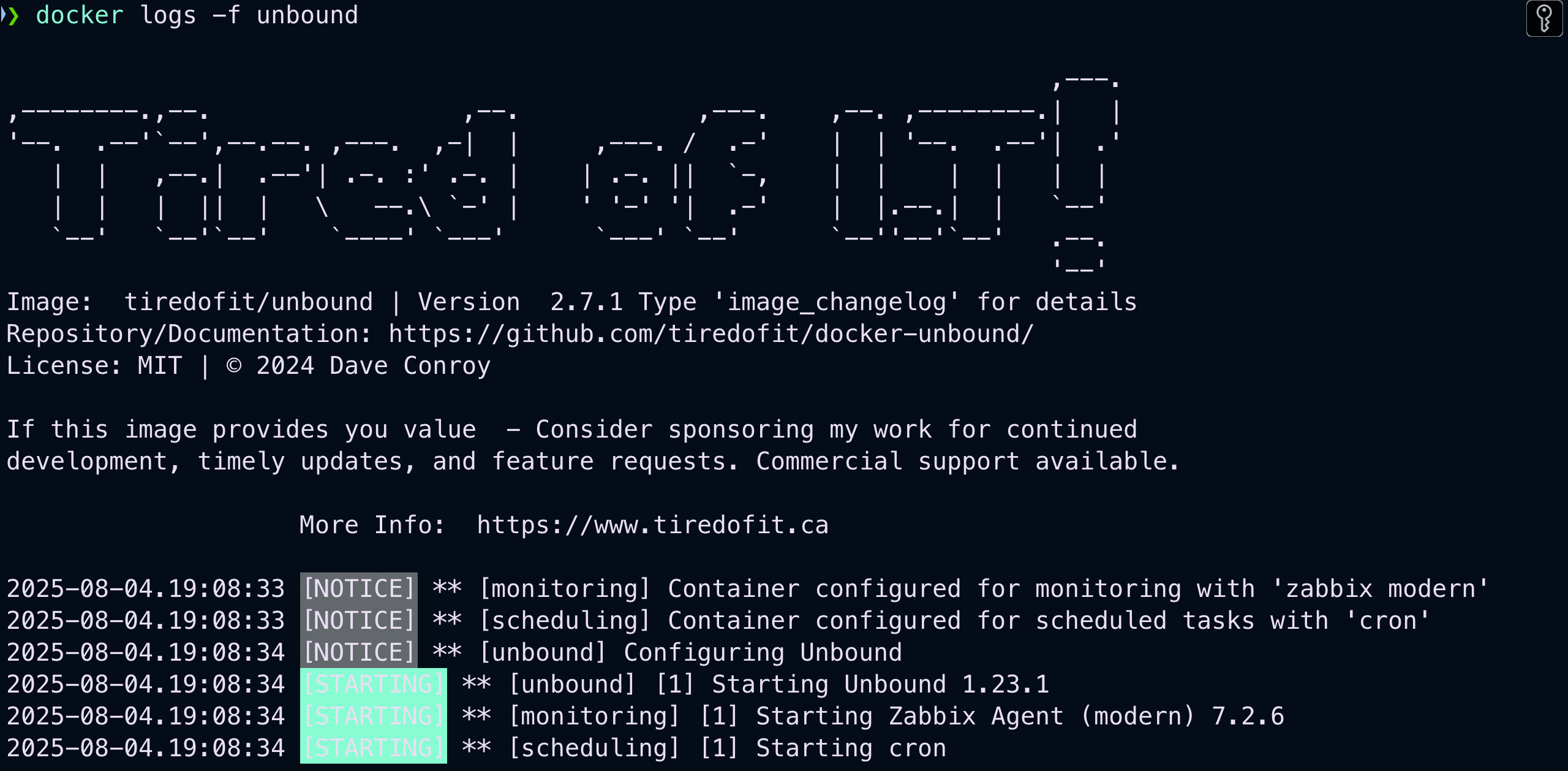
This project provides a Docker Compose stack that deploys Pi-hole for network-wide ad and tracker blocking, Unbound as a recursive DNS resolver for privacy, and Tailscale for secure VPN access to the DNS server even behind CGNAT. It includes detailed setup instructions for macOS with Colima, Tailscale ACL configuration, and Unbound root hints/keys preparation. The stack uses three containers networked together: Unbound listens on port 5335, Pi-hole uses Unbound as its upstream DNS, and Tailscale provides encrypted remote access. The project is licensed under MIT and includes screenshots of the architecture, Pi-hole admin dashboard, Tailscale DNS settings, and nslookup tests.
pihole-unbound-tailscale-dockerized alternatives
 DockTailOpen-source, self-hosted Go agent that watches Docker labels and publishes containers as native Tailscale Services, with HTTPS, TCP, PROXY protocol and Funnel support.CompareDockTail with pihole-unbound-tailscale-dockerized
 docker-ddnsSelf-hosted dynamic DNS server using Docker, Go, and Bind9 that lets you connect to home devices from anywhere using a VPS and domain.Comparedocker-ddns with pihole-unbound-tailscale-dockerized
 TailGuardSelf-hosted Docker container that bridges WireGuard-only devices into a Tailscale network, advertising WG subnets to the tailnet with an optional monitoring web UI.CompareTailGuard with pihole-unbound-tailscale-dockerized
 AdGuard HomeSelf-hosted open-source DNS server blocking ads/trackers network-wide. Supports encrypted DNS, parental controls, safe search, per-client config, DHCP.CompareAdGuard Home with pihole-unbound-tailscale-dockerized
 docker-adguardMinimal, security-hardened Docker image for self-hosted AdGuard Home ad blocking. Runs rootless, distroless from scratch, with health checks and CVE scanning.Comparedocker-adguard with pihole-unbound-tailscale-dockerized
 dnsweaverSelf-hosted DNS automation for homelabs: reads from 7 sources, writes to 12 providers with split-horizon DNS.Comparednsweaver with pihole-unbound-tailscale-dockerized
 uncompressedSelf-hosted Docker Compose reference for a media server — Jellyfin, *arr, qBittorrent in a Gluetun VPN namespace, Tailscale-only ingress via Traefik, auto-healing.Compareuncompressed with pihole-unbound-tailscale-dockerized
 cloudflare-verified-ddnsSelf-hosted Cloudflare DDNS updater verifying DNS via DoH, adaptive polling, detailed telemetry. Python 3.13+, minimal Docker image.Comparecloudflare-verified-ddns with pihole-unbound-tailscale-dockerized
Should you self-host pihole-unbound-tailscale-dockerized?
pihole-unbound-tailscale-dockerized scores 42/100 on selfhost.directory (how scoring works) and ranks #30 of 41 in DNS. It has 161 GitHub stars.
It shipped 1 stable release in the past year. The latest, 1.0.0, came out on 29 March 2026.
Setup is moderate: expect some configuration beyond a single command. It is MIT-licensed.
Its closest alternative on selfhost.directory is Pi-hole (87/100, 61 563 stars). It scores higher overall, so compare the two before you pick. See pihole-unbound-tailscale-dockerized vs Pi-hole side by side.
Features
- 2FA for Pi-hole admin (planned)Planned future feature
- DNS-over-HTTPS fallback (planned)Planned future feature
- Headscale support (planned)Planned future feature
- Network-wide ad blocking
- Recursive DNS resolution
- VPN remote access
pihole-unbound-tailscale-dockerized README
I care about online privacy and wanted to block ads and trackers across all my devices, not just in browsers. Public DNS providers like Google or Cloudflare are fast, but often log user data. I wanted full control over DNS resolution and to keep it private.
My internet provider (Jio Fiber) uses CGNAT, so I don’t get a public IP address. That makes remote access tricky. This project uses Tailscale to solve that problem while offering secure DNS resolution and ad-blocking.
More in DNS
 pihole-v6-unboundSelf-hosted Docker image running Pi-hole plus an integrated Unbound recursive resolver in one container, published to Docker Hub and GHCR with weekly rebuilds.
 poweradminSelf-hosted, open-source web control panel and REST API for PowerDNS: manage zones, records, DNSSEC and users, with LDAP/SSO and Docker deployment.
 PowerDNS-AdminOpen-source, self-hosted web interface for administering PowerDNS forward and reverse zones, with role-based access, SAML/LDAP/OAuth sign-in, TOTP 2FA and DynDNS support.
 router7Open-source, self-hosted home internet router written in pure Go: DHCPv4/DHCPv6, DNS, port forwarding and auto-rolling-back updates as a gokrazy appliance.
 Smart-DNSSelf-hosted Smart DNS service that resolves whitelisted domains to a specified IP while forwarding other queries normally, using a Python DNS server and Nginx SNI proxy.
 SPFtoolboxSPFtoolbox is a self-hosted, open-source DNS lookup tool that checks SPF, MX, DMARC, blacklist, WHOIS, and other domain records through a web interface.
 Technitium DNS ServerSelf-hosted, open-source authoritative and recursive DNS server with a web console, DNS sinkhole ad blocking, DoH/DoT/DoQ, and a built-in DHCP server.
 UnboundSelf-hosted, open-source DNS resolver that validates, recurses and caches, adding DNS-over-TLS, HTTPS and QUIC, RPZ filtering and DNSSEC privacy features.
 who-datwho-dat is a self-hosted, open-source WHOIS/RDAP lookup API that normalizes domain data into consistent JSON, with Docker, binary, and Vercel deployment.
 adguard-buddySelf-hosted dashboard for monitoring and synchronizing multiple AdGuard Home servers with merged query logs, statistics, and drift detection.
- AdGuard HomeSelf-hosted open-source DNS server blocking ads/trackers network-wide. Supports encrypted DNS, parental controls, safe search, per-client config, DHCP.
 AdGuardHome-SyncSelf-hosted AdGuard Home config synchronizer: mirrors filters, DNS rewrites, DHCP, clients and settings to replicas, with a web dashboard, API and Prometheus metrics.
0 comments