
Self-host Open Flow
Visual workflow automation platform for AI agents
- Stars
- 280
- Port
- 3000 (HTTP server (Workbench, Control API, MCP))
ghcr.io/oomol-lab/open-flow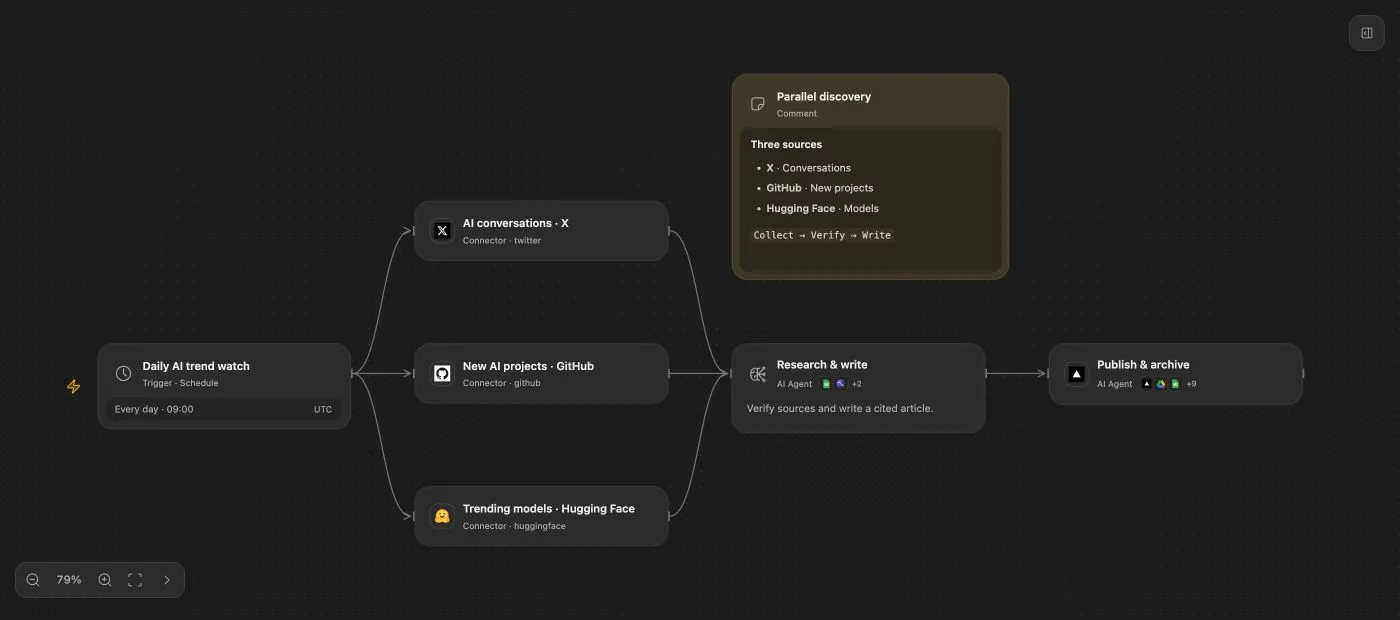
What is Open Flow?
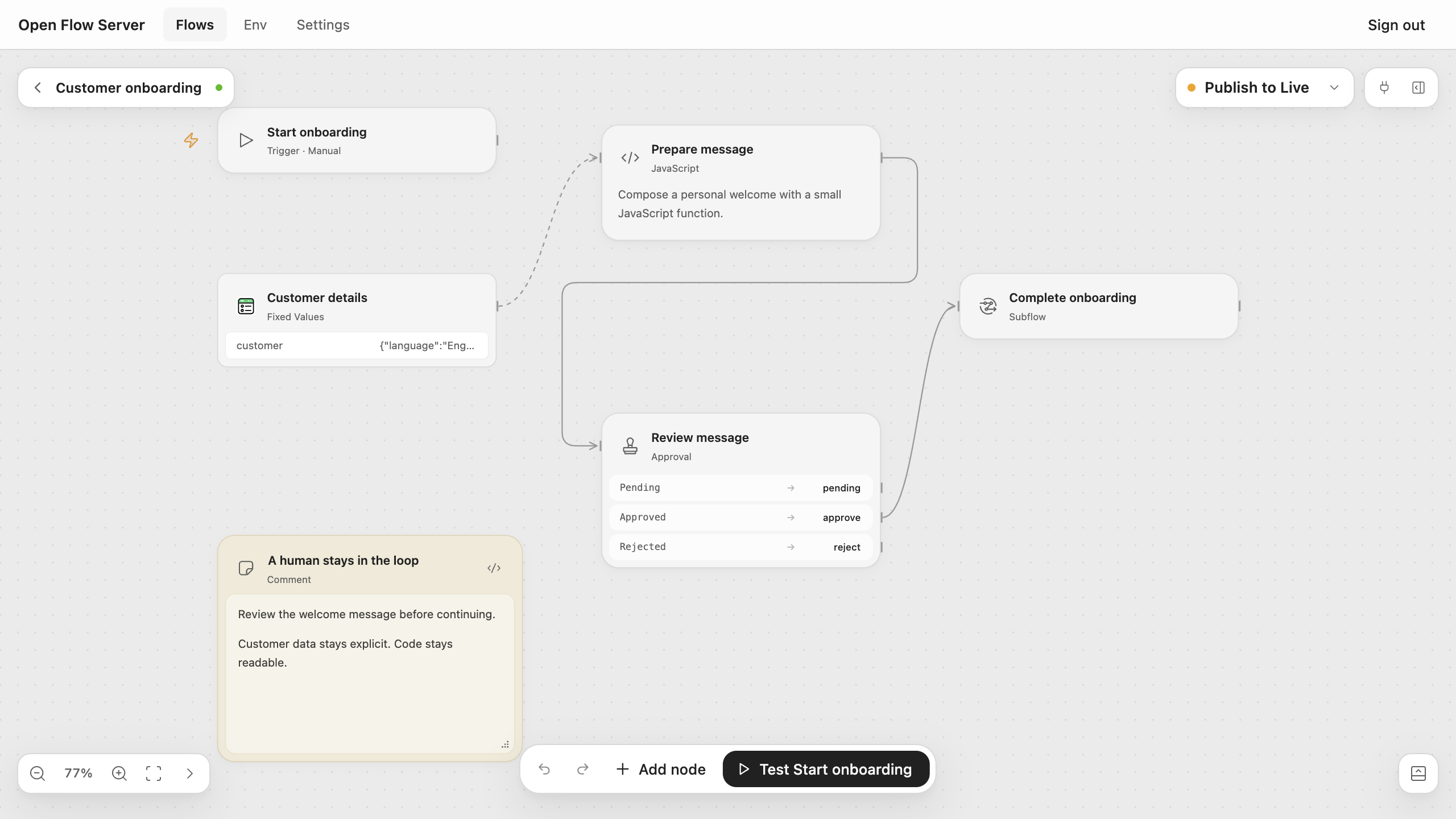
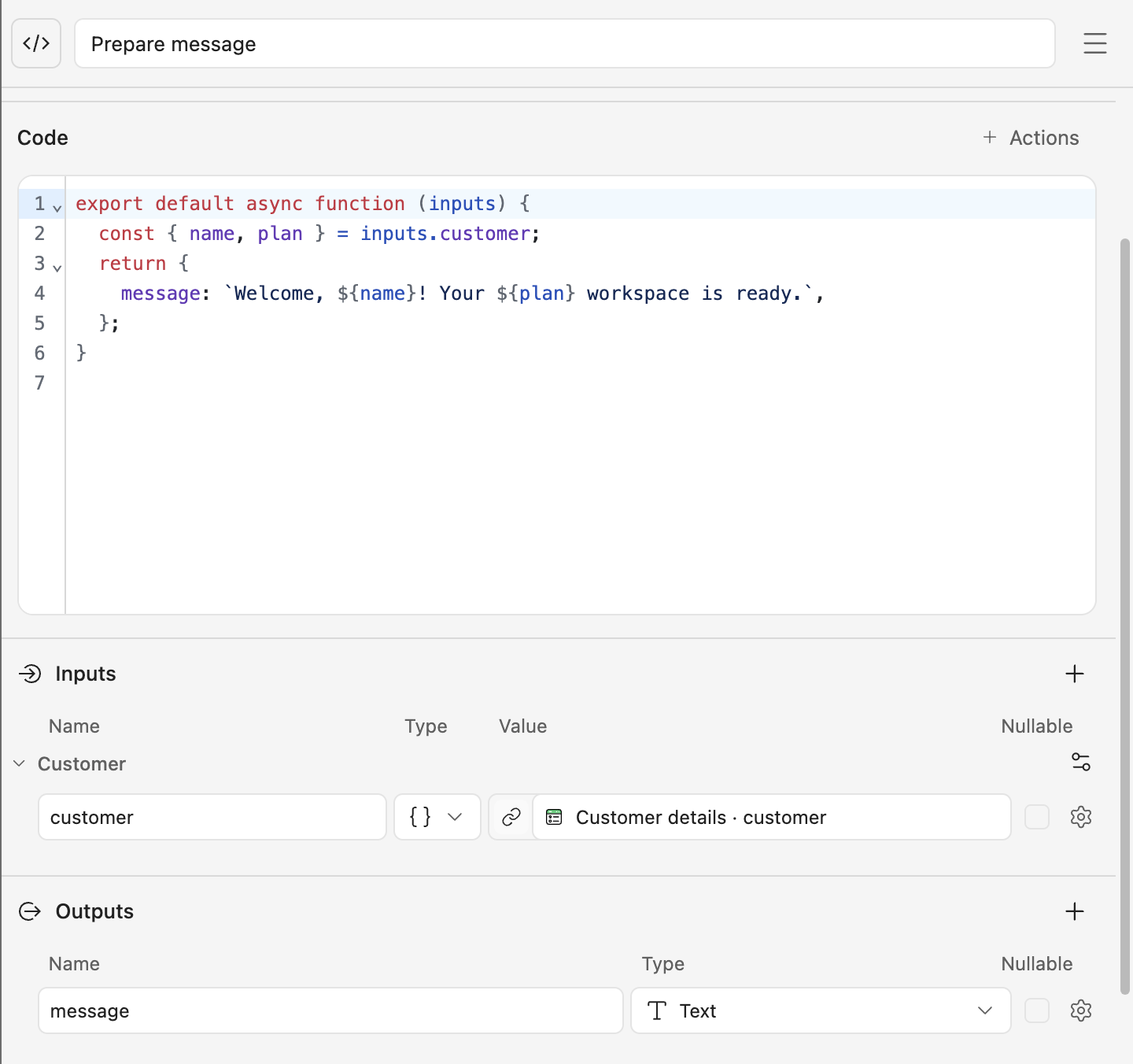
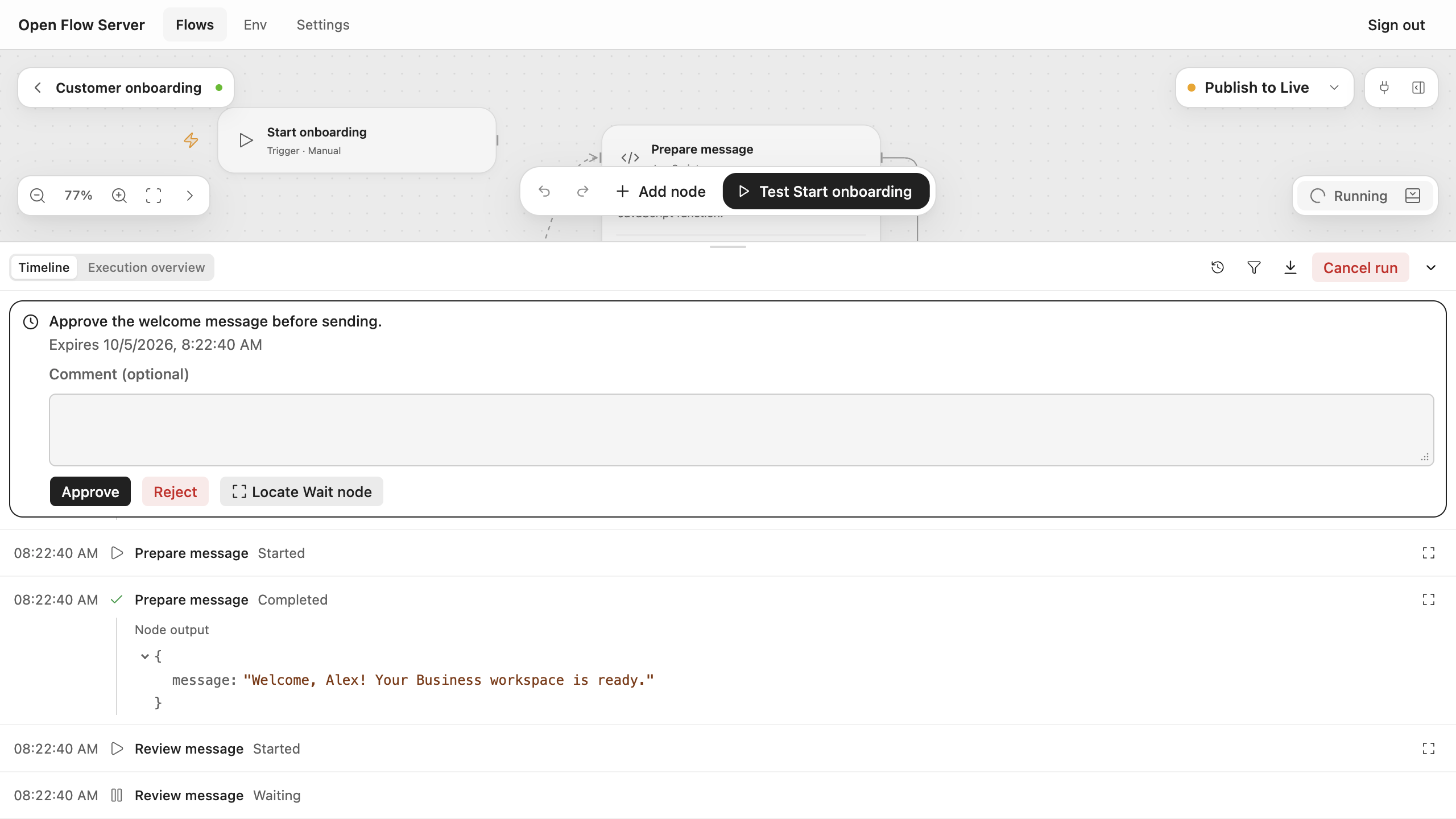
This open-source workflow automation platform is designed for AI-assisted building. AI agents (via the oo CLI) create and edit workflows that connect to over 1,600 apps and 20,000+ tools through OpenConnector. Users inspect and refine the visual workflow in the Workbench, which shows typed inputs, JavaScript Code Tasks, LLM Tasks, Agent Tasks, branching, subflows, and human Approval/Wait nodes. Workflows can be triggered manually, on a schedule, via webhook, or from provider events. The self-hosted Server (Docker image on GHCR) runs the Workbench, Control API, MCP endpoint, and isolated TypeScript execution runtime with SQLite persistence. Deployments support versioned publications with rollback, run history, and team/agent permission management. The project is in beta (Apache-2.0) and also offers a managed OOMOL Hosted option.
Should you self-host Open Flow?
Open Flow scores 46/100 on selfhost.directory (how scoring works) and ranks #21 of 32 in Workflow Automation. It has 280 GitHub stars.
There was no stable release in the past 12 months, so check the repository's recent activity before you rely on it.
Setup is moderate: expect some configuration beyond a single command. An official Docker image is available. It is Apache-2.0-licensed and written mostly in Typescript.
Its closest alternative on selfhost.directory is n8n (92/100, 208 868 stars). It scores higher overall, so compare the two before you pick. See Open Flow vs n8n side by side.
Features
- AI agent integration (oo CLI)
- Branching and reusable subflows
- Human approval nodes
- Isolated TypeScript/JavaScript execution
- LLM Tasks and Agent Tasks
- MCP (Model Context Protocol) Support
- Run history and execution inspection
- Self-hosted with Docker/Fly.io
- Team and agent permission management
- Variables managementStored as plaintext in SQLite
- Versioned publications with rollback
- Visual Workflow Builder
- Webhook and scheduled triggers
Open Flow README
FAQ
How does Open Flow manage AI agent permissions?
Assign app connections to members and agents, then limit the tools available to each role. Review tool calls and revoke access. Workflows and agent tool calls can require human approval for critical operations.
Can I self-host Open Flow with Docker?
Yes, you can run the Open Flow server with Docker on your own infrastructure or deploy the same image on Fly.io, with responsibility for TLS, storage, backups, upgrades, secrets, and connector configuration.
Which apps and services can Open Flow connect to?
Open Flow uses OpenConnector to connect to 1,600+ apps and services with 20,000+ ready-to-use tools for reading email, updating CRM records, organizing documents, and sending notifications.
How do I build an automated workflow with AI?
Connect your AI agent to an Open Flow deployment through the oo CLI, describe the task, and the agent creates and edits workflow steps. Use the Workbench to review logic, configure app connections, and test before publishing.
What is Open Flow?
Open Flow is an open-source AI workflow automation platform where AI agents build workflows connecting apps and services, while users inspect logic and execution results in a visual Workbench.
More in AI Automation
 openlegionSelf-hosted platform for isolated AI agent teams with credential vaulting, spend limits, and a web dashboard — free for internal use under a source-available license.
 Open-Poe-AIOpen AI Agents Hub is a self-hosted, open-source platform for building and chatting with AI agents — LLM chat and media generation from one web interface.
 OrbiOrbi is an open-source, self-hosted software delivery system that turns labeled GitHub Issues into independently reviewed, merged PRs and tagged releases using AI agents.
 os1OS1 is a self-hosted, open-source AI platform with autonomous agents, deep research, real-time collaborative chats, and a PWA workspace. Full data control, extensible.
 OtoDockOtoDock is a self-hosted platform for AI agents with departments, RBAC, phone, apps, and sandboxed execution — free for 5 users.
 Paperless-GPTOpen-source, self-hosted AI companion for paperless-ngx: suggests titles, tags, correspondents and dates, and runs LLM vision OCR for searchable scans.
 PawFlow-AgentsPawFlow is an open-source, self-hosted AI agent runtime connecting agents to real files and desktops via relays with durable context and deterministic workflows.
 pinchySelf-hosted AI agent platform adding enterprise guardrails to OpenClaw — scoped permissions, RBAC, signed audit logs, connectors for Odoo, email, Telegram, local LLMs.
 PipelexBuild AI methods with your coding agent, then run them anywhere: as an MCP for chatbots, as a webapp for people, or via API for your software.
 platformSelf-hosted, open-source platform for running AI agents on your own Kubernetes with per-agent isolation and full audit trails.
 PlatypusPlatypus is a self-hosted, open-source platform for building AI agents with multi-tenant workspaces, MCP, A2A, Kanban boards, and memory.
 pneumaticworkflowSelf-hosted workflow platform with visual process design, AI template generation, task buckets, and API/Zapier integrations — Apache 2.0 licensed.
0 comments