
Self-host Olares
1.12.7Personal cloud OS that runs AI agents on your own hardware
curl -fsSL https://olares.sh | bash -- Stars
- 5 358
- CPU
- At least 4 cores
- RAM
- At least 8 GB of available memory
- Storage
- At least 150 GB of available SSD storage; installation will fail on an HDD
- Ports
- 80, 443, 30180, 18088, 41641
beclab/olares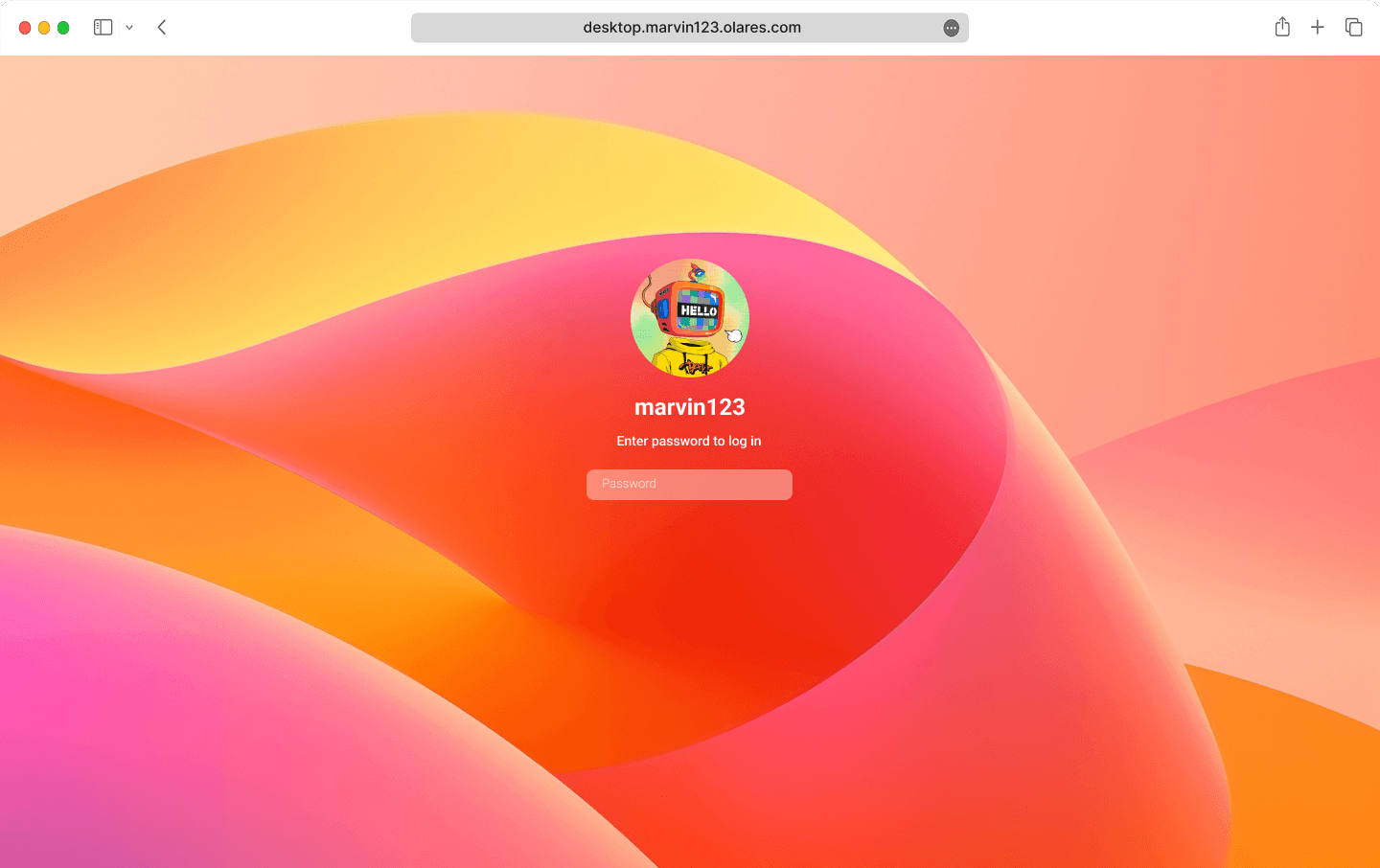
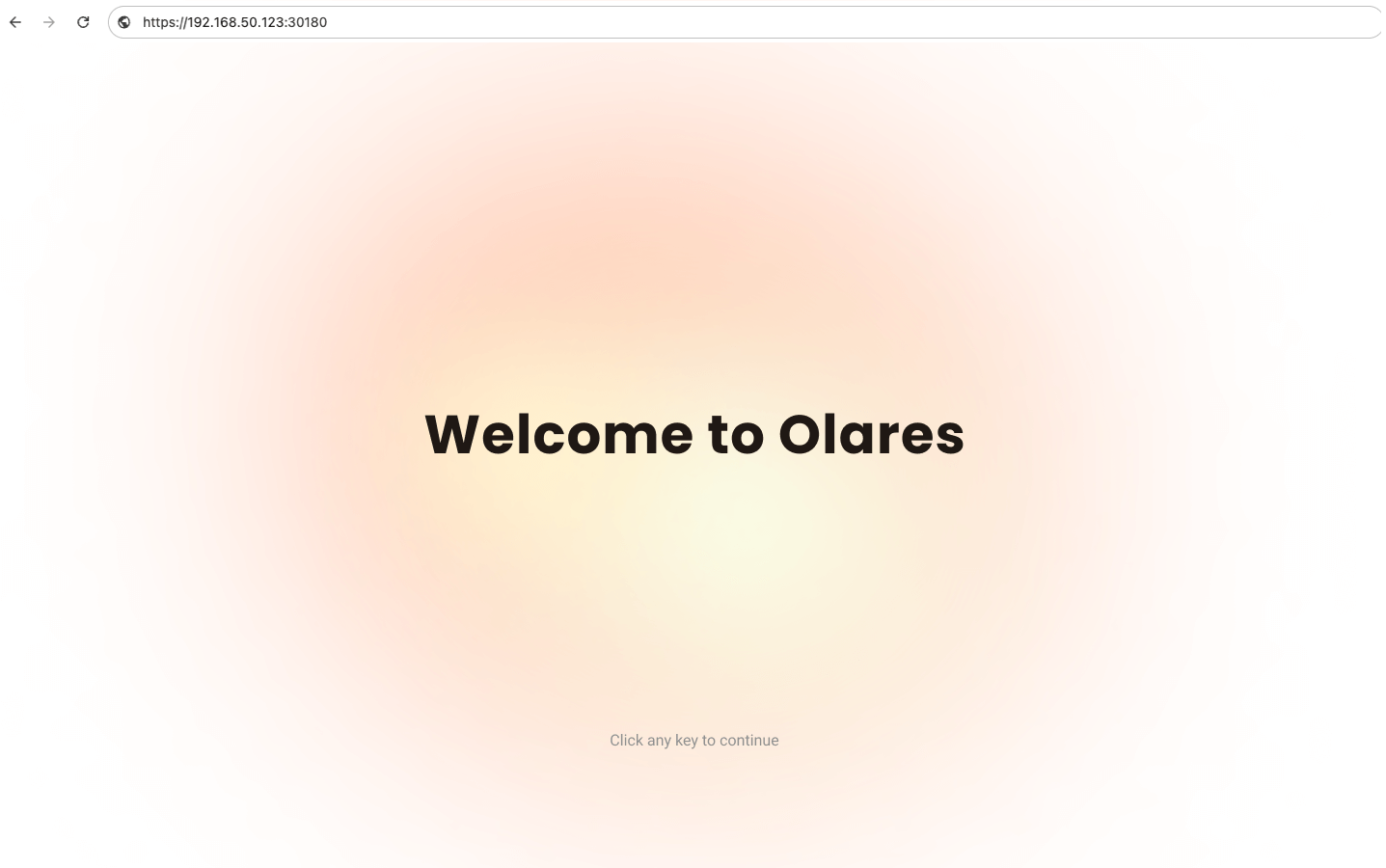
What is Olares?
Built on Kubernetes, Olares is a personal cloud you run on hardware you own, aimed at individuals and small teams who want agents and language models working locally instead of on third-party servers. You operate it by describing tasks in plain language, and it hosts the official Lares assistant as well as coding agents, chat with open models, image and video generation, and local transcription, translation and speech synthesis. Olares Market adds open-source apps and model files in one click, while bundled system apps cover files, a vault, dashboards and cluster administration (Control Hub). Under the hood it pools GPUs across cluster nodes and divides them between workloads via time-slicing, memory-slicing or exclusive allocation, publishes each app behind HTTPS through a built-in VPN and reverse proxy so individual ports stay unexposed, and handles file sync, SMB/NFS mounts, cloud-drive connections and encrypted backups on a schedule. Install it on Ubuntu or Debian with a one-line script, from a dedicated x86-64 ISO, or as a privileged Docker Compose container; olares-cli and its Agent Skills let scripts and AI agents administer the node too. Limits worth knowing: an SSD is mandatory (HDD installs fail), only Turing-or-newer NVIDIA GPUs are supported for acceleration, and setup needs a phone running LarePass to create an Olares ID and activate the device, with Olares Space as the vendor account behind optional paid backup and relay services.
Olares alternatives
 taOStaOS is a self-hosted AI agent OS turning your hardware into a distributed compute cluster with a web desktop, multi-framework agents, offline memory, and 100+ apps.ComparetaOS with Olares
 eclaireA self-hosted, open-source AI assistant that keeps data private by running locally — it handles your personal information using a local language model.Compareeclaire with Olares
 llmakerllmaker is a self-hosted, open-source CLI that provisions and manages complete LLM stacks on your own hardware with a single command.Comparellmaker with Olares
 n8n-installSelfhost AI is an open-source Docker Compose installer for a complete AI homelab with n8n, Ollama, Open WebUI, AI agents, RAG, and monitoring behind automatic HTTPS.Comparen8n-install with Olares
 PHOBOSSelf-hosted AI OS running LLMs, image/video generation, web browsing, audio, and tasks locally with no cloud.ComparePHOBOS with Olares
 OuroborosA locally-run AI agent that preserves its identity across sessions, spawns specialist sub-agents, and rewrites its own codebase.CompareOuroboros with Olares
 OllamaOllama is a self-hosted, open-source platform for running LLMs locally on macOS, Windows, and Linux with a REST API and official SDKs.CompareOllama with Olares
 OmnaraOpen-source, self-hosted managed agent platform: run AI agents through one REST API with durable state, tool approvals, and any model or machine.CompareOmnara with Olares
Should you self-host Olares?
Olares scores 65/100 on selfhost.directory (how scoring works) and ranks #4 of 22 in Home Server. It has 5 358 GitHub stars, +53 in the last 30 days.
It shipped 148 stable releases in the past year. The latest, 1.12.9-20261111, came out on 11 November 2026. New versions land roughly every 1 days.
Setup is advanced: plan for several services and some ongoing maintenance. An official Docker image is available. It is AGPL-3.0-licensed and written mostly in Go.
Its closest alternative on selfhost.directory is CasaOS (78/100, 37 632 stars). It scores higher overall, so compare the two before you pick. See Olares vs CasaOS side by side.
Features
- Application sandboxing
- Backup and Restore
- Browser-based desktop access
- Built-in system apps
- Command-line management
- File Management
- GPU pooling and sharing
- Local AI agent and LLM hosting
- Local speech and generative media
- Media streaming and smart home
- Multi-node cluster
- Multi-user access with roles
- Natural-language operation
- One-click app and model marketplace
- Private networking with VPN and reverse proxy
Olares README
Your AI Agent. Your Data. Your Hardware.
Install Olares · Manage Olares with AI · Contribute
Olares is an open-source personal cloud OS you operate in plain language, built to run AI agents and LLMs on hardware you own.
Powered by Kubernetes, it turns your machines into a self-hosted AI platform accessible from any browser, giving everyone from individual users to small teams a unified place for compute, storage, networking, and apps.
FAQ
Does the system support multi-user environments?
Yes, sub-accounts exist with Super Admin, Admin and Member roles, so a team can share files and one installed AI model on a single cluster.
Does Olares collect my data?
No: storage, computation and AI processing run on your own hardware, and private data is not sent to a centralized service.
Is it possible to build Olares from source code?
Yes, but it is currently complex because the project spans more than 90 repositories and has no fully integrated local build system.
Is Olares open source?
Yes; Olares and LarePass are AGPL-3.0, the Olares ID smart-contract protocols use Apache 2.0, and third-party Market apps keep their own licenses.
How often does Olares update?
A major release comes out roughly every two months.
Do I need to pay for Olares?
No, Olares OS is free and open source for self-hosting; only Olares One hardware is a purchase, and the optional Olares Space cloud backup and FRP relay both have free alternatives.
Can I use my own domain name?
Yes, you can replace the default olares.com domain with your own custom domain, though that setup currently goes through LarePass.
Can I use Olares without the LarePass app?
Partly: olares-cli can activate a device from the terminal, but you still need LarePass to create the Olares ID, and standalone deployment of components is planned.
What is LarePass and why is it required?
LarePass is the official Olares client, acting as a secure bridge for access and cross-device file sync; activating a device currently requires it.
Is internet access required to use Olares?
Day-to-day use is local-first, but initial activation currently needs internet; you can restrict access to VPN only or use .local domains.
Why is an Olares ID required?
It automates secure remote access: the system registers a subdomain, configures the reverse proxy and manages HTTPS certificates for you. The project plans to make it optional.
How is Olares different from NAS operating systems?
Olares is aimed at being a personal AI cloud rather than a storage appliance, with native GPU resource orchestration and strict per-app isolation.
Who is Olares for?
People who want strong AI tools running locally without heavy technical setup; general users install apps such as ComfyUI or Vane in one click, and developers use it as a local build and test environment.
What is a "personal cloud"?
Private infrastructure on your own hardware that reproduces what public clouds give you, such as access to files and computing power from anywhere.
What is Olares?
An open-source personal cloud operating system built on Kubernetes that lets you own and run your digital assets and services on your own hardware.
More in Home Server
 OmbiSelf-hosted, open-source media request tool: Plex, Emby and Jellyfin users request movies, TV and music, which get approved and handed to Sonarr or Radarr.
 OpenFan ControllerOpenFanController is a self-hosted, open-source fan controller for up to 10 PWM fans with web GUI, REST API, Docker deployment, and FanControl/Unraid integrations.
 OpenMediaVaultopenmediavault is an open-source, self-hosted NAS solution built on Debian that shares files over SMB, NFS and FTP and manages disks, RAID and snapshots from a web UI.
 paymenterOpen-source billing platform for hosting companies: automated subscriptions, Stripe/PayPal/Mollie gateways, hosting-panel integrations and a WHMCS importer.
 payobillspayobills is a self-hosted, open-source personal bill management app built as Kubernetes microservices. Track bills, manage payments, gain financial insights privately.
 personal-dashboardA self-hosted personal dashboard built with Next.js and TailwindCSS for displaying homelab services, weather, news, and IP location information.
 PhreshOSA self-hosted platform that runs web apps on your hardware and serves a browser desktop for people and AI agents to use them together.
 pi-dashboardSelf-hosted, open-source monitoring dashboard for Raspberry Pi and Linux with live metrics, Docker, WireGuard, REST API, and MCP server for AI assistants.
 Pi-holePi-hole is a self-hosted, open-source DNS sinkhole that blocks ads network-wide without client software, running on Linux hardware with a web dashboard and REST API.
 PiVPNSelf-hosted shell-script installer turning a Raspberry Pi or x86_64 Debian/Ubuntu server into a hardened WireGuard or OpenVPN VPN server, managed via the pivpn CLI.
 PortkeyPortkey is a self-hosted, open-source web portal for a customizable startup page with link collections, search, grouped sections, and custom pages via a single YAML file.
 powerlabPowerLab is a self-hosted, open-source home server panel managing Docker apps, files, and monitoring with a curated 137-app store and built-in MCP server for AI agents.
0 comments