
Self-host Portkey
v4.0.0Link portal and startup page with search and custom pages
- Stars
- 183
- Ports
- 3000 (main web UI), 3030 (Prometheus metrics endpoint)
codehat/portkey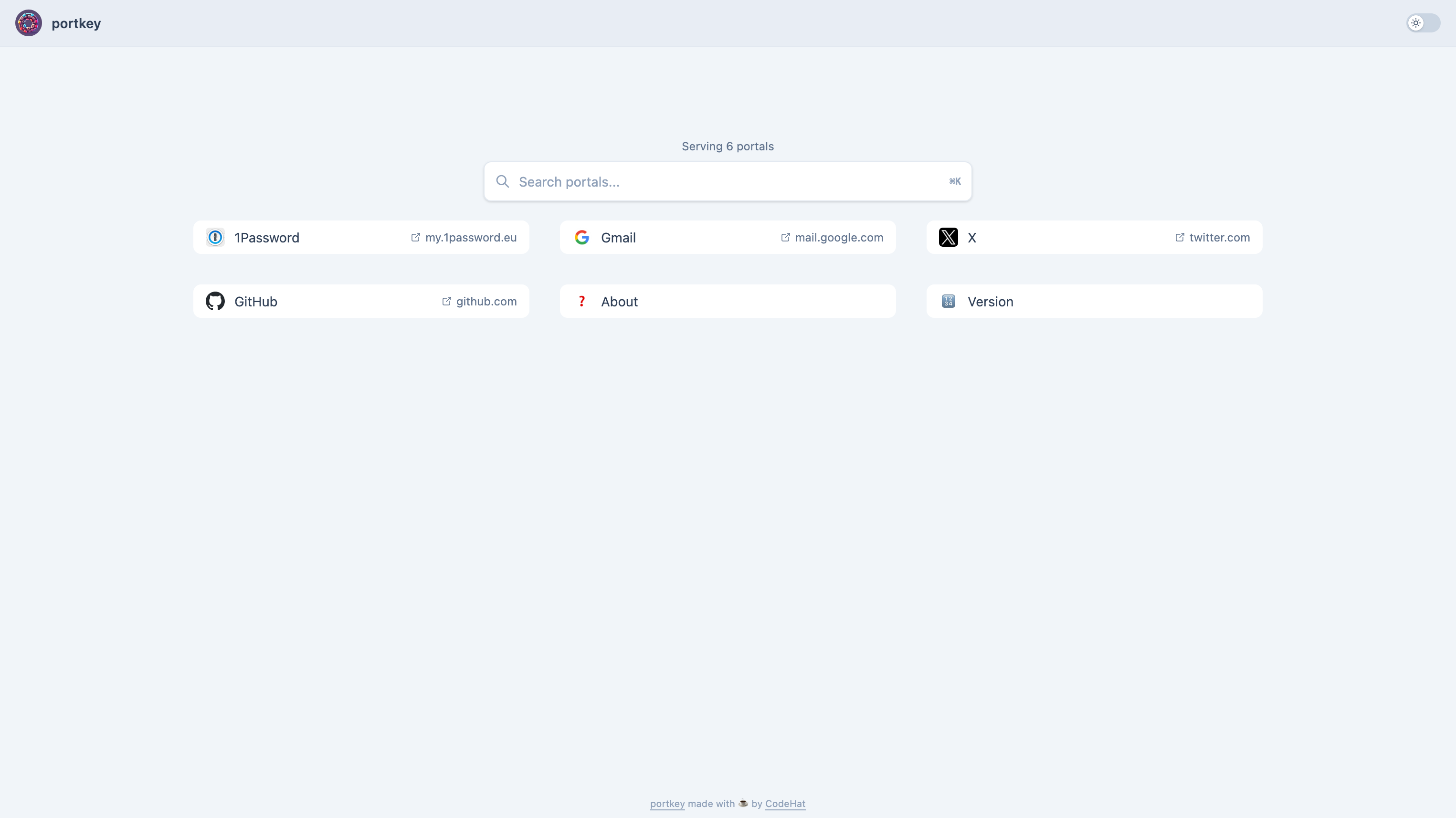
What is Portkey?
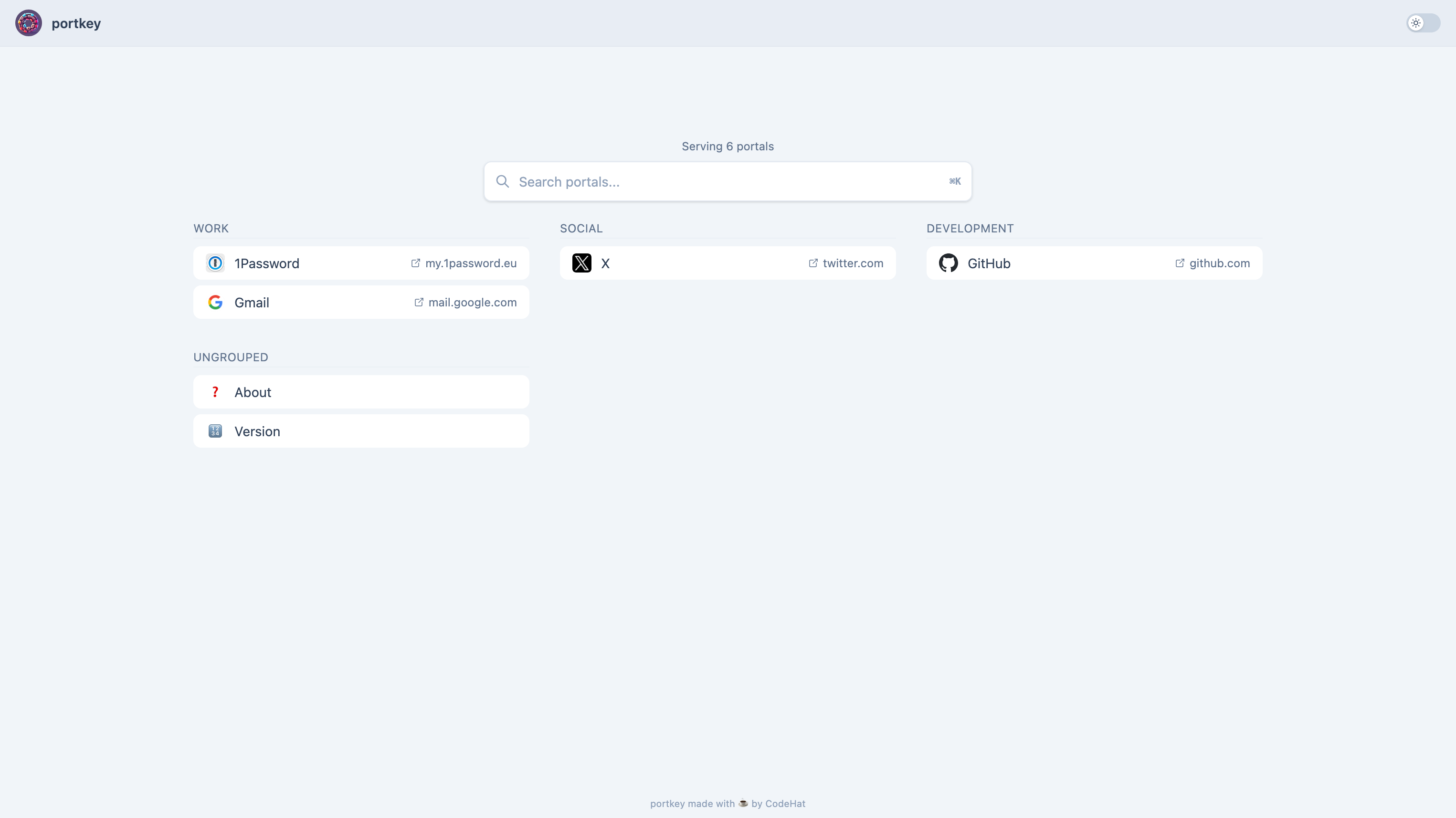
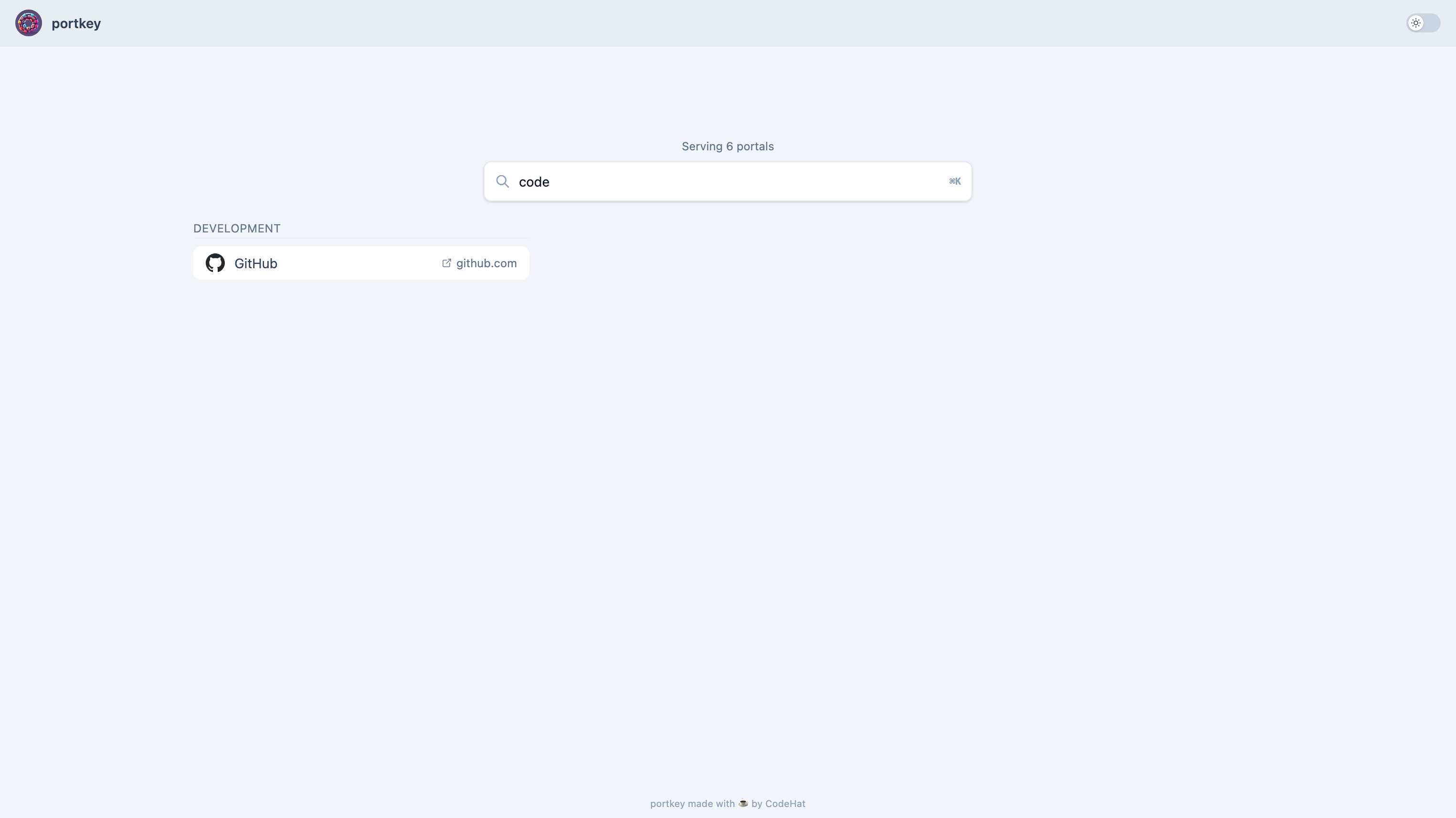
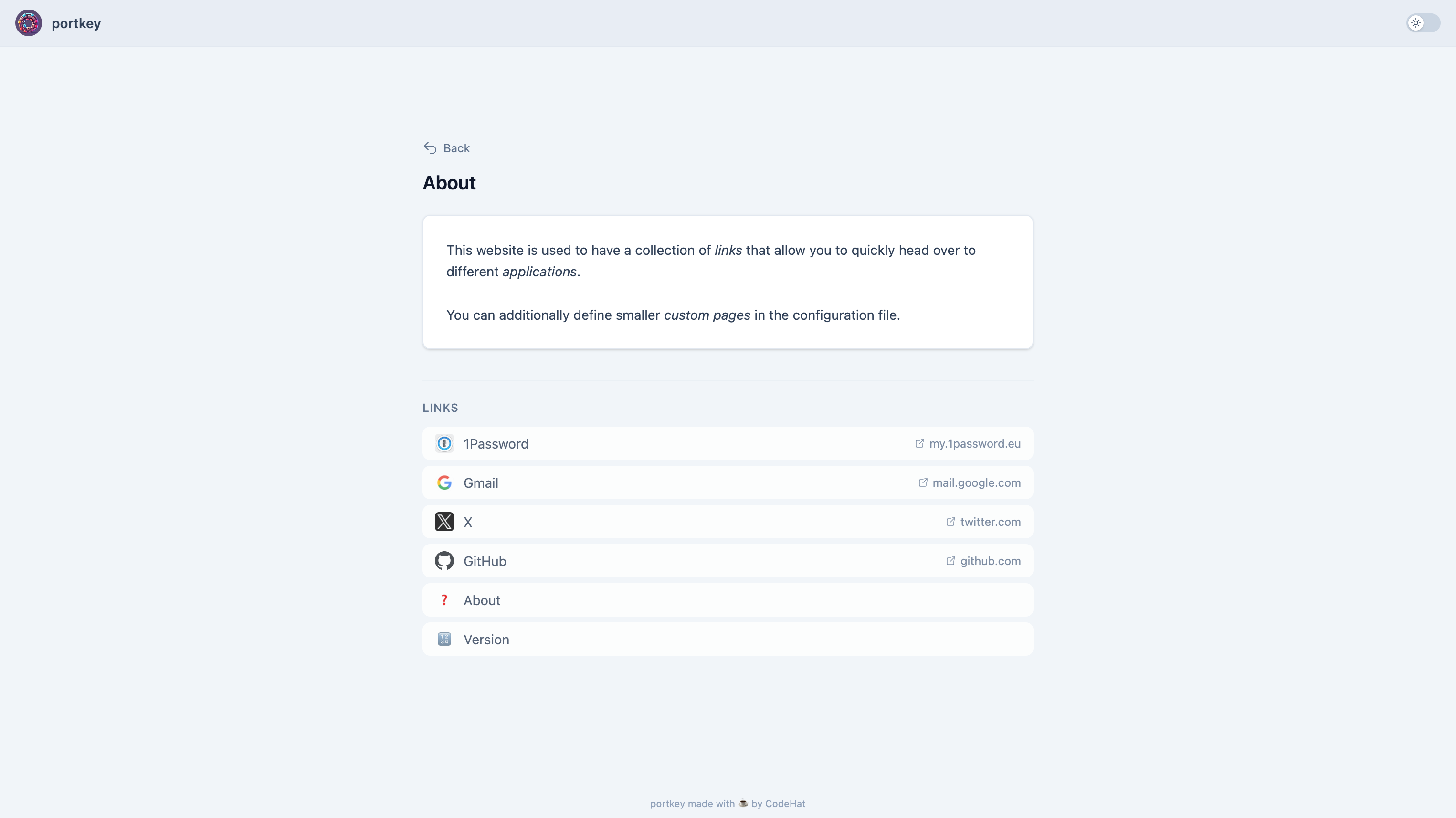
Portkey is a lightweight Go web application that acts as a personal or team startup page, displaying a searchable collection of links organized into optional groups with a responsive multi-column grid. It retrieves and stores favicons for external links, supports custom icons via emoji, image files, or URLs, and allows creating small custom HTML pages. The entire configuration lives in one config.yml file, with environment variable overrides using the PORTKEY_ prefix. It runs as a single binary, in Docker (codehat/portkey), or via docker run, exposing the main UI on port 3000 and optional Prometheus metrics on port 3030. The interface includes both dark and light themes and falls back to a vertical layout on mobile screens. No external database or cache is required.
Should you self-host Portkey?
Portkey scores 49/100 on selfhost.directory (how scoring works) and ranks #18 of 44 in Dashboard. It has 183 GitHub stars.
It shipped 4 stable releases in the past year. The latest, v4.0.0, came out on 9 August 2026. New versions land roughly every 3 months.
Setup is easy: most people get it running in one sitting. An official Docker image is available. It is AGPL-3.0-licensed and written mostly in Go.
Its closest alternative on selfhost.directory is Homepage by gethomepage (84/100, 33 419 stars). It scores higher overall, so compare the two before you pick. See Portkey vs Homepage by gethomepage side by side.
Features
- Custom Pages
- Custom portal icons
- Dark and light mode
- Favicon fetching and caching
- Grouped sections
- Link Collection
- Multi-column grid layout
- Prometheus Metrics
- Search with fuzzy matching
- Single-file configuration
Portkey README
More in Home Server
 powerlabPowerLab is a self-hosted, open-source home server panel managing Docker apps, files, and monitoring with a curated 137-app store and built-in MCP server for AI agents.
 ProxPadProxPad is a self-hosted web UI turning tablets into Proxmox VM control centers with macros, media controls, and resource conflict prevention.
 PulseOpen-source, self-hosted ops dashboard for Proxmox, Docker, Kubernetes, vSphere and TrueNAS, with buffered alerts, metric history and scheduled AI patrols.
 rainstormRainstorm is a self-hosted home server platform for Raspberry Pi to deploy services like Plex and Pi-hole via a web dashboard with zero terminal commands.
 Raspberry-Pi-DashboardSelf-hosted PHP web dashboard for monitoring Raspberry Pi hardware with password protection, shutdown/reboot, dark theme, and mobile UI.
 seedboxSeedbox is a self-hosted, open-source Docker Compose stack for a personal seedbox and media server with Plex, Sonarr, Radarr, Deluge, managed via Traefik with auto HTTPS.
 self-hosted-printing-serverSelf-hosted printing server that lets users upload files and print to IPP-compatible printers via a web interface, with Docker Compose deployment and JWT authentication.
 server-homepageServer Homepage is a self-hosted, open-source dashboard for monitoring home servers with system metrics, custom links, and iOS/Firefox integrations.
 SongloftOpen-source self-hosted music server in Go that indexes your local audio and video files, streams radio, and runs via Docker, binaries, or a Home Assistant add-on.
 Sovereign StackSelf-hosted Pi 5 stack replacing cloud services with Nextcloud, Home Assistant, Vaultwarden, Forgejo, featuring 3-2-1 backups and NetBox discovery.
 standalone-rpiSelf-hosted Standard Notes syncing infrastructure packaged for Raspberry Pi using Docker Compose with Caddy, MariaDB, and Redis. Open-source under MIT license.
 StartOSOpen-source, self-hosted Linux server OS: run services in isolated containers from a web UI with a marketplace, local HTTPS, Tor and encrypted backups.
0 comments