
Self-host mesh-api
v0.7.5.4-betaOff-grid LoRa mesh router with AI bridge for Meshtastic
- Stars
- 183
- Port
- 5000 (WebUI dashboard and API)
mrtbot/mesh-api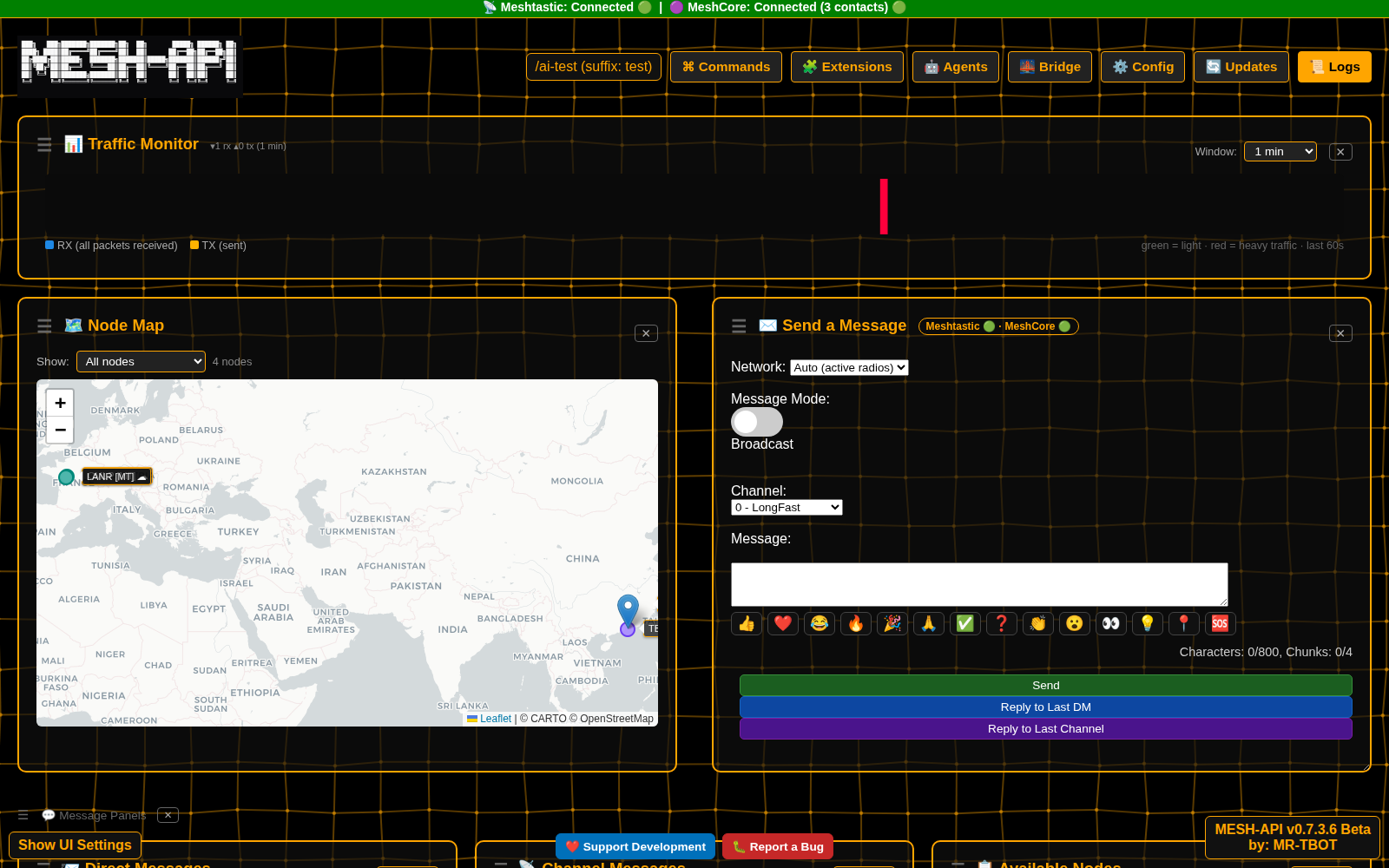
What is mesh-api?
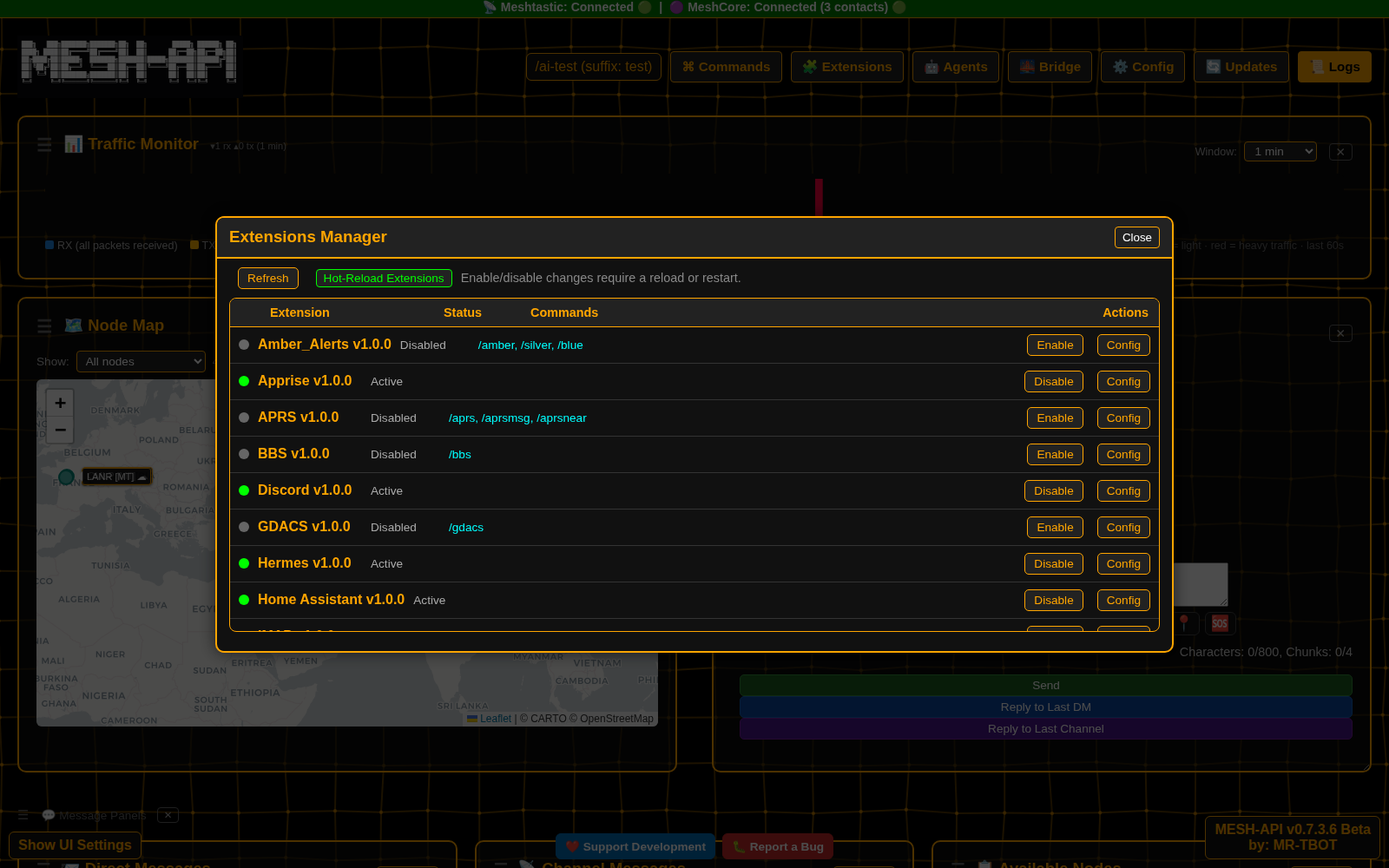
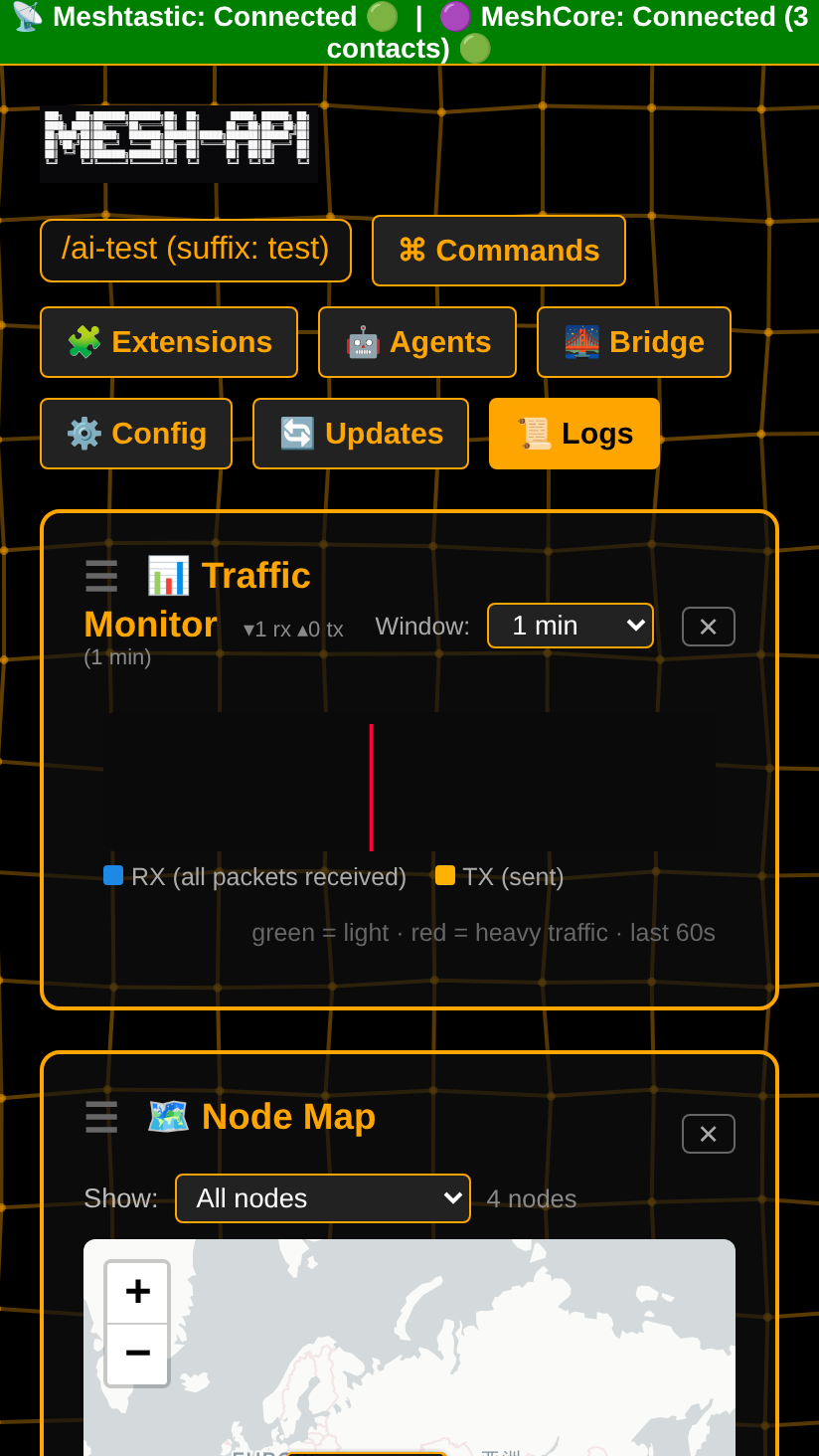
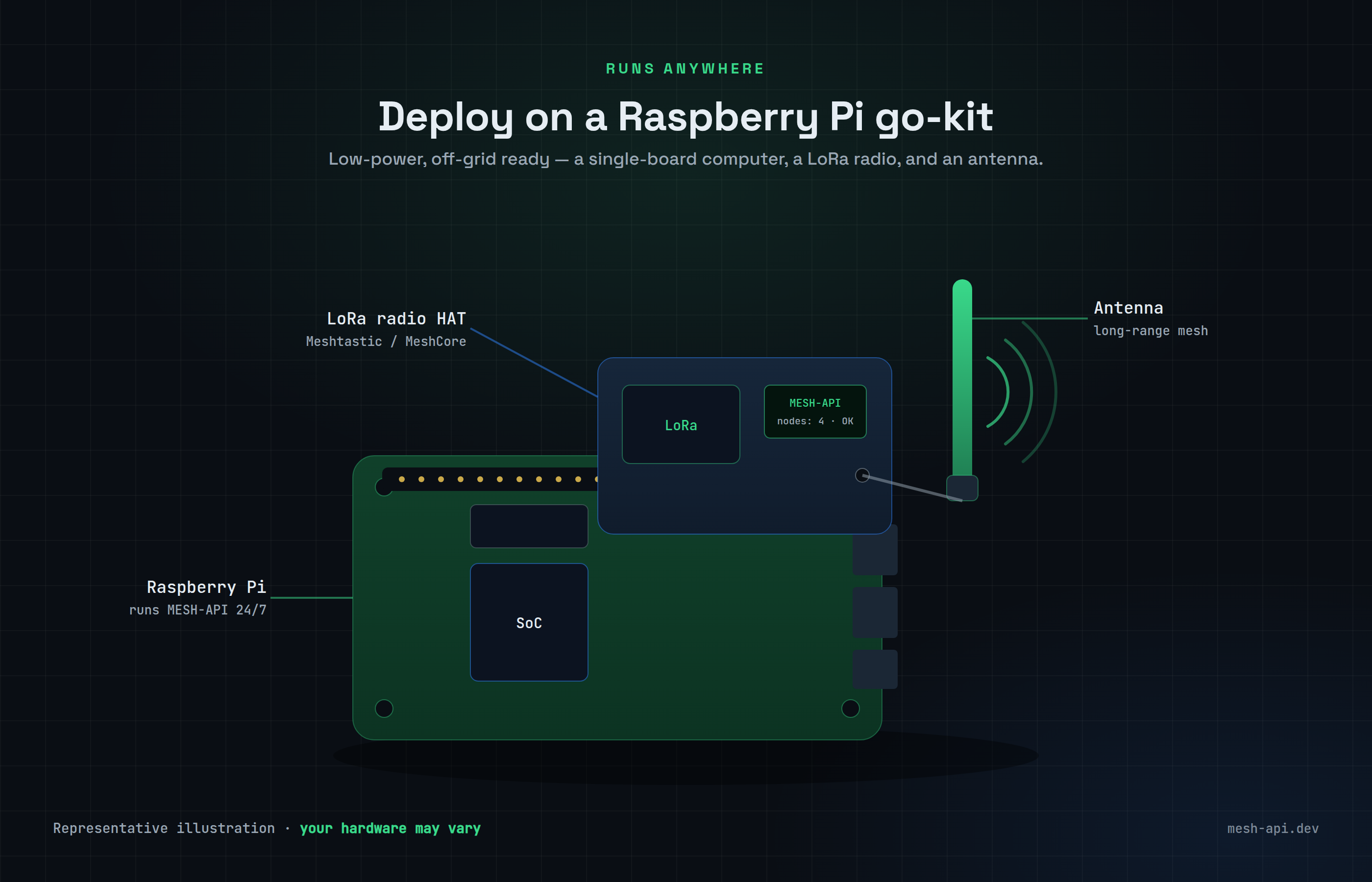
MESH-API is a self-hosted Python application that connects LoRa mesh radios to AI services and external APIs. It works with Meshtastic and MeshCore hardware, letting users run either radio type or both simultaneously while routing messages between them. The software provides a built-in MCP server so external AI agents can control the mesh, a plugin architecture with over 30 extensions covering communication, notifications, emergency alerts, ham radio, smart home, and AI agents, support for twelve AI providers including local models, emergency alerting via SMS, email, and Discord, an interactive map with offline capability, and a responsive web dashboard. It runs on Python 3.11+ and offers Docker images for standard and ARM architectures, making it practical for Raspberry Pi and similar hardware. The current release is beta with MeshCore support noted as largely untested.
Should you self-host mesh-api?
mesh-api scores 43/100 on selfhost.directory (how scoring works) and ranks #32 of 33 in Communication. It has 183 GitHub stars.
There was no stable release in the past 12 months, so check the repository's recent activity before you rely on it.
Setup is advanced: plan for several services and some ongoing maintenance. An official Docker image is available. It is GPL-3.0-licensed and written mostly in Python.
Its closest alternative on selfhost.directory is Jitsi Meet (79/100, 30 159 stars). It scores higher overall, so compare the two before you pick. See mesh-api vs Jitsi Meet side by side.
Features
- Channel agents
- Emergency Alerts
- Firmware & software updatesFlashing optional and off by default
- Home Assistant Integration
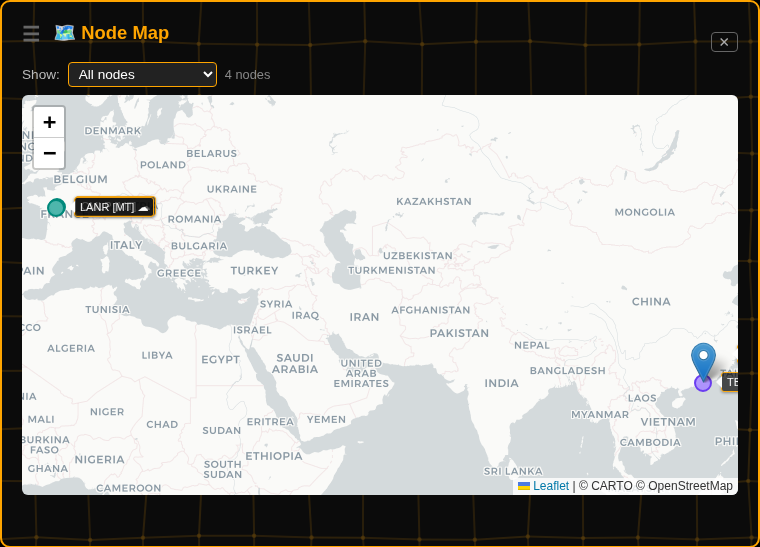
- Interactive Node Map
- MCP ServerDisabled by default, bearer-token auth
- Multiple AI providers
- Multi-Radio SupportMeshCore support is widely untested per project
- N8n workflow automation
- NASA Space Weather monitoring
- Notification Sounds
- Offline map support
- Plugin-Based ExtensionsNew and largely untested per project
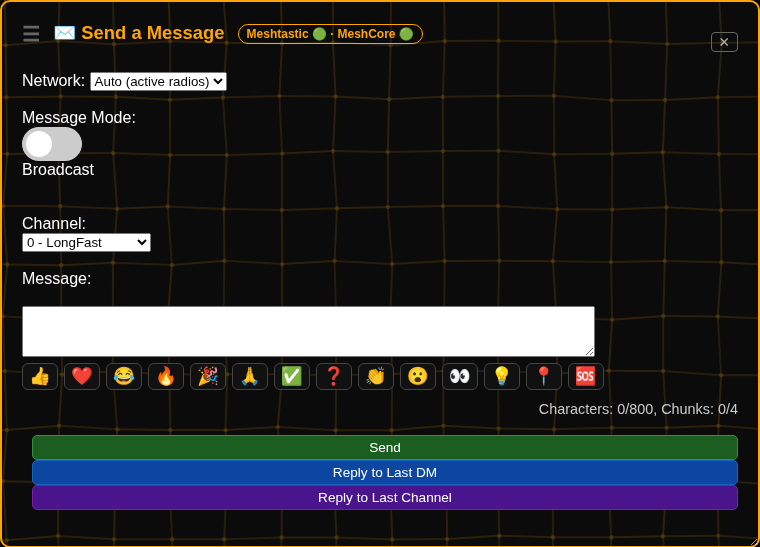
- Slash Commands
- WebUI Dashboard
mesh-api README
More in Networking
 mesh-router-tunnelSelf-hosted WireGuard VPN routing domain requests to Docker containers across networks with automatic HTTPS via Caddy.
 MirrorProxyMirrorProxy is a self-hosted, open-source mirror acceleration gateway for GitHub, Docker/OCI, language packages, and Linux/BSD repos with access control and quotas.
 mmarSelf-hosted, zero-dependency HTTP tunnel in Go that exposes local servers via public URLs. Offers free mmar.dev subdomains and custom domain self-hosting.
 MosquittoEclipse Mosquitto - An open source MQTT broker
 mtgmtg is a self-hosted, open-source MTProto proxy for Telegram designed to work in censored environments with domain fronting, traffic mimicry, and proxy chaining support.
 mullgateSelf-hosted command-line tool converting a Mullvad account into multiple authenticated proxy endpoints for selective traffic routing.
 nebulaNebula is an open-source, self-hosted mesh VPN that connects hosts anywhere via encrypted peer-to-peer tunnels, with built-in PKI, security groups and lighthouses.
 netbirdNetBird is a self-hosted, open-source zero-trust networking platform with WireGuard mesh, centralized access control, SSO/MFA, and posture checks.
 NetsGoSelf-hosted tunneling platform with built-in web console, REST API, and single-binary deployment for exposing private HTTP, TCP, and UDP services.
 NewtNewt is a self-hosted, open-source WireGuard tunnel client and proxy that connects private networks to the Pangolin platform without complex VPN setup.
 nginx-proxySelf-hosted Nginx reverse proxy for Docker: this open-source container writes vhost configs from running containers and reloads them, with HTTPS and load balancing.
 Nostr VPNSelf-hosted, open-source mesh VPN using Nostr identities for enrollment and Bitcoin-paid exit nodes.
0 comments