
Self-host mmar
v0.3.0Zero-dependency HTTP tunnel to expose localhost
- Stars
- 311
- Ports
- 3376 (HTTP tunnel traffic), 6673 (TCP tunnel control connection)
ghcr.io/yusuf-musleh/mmar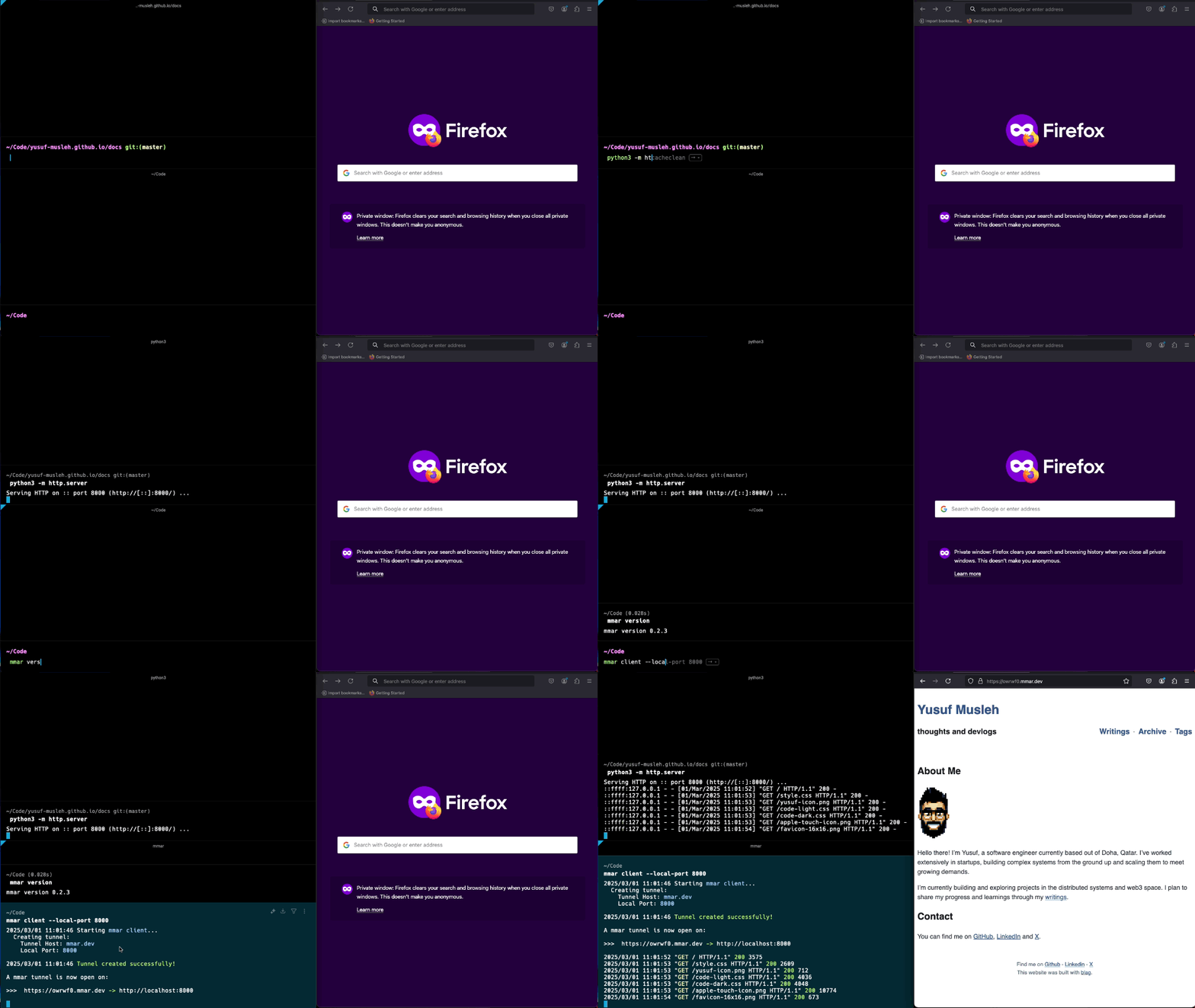
What is mmar?
mmar is a zero-dependency, cross-platform HTTP tunnel written in Go that lets developers expose their local development servers to the internet. It provides a free public tunnel service at mmar.dev with generated subdomains, and can be fully self-hosted on your own VPS with a custom domain. The tunnel supports exposing multiple ports on different subdomains, shows live request logs, and limits requests to 10MB. Self-hosting uses Docker Compose with a reverse proxy (Caddy recommended) for TLS termination and TCP routing. The server exposes HTTP on port 3376 and TCP on port 6673, with a stats page protected by username/password hashes. Current limitations include HTTP-only protocol support (WebSockets untested), 10MB request size limit, and 5 tunnels per IP.
Should you self-host mmar?
mmar scores 45/100 on selfhost.directory (how scoring works) and ranks #112 of 166 in Developer Tools. It has 311 GitHub stars.
It shipped 1 stable release in the past year. The latest, v0.3.0, came out on 6 December 2025.
Setup is moderate: expect some configuration beyond a single command. An official Docker image is available. It is AGPL-3.0-licensed and written mostly in Go.
Its closest alternative on selfhost.directory is openhands (87/100, 92 068 stars). It scores higher overall, so compare the two before you pick. See mmar vs openhands side by side.
Features
- Custom domain self-hosting
- Free public subdomain
- HTTP protocol onlyWebSockets not supported
- HTTP Tunneling
- Live request logs
- Multiple port exposure
- Request size limitCould be made configurable in future
- Stats pageProtected by username/password hashes
- Tunnel rate limitingCould be made configurable in future
- Zero Dependencies
mmar README
More in Networking
 MosquittoEclipse Mosquitto - An open source MQTT broker
 mtgmtg is a self-hosted, open-source MTProto proxy for Telegram designed to work in censored environments with domain fronting, traffic mimicry, and proxy chaining support.
 mullgateSelf-hosted command-line tool converting a Mullvad account into multiple authenticated proxy endpoints for selective traffic routing.
 nebulaNebula is an open-source, self-hosted mesh VPN that connects hosts anywhere via encrypted peer-to-peer tunnels, with built-in PKI, security groups and lighthouses.
 netbirdNetBird is a self-hosted, open-source zero-trust networking platform with WireGuard mesh, centralized access control, SSO/MFA, and posture checks.
 NetsGoSelf-hosted tunneling platform with built-in web console, REST API, and single-binary deployment for exposing private HTTP, TCP, and UDP services.
 NewtNewt is a self-hosted, open-source WireGuard tunnel client and proxy that connects private networks to the Pangolin platform without complex VPN setup.
 nginx-proxySelf-hosted Nginx reverse proxy for Docker: this open-source container writes vhost configs from running containers and reloads them, with HTTPS and load balancing.
 Nostr VPNSelf-hosted, open-source mesh VPN using Nostr identities for enrollment and Bitcoin-paid exit nodes.
 nostr-wallet-connectSelf-hosted, open-source NIP-47 implementation that lets Nostr clients like Damus or Amethyst connect to your Lightning node (LND or Alby) over Nostr relays.
 npsSelf-hosted, open-source Go NAT-traversal proxy: pair the nps server with npc clients to expose tcp, udp, domain, socks5 and p2p services behind private networks.
 NPS EnhancedSelf-hosted NAT traversal and reverse proxy exposing internal services via multiple protocols with a web dashboard.
0 comments