
Self-host Payload CMS
v3.93.0Code-first headless CMS built into your Next.js app
- Stars
- 45 827
What is Payload CMS?
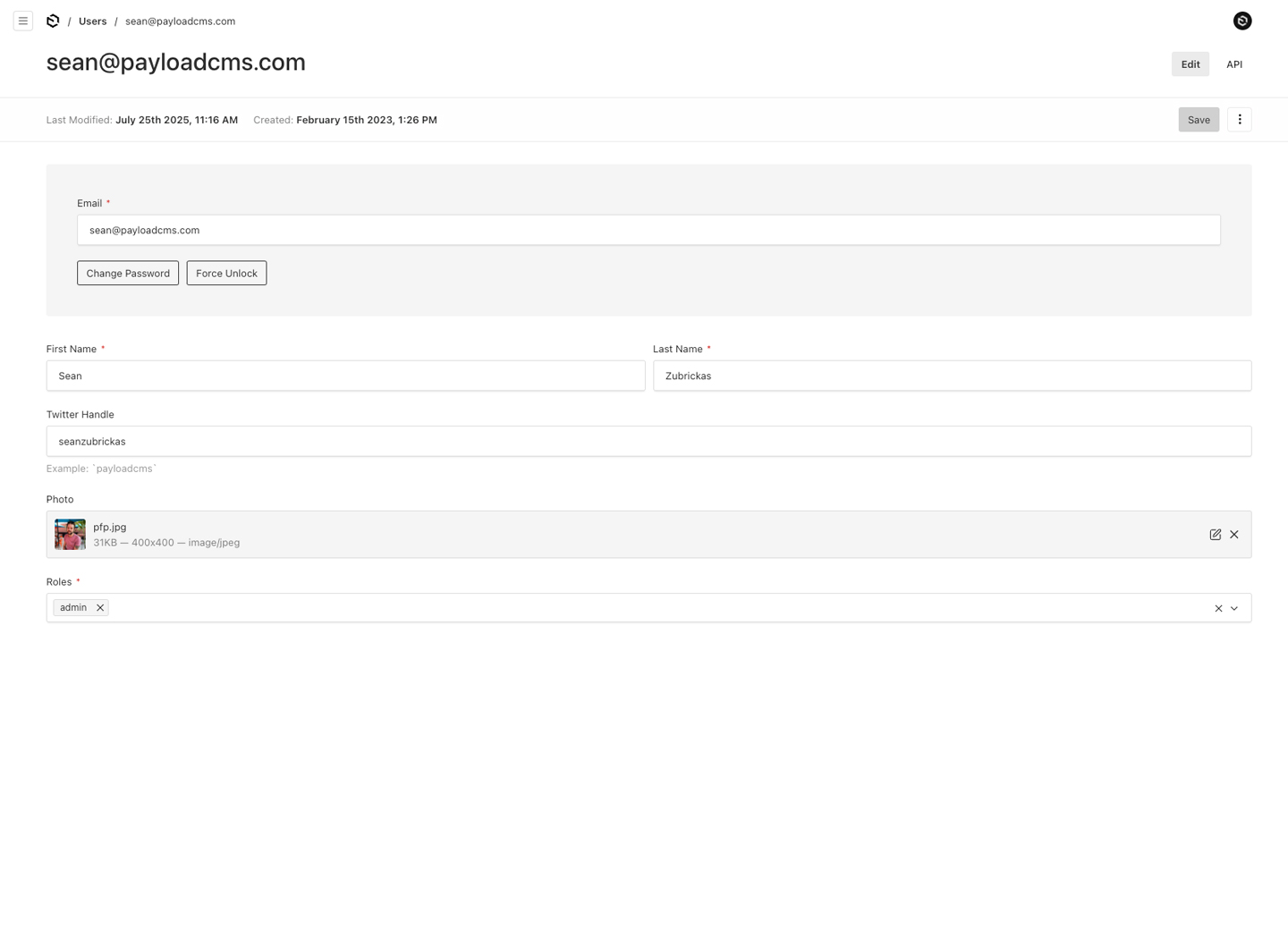
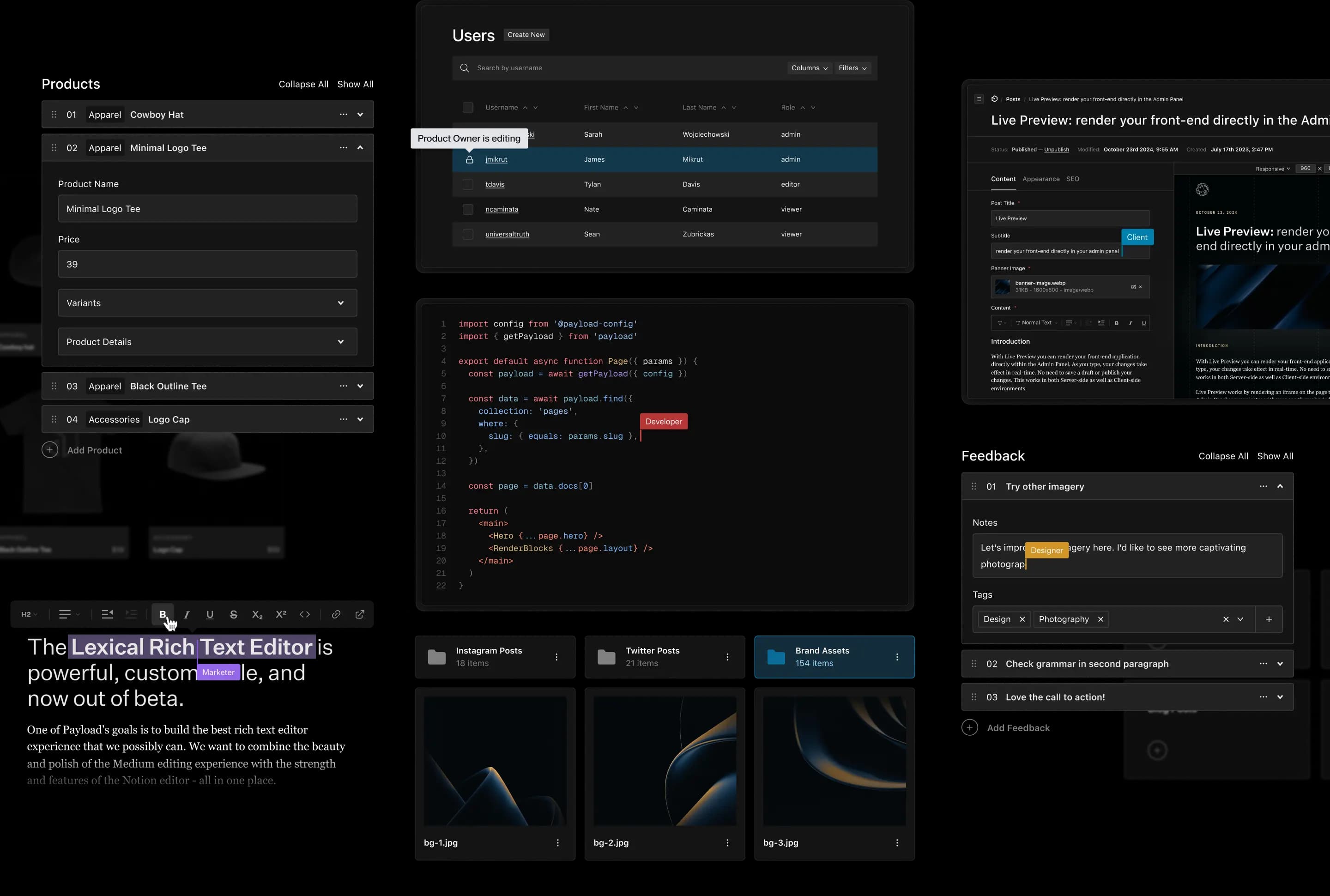
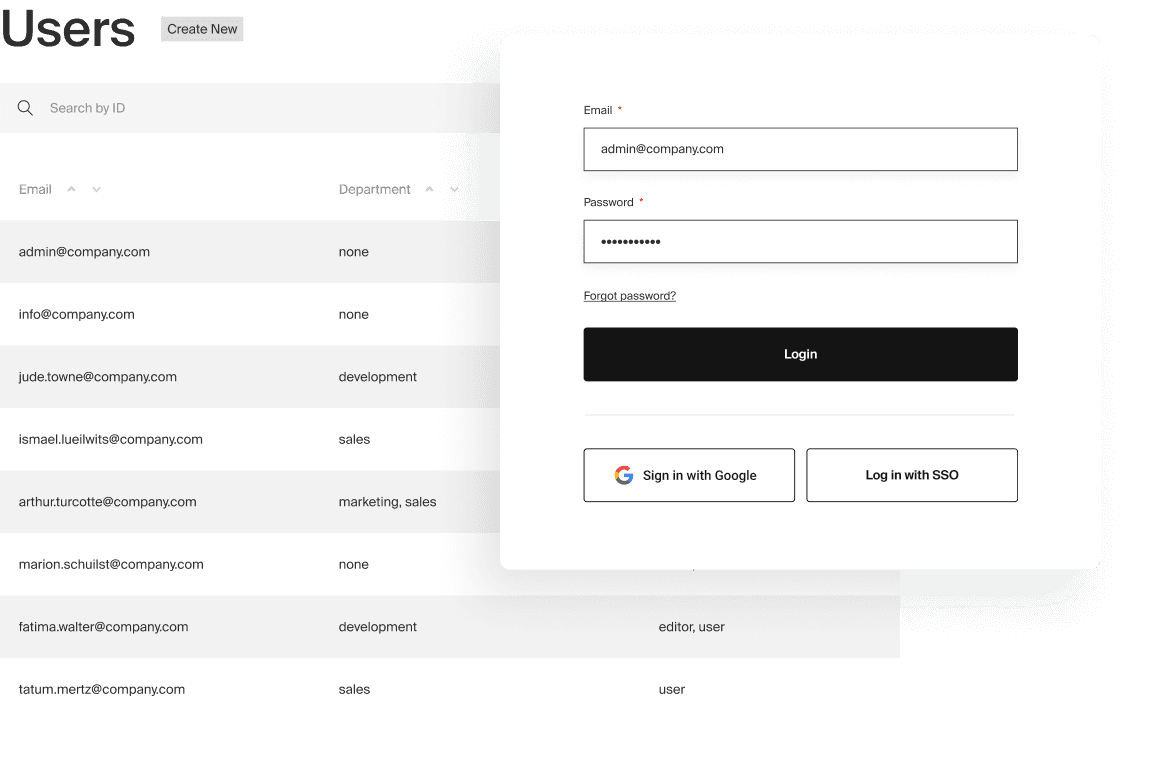
Payload is a TypeScript backend toolkit that turns a Next.js application into a complete content platform: you describe collections, fields and globals in a config file, and the package generates an admin panel, a database layer with migrations, and REST plus GraphQL endpoints that live next to your own front-end routes. It is used as a headless CMS and as the base for custom internal tools, ecommerce stores and digital-asset systems. Capabilities include an auth-enabled user collection with sessions, login throttling and password reset, per-document and per-field access rules, drafts with versioning and diffs, multilingual content, block-based page layout, a Lexical rich text editor, conditional field logic, live preview of the front end, and file uploads with image resizing and focal-point cropping. Data is stored through a database adapter you install for MongoDB, Postgres or SQLite, and the admin UI is translated into more than 30 languages with light and dark themes.
Installation is npx create-payload-app for a new project, or adding the payload and @payloadcms/next packages plus an adapter to an existing Next.js app; you set PAYLOAD_SECRET and a database URL, start the dev script, and open /admin to create the first user. Because Payload is part of your app, you run it on any hardware or host that serves Next.js, with one-click Vercel and Cloudflare options documented in the README. The core is free and open source under MIT; SSO with SAML/OAuth providers, visual editing and AI embedding are advertised as enterprise features. Version 4 is currently in beta while the 3.x line is in production use.
Payload CMS alternatives
 StrapiSelf-hosted, open-source headless CMS built with JavaScript/TypeScript that generates REST and GraphQL APIs from content models, with a customizable admin panel.CompareStrapi with Payload CMS
 directusDirectus is a self-hosted headless CMS that puts instant REST and GraphQL APIs, a no-code admin Studio, media library and an MCP server on top of your own SQL database.Comparedirectus with Payload CMS
 CockpitCockpit is a self-hosted, open-source headless CMS with GraphQL and REST APIs, flexible content modeling, and multi-language support. Runs on PHP with SQLite or MongoDB.CompareCockpit with Payload CMS
 KeystoneJSOpen-source headless CMS framework: describe a schema in TypeScript and get a self-hosted Node.js GraphQL API with admin UI, Prisma migrations, access control and auth.CompareKeystoneJS with Payload CMS
 webinyAn open-source, self-hosted headless CMS that runs serverless in your own AWS account, with a GraphQL API, drag-and-drop page builder, file manager and multi-tenancy.Comparewebiny with Payload CMS
 ApostropheCMSSelf-hosted, open-source Node.js CMS framework for teams: edit content on live pages or go headless with REST APIs and Astro, backed by MongoDB, PostgreSQL or SQLite.CompareApostropheCMS with Payload CMS
 VonCMSVonCMS is a self-hosted, open-source CMS for publishers. Runs on PHP/MySQL with no Node.js, offering editorial workflow, bundled themes, built-in SEO, GPL-3.0-only.CompareVonCMS with Payload CMS
 ApostropheA full-featured, open-source content management framework built with Node.js that empowers organizations by combining in-context editing and headless architecture in a full-stack JS environment.CompareApostrophe with Payload CMS
All self-hosted alternatives to Contentful → All self-hosted alternatives to Sanity → All self-hosted alternatives to Directus →
Should you self-host Payload CMS?
Payload CMS scores 82/100 on selfhost.directory (how scoring works) and ranks #2 of 13 in Headless CMS. It has 45 827 GitHub stars, +630 in the last 30 days.
It shipped 21 stable releases in the past year. The latest, v3.93.0, came out on 4 November 2026. New versions land roughly every 7 days.
Setup is moderate: expect some configuration beyond a single command. It is MIT-licensed and written mostly in Typescript.
Its closest alternative on selfhost.directory is Ghost (84/100, 55 826 stars). It scores higher overall, so compare the two before you pick. See Payload CMS vs Ghost side by side.
Features
- Auto-generated admin panel
- Block-based page builder
- Built-in user authentication
- Conditional field logic
- Custom UI components and white-labeling
- Drafts and versioning
- File uploads and image manipulation
- Granular Access Control
- GraphQL API
- Live Preview
- Localization
- Multi-language admin UI
- Plugin System
- REST API
- Rich Text Editor
Payload CMS README
FAQ
What happens if I edit the import map file directly?
Your changes are overwritten on the next startup or hot reload; instead set component paths in the Payload config and let it rebuild the import map.
Why does layout.tsx say "DO NOT MODIFY" if I need to edit it?
The warning is misleading: the file is generated during initial setup but never regenerated, so editing it is safe, e.g. when adapting the folder structure.
Which auto-generated files can I safely modify?
Most files inside the (payload) folder are created once and safe to change; only the importMap.js file is regenerated automatically.
Can I move the Payload admin panel to a custom location?
Yes, the admin panel can be mounted at custom routes such as /dashboard or /cms, or nested paths like /admin/content.
More in Headless CMS
 Shopware Community EditionShopware is a self-hosted, open-source e-commerce platform on Symfony and Vue.js with API-first architecture and plugin ecosystem.
 SquidexAn open-source, self-hosted headless CMS with REST and GraphQL APIs, content versioning, publishing workflows and asset management. Runs via Docker, Compose or Helm.
- StrapiSelf-hosted, open-source headless CMS built with JavaScript/TypeScript that generates REST and GraphQL APIs from content models, with a customizable admin panel.
 stubbyStubby CMS is a self-hosted, open-source headless CMS for developers to manage blog and docs content with MDX, REST API, webhooks, and custom React components.
 suluSulu is an open-source, self-hosted Symfony CMS for multilingual multisite projects, bundling DAM, PIM, headless REST and JSON:API and an admin UI.
 SuperdeskSuperdesk is a self-hosted, open-source digital newsroom platform for news organizations, combining headless CMS with editorial workflows and multi-channel publishing.
 Umbraco CMSUmbraco is a free and open source .NET content management system helping you deliver delightful digital experiences.
 WagtailSelf-hosted, open-source CMS built on Python and Django: StreamField blocks, editorial workflows, headless content API, image tools, multi-site and multi-language.
- webinyAn open-source, self-hosted headless CMS that runs serverless in your own AWS account, with a GraphQL API, drag-and-drop page builder, file manager and multi-tenancy.
- ApostropheCMSSelf-hosted, open-source Node.js CMS framework for teams: edit content on live pages or go headless with REST APIs and Astro, backed by MongoDB, PostgreSQL or SQLite.
 Atomic ServerAtomicServer is a self-hosted, open-source headless CMS and real-time database for atomic.place with local-first sync, collaborative docs, tables, chat, and AI via MCP.
 cmsA self-hosted flat-file content management system built on Laravel, installed with Composer or Laravel Sail, with live preview, blueprints and headless APIs.
0 comments