
Self-host JmalCloud
v2.16.9Private cloud storage with WebDAV and object storage support
- Stars
- 410
- Port
- 8088 (HTTP API and web UI)
jmal/jmalcloud-sql:latest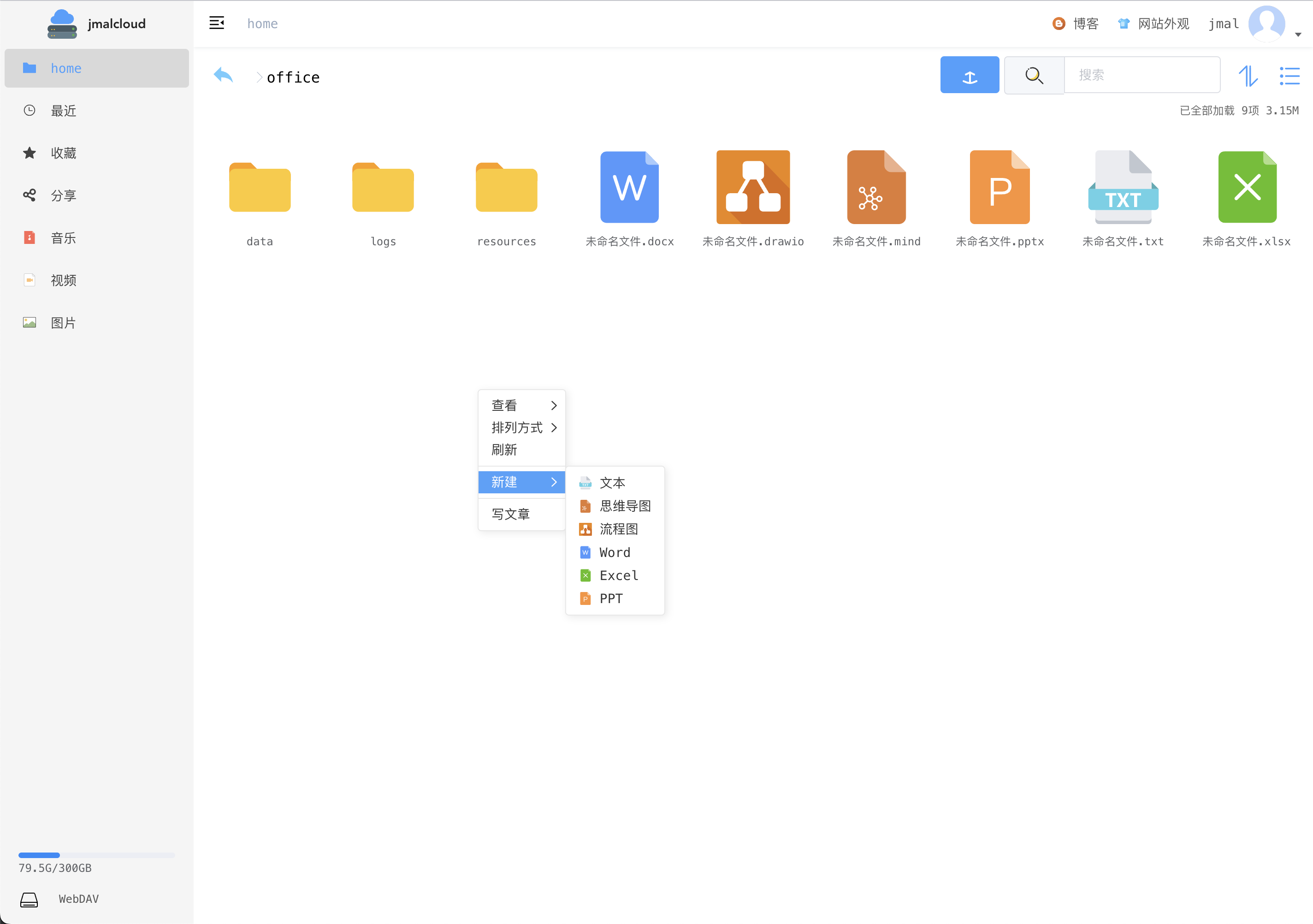
What is JmalCloud?
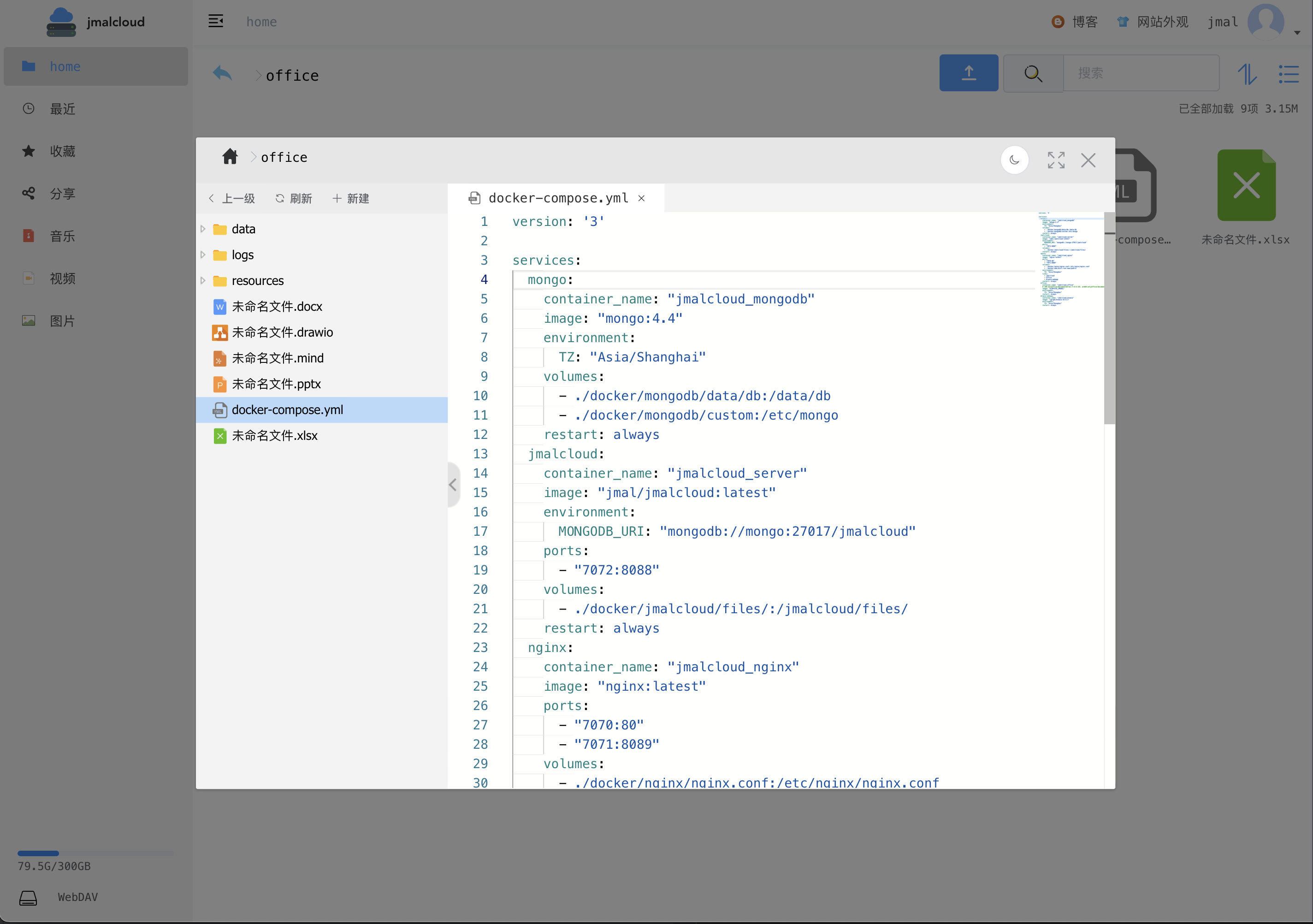
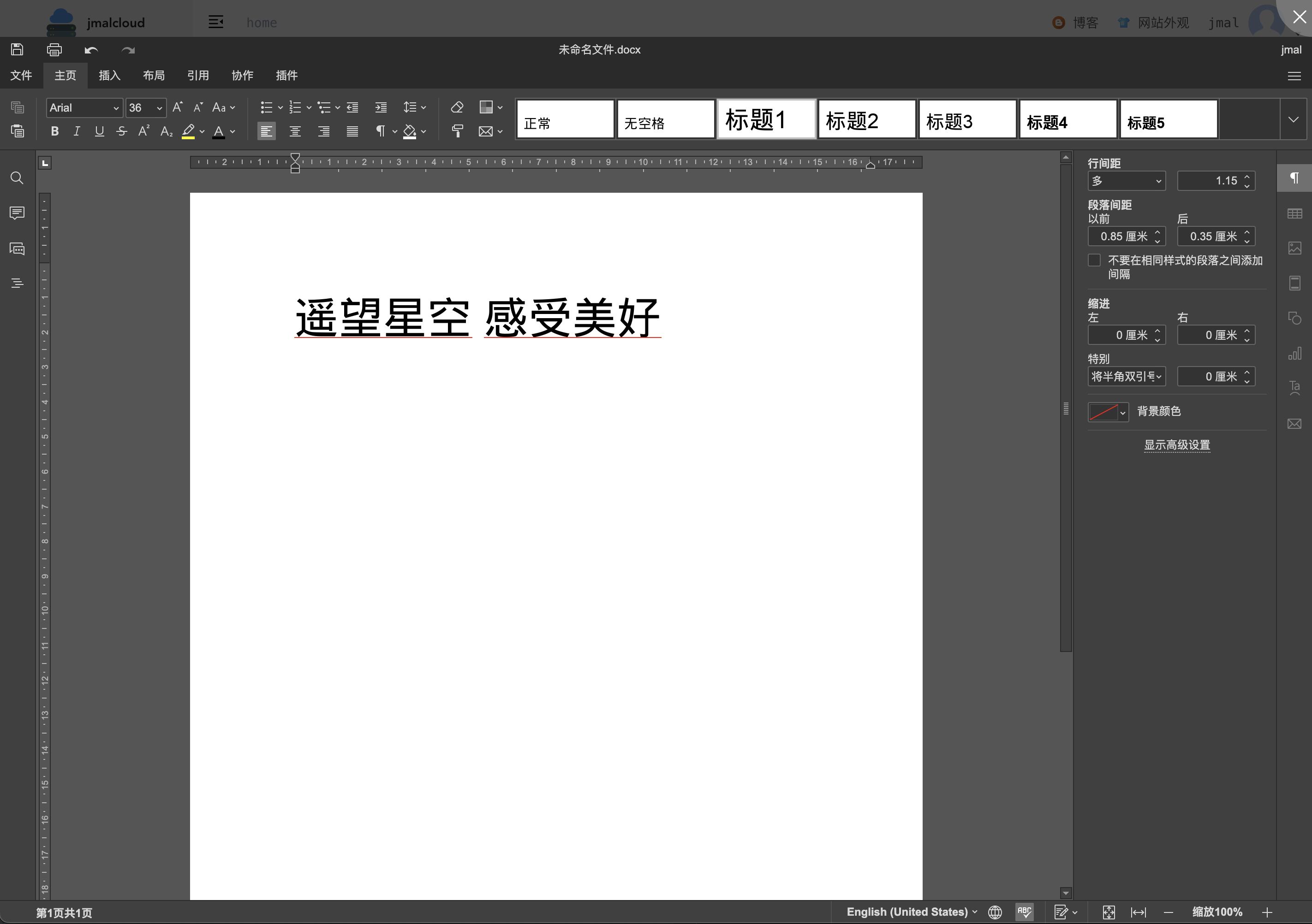
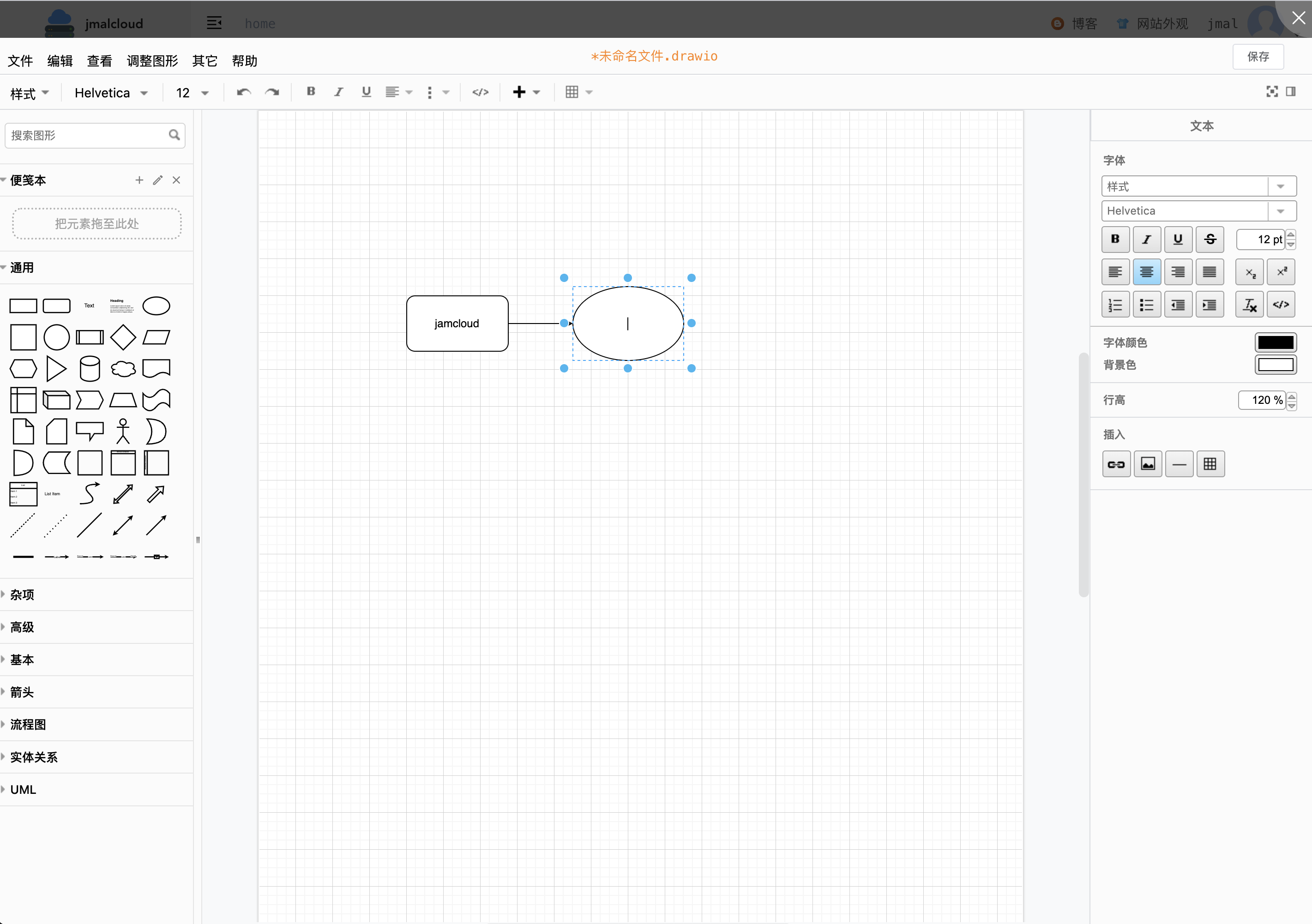
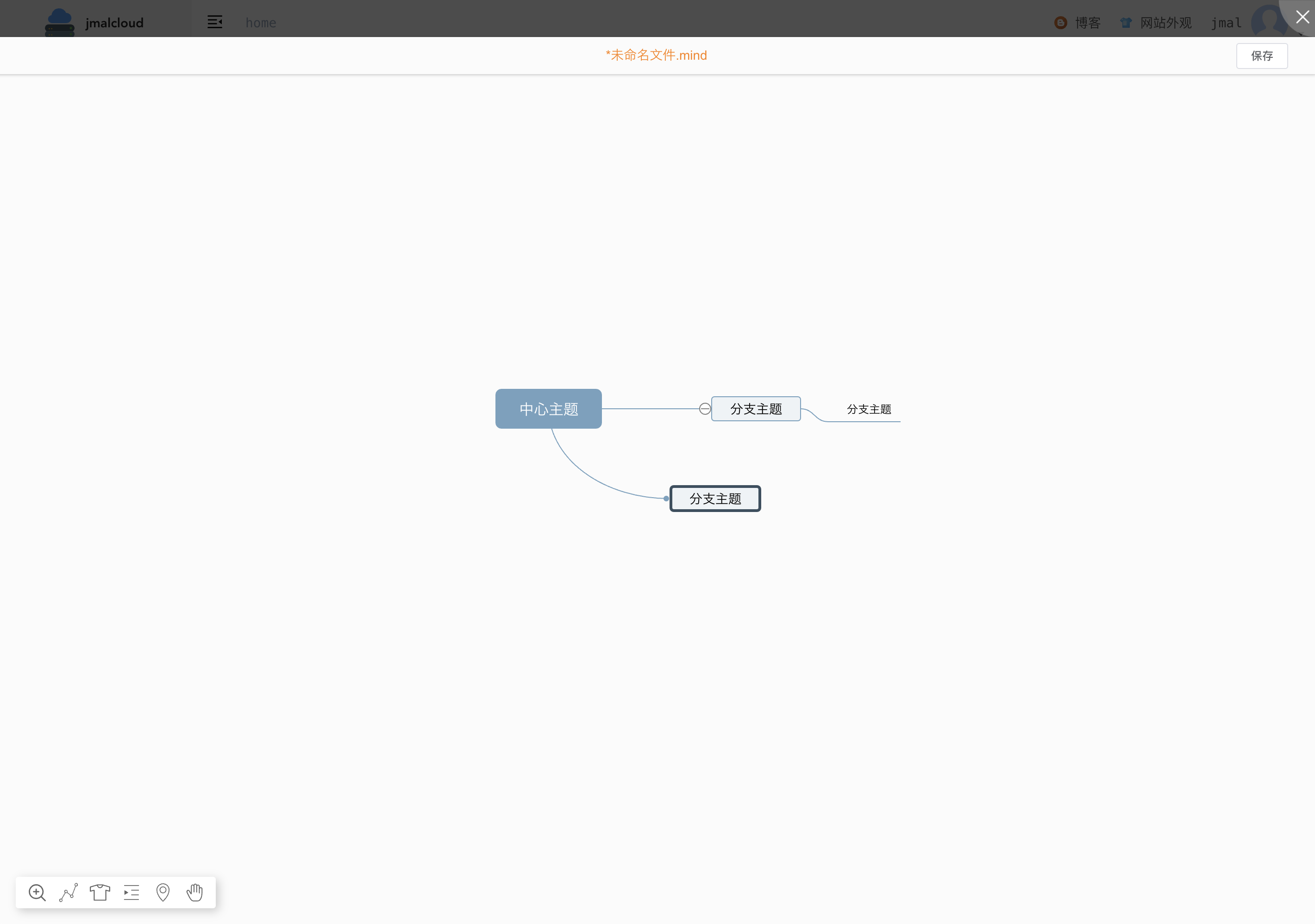
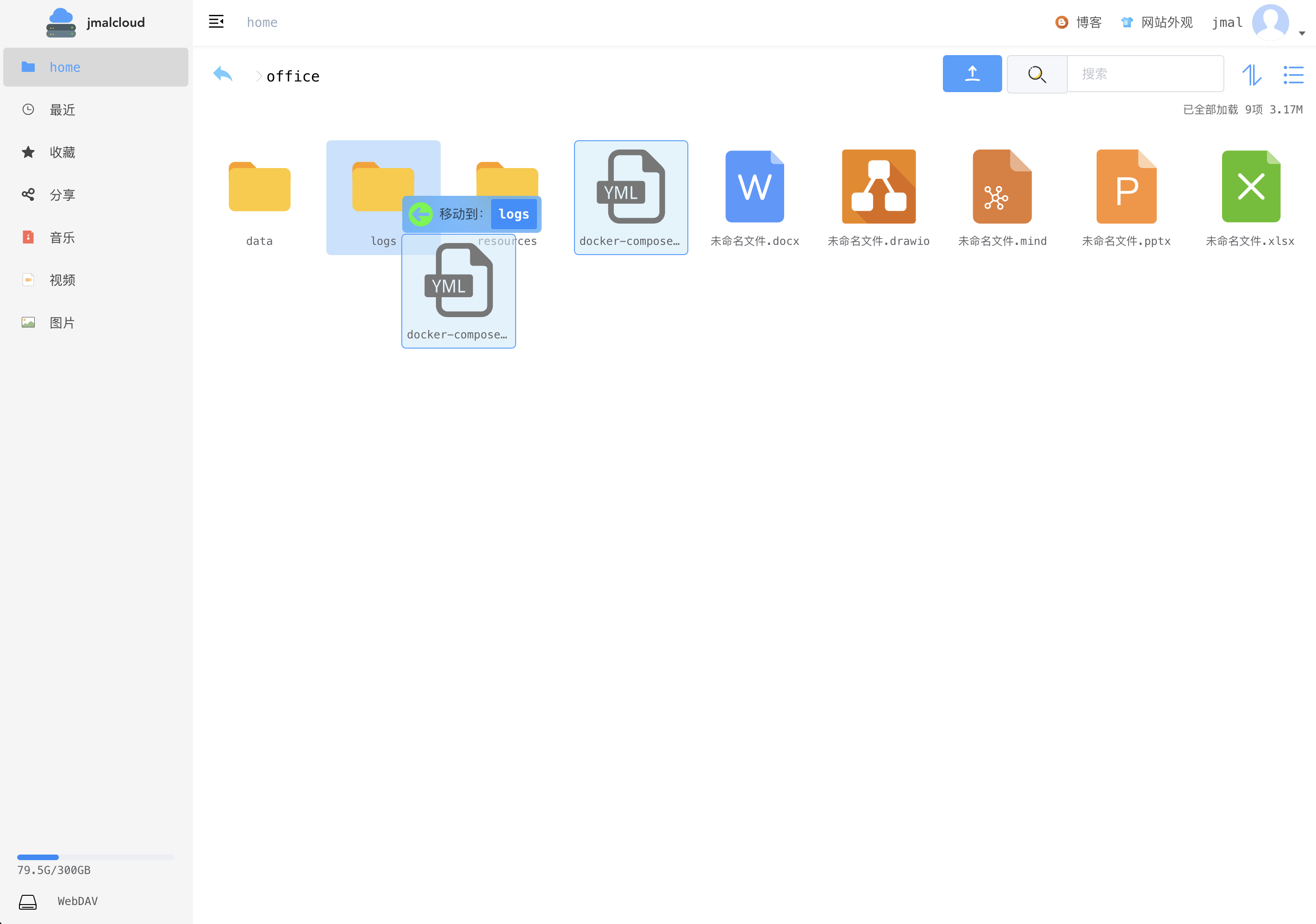
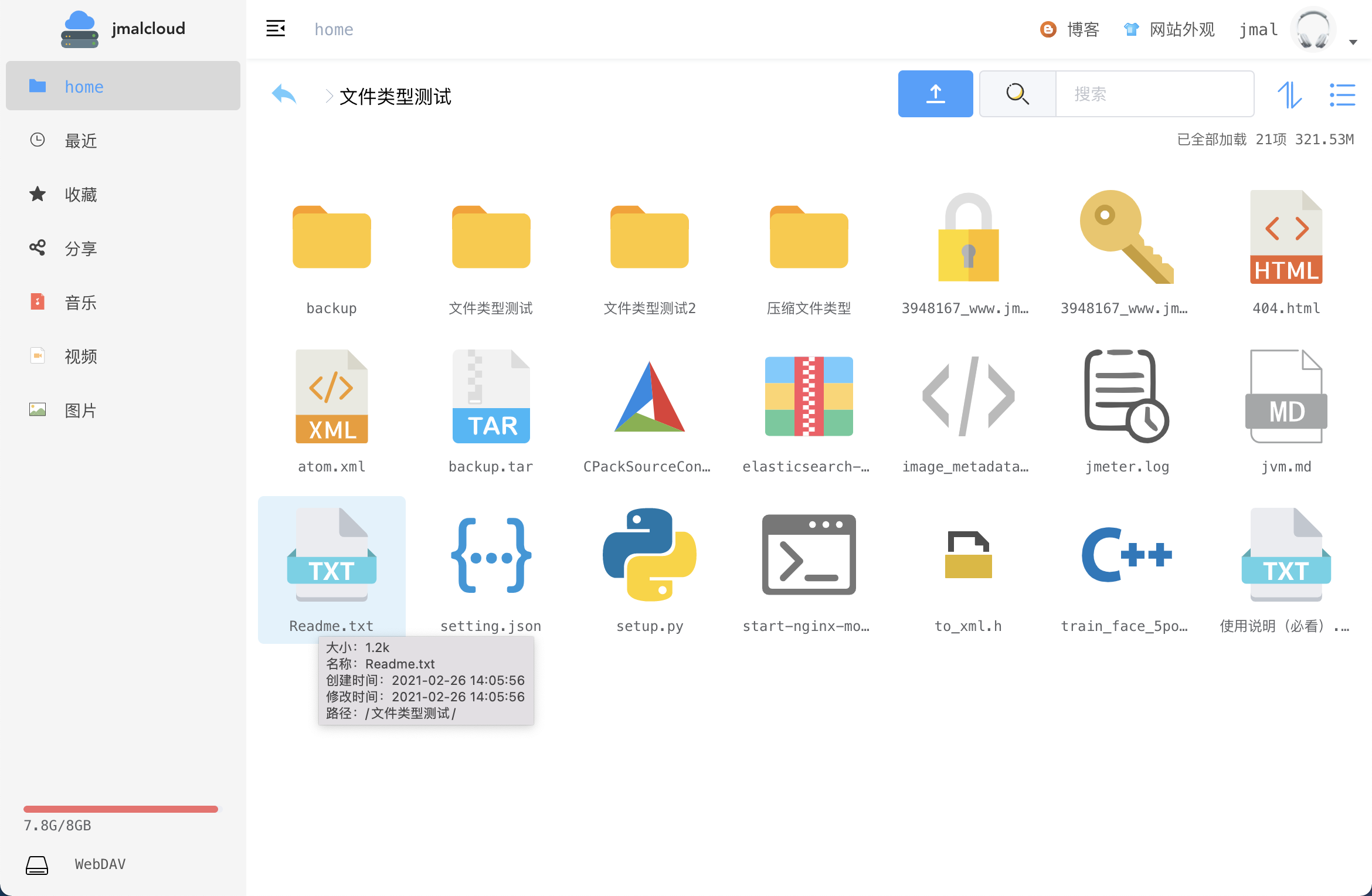
JmalCloud is a private cloud storage project built with Java and a Vue.js frontend. You can run your own file server with support for large uploads that resume after interruption, preview of images, audio, video, documents and DWG drawings, online editing of office files through OnlyOffice, WebDAV access to mount the drive locally, and full-text search across many file types. It works with SQLite, MongoDB, MySQL or PostgreSQL for the database, and can store files on major cloud object storage services or MinIO. The server listens on port 8088 and is deployed via Docker or Docker Compose. Login supports TOTP two-factor authentication and LDAP. A public demo exists at jmal.top/demo.
Should you self-host JmalCloud?
JmalCloud scores 50/100 on selfhost.directory (how scoring works) and ranks #7 of 15 in File Storage. It has 410 GitHub stars.
It shipped 9 stable releases in the past year. The latest, v2.16.9, came out on 4 August 2026. New versions land roughly every 2 weeks.
Setup is moderate: expect some configuration beyond a single command. An official Docker image is available. It is MIT-licensed and written mostly in Java.
Its closest alternative on selfhost.directory is juicefs (73/100, 14 582 stars). It scores higher overall, so compare the two before you pick. See JmalCloud vs juicefs side by side.
Features
- CLI upload tool
- Custom iframe preview handlers
- DWG drawing preview
- File Preview
- File storage and management
- Full-Text Search
- Large file upload with resumable transfer
- LDAP Authentication
- Multiple Database Backends
- Object storage backends
- Online document editingRequires separate OnlyOffice Document Server deployment
- STUN channel / gost dynamic nodes
- Two-factor authentication (TOTP)
- WebDAV Support
JmalCloud README
FAQ
What databases does JmalCloud support?
SQLite (default), MongoDB, MySQL, and PostgreSQL. Configure via DATA_BASE_TYPE environment variable.
How do I configure custom iframe preview handlers?
Provide a JSON configuration mapping file extensions to preview handler URLs with $e_url or $eb_url placeholders for the file URL.
Why can't I view Office documents after deployment?
Two common causes: 1) Reverse proxy missing 'proxy_set_header Host $http_host' when using non-standard ports. 2) OnlyOffice JWT_SECRET not configured correctly in JmalCloud settings.
How do I add a local directory to the cloud drive?
Mount the local directory into the container under a user's folder (e.g., /jmalcloud/files/admin/doc), restart the container, then click 'Rebuild Index' in the cloud drive settings.
How do I reset the administrator password?
Set the RESET_ADMIN_PASSWORD environment variable to true, restart the container, check the logs for the new default password, then remove or set the variable to false.
More in File Storage
 juicefsSelf-hosted, open-source JuiceFS is a POSIX file system: blocks go to object storage, metadata to Redis, MySQL or SQLite, plus S3, WebDAV and HDFS access.
 kurpodKURPOD is a self-hosted, open-source encrypted file storage system with dual-volume plausible deniability, hiding files in innocuously named blobs.
 KurrierKurrier is an open-source, self-hosted workspace unifying email, calendars, contacts, and file storage via IMAP/SMTP, CalDAV, CardDAV, and WebDAV/S3 with OIDC/SSO auth.
 leilfsLeilFS is a self-hosted, open-source distributed POSIX file system with high availability, erasure coding, and linear scalability for media, AI, backup, and HPC.
 leofsLeoFS is a self-hosted, open-source distributed object storage with S3 API compatibility, multi-datacenter replication, and REST/NFS support for large-scale data lakes.
 lufinLufin is an open-source, self-hosted file sharing service with client-side encryption, password protection, and support for multiple databases and S3 storage.
 nhostOpen-source Firebase alternative and Backend-as-a-Service: Postgres, Hasura GraphQL APIs, auth, file storage and serverless functions, self-hosted with Docker Compose.
 OpenAFSOpenAFS is a self-hosted, open-source distributed filesystem providing location-independent file sharing across Linux, UNIX, macOS, and Windows with Kerberos auth.
 ottrboxOttrBox is a self-hosted, open-source file sharing platform for sending files via secure links with expiration, passwords, and visitor limits — a WeTransfer alternative.
 perkeepPerkeep is an open-source, self-hosted personal storage system for keeping, syncing and sharing content, with search, a web UI, FUSE mounts and cloud blob backends.
 pingvin-share-xOpen-source self-hosted file sharing platform and WeTransfer alternative with link sharing, expiration, passwords, ClamAV scanning, S3 support, and OIDC/LDAP auth.
 PlikSelf-hosted temporary file sharing platform with multiple storage backends, end-to-end encryption, and both CLI and web interfaces for easy file transfers.
0 comments