
Self-host lufin
v1.0.0Modern self-hosted file sharing with end-to-end encryption
- Stars
- 234
- Port
- 3000 (backend API)
What is lufin?
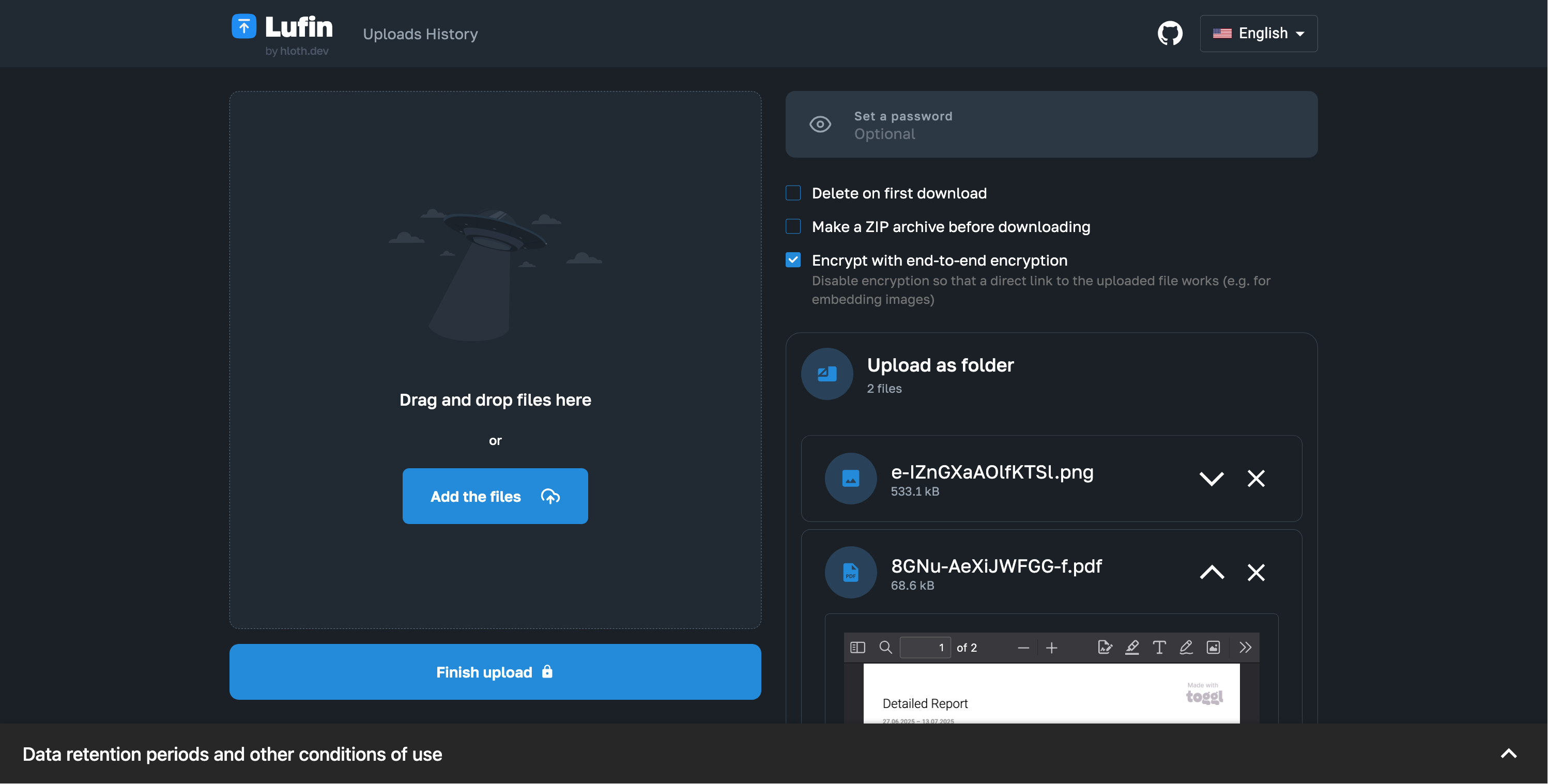
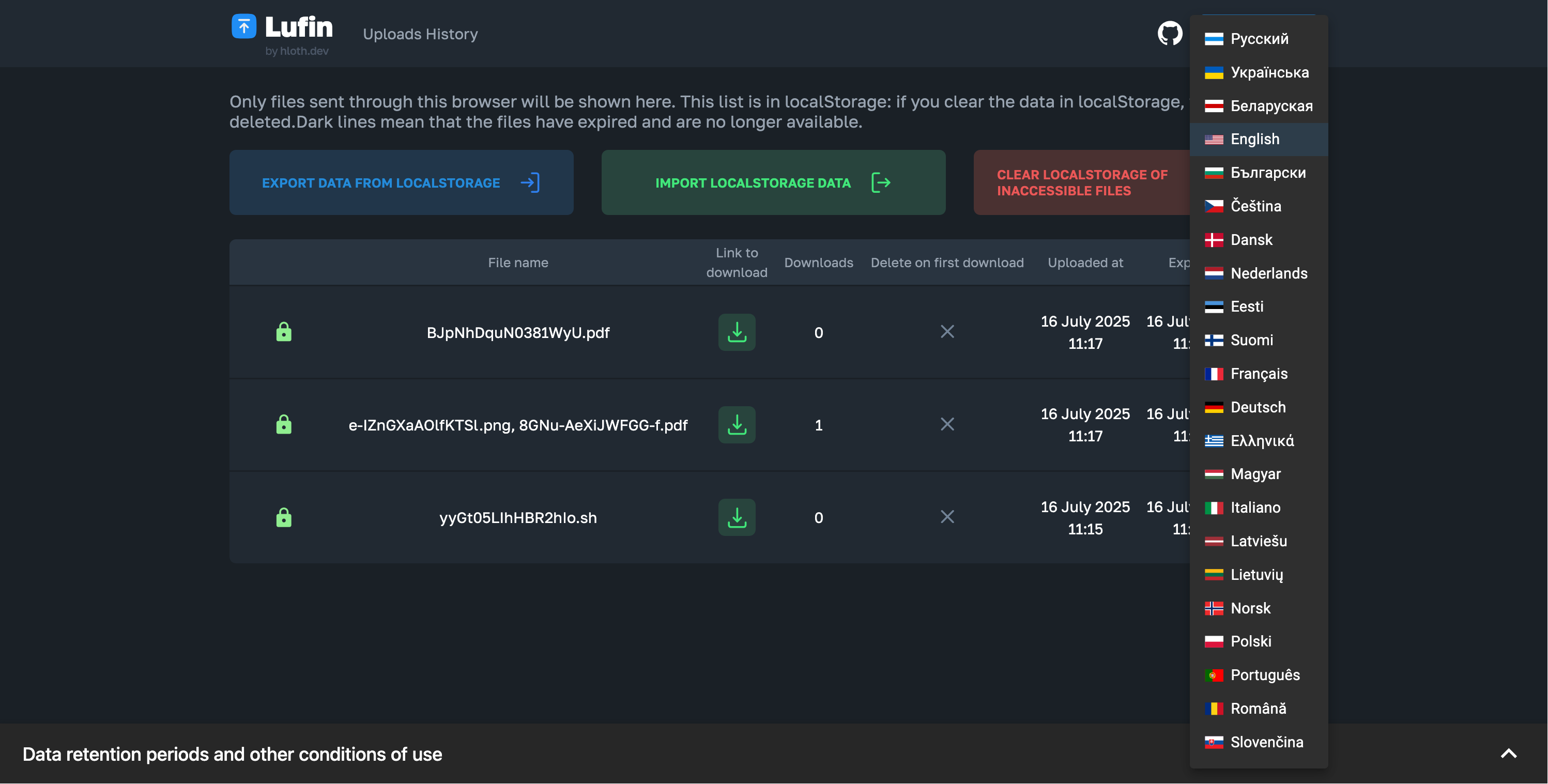
Lufin is a modern self-hosted file sharing service built with React, Elysia, and Bun. It provides client-side end-to-end encryption using AES-GCM, password protection for shared files, and configurable data retention based on file size. The service offers rich previews for images, audio, video, archives, spreadsheets, text files, and PDFs directly in the browser. It supports multiple database backends including PostgreSQL, MongoDB, and SQLite, along with storage options such as local filesystem, S3-compatible services like Cloudflare R2, and local MinIO. Deployment uses Docker Compose with automatic HTTPS via Caddy, or manual installation from source. The frontend is fully static with no server-side rendering required. The interface is available in 26 languages. There is no user authentication system — files are shared via links stored in browser LocalStorage.
Should you self-host lufin?
lufin scores 45/100 on selfhost.directory (how scoring works) and ranks #62 of 86 in File Sharing. It has 234 GitHub stars.
There was no stable release in the past 12 months, so check the repository's recent activity before you rely on it.
Setup is moderate: expect some configuration beyond a single command. It is MIT-licensed and written mostly in Typescript.
Its closest alternative on selfhost.directory is copyparty (82/100, 47 153 stars). It scores higher overall, so compare the two before you pick. See lufin vs copyparty side by side.
Features
- Automatic file renaming
- Client-side Archive Generation
- Client-side file previews
- Client-side Image Compression
- Configurable data retention
- Delete at first download
- Docker Compose Deployment
- End-to-end encryption
- File sharing via links
- LocalStorage link management
- Metadata stripping
- Multi-language Support
- Multiple database support
- Password Protection
lufin README
More in File Storage
 nhostOpen-source Firebase alternative and Backend-as-a-Service: Postgres, Hasura GraphQL APIs, auth, file storage and serverless functions, self-hosted with Docker Compose.
 OpenAFSOpenAFS is a self-hosted, open-source distributed filesystem providing location-independent file sharing across Linux, UNIX, macOS, and Windows with Kerberos auth.
 ottrboxOttrBox is a self-hosted, open-source file sharing platform for sending files via secure links with expiration, passwords, and visitor limits — a WeTransfer alternative.
 perkeepPerkeep is an open-source, self-hosted personal storage system for keeping, syncing and sharing content, with search, a web UI, FUSE mounts and cloud blob backends.
 pingvin-share-xOpen-source self-hosted file sharing platform and WeTransfer alternative with link sharing, expiration, passwords, ClamAV scanning, S3 support, and OIDC/LDAP auth.
 PlikSelf-hosted temporary file sharing platform with multiple storage backends, end-to-end encryption, and both CLI and web interfaces for easy file transfers.
 SafebucketSafebucket is a self-hosted, open-source file sharing platform where uploads/downloads bypass the server via presigned URLs to S3-compatible storage.
 simpnasSelf-hosted NAS operating system with a web UI for managing drives, volumes, network shares, users, and integrated apps like Jellyfin and Transmission.
 srcSelf-hosted open-source file sharing with Flask/Preact. Direct links, 24h auto-delete, 200MB limit, MongoDB + S3 storage.
 Standard NotesSelf-hosted, open-source note-taking app with end-to-end encryption, cross-platform sync on unlimited devices, extensible note types, and a plugin system.
 supabaseSelf-hosted open-source Postgres platform with database, auth, realtime, storage, edge functions, and vector embeddings as a Firebase alternative.
 tahoe-lafsSelf-hosted decentralized cloud storage that distributes encrypted data across multiple servers. Open-source alternative to centralized cloud storage like Dropbox.
0 comments