
Self-host jenkins
jenkins-2.590Open-source automation server for CI and CD pipelines
helm install jenkins jenkinsci/jenkins -f values.yaml --namespace jenkins- Stars
- 26 780
- RAM
- 256 MB of RAM
- Storage
- 1 GB of drive space (although 10 GB is a recommended minimum if running Jenkins as a Docker container)
- Ports
- 8080 (Web UI served via HTTP (or HTTPS)), 50000 (TCP agent listener port for inbound Jenkins agents; disabled by default in most packages but exposed by the Docker images)
jenkins/jenkins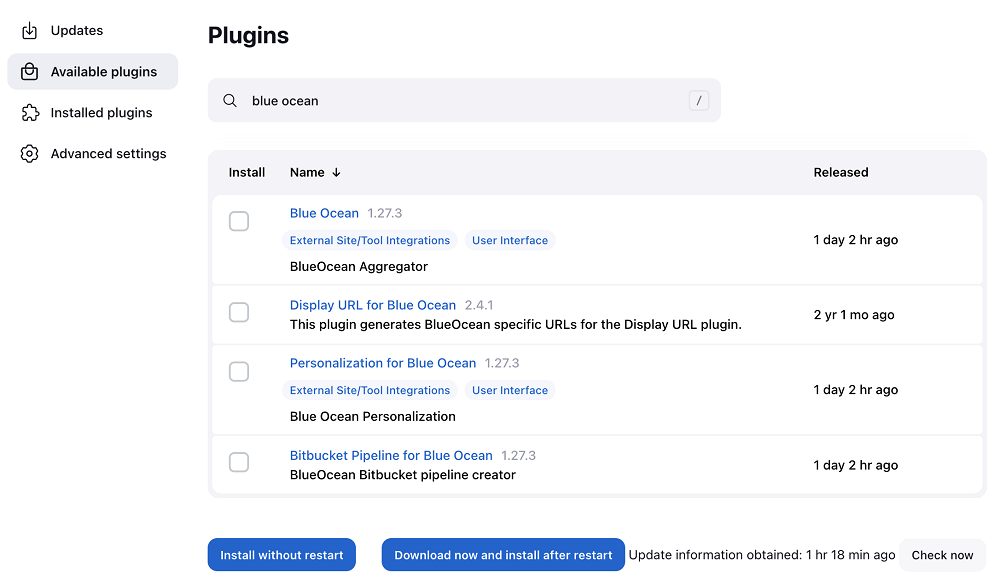
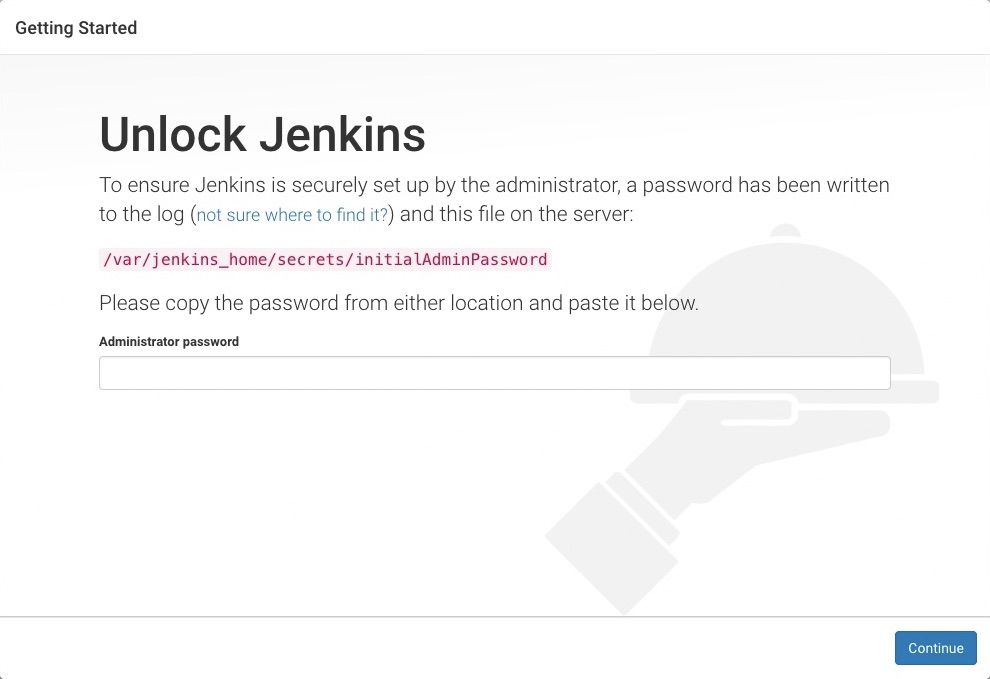
What is jenkins?
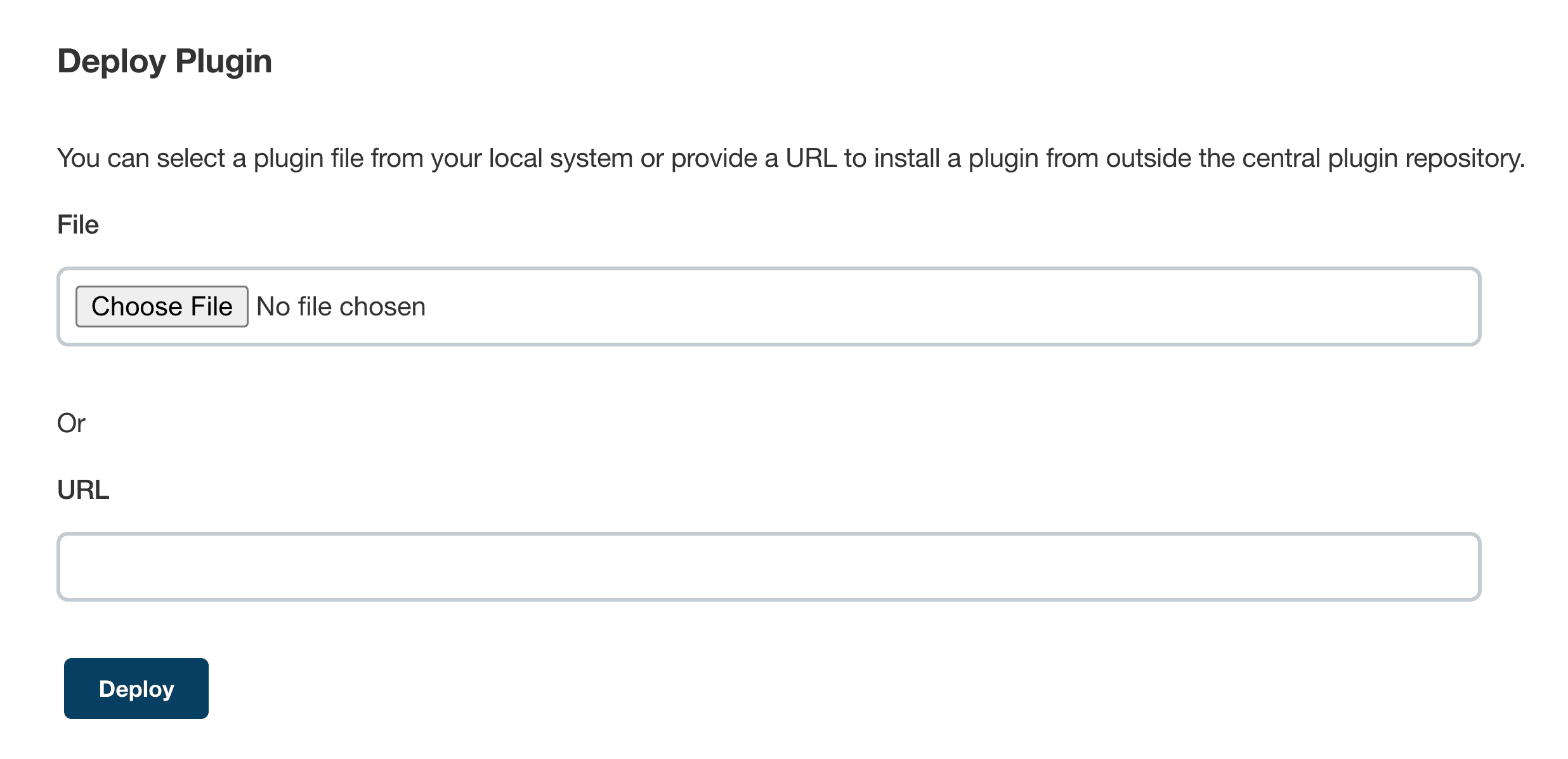
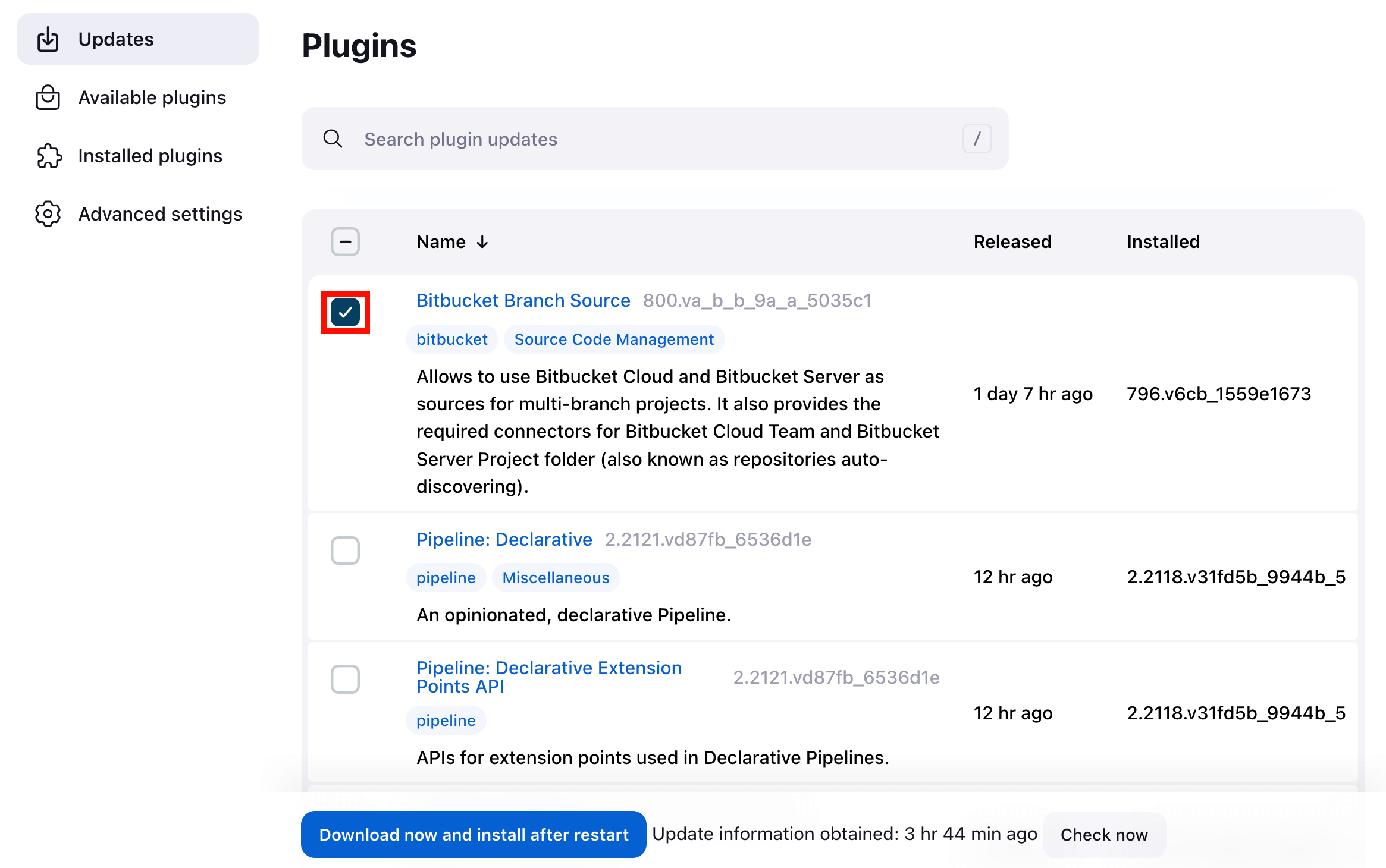
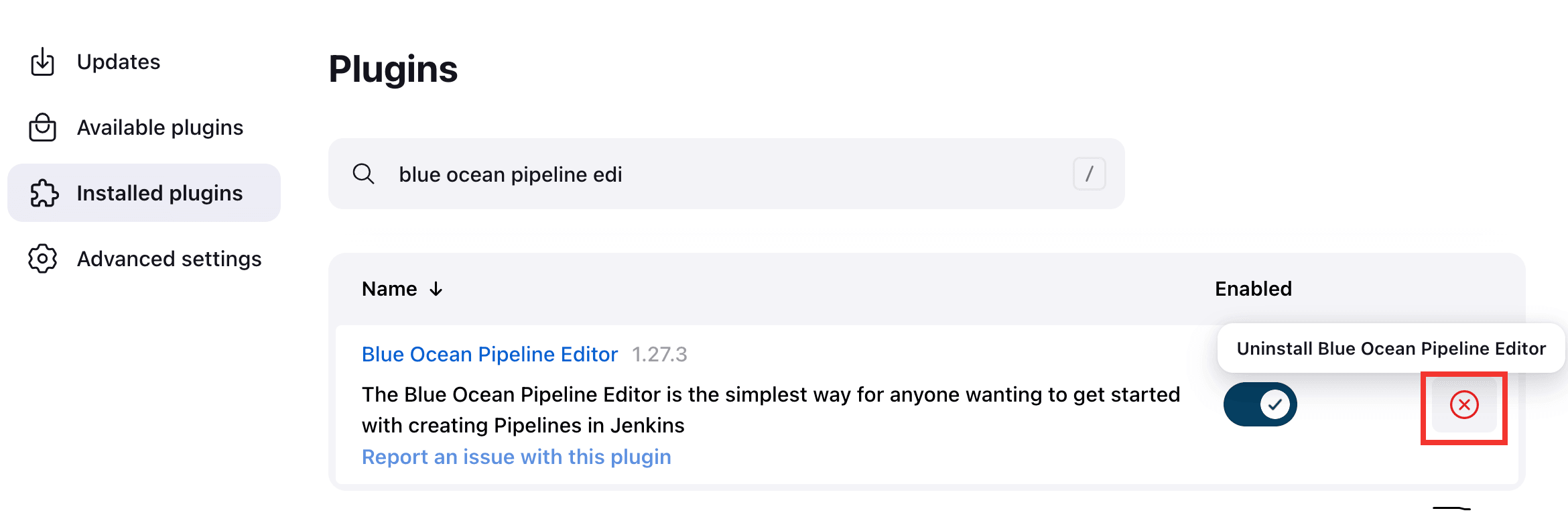
Jenkins is the widely used open-source automation server written in Java, letting teams automate their development workflow: compiling projects, running tests, static code analysis and deployments. Pipelines are written as code in a Jenkinsfile, with multibranch pipelines and organization folders driven from source control. Builds are distributed across many agent machines, which connect over TCP (port 50000 by default) or WebSocket, and an official Helm chart plus Docker images make containerized and Kubernetes setups straightforward; a dedicated handbook chapter covers large-scale installations. Administration happens in the browser: a first-run setup wizard, a plugin manager for the 2300+ community plugins (web UI or CLI, including manual .hpi upload, update, disable and uninstall), plus a script console and a CLI. Access control combines an authentication security realm (built-in users, LDAP/Active Directory, GitHub authentication, reverse-proxy setups) with an authorization strategy offering fine-grained scoped permissions, and CSRF protection is on by default with optional Content Security Policy support from 2.539 onwards. You can run it with java -jar jenkins.war, from the jenkins/jenkins Docker image, with native packages for Ubuntu/Debian, RHat-family, Fedora and openSUSE, via a Windows installer, or with the Helm chart on Kubernetes. The MIT-licensed core is released in two lines: frequent weekly builds carrying new features and a Long-Term Support line backporting fixes. The TCP agent port stays disabled in most native packages, and much of the toolchain coverage comes from plugins rather than core.
jenkins alternatives
 RundeckEnable Self-Service Operations: Give specific users access to your existing tools, services, and scriptsCompareRundeck with jenkins
 PipewrightA self-hosted CI/CD platform that unifies build pipelines, server deployment, and container management in a single Go binary.ComparePipewright with jenkins
 GitLab-CESelf-hosted, open-source DevOps platform for Git repositories, merge requests, CI/CD pipelines, issue boards and wikis, with free CE and paid Premium/Ultimate tiers.CompareGitLab-CE with jenkins
 ToolJetSelf-hosted, open-source low-code platform for internal tools and dashboards: visual builder, 90+ data sources, built-in database, AI app generation and MCP agent access.CompareToolJet with jenkins
 gocdSelf-hosted, open-source CD server by Thoughtworks. Automates build-test-release pipelines and visualizes the whole delivery flow in a value stream map.Comparegocd with jenkins
 woodpecker-ciSelf-hosted, open-source Apache-2.0 CI/CD engine: pipeline steps run in Docker containers and workflows trigger from forges like GitHub, Gitea, GitLab or Bitbucket.Comparewoodpecker-ci with jenkins
 semaphoreSemaphore is a self-hosted, open-source CI/CD platform with YAML pipelines, parallel execution, and self-hosted agents for teams.Comparesemaphore with jenkins
 buildbotOpen-source, Python-based CI framework you self-host as a master plus workers, automating build, test and release with a web UI, REST API and VCS hooks.Comparebuildbot with jenkins
Should you self-host jenkins?
jenkins scores 83/100 on selfhost.directory (how scoring works) and ranks #1 of 28 in CI/CD. It has 26 780 GitHub stars, +134 in the last 30 days.
It shipped 34 stable releases in the past year. The latest, jenkins-2.590, came out on 10 November 2026. New versions land roughly every 7 days.
Setup is moderate: expect some configuration beyond a single command. An official Docker image is available. It is MIT-licensed and written mostly in Java.
Its closest alternative on selfhost.directory is Argo CD (81/100, 24 622 stars). jenkins scores higher overall. See jenkins vs Argo CD side by side.
Features
- Access control with security realms
- CLI
- Content Security Policy
- Continuous Integration & Continuous Delivery
- CSRF protection
- Distributed builds
- Multibranch Pipelines
- Pipeline as Code
- Plugin Ecosystem
- Script Console
- Two release lines
- Web-based configuration
- Web UI themes
More in CI/CD
 KeployOpen-source record-and-replay testing tool that turns live API, database and queue traffic into runnable tests and mocks; self-hosted via a CLI agent.
 krakenKraken CI is a self-hosted, open-source CI/CD system for massive-scale testing with hardware testing support, cloud autoscaling, and detailed test analytics.
 KuberoOpen-source, self-hosted PaaS for Kubernetes: deploy containers or source with 160+ app templates, CI/CD pipelines and GitOps review apps, run by a UI plus operator.
 Mend Renovate CLIMend Renovate CLI auto-updates dependencies across 90+ package managers on GitHub, GitLab, Bitbucket, Azure DevOps. Self-hosted, open-source, replaces manual maintenance.
 mortiseMortise brings Railway-style git-push deployments to your own Kubernetes cluster. Open-source, self-hosted, handles builds, TLS, domains, and preview environments.
 myshoesmyshoes is an open-source, self-hosted daemon that manages auto-scaling GitHub Actions runners on your own cloud infrastructure.
 OneDevOneDev is a powerful and simple DevOps platform that integrates Git server, Kanban, CI/CD, and package registries into a seamless experience.
 OpenshipSelf-hosted open-source PaaS: hand it a repo, a folder or an artifact and it detects your stack, builds it, then serves it on your domain with free certificates.
 OrbiOrbi is an open-source, self-hosted software delivery system that turns labeled GitHub Issues into independently reviewed, merged PRs and tagged releases using AI agents.
 php-censorPHP Censor is an open-source, self-hosted CI server for PHP. Builds from GitHub, GitLab, Bitbucket, runs tests, checks code quality. Deploys via Composer or Docker.
 pi-dispatchSelf-hosted service running pi coding agent as background jobs with container isolation, spend caps, and admin panel.
- PipewrightA self-hosted CI/CD platform that unifies build pipelines, server deployment, and container management in a single Go binary.
0 comments