
Self-host woodpecker-ci
v3.20.1Container-based CI/CD engine driven by your git forge
- Stars
- 8 129
- RAM
- around 100 MB (Server) and 30 MB (Agent) at runtime in idle mode
- Ports
- 8000 (HTTP listener of the server (Web UI and API)), 9000 (gRPC listener the agents connect to), 443 (HTTPS listener, used when SSL is enabled)
- Requires
- Docker
woodpeckerci/woodpecker-server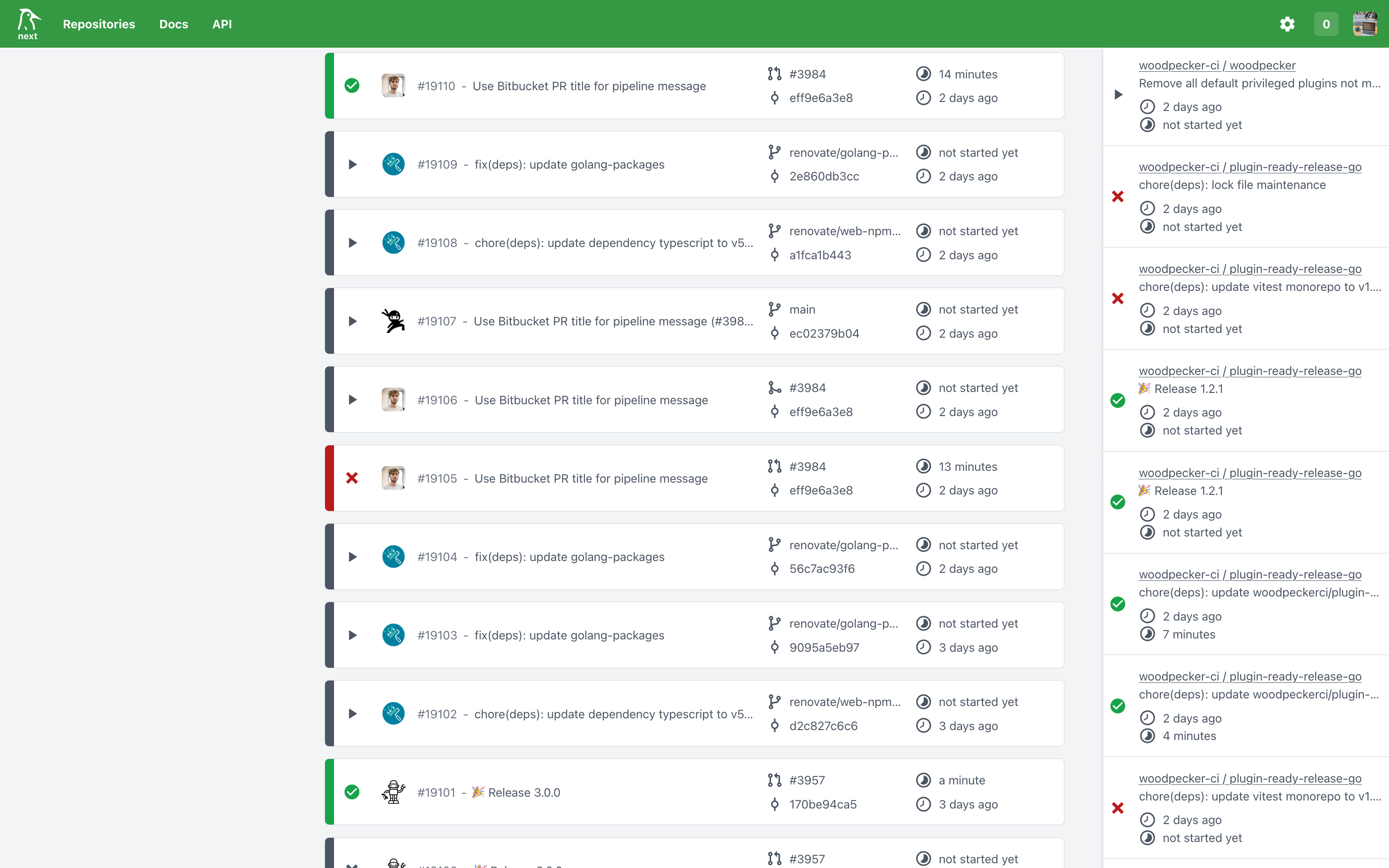
What is woodpecker-ci?
Woodpecker is a CI/CD engine that runs your build, test and deploy workflows in Docker containers, triggered by events on the git forge you connect it to. Its architecture splits into a server, hosting the web interface, the API, webhook handling and pipeline scheduling, plus one or more agents that carry out workflows through a Docker, Kubernetes or Local backend, and an optional autoscaler that provisions cloud VMs for pending builds. Workflows are declared as YAML files in the repository and cover multiple dependent workflows, matrix workflows, cron schedules, secrets, registries, services, volumes, status badges and a broad plugin ecosystem, with addon forges available for hosts Woodpecker does not cover in core. Login happens through the forge over OAuth2, so access is governed by settings such as open registration, allowed organizations and explicit admin lists. Self-hosting uses the container images published on DockerHub and Quay, release tarballs on GitHub, DEB/RPM packages, or the documented Docker Compose and Helm setups; SQLite is the default store, while Postgres or MariaDB are recommended for larger instances. The server needs roughly 100 MB of RAM and an agent about 30 MB when idle, and the Local backend offers no container isolation, so it is meant only for trusted private setups. Woodpecker costs nothing, is Apache 2.0 licensed (its docs fall under CC-BY-SA 4.0), is funded via Open Collective and GitHub Sponsors, and Codeberg runs it as that platform's primary build system.
woodpecker-ci alternatives
 Drone CIOpen-source, self-hosted DevOps platform: Git hosting, CI/CD pipelines, cloud dev environments and artifact registries. Drone's successor, runs in one Docker container.CompareDrone CI with woodpecker-ci
 pi-dispatchSelf-hosted service running pi coding agent as background jobs with container isolation, spend caps, and admin panel.Comparepi-dispatch with woodpecker-ci
 GitLab-CESelf-hosted, open-source DevOps platform for Git repositories, merge requests, CI/CD pipelines, issue boards and wikis, with free CE and paid Premium/Ultimate tiers.CompareGitLab-CE with woodpecker-ci
 gocdSelf-hosted, open-source CD server by Thoughtworks. Automates build-test-release pipelines and visualizes the whole delivery flow in a value stream map.Comparegocd with woodpecker-ci
 GitnessAn open-source, self-hosted DevOps platform combining Git code hosting, CI/CD pipelines, Gitspaces dev environments and artifact registries in one Docker container.CompareGitness with woodpecker-ci
 Concourse CIConcourse is an open-source, self-hosted CI/CD automation system built around resources, tasks, and jobs with declarative YAML pipelines configured via the fly CLI.CompareConcourse CI with woodpecker-ci
 semaphoreSemaphore is a self-hosted, open-source CI/CD platform with YAML pipelines, parallel execution, and self-hosted agents for teams.Comparesemaphore with woodpecker-ci
 Gitea RunnerGit with a cup of tea! Painless self-hosted all-in-one software development service, including Git hosting, code review, team collaboration, package registry and CI/CDCompareGitea Runner with woodpecker-ci
Should you self-host woodpecker-ci?
woodpecker-ci scores 74/100 on selfhost.directory (how scoring works) and ranks #5 of 28 in CI/CD. It has 8 129 GitHub stars, +177 in the last 30 days.
It shipped 12 stable releases in the past year. The latest, v3.20.1, came out on 29 October 2026. New versions land roughly every 3 weeks.
Setup is moderate: expect some configuration beyond a single command. An official Docker image is available. It is Apache-2.0-licensed and written mostly in Go.
Its closest alternative on selfhost.directory is jenkins (83/100, 26 736 stars). It scores higher overall, so compare the two before you pick. See woodpecker-ci vs jenkins side by side.
Features
- Access control via organizations and admins
- Addon forges and plugins
- Autoscaling agents on cloud VMsOptional component, needs a supported cloud provider.
- CLI Client
- Cron Job Scheduling
- Forge-based event triggers
- Matrix workflows
- Multiple execution backends (Docker, Kubernetes, Local)
- Multiple workflows with dependencies
- Plugin extensibility
- REST API
- Secrets Management
- Services and volumes in workflows
- Status badges

More in CI/CD
 ZealotSelf-hosted, open-source beta app distribution server for iOS, Android, macOS, Windows and Linux builds, with OTA install pages, webhooks and a fastlane plugin.
 actions-runner-controllerAn open-source Kubernetes operator that auto-scales self-hosted GitHub Actions runners on your own cluster using Helm charts.
 Aerokube MoonMoon is a self-hosted commercial browser automation platform for Kubernetes/OpenShift running Selenium, Playwright, Cypress, and Puppeteer tests.
 Agentic OrchestratorSelf-hosted AI workflow orchestrator turning feature requests into supervised engineering workflows using isolated git worktrees and multiple AI provider CLIs.
 AI-Git-BotSelf-hosted AI automation for Git repositories that handles PR reviews, test creation, issue improvement, and code generation across major Git platforms.
 AngusKitSelf-hosted AI-native platform bundling six dev tools with shared identity. Free Community Edition for up to 10 users.
 ARAOpen-source Ansible reporting tool: ara records playbook and ad-hoc runs into SQLite, MySQL or PostgreSQL, browsable via a self-hosted web UI, REST API and CLI.
 Argo CDOpen-source, self-hosted GitOps CD for Kubernetes that keeps clusters in sync with Kustomize, Helm, Jsonnet or YAML manifests in Git, with web UI, CLI, SSO and RBAC.
 argosThe open source visual testing platform for teams and AI agents. Review the product, not just the code.
 ArgusSelf-hosted open-source tool that monitors software releases from GitHub, websites, and Docker registries, then sends notifications and webhooks on new versions.
 BencherOpen-source continuous benchmarking suite: a CLI, API server, and web console that track benchmark results and catch performance regressions; self-hosted with Docker.
 Broccoli OSSBroccoli OSS is a self-hosted AI tool that turns Linear issues into pull requests using Claude and Codex on your own Google Cloud.
0 comments