
Self-host IPFS Web UI
v4.13.0Web interface for managing an IPFS node
- Stars
- 1 636
- Requires
- Kubo (IPFS daemon)
What is IPFS Web UI?
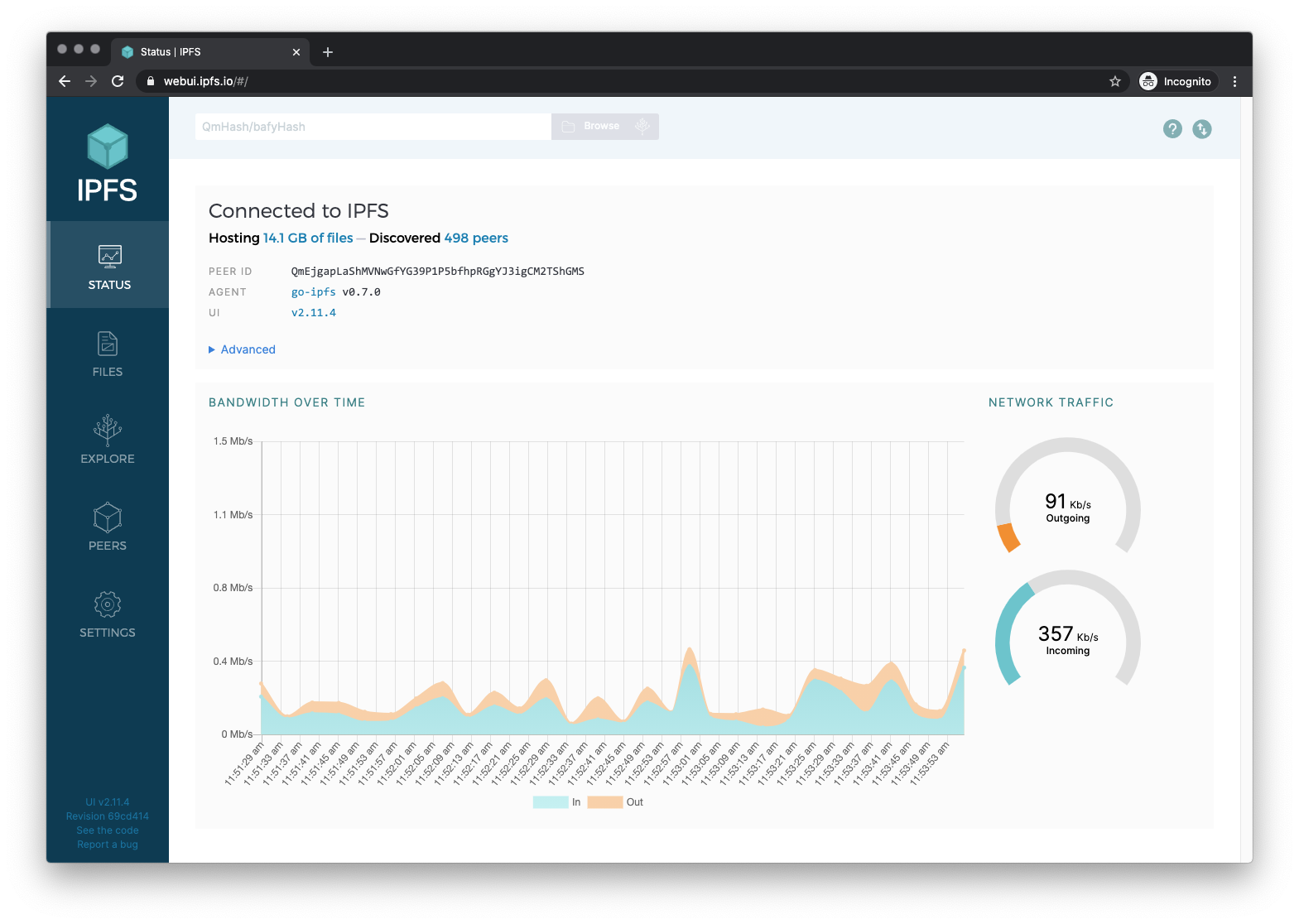
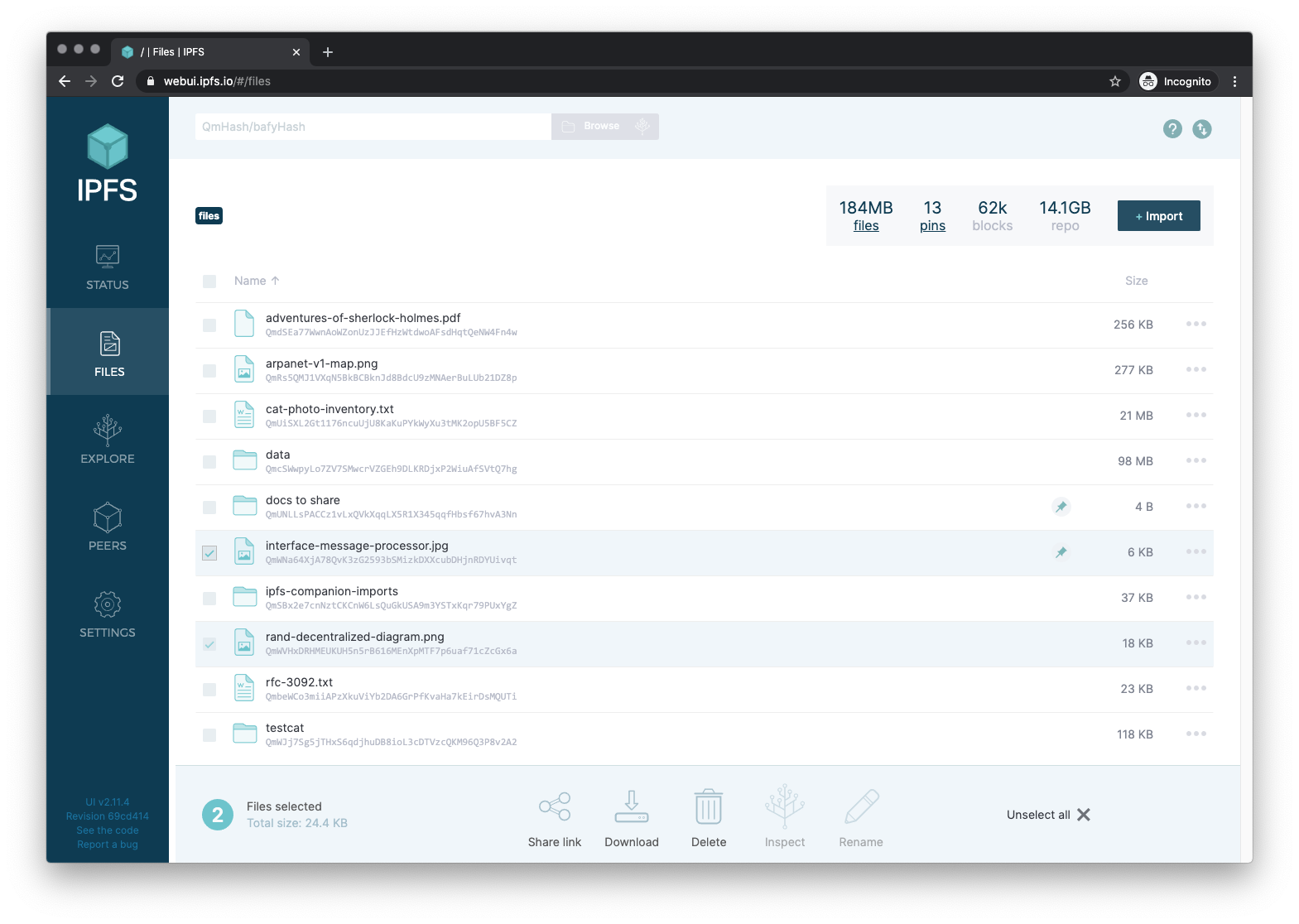
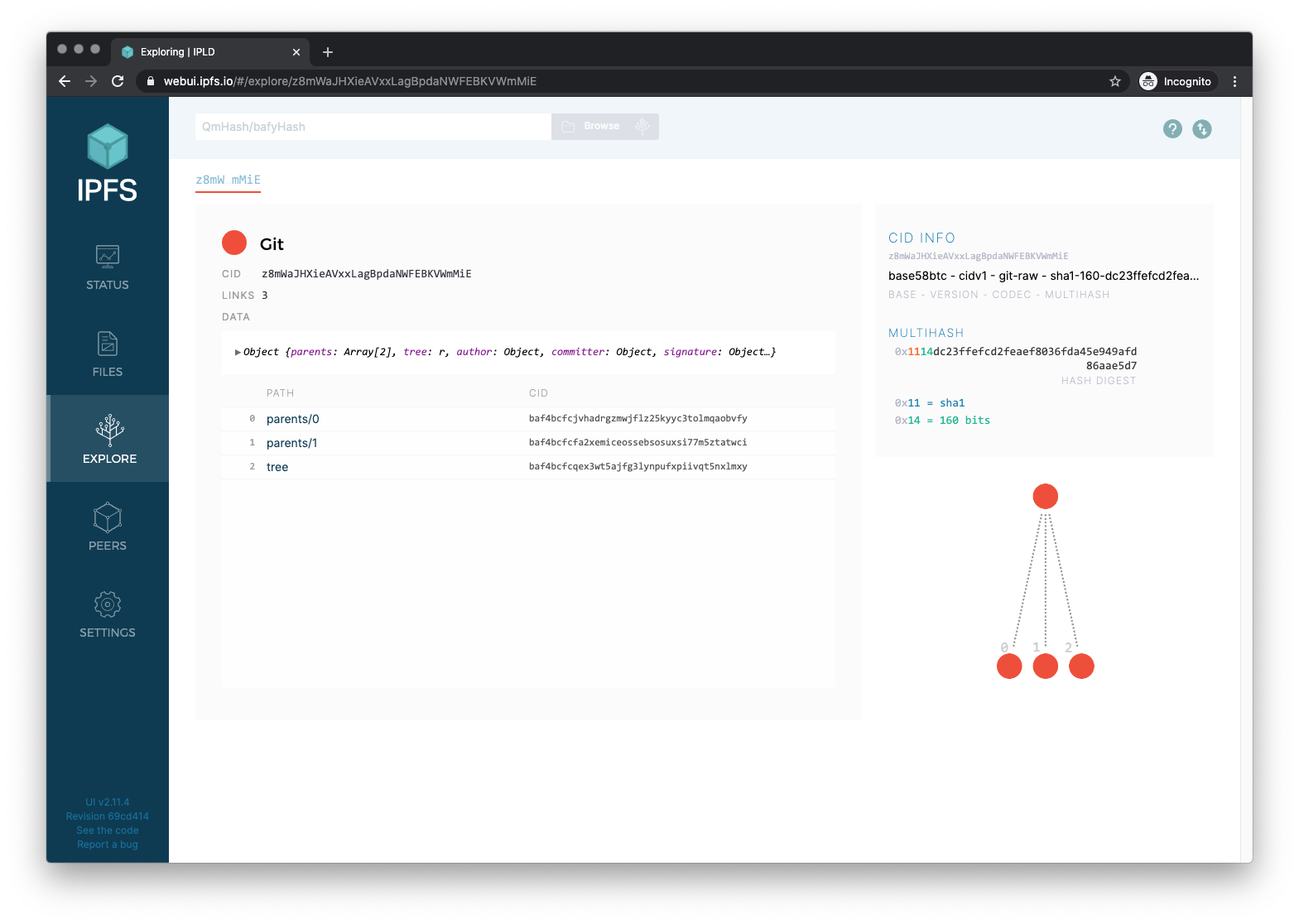
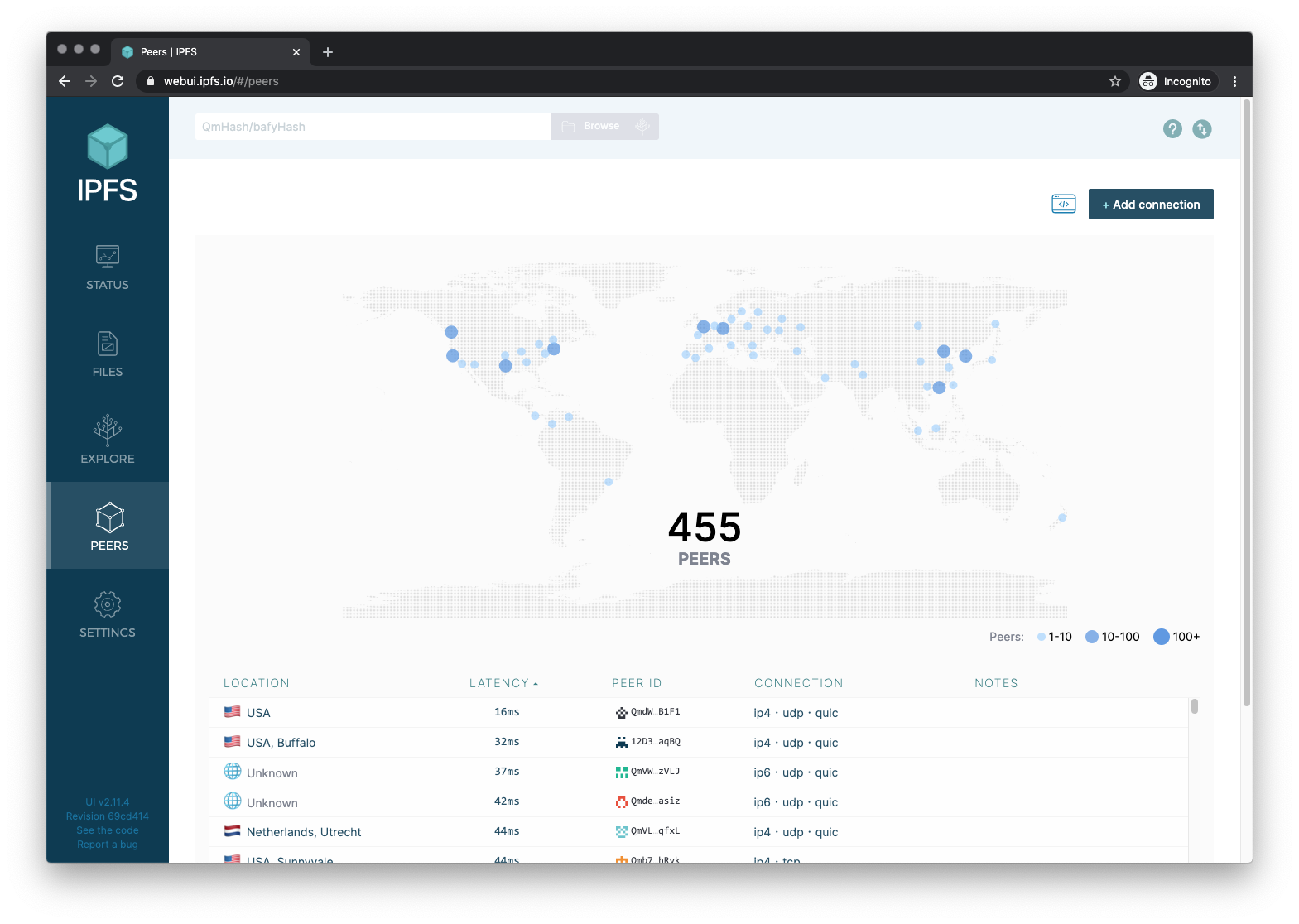
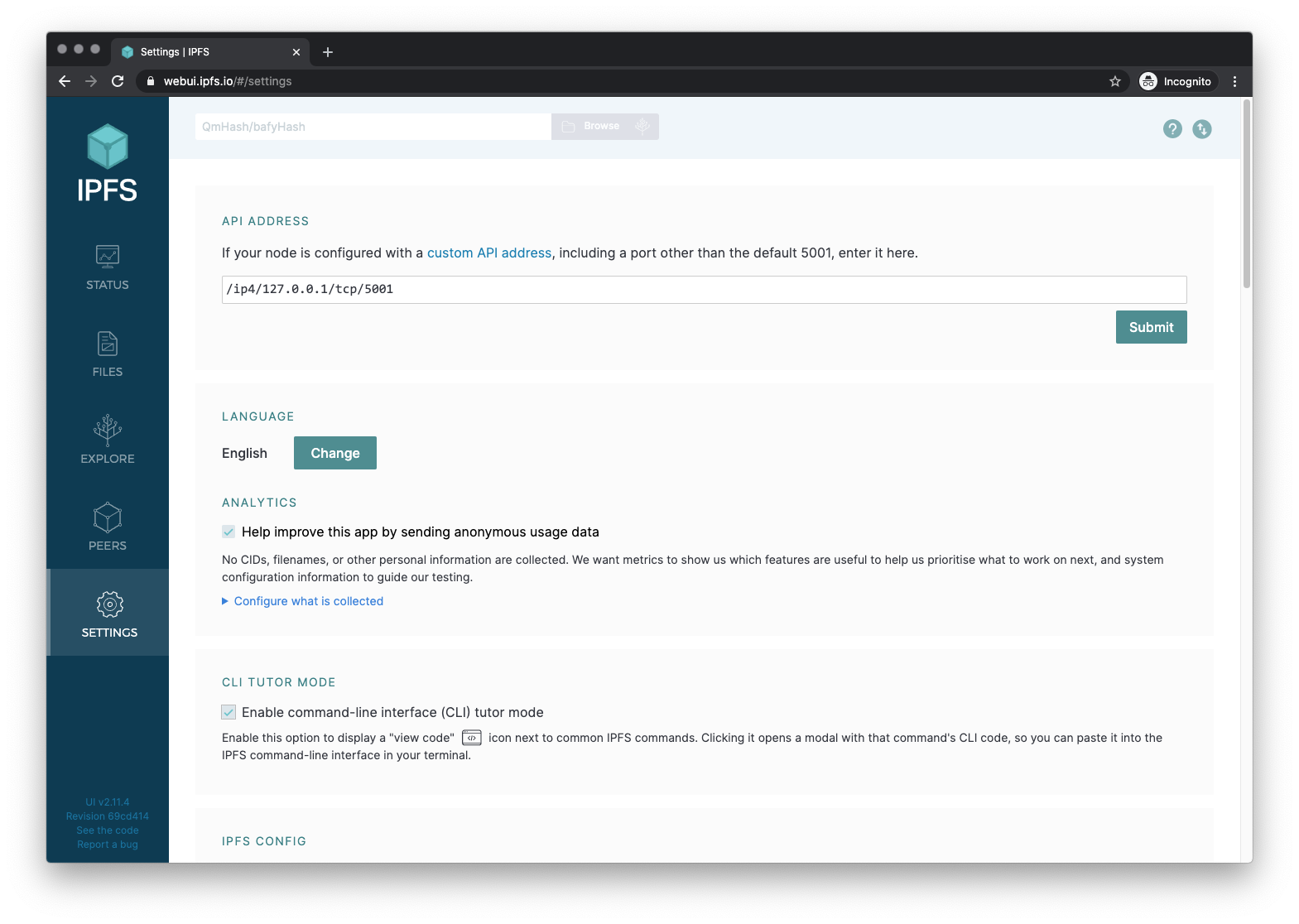
This project provides a graphical front end for the Kubo IPFS daemon. It comes bundled with Kubo and with IPFS Desktop, so it appears automatically when you run a local node. The app talks to the daemon's RPC endpoint on port 5001 and presents five main screens: a status overview with connection health, peer count, bandwidth, and repo size; a file manager for uploading, downloading, and organizing content; an explorer for walking the IPLD DAG and examining CIDs; a peer map that shows where connected nodes are located; and a settings panel for tuning the daemon, pinning services, and UI preferences. The code is MIT licensed and lives under the IPFS organization. Maintenance by the Shipyard team ended in late 2026, leaving no dedicated maintainer. Translations are handled through Transifex. You can reach the interface at localhost:5001/webui when Kubo is running, at the hosted release site, or by running the ipfs/kubo Docker image which maps ports 8080 and 5001.
Should you self-host IPFS Web UI?
IPFS Web UI scores 60/100 on selfhost.directory (how scoring works) and ranks #12 of 27 in File Sharing & Collaboration. It has 1 636 GitHub stars.
It shipped 6 stable releases in the past year. The latest, v4.13.0, came out on 18 September 2026. New versions land roughly every 4 weeks.
Setup is easy: most people get it running in one sitting. It is MIT-licensed and written mostly in JavaScript.
Its closest alternative on selfhost.directory is Nextcloud (86/100, 37 325 stars). It scores higher overall, so compare the two before you pick. See IPFS Web UI vs Nextcloud side by side.
Features
- File Browser
- IPLD DAG explorer
- Multi-language Support
- Node configuration
- Node status dashboard
- Peer visualization
IPFS Web UI README
More in P2P
 kuboKubo is the original open-source Go implementation of IPFS: a self-hosted p2p daemon for content-addressed data, with a CLI, WebUI, HTTP gateway and RPC API.
 LNDSelf-hosted, open-source implementation of a full Lightning Network node: open channels, route and send payments, with autopilot, watchtower and gRPC/REST APIs.
 MeshChatXSelf-hosted Reticulum client with LXMF messaging, LXST calls, NomadNet browsing, relay chat, and mapping. Run via Docker, Python wheels, Flatpak, AppImage, or Android APK
 MobazhaSelf-hosted open-source P2P commerce platform where sellers own their storefront and data, connecting to shared marketplaces with multi-chain crypto payments.
 MularrSelf-hosted web UI for aMule with qBittorrent/Torznab APIs for Sonarr/Radarr, Telegram downloads, and retro themes.
 PairDropOpen-source, self-hosted file-sharing web app inspired by AirDrop and forked from Snapdrop: peer-to-peer transfers via WebRTC, pairing and public rooms, no signup.
 Reticulum MeshChatOpen-source, self-hosted mesh chat client: encrypted texts, files and beta audio calls over the Reticulum Network Stack via LAN, internet or LoRa radio.
 RoboSatsRoboSats is a self-hosted, open-source P2P Bitcoin exchange using Lightning hold invoices for private, KYC-free trades over Tor and I2P.
 ruTorrentSelf-hosted, open-source web UI for the rTorrent BitTorrent client, with a bundled plugin system for RSS, search, ratio groups and multi-user setups.
 SnapdropOpen-source, self-hostable progressive web app for instant peer-to-peer file transfers between devices on your local network over WebRTC, no setup or signup.
 SpaceMeshgo-spacemesh is an open-source, self-hosted full node for the Spacemesh blockchain using proof-of-space-time consensus for energy-efficient mining on home PCs.
 YggdrasilSelf-hosted, open-source IPv6 mesh: Yggdrasil builds an end-to-end encrypted overlay that peers over IPv4 or IPv6 and runs on Linux, macOS, Windows, routers and phones.
0 comments