
Self-host Inbucket
v3.2.0Email testing server with built-in SMTP, POP3, and REST API
- Stars
- 2 310
- Ports
- 9000 (Web interface and REST API), 2500 (SMTP server), 1100 (POP3 server)
inbucket/inbucket

What is Inbucket?
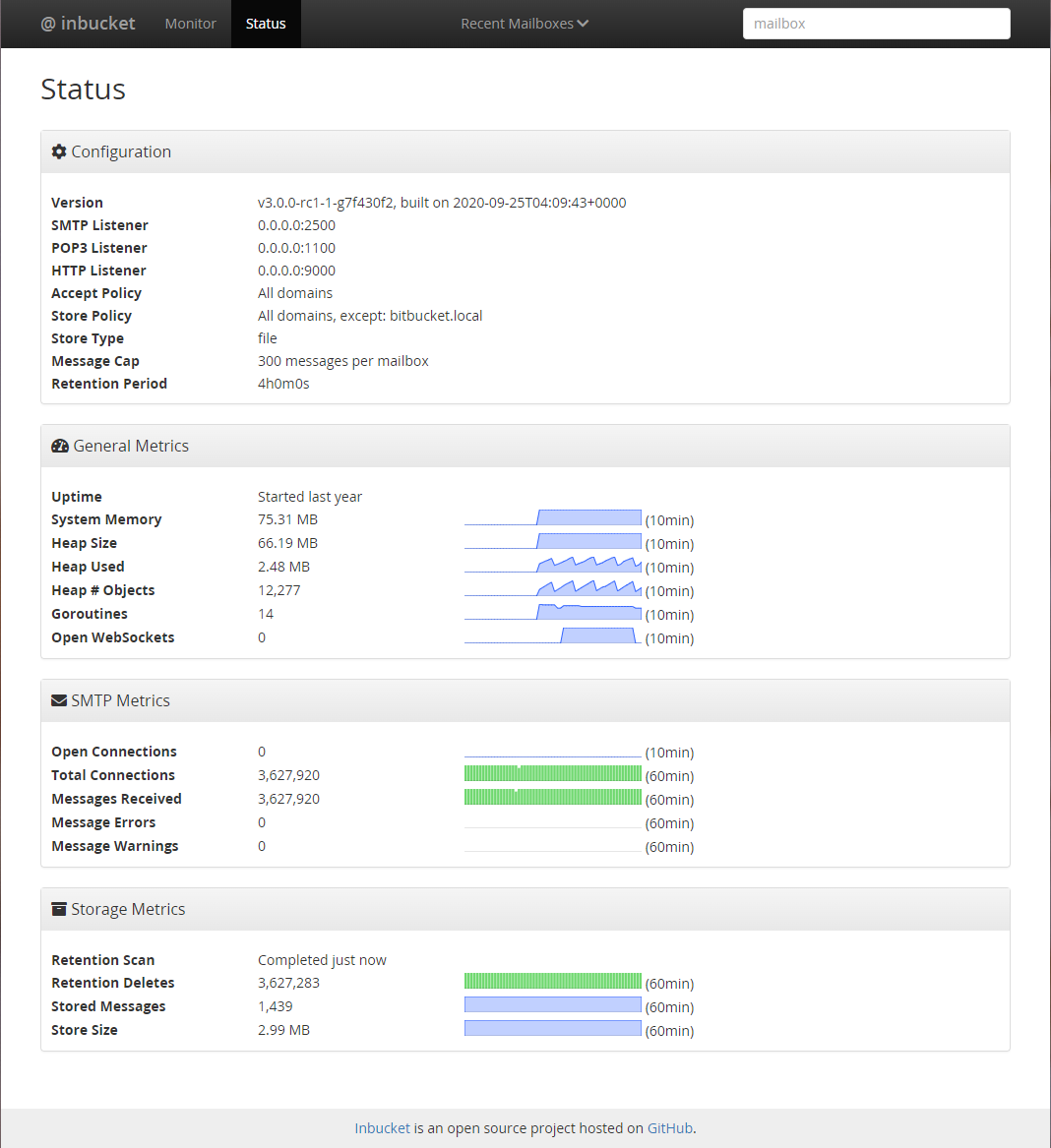
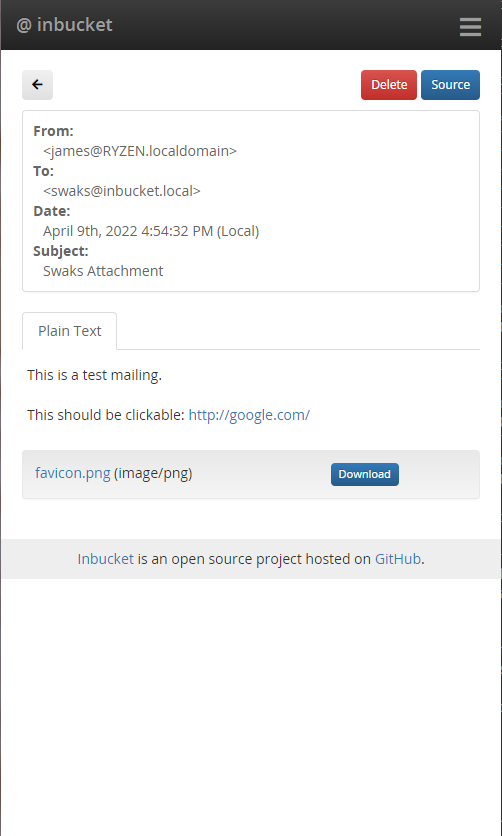
Inbucket is a disposable webmail server for testing email functionality in applications. It accepts messages sent to any address and makes them accessible through a web UI, a REST API, and a POP3 server. The software includes its own SMTP and POP3 daemons and stores mail locally on disk as simple files, so no external database or mail server is needed. Deployment options include Docker containers, pre-built binaries for major operating systems, Linux packages (deb and rpm) with systemd integration, a community Helm chart for Kubernetes, and building from source. All configuration is handled through environment variables that control ports, storage backend (memory or file-based), message retention policies, mailbox naming schemes, and TLS settings. The web UI provides real-time message monitoring, MIME attachment handling, HTML email rendering, and source viewing. A Go client library is available for the REST API. The project is production-ready and released under the MIT license.
Should you self-host Inbucket?
Inbucket scores 29/100 on selfhost.directory (how scoring works) and ranks #104 of 106 in Email. It has 2 310 GitHub stars.
It shipped 2 stable releases in the past year. The latest, v3.2.0, came out on 10 October 2026. New versions land roughly every 10 months.
An official Docker image is available. It is MIT-licensed and written mostly in Go.
Its closest alternative on selfhost.directory is Listmonk (80/100, 24 017 stars). It scores higher overall, so compare the two before you pick. See Inbucket vs Listmonk side by side.
Features
- Built-in POP3 server
- Built-in SMTP server
- Configurable message retention
- HTML email preview
- Load test mode
- Mailbox naming strategies
- MIME attachment handling
- Multiple Storage Backends
- Per-mailbox message cap
- Real-time message monitor
- REST API
- TLS certificate auto-reload
- Web Interface
Inbucket README
More in Testing
 Insomnia MockbinSource-visible HTTP mock server that powers Insomnia's API mocks; run it self-hosted with Docker, Compose or Kubernetes plus Redis for HAR-based mock responses.
 KeployOpen-source record-and-replay testing tool that turns live API, database and queue traffic into runnable tests and mocks; self-hosted via a CLI agent.
 krakenKraken CI is a self-hosted, open-source CI/CD system for massive-scale testing with hardware testing support, cloud autoscaling, and detailed test analytics.
 LocustOpen-source, self-hosted load-testing tool: scenarios are plain Python, driven from a web UI on port 8089, headless for CI, or across distributed master/worker nodes.
 mailcueMailCue is a self-hosted, open-source email testing server with Postfix, Dovecot, DKIM, DMARC, SpamAssassin, REST API, and React UI in one Docker container.
 MailHogOpen-source SMTP testing tool: capture outgoing mail in a web UI or JSON API, release it to a real server. Runs self-hosted as a single binary or Docker image.
 MailpitAn open-source SMTP mail catcher for developers: a self-hosted single binary or Docker image with a web UI, REST API, POP3 server and HTML, link and spam checks.
 MQTTX WebOpen-source MQTT 5.0 client toolbox: desktop app, CLI and a Docker-deployable web client for pub/sub testing, scripting, simulation and broker benchmarks.
 pixeleyePixeleye is a self-hosted, open-source visual testing platform for reviewing UI changes across browsers and devices with testing framework integrations.
 Request BasketsSelf-hosted HTTP requests collector for testing webhooks, notifications, and REST clients. Provides RESTful API and simple web UI, replacing RequestBin service.
 RocketshipRocketship is an open-source, self-hosted QA testing framework for coding agents to write and run end-to-end web tests using declarative YAML and plugins.
 tapflowOpen-source, self-hosted stand-in for Appetize or BrowserStack App Live: a relay plus macOS agents drive simulators and emulators your team tests in a browser.
0 comments