
Self-host Imagin RAW
v1.1.1Native macOS RAW photo browser and culling tool
- Stars
- 190
- CPU
- Apple Silicon or Intel processor
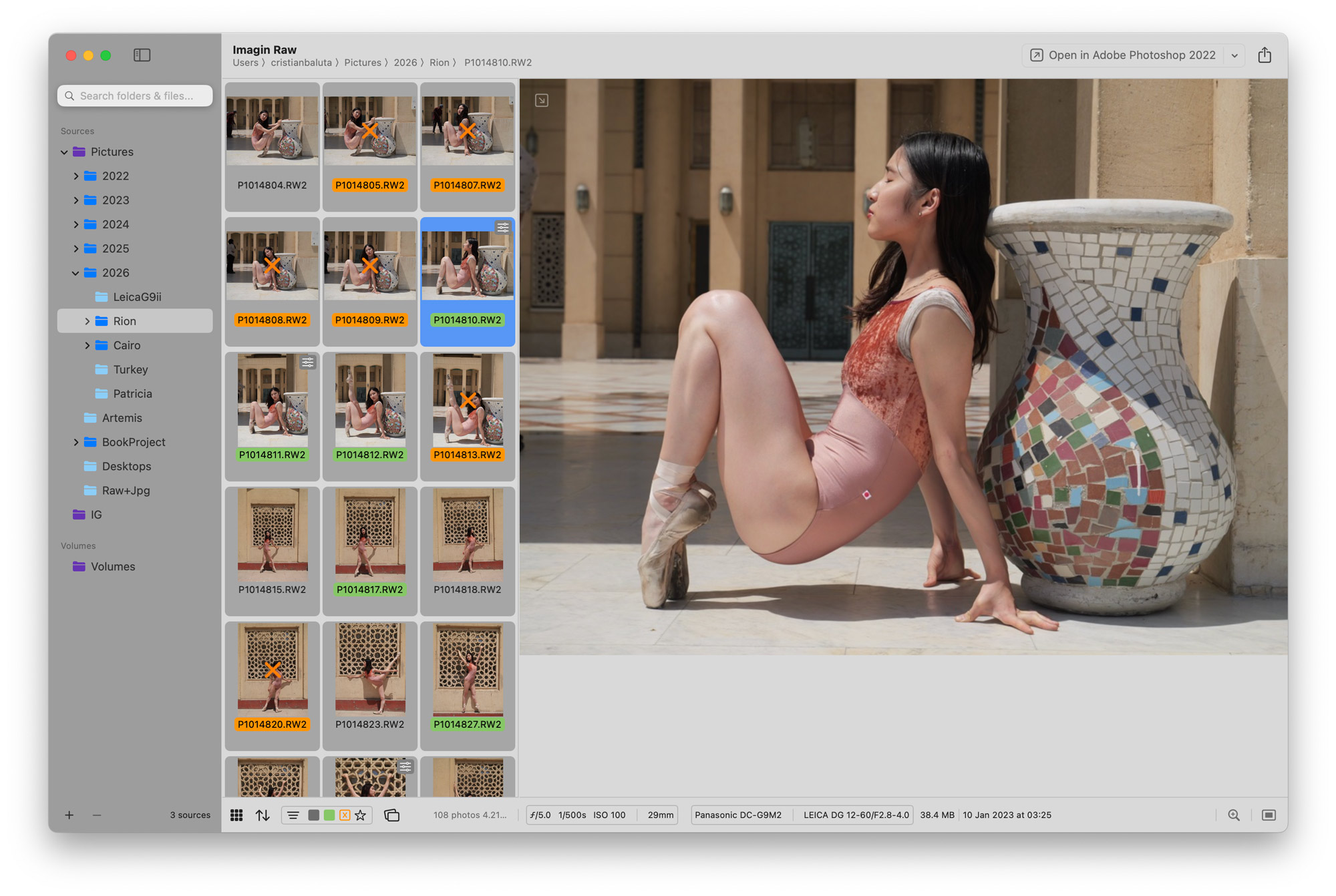
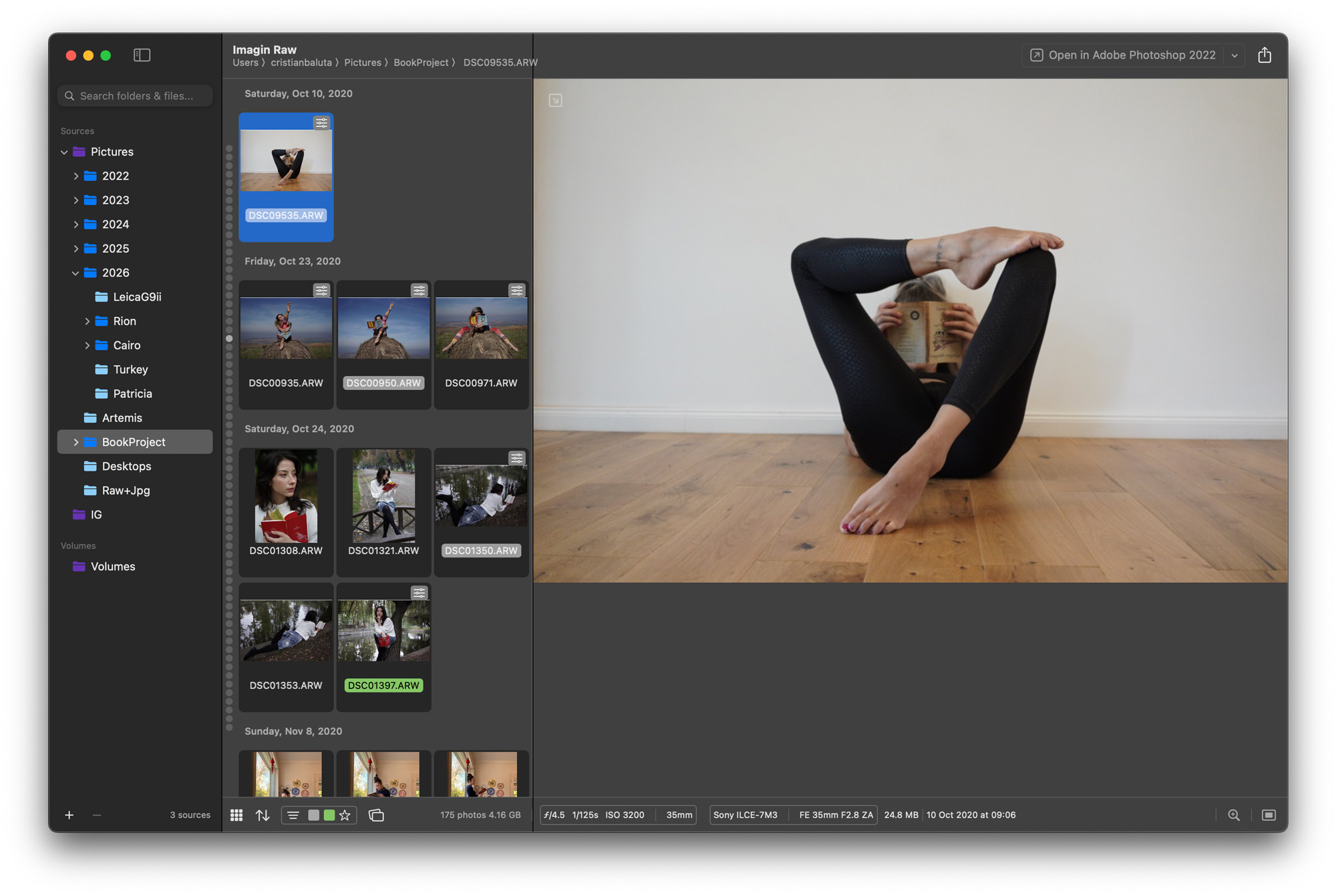
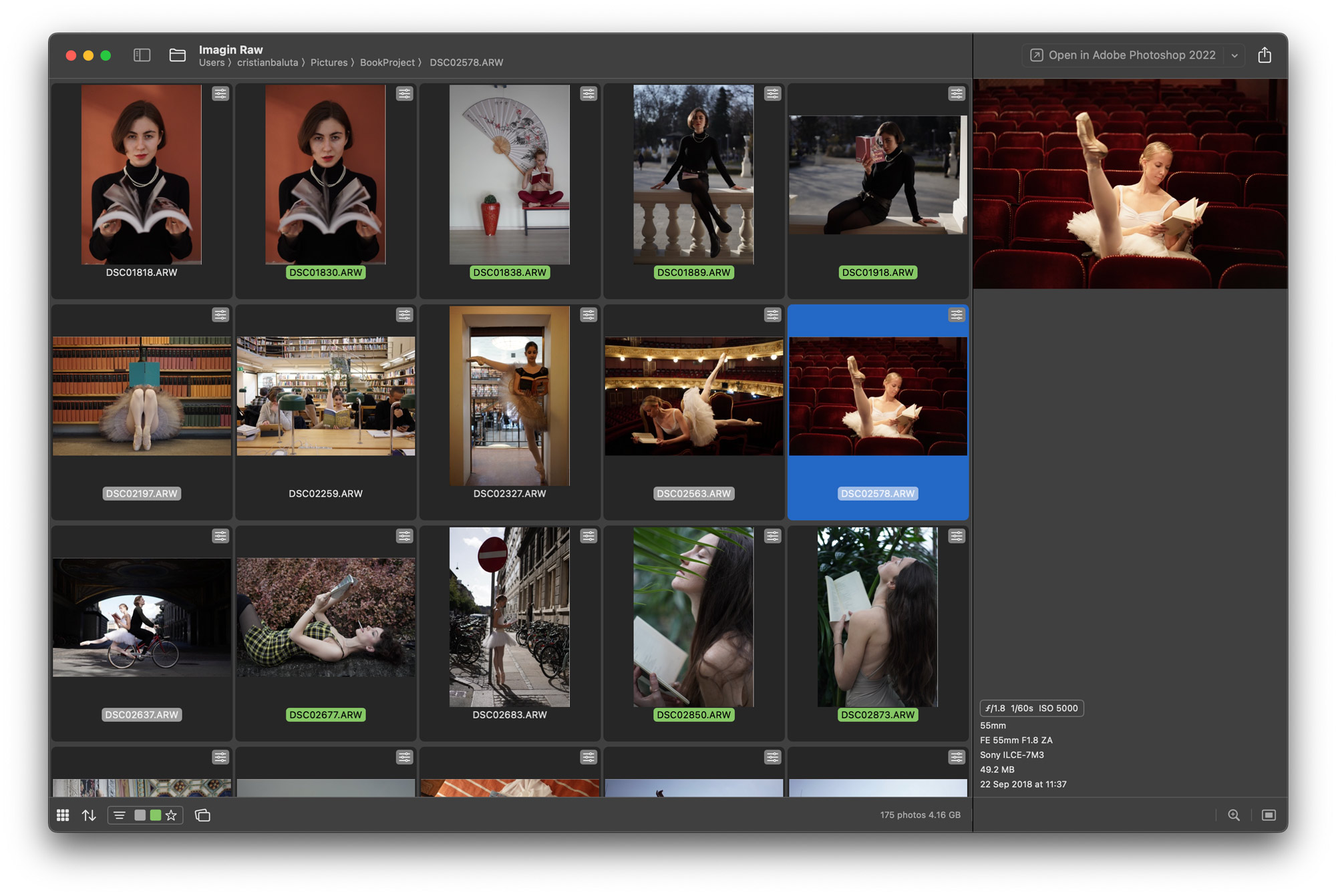
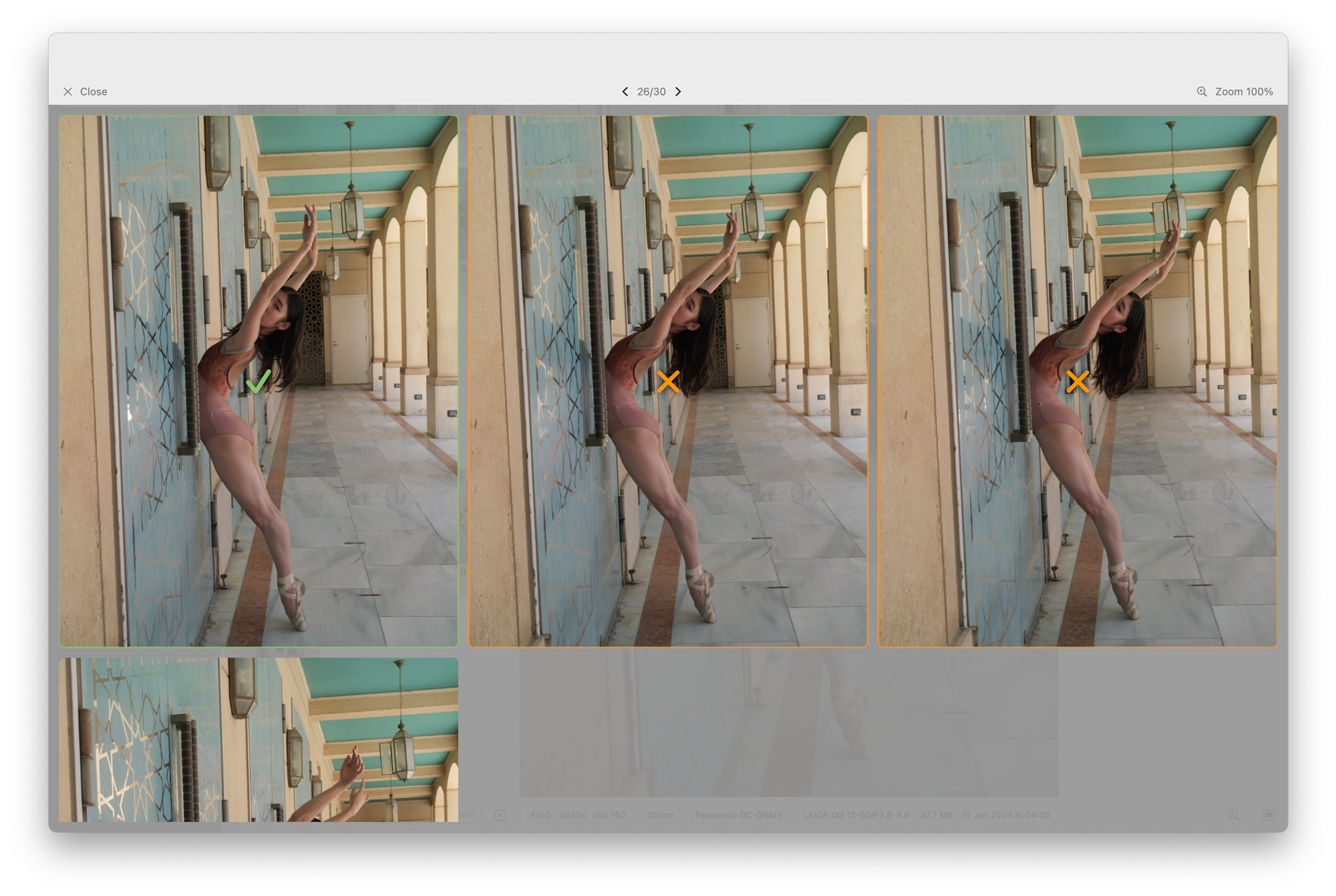
What is Imagin RAW?
Imagin RAW is a native macOS application built with SwiftUI and LibRaw for photographers who need a fast, lightweight tool to browse, cull, and organize RAW photos without the overhead of Adobe Bridge. It offers multi-root folder browsing with no import step, real-time file system monitoring via FSEvents, rating and color labels written to XMP sidecars or embedded in JPEGs, RAW+JPEG pair deduplication, Spotlight-backed search, SD card ingest with date-based folder organization, duplicate detection, Instagram frame export, video export from photo sequences, and offline client proofing via PDF. The app runs on macOS 14.6+ on both Apple Silicon and Intel, distributed via the Mac App Store, GitHub releases, or source compilation. It is open-source under the MIT license.
Should you self-host Imagin RAW?
Imagin RAW scores 43/100 on selfhost.directory (how scoring works) and ranks #35 of 41 in Photo Management. It has 190 GitHub stars.
It shipped 3 stable releases in the past year. The latest, v1.1.1, came out on 29 July 2026. New versions land roughly every 4 weeks.
Setup is easy: most people get it running in one sitting. It is MIT-licensed and written mostly in C++.
Its closest alternative on selfhost.directory is Ente (81/100, 29 713 stars). It scores higher overall, so compare the two before you pick. See Imagin RAW vs Ente side by side.
Features
- Duplicate/similar photo detection
- Instagram frame export
- Multi-root folder browsing
- Offline client proofing
- Rating and color labeling
- RAW+JPEG pair deduplication
- Real-time file system monitoring
- Rejection workflow
- SD card ingest
- Spotlight-backed search
- Two grid layouts
- Video export from photo sequences
Imagin RAW README
More in Photo Management
 imagor-studioSelf-hosted photo gallery with built-in layered editing, template system, and on-demand URL transformations. Virtual scrolling handles huge libraries.
 Immich-AutoAlbumsSelf-hosted Python tool that creates Immich albums from external library folders, with filtering, sharing, and scheduled Docker runs.
 Immich AutoTagImmich AutoTag is a self-hosted, open-source rule engine that auto-creates albums, assigns tags, and fixes dates in your Immich library via a config file.
 Immich DropSelf-hosted, open-source web app that collects photos and videos from guests through public invite links and uploads them straight into your Immich server.
 immich-go-desktopSelf-hosted web wizard that generates immich-go commands for photo imports from folders, Google Takeout, iCloud, or other Immich servers — no terminal skills needed.
 immich-power-toolsSelf-hosted, open-source companion app for Immich: bulk people merges, album suggestions, missing-location fixes, date offsets, analytics and natural-language search.
 immich-public-proxySelf-hosted proxy that safely shares Immich photos and albums without exposing your Immich server to the internet, with optional visitor uploads.
 immich-swipeImmich Swipe is a self-hosted, open-source web app for reviewing Immich libraries with a swipe interface — right to keep, left to delete — installable as a PWA.
 immich-upload-optimizerSelf-hosted proxy for Immich that intercepts uploads and compresses images/videos using JPEG-XL, Caesium, and HandBrake to save storage space.
 JellyfinJellyfin is a self-hosted, open-source media server for streaming movies, shows, music, photos, books, and live TV to any device with no fees or tracking.
 librephotosSelf-hosted, open-source photo library that indexes the folders you already have with face clustering, places, captions and natural-language search.
 LLMII (ImageIndexer)Self-hosted desktop app using a local vision LLM to caption and keyword images, embedding results in standard metadata fields for any photo manager.
0 comments