
Self-host librephotos
1.5.1Photo library with face recognition and semantic search
- Stars
- 8 140
- CPU
- 2 cores
- RAM
- 4 GB
- Storage
- 10 GB (plus your photo library)
- Port
- 8001 (Backend API port; the single-container image serves the web app here too (run with -p 3000:8001))
reallibrephotos/librephotos-unified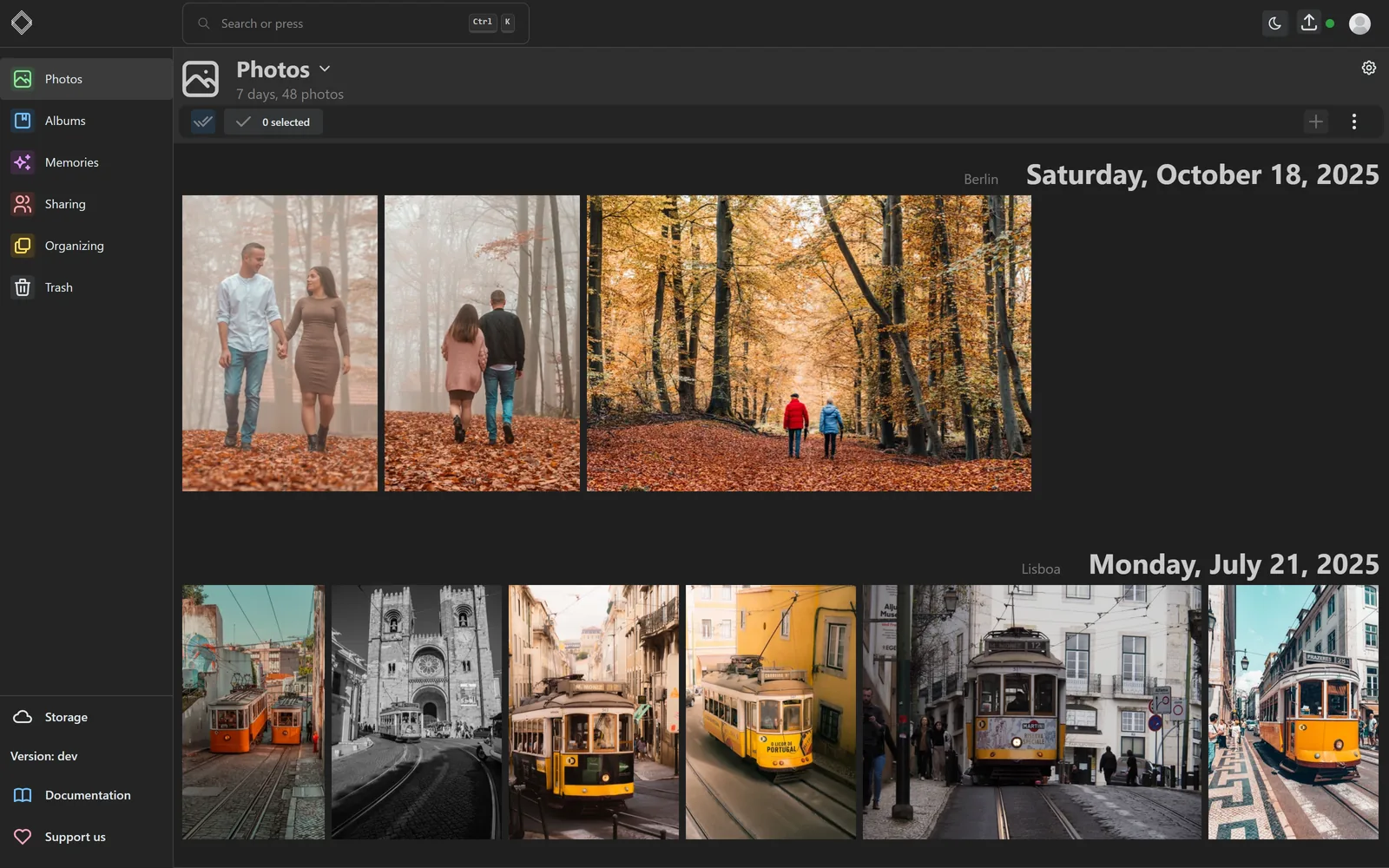
What is librephotos?
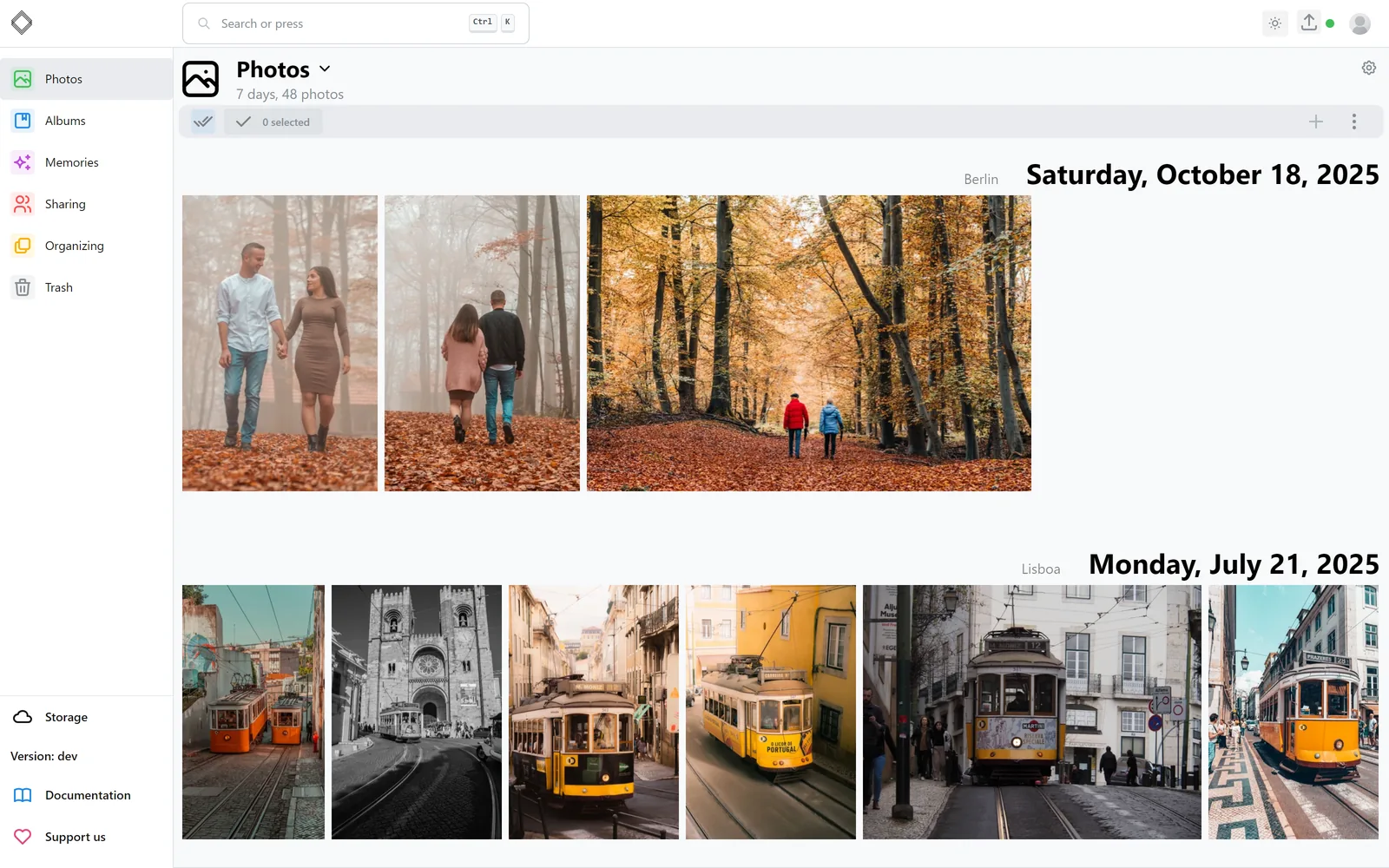
LibrePhotos is a photo management service you keep on your own hardware. It reads the directories you point it at, leaving your folder structure alone, and then runs local machine-learning pipelines (ONNX Runtime, no PyTorch) to find and group faces, tag scenes, produce captions and answer natural-language queries such as looking for a dog on a beach. The web app presents the collection day by day with the places each shot was taken, adds favorites, memories and recent additions, a map, albums built automatically from events, stacks for RAW+JPEG pairs and bursts, duplicate detection, text recognition on images, and playback of video and live photos, transcoding formats your browser cannot decode. Several accounts can coexist, with shared albums, public links and optional sign-in through an OpenID Connect provider; an offline-first Expo client for Android and iOS lives in the same monorepo, and a third-party native app (UhuruPhotos) also works against it. Deployment options are one container backed by SQLite, a Docker Compose stack with PostgreSQL and an nginx proxy, Kustomize manifests for Kubernetes, an Unraid guide, or a single-folder Windows build that needs neither Docker nor Python. It is MIT-licensed and maintained by volunteers, with nothing reserved for a paid edition. Expectation-setting limits: the ML jobs are memory hungry (8 GB+ recommended), the official mobile app is not yet in any app store, and GPU acceleration for the single-container image and a few smaller items are announced for a release after 1.4.0.
librephotos alternatives
 ImmichImmich is an open-source, self-hosted photo and video backup solution with mobile apps, facial recognition, and Google Photos-like features for individuals and families.CompareImmich with librephotos
 Pic-OSelf-hosted photo publishing platform (Laravel 12) with albums, tokenized share links, masonry grid viewer, slideshow, and Docker deployment.ComparePic-O with librephotos
 picpeakSelf-hosted photo gallery for photographers to share password-protected, expiring galleries with clients. Includes proofing, guest uploads, and white-label branding.Comparepicpeak with librephotos
 ChronoFrameA self-hosted, open-source photo gallery with EXIF parsing, Live/Motion Photo playback, password-protected albums, and a map explorer.CompareChronoFrame with librephotos
 HomeGallerySelf-hosted open-source web gallery for photos and videos on your own disks: tagging, face recognition, similar-image search, PWA mobile support and Chromecast.CompareHomeGallery with librephotos
 AfilmorySelf-hosted, open-source photo gallery platform for photographers: syncs S3, B2, GitHub or local photos, with an HDR-aware GPU viewer, EXIF, maps and a native iOS app.CompareAfilmory with librephotos
 timelinizeTimelinize is a self-hosted, open-source personal archival suite that imports data from many sources into a unified timeline on your computer.Comparetimelinize with librephotos
 homepageSelf-hosted family photo cloud with AI search. Stores original-quality media on your hardware; mobile apps connect over home network. Server free (MIT), phone apps $1.99.Comparehomepage with librephotos
All self-hosted alternatives to Google Photos → All self-hosted alternatives to Synology Photos →
Should you self-host librephotos?
librephotos scores 71/100 on selfhost.directory (how scoring works) and ranks #2 of 41 in Photo Management. It has 8 140 GitHub stars, +51 in the last 30 days.
It shipped 14 stable releases in the past year. The latest, 1.5.1, came out on 31 October 2026. New versions land roughly every 5 days.
Setup is moderate: expect some configuration beyond a single command. An official Docker image is available. It is MIT-licensed and written mostly in Python.
Its closest alternative on selfhost.directory is Immich (93/100, 118 598 stars). It scores higher overall, so compare the two before you pick. See librephotos vs Immich side by side.
Features
- Auto-generated event albums
- Automatic image captions
- Duplicate detection and stacks
- Face detection and clustering
- Folder scanning and upload
- GPU acceleration for MLGPU support for the single-container image is announced for a release after 1.4.0.
- Multi-user with shared albums
- OCR text recognition
- OpenID Connect single sign-on
- Places and map view
- RAW and HEIC support
- REST API with interactive docs
- Semantic Search
- Video and live photo support
librephotos README
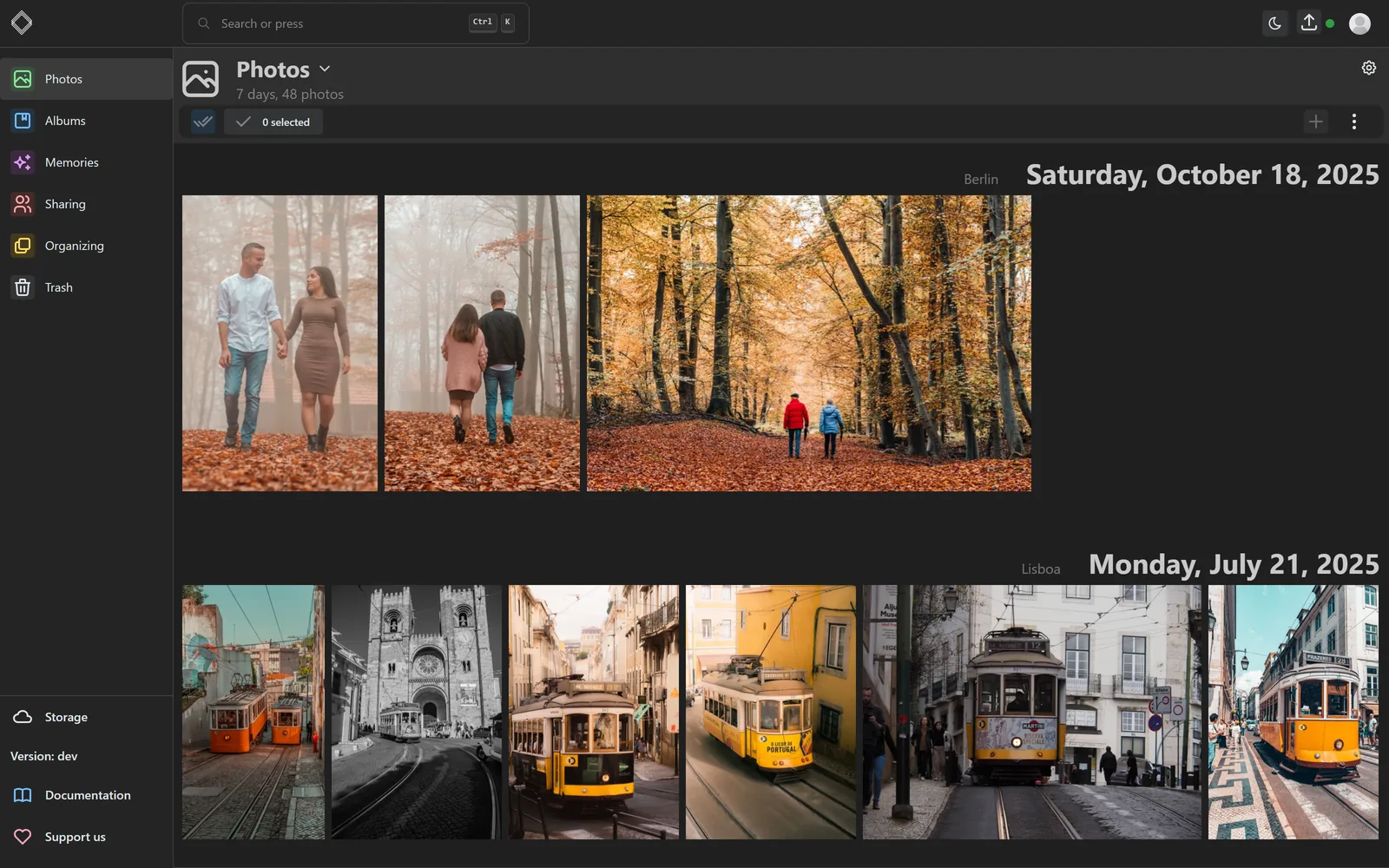
A self-hosted, open-source photo management service with automatic face recognition, object detection, and semantic search — powered by modern machine learning.
This is a monorepo that consolidates what was previously five separate repositories.
| Path | What it is | Previous repo |
|---|---|---|
apps/backend/ |
Django 6 API, machine-learning pipelines, background jobs | librephotos |
apps/frontend/ |
React 19 + Vite web client, i18next localization | librephotos-frontend |
apps/mobile/ |
Expo mobile app (Android and iOS), offline-first | librephotos-mobile |
apps/docs/ |
Docusaurus site published to https://docs.librephotos.com | librephotos.docs |
deploy/ |
Dockerfiles, Compose configs, proxy, Kubernetes manifests | librephotos-docker |
Commit history from all five repositories is preserved — git log --follow apps/<app>/<file> works across the move.
Pick the deployment that fits your setup. Step-by-step guides are in the documentation.
- Single container: one image serves the API and the web app, recommended for most people
- Docker Compose: separate backend, frontend and proxy containers, with optional NVIDIA GPU acceleration
- Kubernetes: Kustomize manifests in
deploy/k8s - Unraid
- Windows standalone: one folder with
librephotos.exe, no Docker or Python
| Resource | Minimum | Recommended |
|---|---|---|
| RAM | 4 GB | 8 GB+ |
| Storage | 10 GB (plus your photo library) | SSD recommended |
| CPU | 2 cores | 4+ cores |
| OS | Any Docker-compatible OS, or Windows | Linux |
Note: Machine learning features (face recognition, scene classification, image captioning) are memory-intensive. 8 GB+ RAM is strongly recommended for smooth operation.
- Photos in all common formats, including RAW, HEIC and JPEG XL
- Videos and live photos
- Timeline grouped by day and place, plus favorites, recent additions and memories
- Scans your existing folders and accepts uploads from the web and mobile apps
- Multiple users, shared albums and public links
- Albums generated from events, like "Saturday in Lisbon"
- Face detection and clustering: name a person once and the rest is suggested
- Places and a map from reverse geocoding
- Tags and generated captions for every photo
- Semantic search ("dog on a beach") and search by metadata
- RAW+JPEG pairs kept as one photo, burst and bracket stacks, and duplicate detection
- Single sign-on through OpenID Connect
- Expo mobile app for Android and iOS
- Framework: Django 6 with Django REST Framework
- Database: PostgreSQL
- Task Queue: Django-Q2
- RAW Conversion: LibRaw via rawpy
- Video Conversion: FFmpeg
- Exif Support: ExifTool
- UI: React 19 with TypeScript
- Build Tool: Vite
- Component Library: Mantine
- Routing: TanStack Router
- Data Fetching: TanStack Query
- Maps: MapLibre GL
- Internationalization: i18next
- Face detection: InsightFace
- Face classification/clustering: hdbscan clustering and a scikit-learn multilayer perceptron, both ported to numpy
- Image captioning: LFM2.5-VL, prompted with the recognised people and the place
- Tagging, semantic search and similar photos: OpenCLIP ViT-B/32 (DataComp-XL, MIT licence)
- Semantic search: CLIP ViT-B/32 with FAISS
- ML runtime: ONNX Runtime for every model, no PyTorch
- Reverse geocoding: geopy
- Deployment: Docker & Docker Compose
- Reverse Proxy: Nginx
After starting LibrePhotos, interactive API docs are available at:
- Swagger UI:
http://localhost:3000/api/swagger - ReDoc:
http://localhost:3000/api/redoc
See CONTRIBUTING.md and the per-app READMEs:
The Docker Compose-based dev environment lives in deploy/compose/ and is described in the development install guide.
- ⭐ Star this repository if you like this project!
- 🚀 Developing: Get started in less than 30 minutes by following this guide. Also see our CONTRIBUTING.md for detailed development setup, code quality standards, and PR guidelines.
- 🗒️ Documentation: Improving the documentation is as simple as submitting a pull request here
- 🧪 Testing: If you want to help find bugs, use the
devtag and update it regularly. If you find a bug, open an issue. - 🧑🤝🧑 Outreach: Talk about this project with other people and help them to get started too!
- 🌐 Translations: Make LibrePhotos accessible to more people with weblate.
- 💸 Donate to the developers of LibrePhotos
This project is licensed under the MIT License.
FAQ
Why are videos not playing and showing a 404 error?
Usually the codec cannot be decoded in that browser (often H.265 in Firefox), which LibrePhotos transcodes automatically on current releases, or the file permissions are wrong — setting directories to 755 and files to 644 fixes the permission case.
Can two users share one photo folder?
No — each photo belongs to exactly one user and overlapping scan directories are refused. Households should keep one library and share albums, or share a whole library read-only.
Why is the scan directory not mounted read-only?
It can be mounted read-only, but then writing metadata back into files, uploading and deleting photos stop working; only the metadata write-back reports failures nicely.
Why do I get "error decoding 'Volumes[0]': invalid spec: :/data" or "The scanDirectory variable is not set"?
That almost always means the bundled librephotos.env template was never renamed to .env, so Docker Compose cannot read your variables.
Why does a scan on Proxmox always fail after importing a few images?
A QEMU/Proxmox guest using the default kvm64 CPU type lacks instruction flags such as SSE and AVX, so the scan crashes with an Illegal instruction error. Switch the VM's CPU type to Host (or add the missing flags in the qm.conf file).
More in Photo Management
 LLMII (ImageIndexer)Self-hosted desktop app using a local vision LLM to caption and keyword images, embedding results in standard metadata fields for any photo manager.
 LycheeA great looking and easy-to-use photo-management-system you can run on your server, to manage and share photos.
 Lynavo DriveSelf-hosted, open-source iCloud/Google Photos alternative that auto-syncs photos from mobile to desktop over LAN.
 magic-frameSelf-hosted, open-source dashboard for home displays with drag-and-drop editor, Home Assistant integration, Immich wallpapers, and live sync across screens.
 MemtlySelf-hosted, open-source event photo gallery where guests upload and view photos/videos via QR codes, with admin moderation and multiple database backends.
 MimickMimick is a self-hosted, open-source GTK4/libadwaita desktop app for Linux that syncs local folders to Immich and provides a library browser.
 MonbooruSelf-hosted, open-source booru for organizing personal image collections with tag-based browsing, AI metadata extraction, local ONNX auto-tagging.
 nati.veOpen-source Nextcloud client with native apps for Android, Linux, and Windows. Connects to your self-hosted server for files, photos, calendar, and chat.
 Nextcloud MemoriesSelf-hosted open-source photo management for Nextcloud with timeline browsing, AI auto-tagging, video transcoding with HLS support, and map view.
 OmoideSelf-hosted photo and video library that runs offline and uses local AI for face recognition, semantic search, and automatic organization.
 ownphotosA self-hosted, open-source take on Google Photos built on a Django backend and React frontend, with face recognition, object search, event albums and a map view.
 ownphotos-frontendOwnphotos is a self-hosted, open-source photo app replicating Google Photos with face recognition, object detection, event albums, and map browsing via Docker Compose.
0 comments