
Self-host House Planner
v0.1.0True-scale 2D/3D house planner with utility networks and BOM
- Stars
- 324
- Port
- 8080 (HTTP web interface)
What is House Planner?
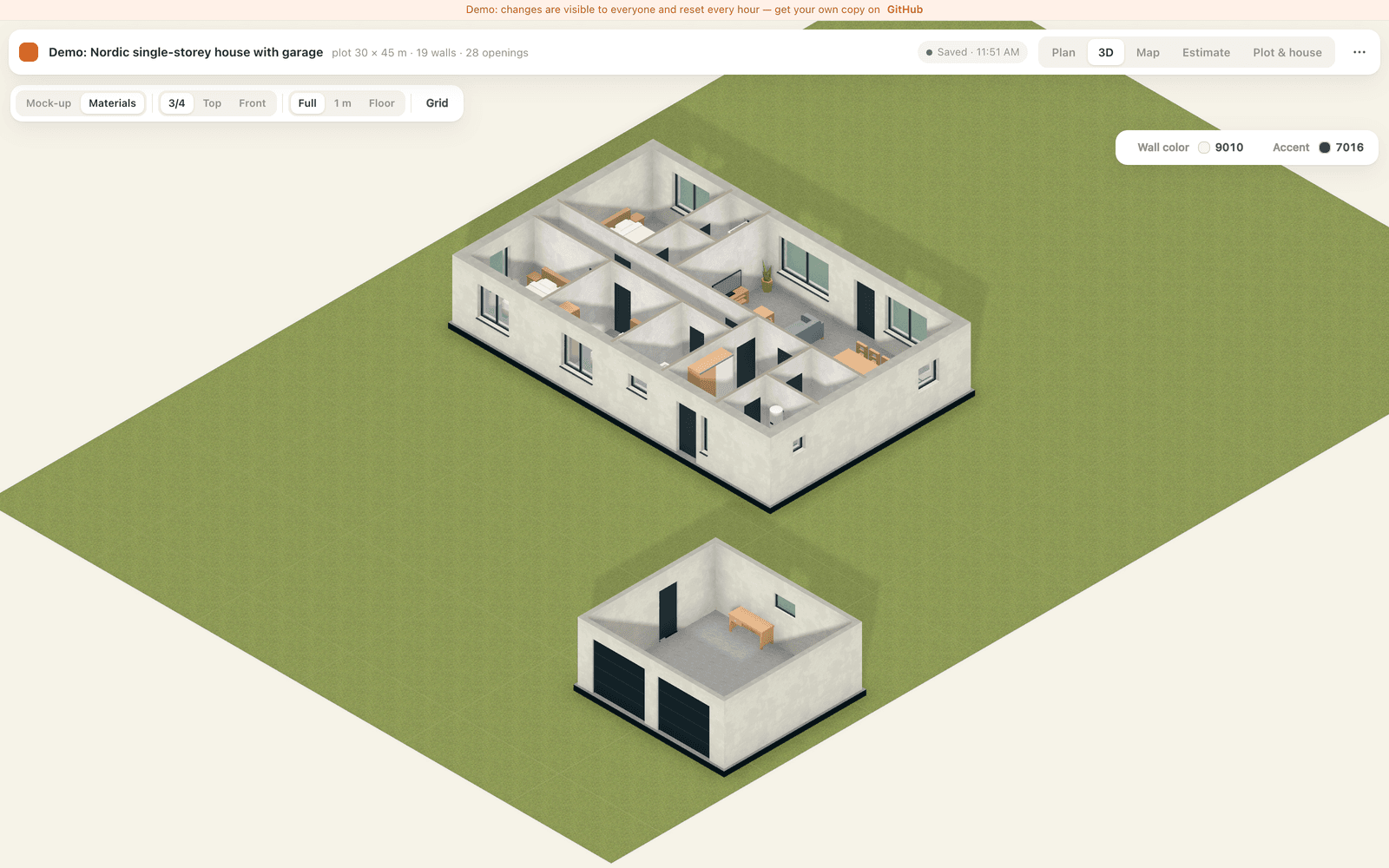
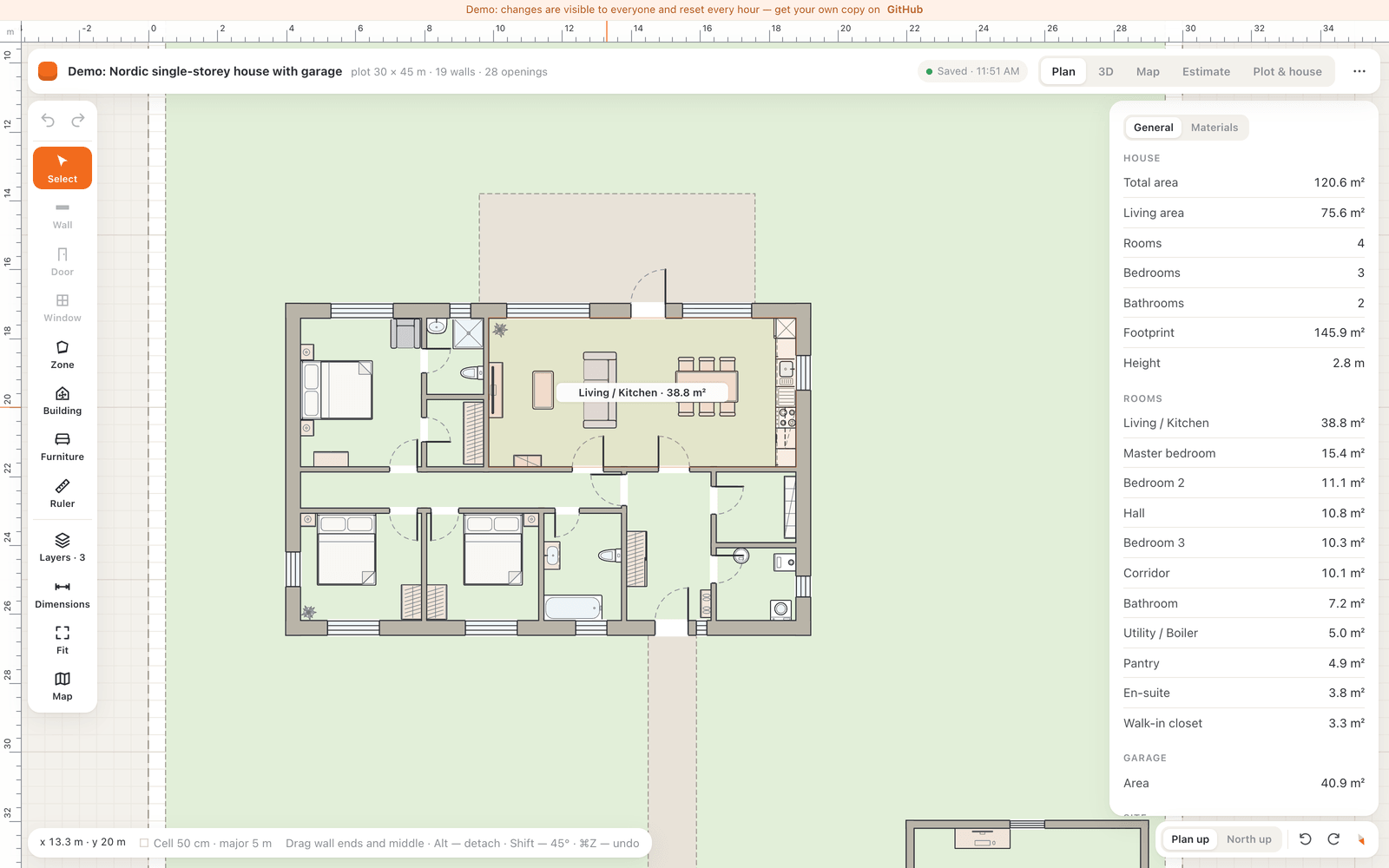
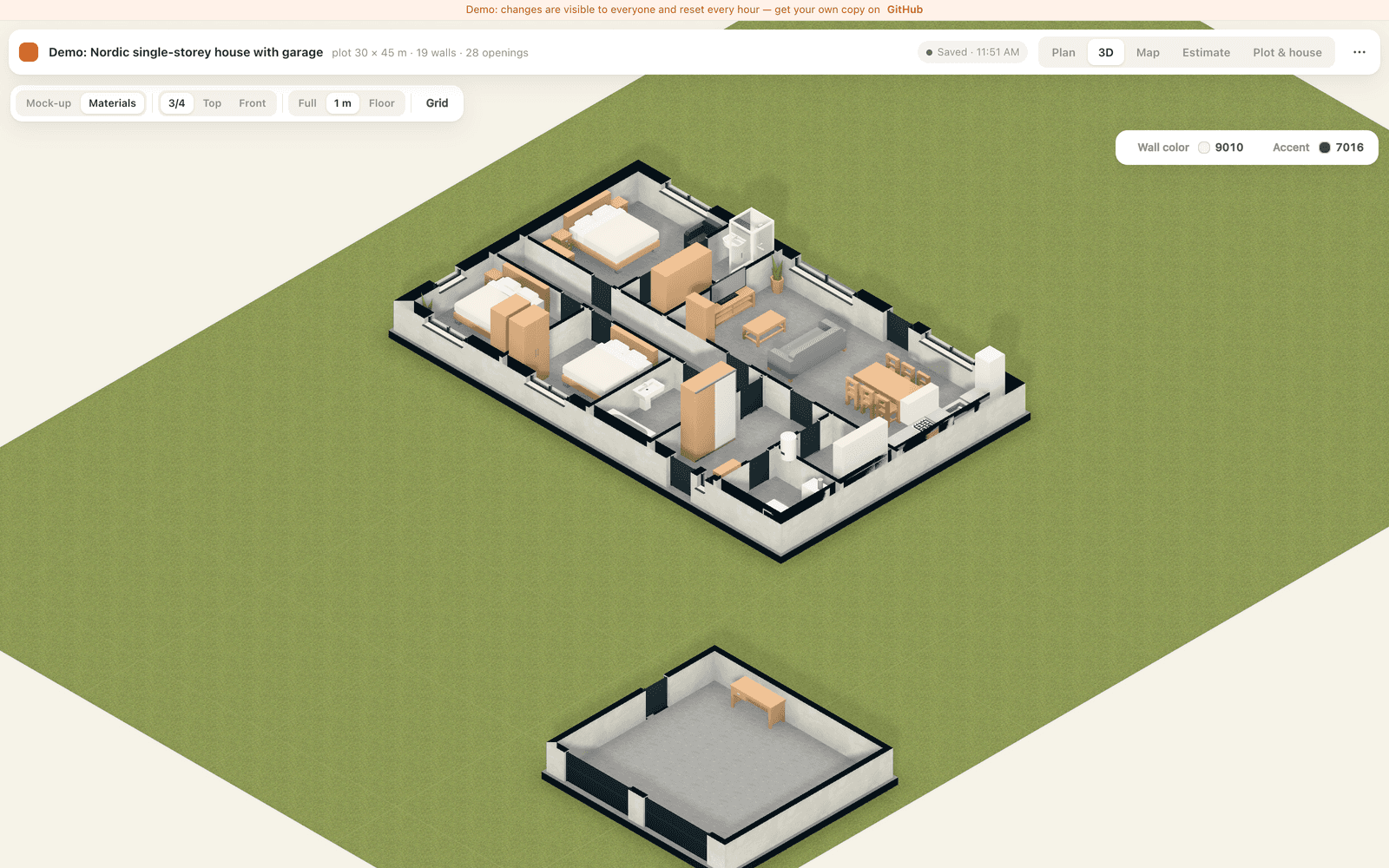
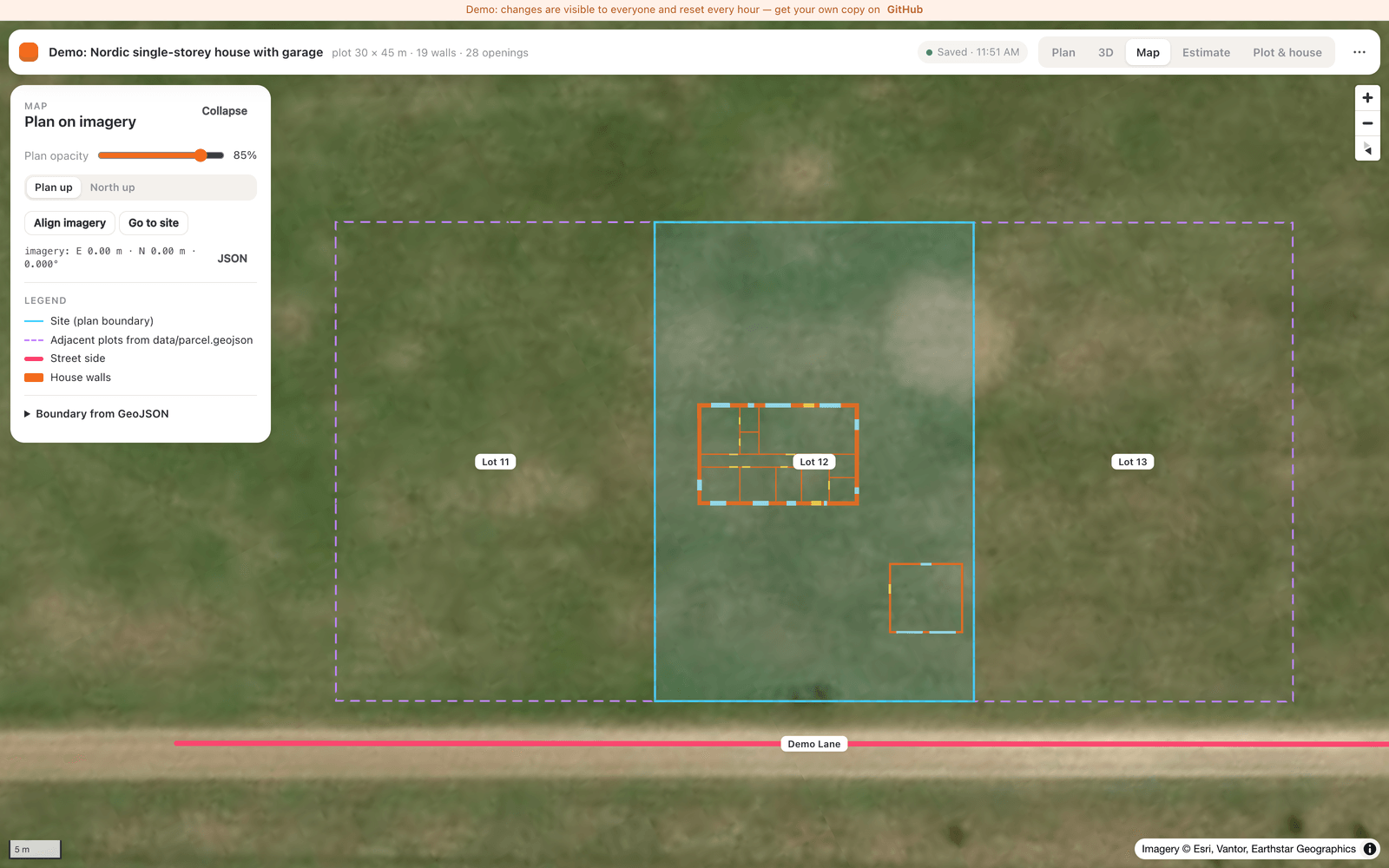
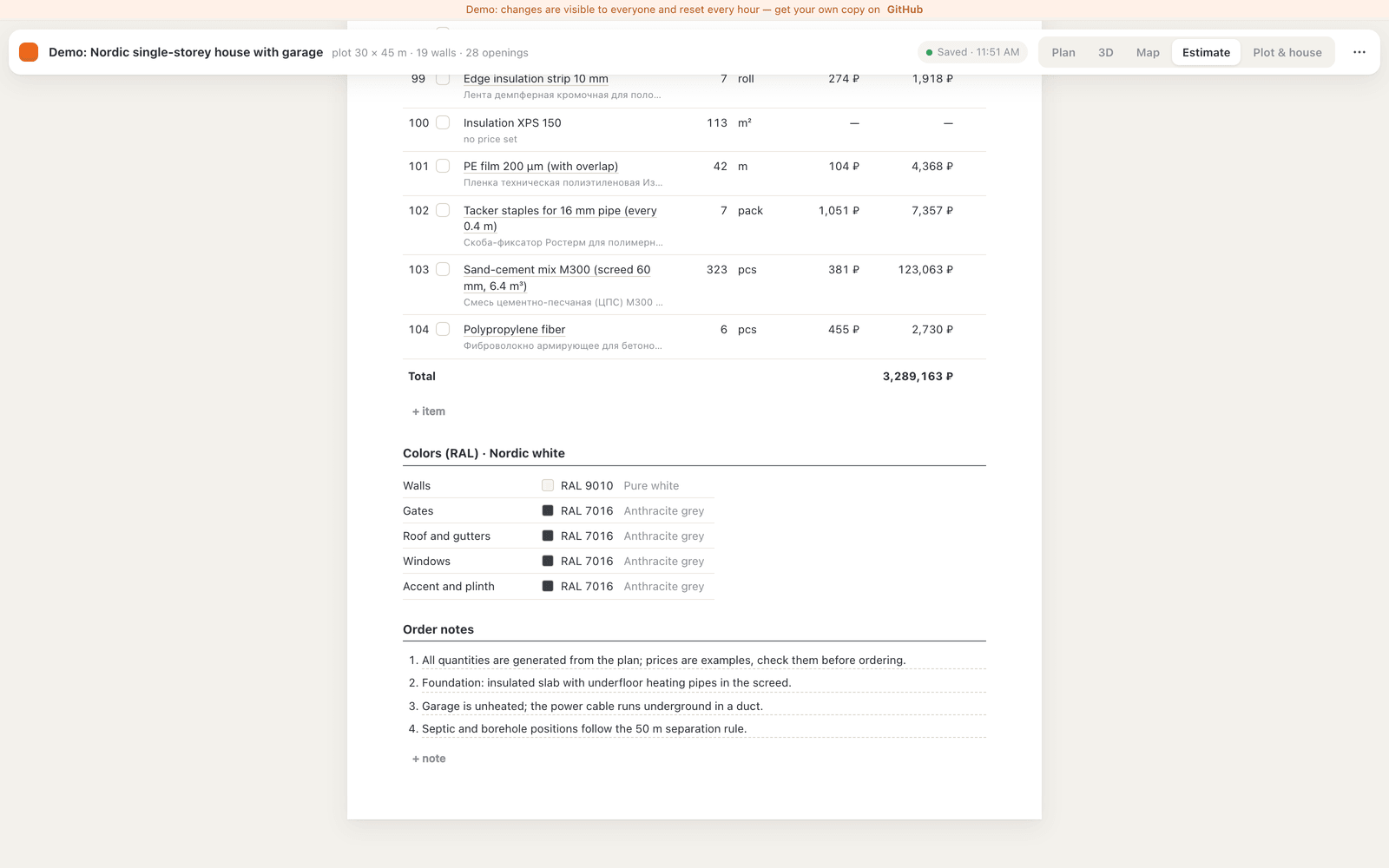
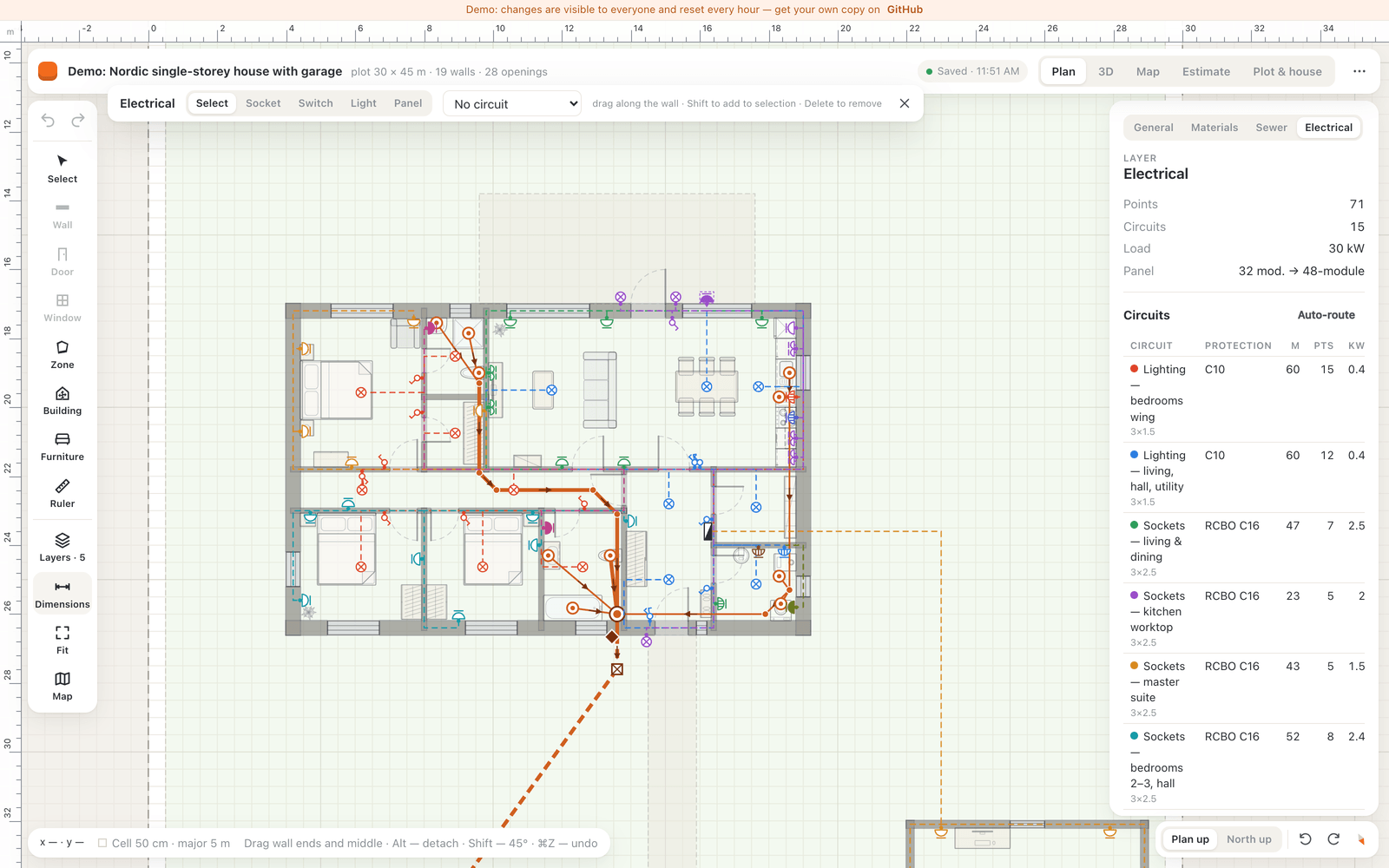
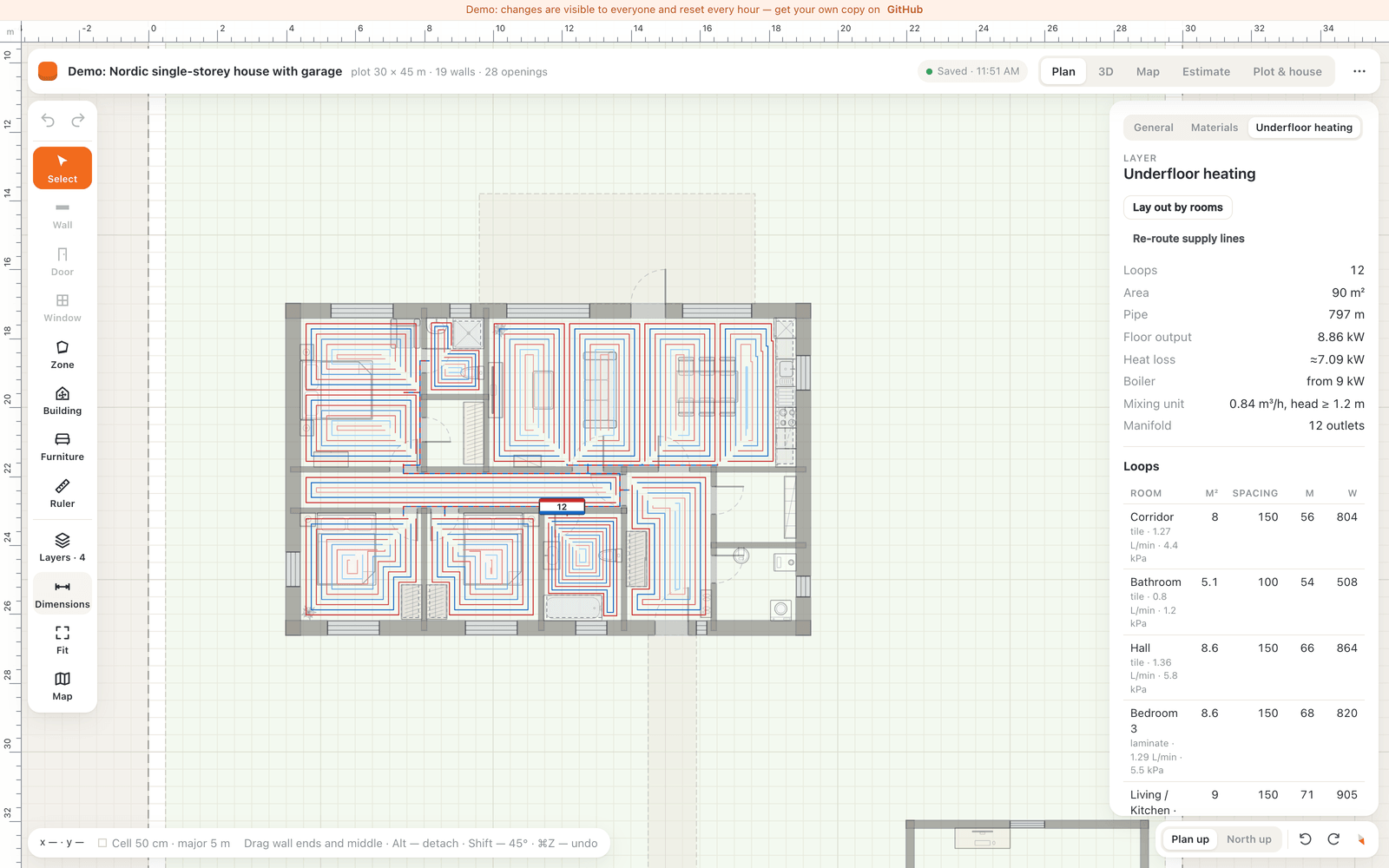
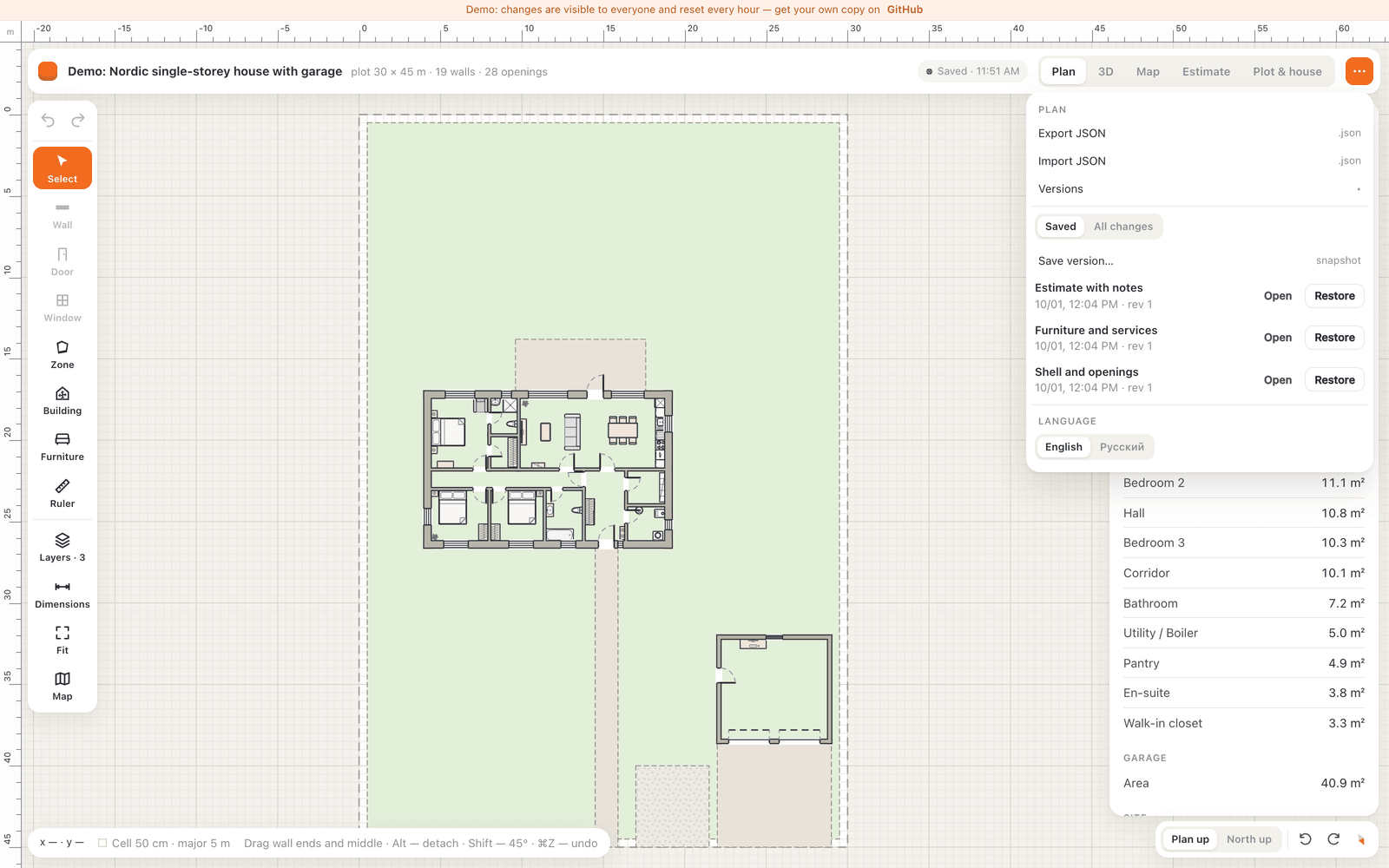
House Planner lets you design a private house on your own server. The editor works at real scale in millimetres, letting you draw walls with thickness and material, place doors and windows, add furniture from a catalog, and define site zones. A 3D view shows the building in either a clean massing style or with textured materials. You can overlay the plan on satellite imagery and geo-reference it to a real parcel. Four utility systems are included: sewer with septic tank, electrical circuits with automatic routing, water supply from well or borehole, and hydronic underfloor heating with loop layout and balancing. A bill of materials calculates quantities from the design, applies prices from a JSON catalog, and can export to CSV or push a cart to a Russian DIY retailer. Every save creates a new version; you can also make named snapshots. The backend is a tiny PHP API that stores everything as JSON files — no database needed. You log in with one shared password; mobile devices get a read-only view. The code is MIT-licensed and comes from the creators of homedesignsai.pro.
Should you self-host House Planner?
House Planner scores 44/100 on selfhost.directory (how scoring works) and ranks #11 of 15 in Home Management. It has 324 GitHub stars.
It shipped 1 stable release in the past year. The latest, v0.1.0, came out on 1 October 2026.
Setup is moderate: expect some configuration beyond a single command. It is MIT-licensed and written mostly in Typescript.
Its closest alternative on selfhost.directory is yuvomi (76/100, 2 072 stars). It scores higher overall, so compare the two before you pick. See House Planner vs yuvomi side by side.
Features
- 2D floor plan editor
- 3D preview
- Bill of materials with pricing
- Electrical network design
- File-based storage
- Multi-language Support
- Petrovich cart integrationUses unofficial website API; may break when Petrovich changes their site
- Plan import/export
- Satellite map overlay
- Sewer network design
- Single-password authentication
- Underfloor heating design
- Version history and snapshots
- Water supply network design
House Planner README
FAQ
What is the license?
MIT license: use, modify and host it, including commercially, keeping the copyright notice. Bundled textures and furniture models have their own licenses.
Which interface languages are there?
English and Russian. English is the default; switch in the menu or use ?lang=ru / ?lang=en. Translations to other languages are welcome.
Can I use it without internet?
Mostly yes. Run it locally (Docker or php -S) and the editor, 3D, networks and estimate work on a local network without internet. Internet is needed for satellite imagery (Esri World Imagery tiles), the Petrovich cart, and product links.
Does it work on a phone?
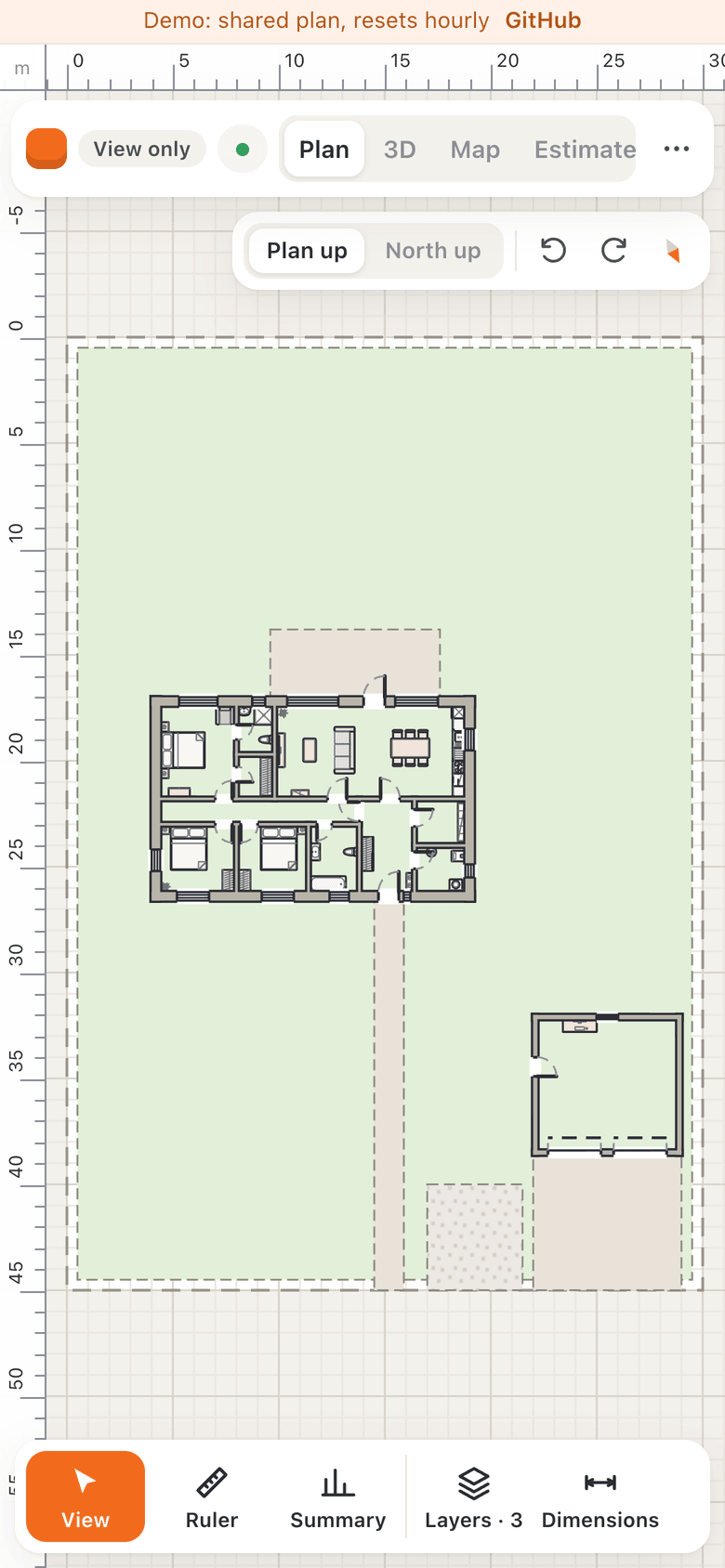
Yes, for viewing only. On screens narrower than 700 px or touch-only devices the app switches to read-only mode: plan, 3D, map, estimate and site page work but nothing is written to the server. Editing needs a mouse or trackpad.
How do I load my own plot?
Get the parcel polygon as GeoJSON in WGS84 coordinates. In the Map view, paste the GeoJSON, choose the plan origin vertex, recalculate and apply. The boundary becomes site.boundary in millimetres and site.geo ties the plan to the map.
How do I update to a new version?
Run git pull, npm ci, and scripts/deploy.sh (or upload the new dist/ manually without touching storage/, data/.htaccess, plans/.htaccess). In Docker: git pull && docker compose up -d --build. Check CHANGELOG.md first.
Where is my data, and how do I back it up?
Data is in the storage folder: config.php, current.json, versions/, snapshots/. On shared hosting it's usually ../storage next to the site root; in Docker it's the house-data volume. Back up the whole folder.
Can several people use it? Are there user accounts?
There is one password per installation and no accounts or roles. Everyone who knows the password can edit. Concurrent editing is safe due to optimistic concurrency. For separate projects, run separate installations.
How do I change the password?
Delete config.php in the storage folder and open /api/setup.php again. The plan and history remain; everyone is logged out because a new cookie token is generated.
Do I need a server or a database?
You need a web server with PHP 8.1+ but no database. The plan, versions and config are stored as plain files in a storage folder. Cheap shared hosting with Apache or LiteSpeed works, as does Docker or a local PHP server.
More in Home Management
 listing-labListing Lab is a self-hosted, open-source property tracker built on Odoo with a Realtor.com scraper. Save listings, add notes and photos.
 maySelf-hosted, open-source vehicle management app for tracking fuel, expenses, maintenance with multi-user support and PWA.
 mygarageSelf-hosted vehicle tracker for households: service history, fuel, tires, insurance, docs, live OBD2. Docker, SQLite/Postgres, OIDC, PWA.
 nazar-studioBalaur is a self-hosted household app with AI chat and Google Calendar sync. Runs PocketBase in Docker with Flutter clients for Android, iOS, Linux.
 norishA self-hosted, open-source recipe manager for households: import recipes from links, videos or photos, plan meals and share grocery lists in real time.
 OpenFamilySelf-hosted family organizer with shopping, tasks, calendar, budget, recipes, meals. Docker/Windows install, PWA offline, Mealie/Home Assistant integrations.
 pantry-hostPantry Host is a self-hosted, open-source PWA for recipes, pantry, cookware, and grocery lists — runs on your hardware with offline support.
 Plant-itOpen-source Android gardening app that logs plant care (watering, fertilizing), stores photos and sends care reminders, installed as an APK or via F-Droid.
 PrismA self-hosted family dashboard for wall displays and tablets that connects to calendars, task apps, photo services, and grocery stores without recurring fees.
 SharedMomentsSelf-hosted web app for couples, families, and friends to capture and relive shared memories with photos, videos, timelines, and AI-assisted descriptions.
 Spotlight_StorageSelf-hosted inventory management system that uses WLED-controlled LEDs to physically locate items in storage bins across multiple locations.
 sprout-trackSelf-hosted baby tracker for logging feeds, naps, diapers, and milestones with multi-caretaker PINs, dark mode, PWA, and webhook integrations.
0 comments