
Self-host may
v0.44.2Vehicle management dashboard for fuel, expenses, maintenance
- Stars
- 268
- Port
- 5050 (HTTP web interface)
ghcr.io/dannymcc/may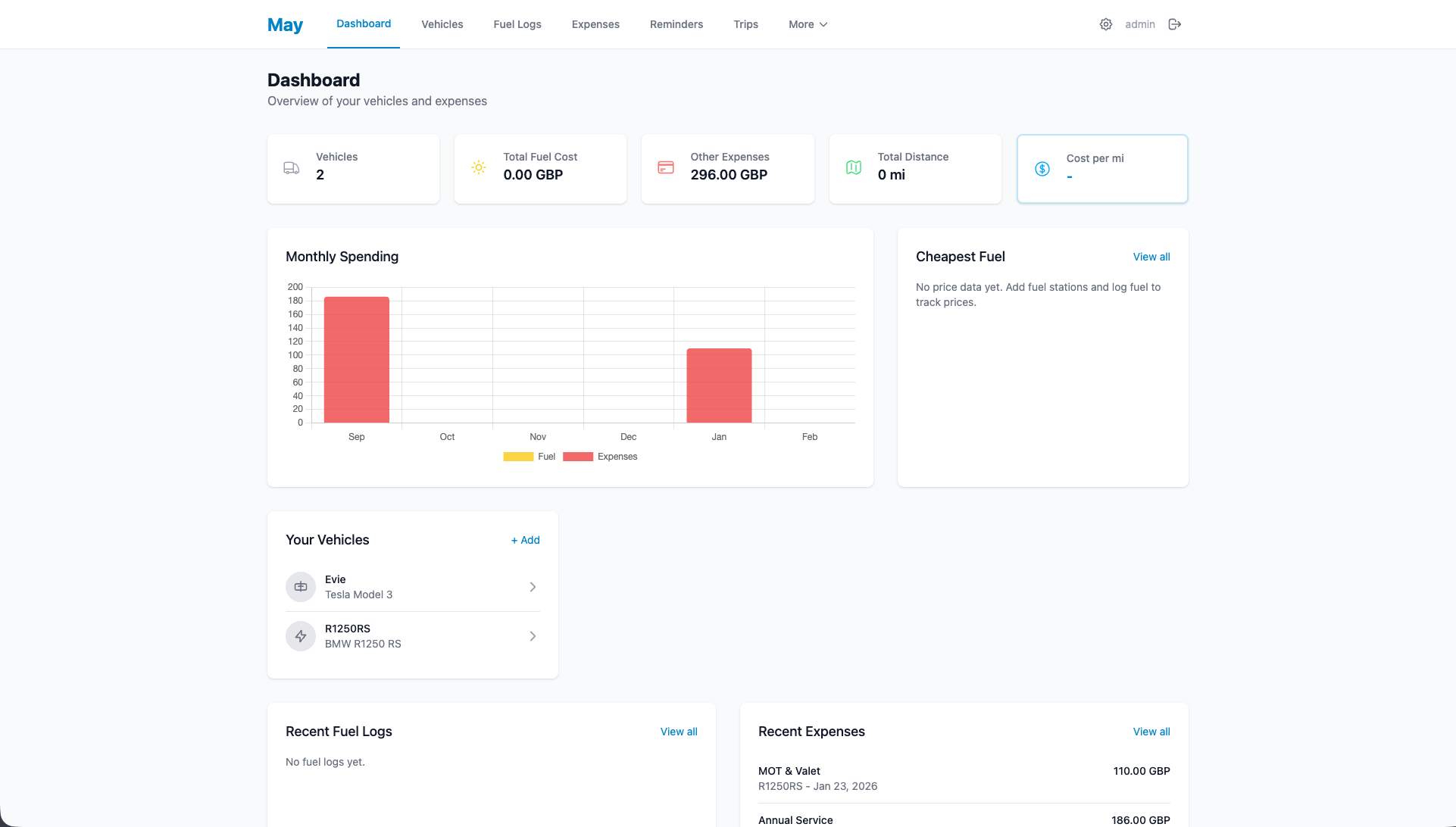
What is may?
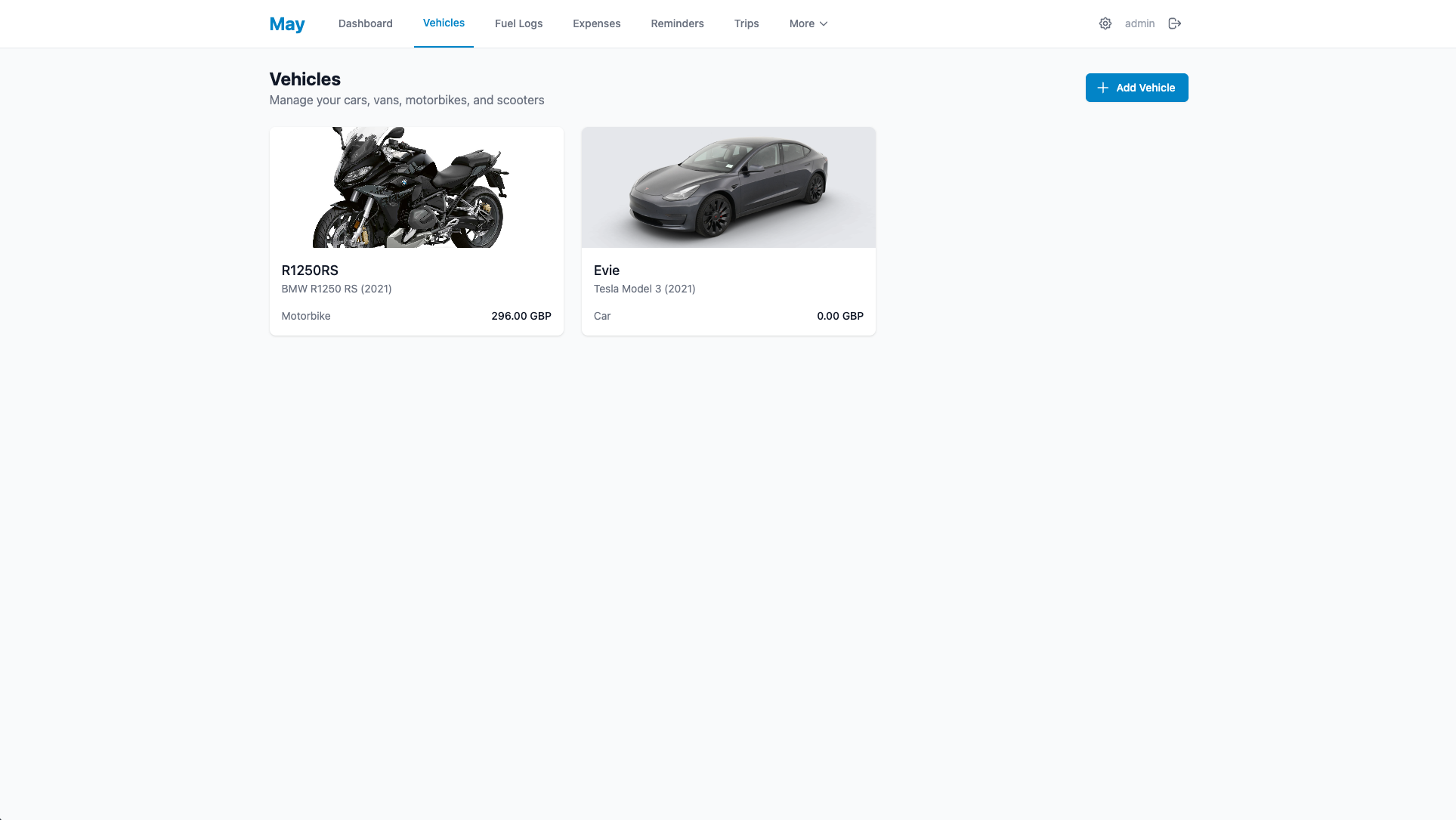
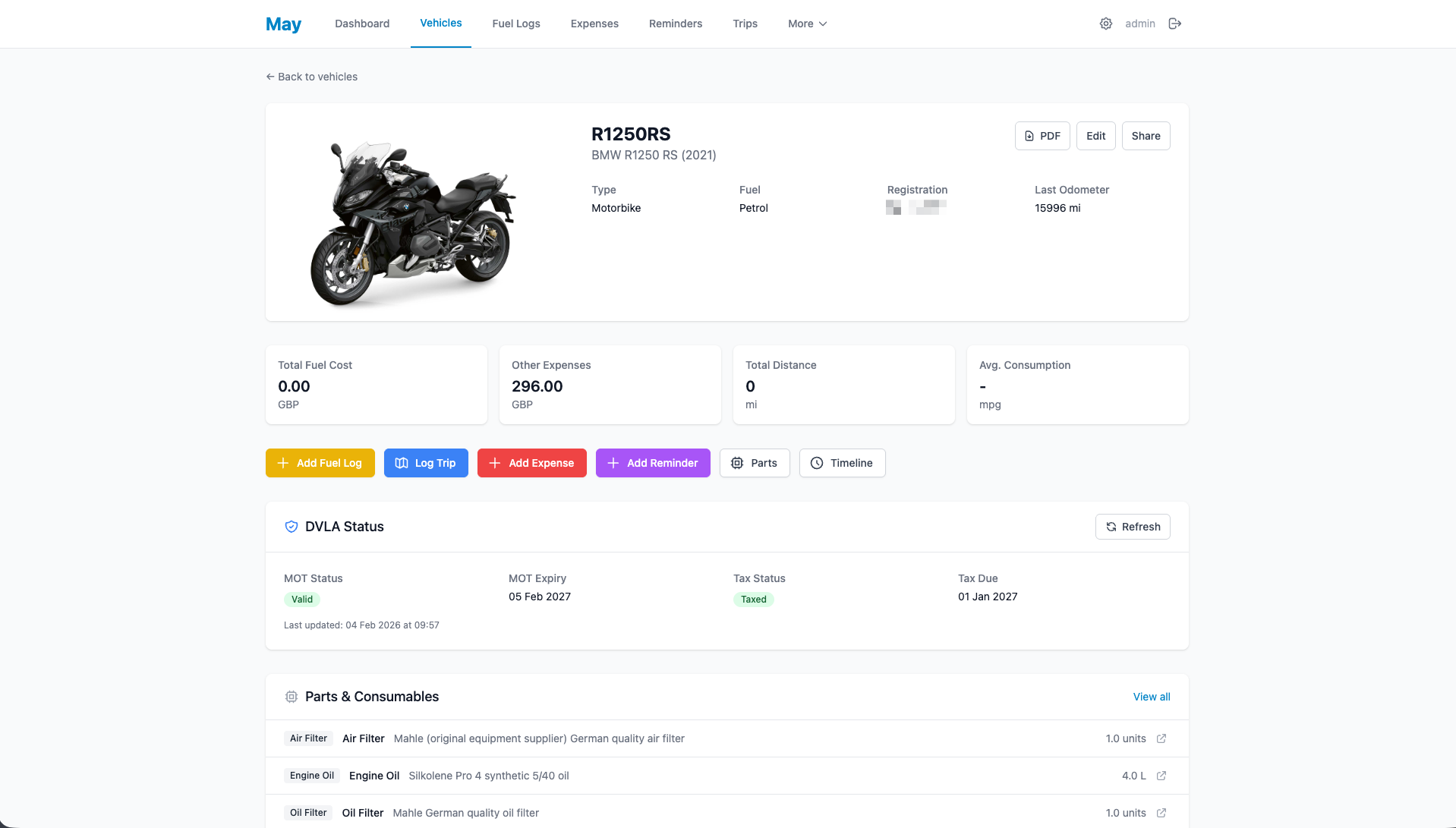
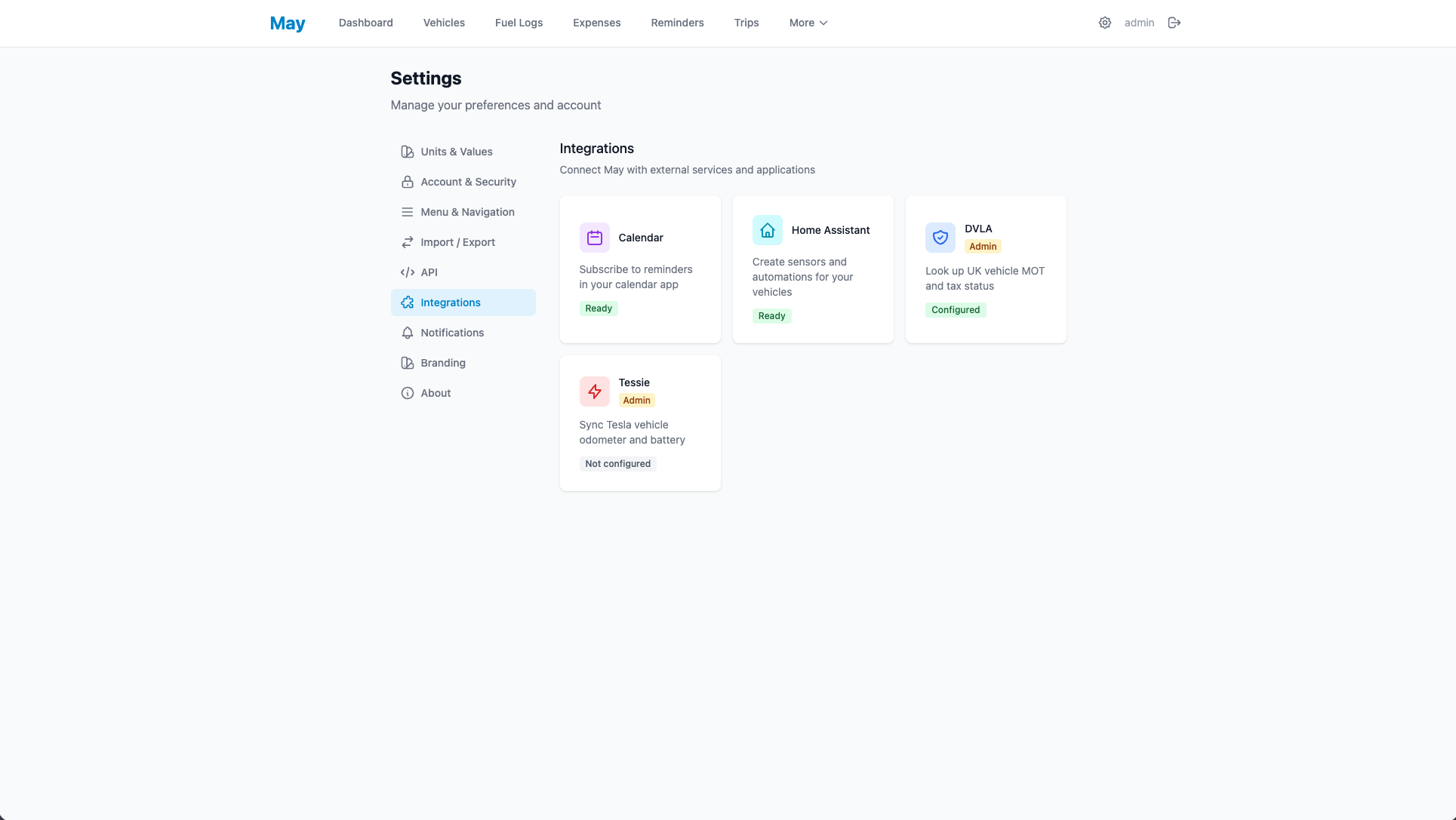
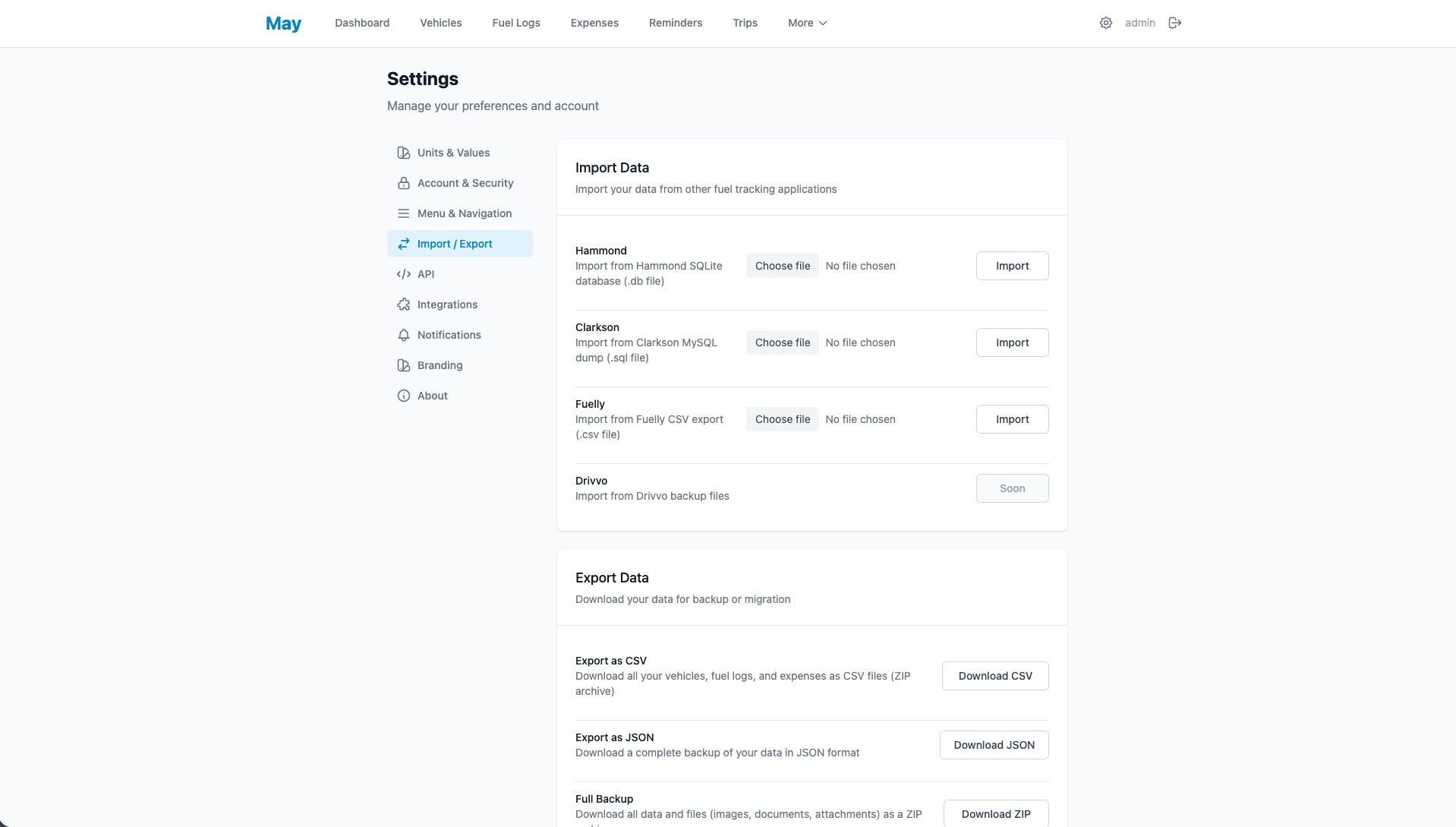
May is a self-hosted vehicle management application built with Flask that helps individuals and families track fuel consumption, expenses, maintenance schedules, reminders, and documents across multiple vehicles. It supports multi-user access with role-based permissions (Editor, Contributor, Viewer), dual-fuel vehicles, EV charging logs, tire set tracking, and recurring expenses. The application provides a REST API for automation, Home Assistant integration, calendar subscriptions for reminders, and UK-specific integrations for DVLA MOT/tax lookups and live fuel prices. It runs via Docker, Docker Compose, or manual Python installation, using SQLite by default with optional PostgreSQL support. The UI includes dark mode, internationalization (20+ languages), custom branding, and PWA support for mobile installation.
Should you self-host may?
may scores 48/100 on selfhost.directory (how scoring works) and ranks #10 of 15 in Home Management. It has 268 GitHub stars.
It shipped 20 stable releases in the past year. The latest, v0.44.2, came out on 12 September 2026. New versions land roughly every 1 days.
Setup is easy: most people get it running in one sitting. An official Docker image is available. It is MIT-licensed and written mostly in Python.
Its closest alternative on selfhost.directory is yuvomi (76/100, 2 072 stars). It scores higher overall, so compare the two before you pick. See may vs yuvomi side by side.
Features
- Analytics Dashboard
- Attachment support
- Document Storage
- Expense Tracking
- Fuel Logging
- Maintenance Schedules
- Multi-channel notifications
- Multi-user with roles
- Multi-Vehicle Support
- PDF Reports
- Quick entry mode
- Recurring Expenses
- Reminders
- Tire set tracking
- Trip logging
may README
More in Home Management
 mygarageSelf-hosted vehicle tracker for households: service history, fuel, tires, insurance, docs, live OBD2. Docker, SQLite/Postgres, OIDC, PWA.
 nazar-studioBalaur is a self-hosted household app with AI chat and Google Calendar sync. Runs PocketBase in Docker with Flutter clients for Android, iOS, Linux.
 norishA self-hosted, open-source recipe manager for households: import recipes from links, videos or photos, plan meals and share grocery lists in real time.
 OpenFamilySelf-hosted family organizer with shopping, tasks, calendar, budget, recipes, meals. Docker/Windows install, PWA offline, Mealie/Home Assistant integrations.
 pantry-hostPantry Host is a self-hosted, open-source PWA for recipes, pantry, cookware, and grocery lists — runs on your hardware with offline support.
 Plant-itOpen-source Android gardening app that logs plant care (watering, fertilizing), stores photos and sends care reminders, installed as an APK or via F-Droid.
 PrismA self-hosted family dashboard for wall displays and tablets that connects to calendars, task apps, photo services, and grocery stores without recurring fees.
 SharedMomentsSelf-hosted web app for couples, families, and friends to capture and relive shared memories with photos, videos, timelines, and AI-assisted descriptions.
 Spotlight_StorageSelf-hosted inventory management system that uses WLED-controlled LEDs to physically locate items in storage bins across multiple locations.
 sprout-trackSelf-hosted baby tracker for logging feeds, naps, diapers, and milestones with multi-caretaker PINs, dark mode, PWA, and webhook integrations.
 TidyQuestSelf-hosted web app that turns chores into RPG quests with health bars, coins, streaks, and family leaderboards.
 TracktorSelf-hosted vehicle tracking app for managing fuel logs, maintenance history, insurance and PUCC compliance, reminders, and expenses across a fleet.
0 comments