
Self-host GhostHub
v5.3.0Raspberry Pi media hub for local streaming and TV casting
- Stars
- 282
- CPU
- Raspberry Pi 4 (ARM64 recommended, ARMHF fallback)
- RAM
- 2 GB (LITE tier), 4 GB (STANDARD), 8 GB+ (PRO)
- Storage
- microSD card for OS + USB drive for media storage
- Port
- 5000 (GhostHub HTTP/WebSocket service)
- Requires
- Ffmpeg, Python, SQLite
What is GhostHub?
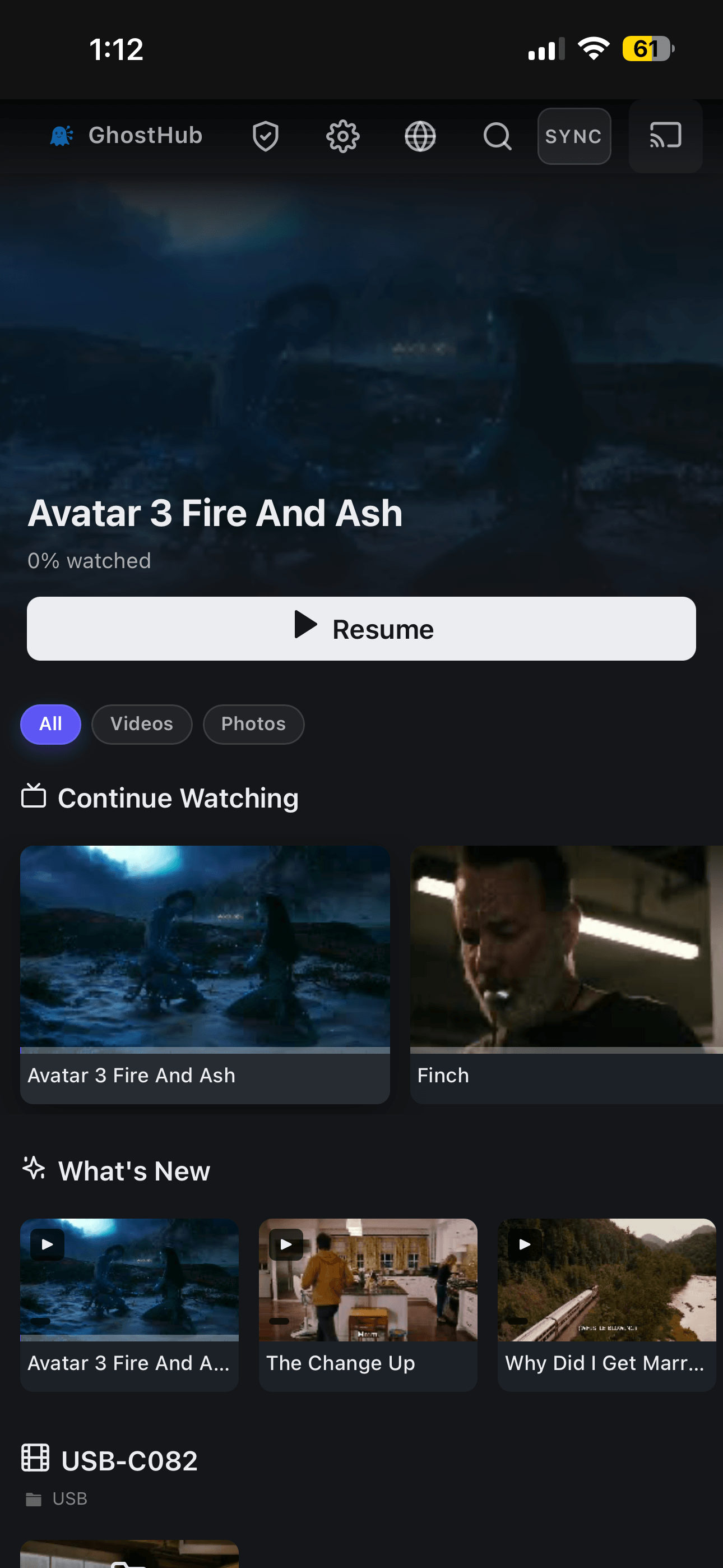
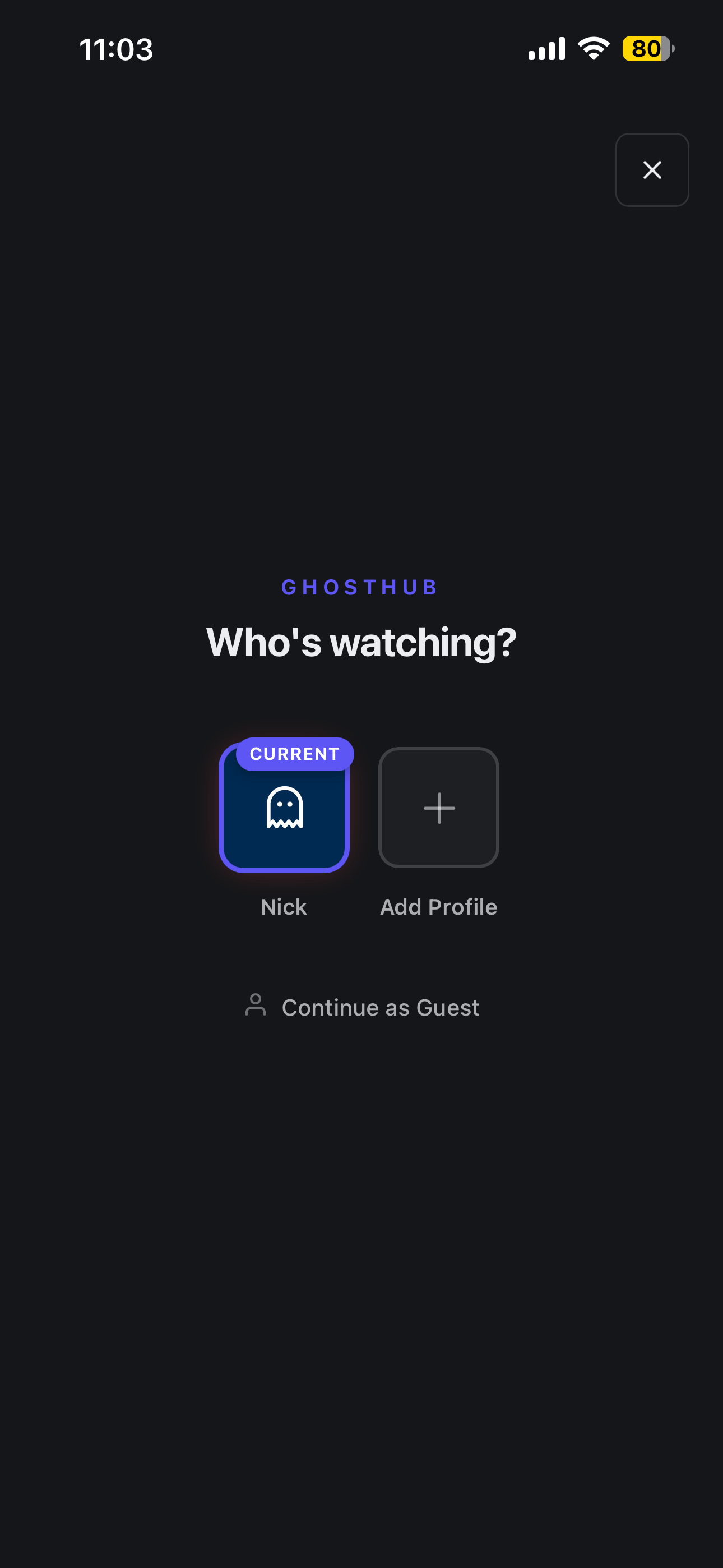
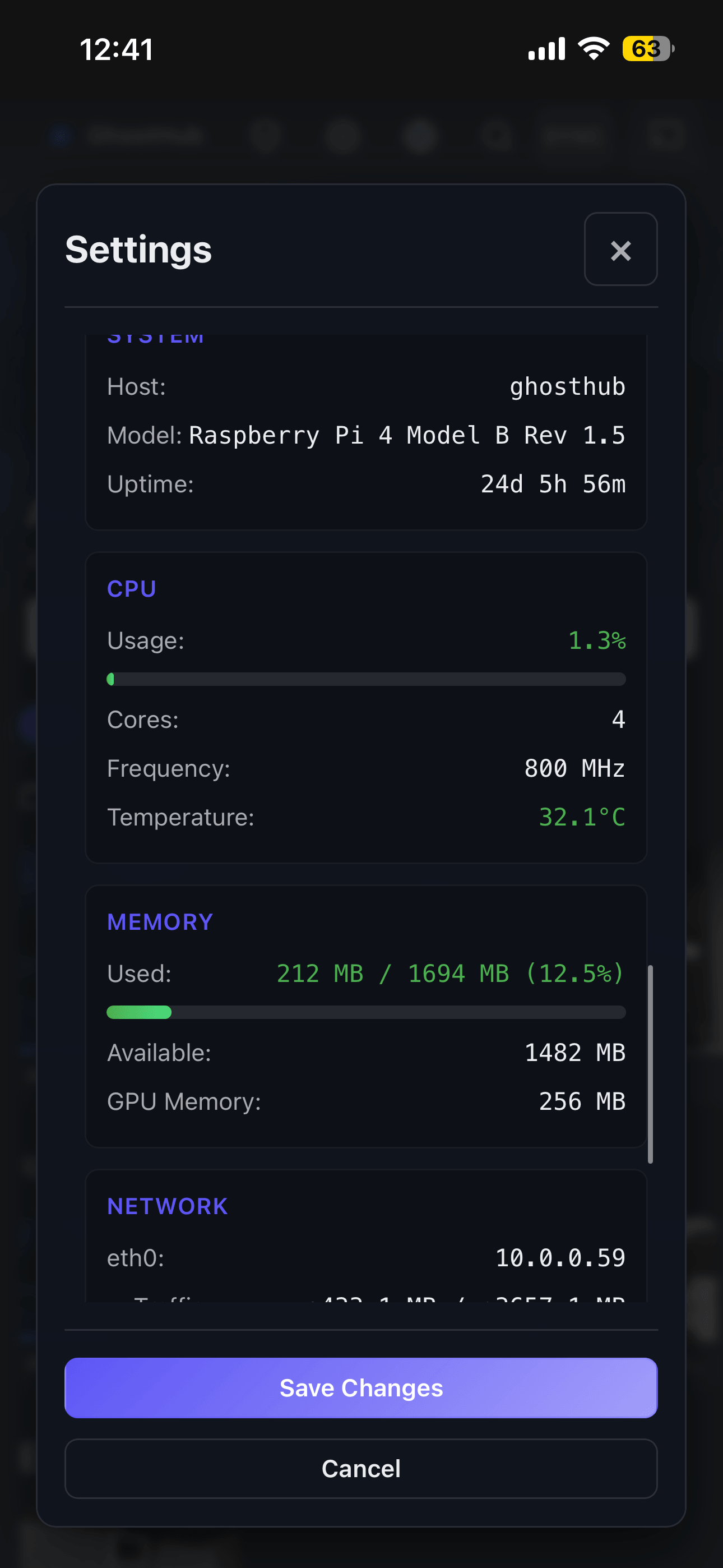
GhostHub is a self-hosted media server built for the Raspberry Pi 4. It converts a Pi and attached USB storage into a personal media center reachable from phones, tablets, computers, or an HDMI display. The service listens on port 5000 and operates in two network modes: a standard home network over Ethernet, or an access-point mode where the Pi hosts its own Wi-Fi. Main capabilities include two browsing views (a couch-style streaming layout and a date-organized gallery), user profiles with avatars and playback history, a built-in theme editor plus a community theme gallery, full file management (upload, download, rename, delete), tools to organize media with folders, playlists, sorting and search, subtitle support for common formats, casting to an HDMI display, synchronized playback and chat across viewers, an admin dashboard for updates, storage, Wi-Fi, cache, restarts, logs and system status, and optional remote access using a Cloudflare Tunnel or a Tailscale/Headscale mesh. Standard web formats (MP4 H.264/AAC, WebM) play natively; other codecs such as MKV, HEVC, AV1, DTS need the separate experimental GhostStream transcoder on another machine. You can install by flashing a ready-made SD card image, doing a DIY install on the specific 2022-01-28 Raspberry Pi OS Lite Bullseye release, or deploying your own source tree via a CLI. The stack runs on Python 3.9 with Flask, the SPECTER backend framework, the RAGOT frontend framework, and SQLite for persistence. Licensed under AGPL-3.0.
Should you self-host GhostHub?
GhostHub scores 48/100 on selfhost.directory (how scoring works) and ranks #66 of 118 in Media Server. It has 282 GitHub stars.
It shipped 6 stable releases in the past year. The latest, v5.3.0, came out on 25 May 2026. New versions land roughly every 8 days.
Setup is moderate: expect some configuration beyond a single command. It is Other-licensed and written mostly in JavaScript.
Its closest alternative on selfhost.directory is Jellyfin (88/100, 58 744 stars). It scores higher overall, so compare the two before you pick. See GhostHub vs Jellyfin side by side.
Features
- Access point mode
- Admin Panel
- Categories and organization
- Custom themes
- File Management
- Gallery layout
- Media streaming
- Remote access via mesh
- Streaming layout
- Subtitle Support
- Sync watching and chat
- Transcoding support (experimental)GhostStream is not bundled, is off by default, and has not been heavily tested inside GhostHub yet
- TV casting
- User Profiles
GhostHub README
More in Media Streaming
 glimeshGlimesh.tv is a self-hosted, open-source live streaming platform built with Elixir and Phoenix that focuses on creator discoverability and community interaction.
 go2rtcSelf-hosted, open-source camera streaming server: ingests dozens of input formats (RTSP, ONVIF, USB cams, vendor clouds) and outputs WebRTC, HLS, MP4 or RTSP.
 Halcyon VideoSelf-hosted 3D video store for Jellyfin/Plex/Emby libraries with VHS cases, clerk, and streaming links.
 hls-restream-proxySelf-hosted HLS proxy that injects headers and rewrites playlists for Jellyfin, Emby, Plex and other media servers to play IPTV streams requiring specific HTTP headers.
 hotio/plexA self-hosted, open-source Docker image for running Plex Media Server with built-in hardware transcoding, WireGuard VPN support, and Plex Pass beta updates.
 HRCloud2HRCloud2 is an open-source, self-hosted cloud storage platform with file conversion, OCR, media streaming, virus scanning, and a voice-enabled personal assistant.
- Icecast 2Icecast is a free server software for streaming multimedia, supporting Ogg (Vorbis and Theora), Opus, WebM, and MP3 streams. It can be used to create an Internet radio station or a privately running jukebox.
 infra-homeSelf-hosted stack restoring Philips Ambilight+Hue sync, syncing TV colors to PC LEDs, debloating Fire TV, and blocking ads with Pi-hole from one Home Assistant dashboard.
 InvidiousOpen-source AGPL front-end for YouTube: watch without ads, tracking or JavaScript, with own subscriptions, playlists and a REST API; runs via Docker and PostgreSQL.
 iptv-proxyA self-hosted IPTV reverse proxy that rewrites M3U and Xtream Codes streams to your own address with custom login, plus HDHomeRun emulation for media servers.
 iSponsorBlockTVSelf-hosted SponsorBlock client that skips sponsors and mutes ads on YouTube TV apps for Android TV, Apple TV, Samsung, LG, Roku, Fire TV, and consoles.
 jcorp-nomadOpen-source offline media server on an ESP32-S3: self-hosted browser streaming of movies, music, books, DLNA, offline Wikipedia, maps and games.
0 comments