
Self-host dropmind
v2.0.1Capture inbox you host yourself for links, notes, files
- Stars
- 141
- Ports
- 8000 (backend API), 80 (frontend (nginx))
ghcr.io/oldany/dropmind-backend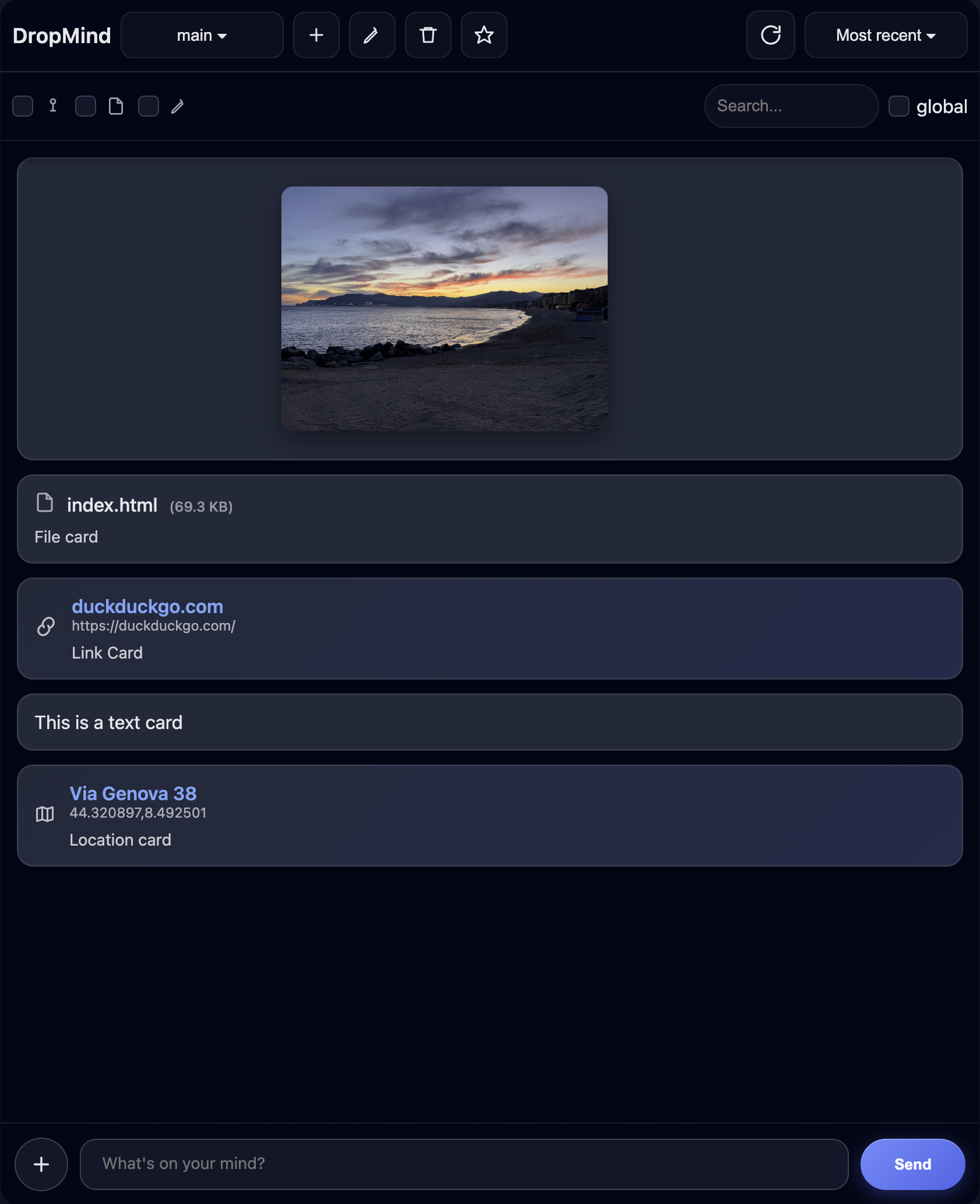
What is dropmind?
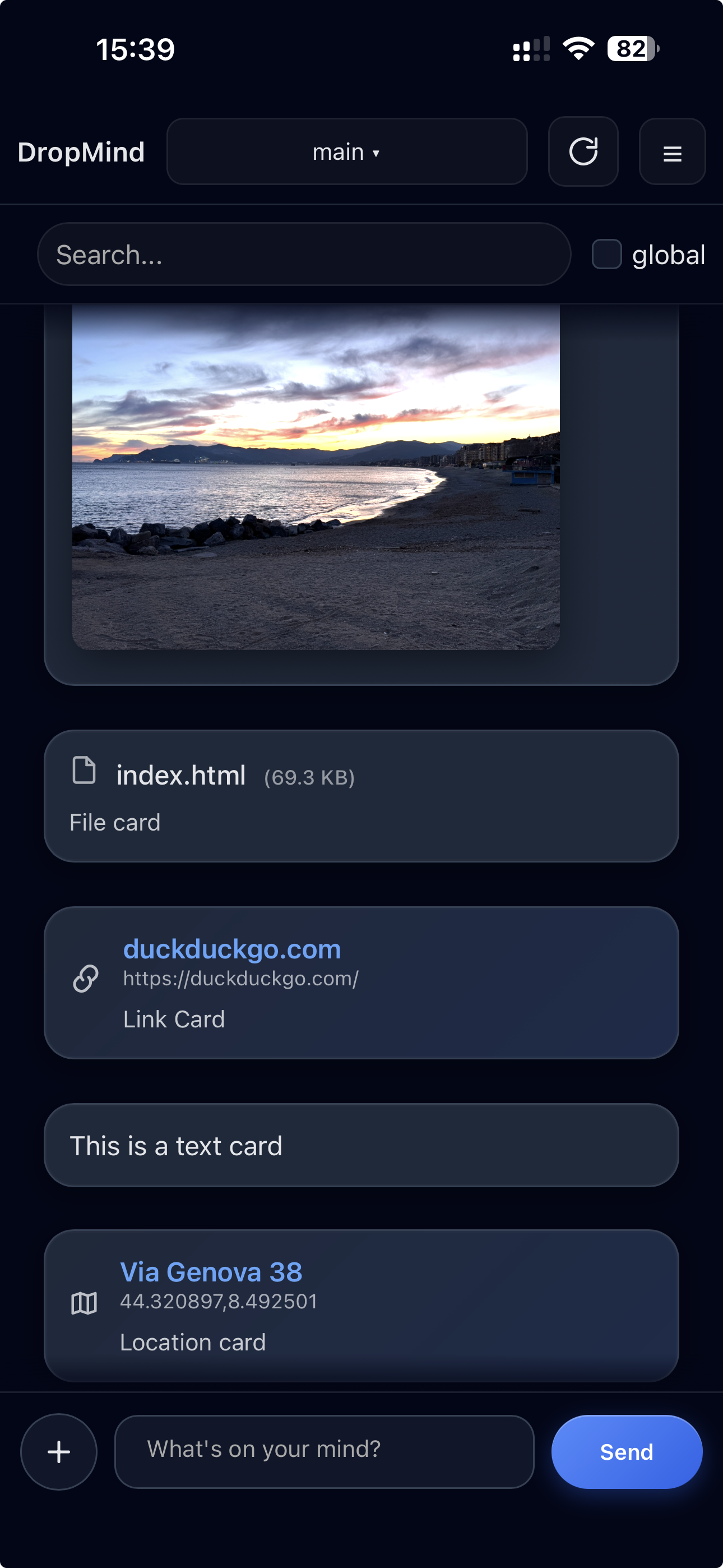
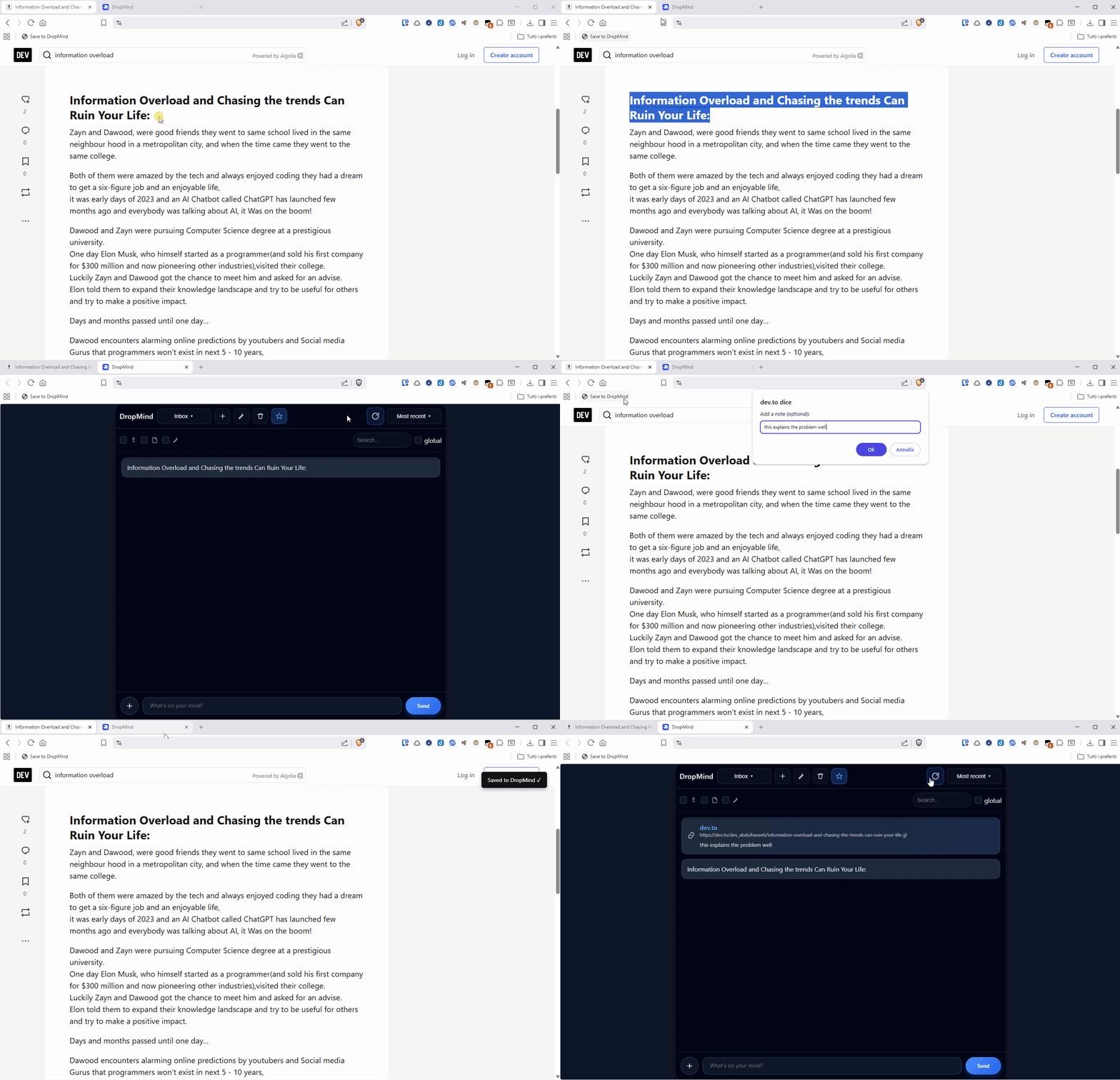
A self-hosted capture inbox for instantly saving links, notes, screenshots, and files from any device. It offers a minimal message-style UI with multi-clipboard organization, global search, light/dark themes, and a progressive web app for mobile and desktop. Content can be sent via iOS Shortcuts, Android's share sheet, or a browser bookmarklet. The stack uses FastAPI with SQLite and runs as two Docker containers (backend on 8000, frontend on 8080). Licensed under AGPL-3.0.
Should you self-host dropmind?
dropmind scores 44/100 on selfhost.directory (how scoring works) and ranks #56 of 81 in Notes & Editors. It has 141 GitHub stars.
It shipped 13 stable releases in the past year. The latest, v2.0.1, came out on 20 October 2026. New versions land roughly every 10 days.
Setup is easy: most people get it running in one sitting. An official Docker image is available. It is AGPL-3.0-licensed and written mostly in HTML.
Its closest alternative on selfhost.directory is Memos (86/100, 64 139 stars). It scores higher overall, so compare the two before you pick. See dropmind vs Memos side by side.
Features
- Android share support
- Apple Shortcut support
- Capture links, notes, screenshots, files
- Global Search
- Multi-clipboard organization
- Self-Hosted
- Simple message-style interface
- Universal browser bookmarklet
dropmind README
More in Productivity
 DumbPadDumbPad is a self-hosted, open-source notepad with auto-save, dark mode, PIN protection, markdown preview, fuzzy search, and real-time collaborative editing.
 EidosSelf-hosted single-file relational spreadsheet using standard SQLite for structured data. Open-source Notion alternative with optional sync and publishing services.
 ever-teamsSelf-hosted, open-source work and project management platform with time tracking, productivity metrics, team management, and integrations for GitHub, GitLab, Jira.
 FabricFabric is a self-hosted, open-source AI augmentation framework with crowdsourced prompt patterns, CLI, REST API, and web UI.
 flowchart.funEasily generate flowcharts and diagrams from text ⿻
 FluidCalendarFluidCalendar is a self-hosted, open-source Motion alternative for intelligent task scheduling with Google Calendar, Outlook, and CalDAV sync.
 focus-compass-sync-serverSelf-hosted Node.js sync server for Focus Compass using Hocuspocus/Yjs with SQLite, bearer tokens, admin UI, backups, and optional MCP for AI clients.
 FramadateFramadate is an online service for planning appointments or making decisions quickly and easily. It is a community free/libre software alternative to Doodle.
 gaiaOpen-source personal AI assistant that proactively manages email, calendar, tasks, and workflows across 50+ integrations with self-hosting support via Docker Compose.
 gawkbotSelf-hosted desktop app that unifies terminal AI agents into a coordinated team with an AI lead, delivering questions to your Mac notch or iPhone.
 ghostboardGhostboard is a self-hosted, open-source tool for real-time text sharing between devices via web UI or CLI, with multi-board support, dark mode, and Markdown rendering.
 golinksgolinks is a self-hosted, open-source web app that turns your browser's search bar into a command line for smart bookmarks and search aliases.
0 comments