
Self-host gaia
cli-v0.7.0Proactive AI assistant automating your daily work
npm install -g @heygaia/cli- Stars
- 320
- CPU
- 2 CPU cores
- RAM
- 4GB RAM
- Storage
- 10GB free disk space
- Ports
- 3000 (Web UI (Next.js)), 80 (Backend API (FastAPI))
- Requires
- ChromaDB, MongoDB, PostgreSQL, RabbitMQ, Redis
What is gaia?
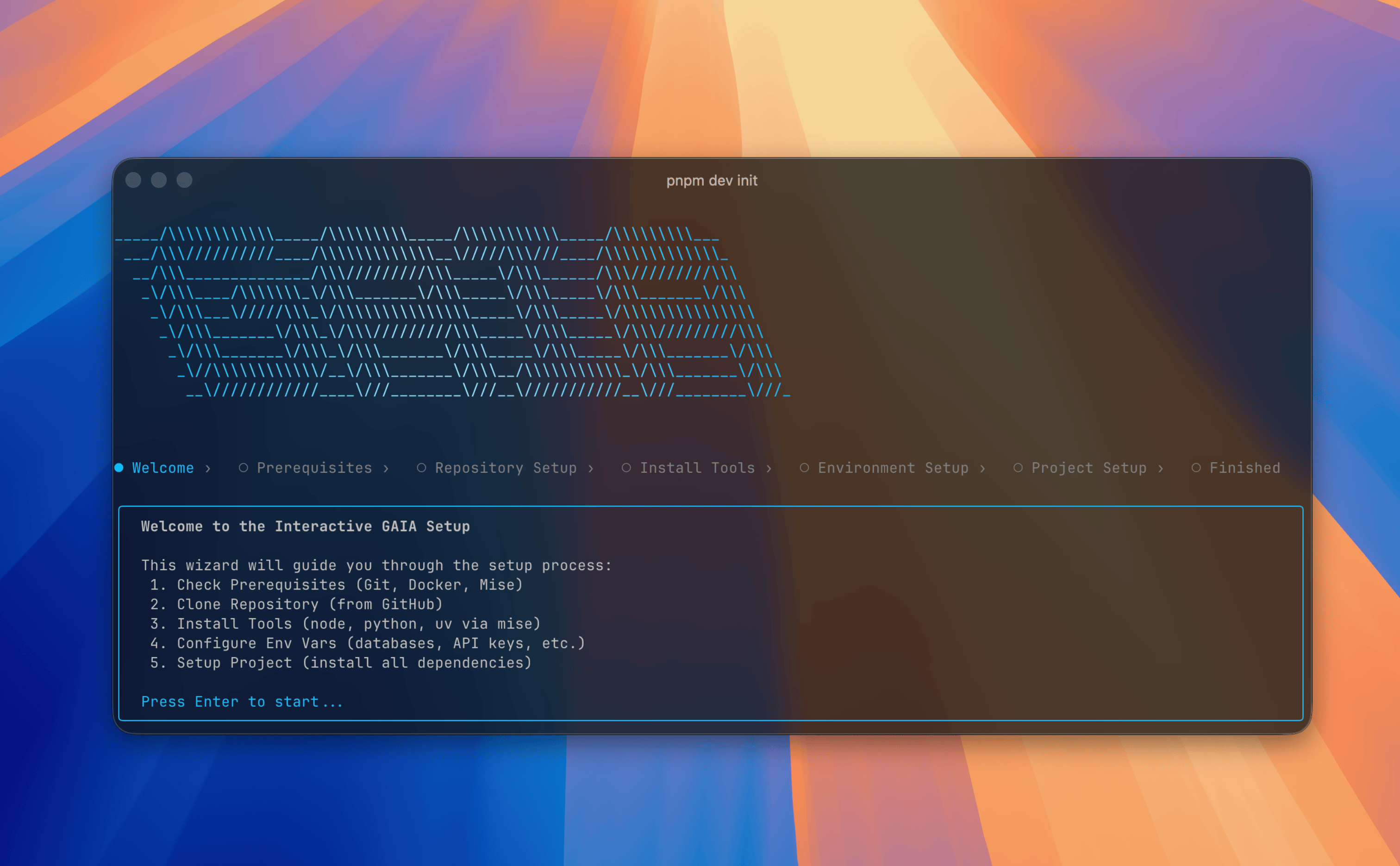
GAIA is an open-source personal AI assistant that connects to your email, calendar, and productivity tools to automate routine work. It runs proactive workflows like morning inbox triage, meeting preparation, and follow-up reminders without manual setup. You interact with it through iMessage, WhatsApp, Telegram, Slack, Discord, a web app, desktop apps for macOS/Windows/Linux, and a mobile app (beta), all sharing one account and memory. Features include voice calls with a wake word, sandboxed code execution that produces real documents, deep web research, browser automation, and an open Agent Skills specification for adding capabilities. Self-hosting is done via Docker Compose orchestrating PostgreSQL, MongoDB, Redis, ChromaDB, and RabbitMQ, managed through a CLI wizard. The code uses the PolyForm Noncommercial 1.0.0 license, free for personal and non-profit use; commercial deployment requires an enterprise license.
Should you self-host gaia?
gaia scores 44/100 on selfhost.directory (how scoring works) and ranks #71 of 120 in AI Assistant. It has 320 GitHub stars.
It shipped 21 stable releases in the past year. The latest, desktop-v0.8.0, came out on 26 October 2026.
Setup is advanced: plan for several services and some ongoing maintenance. It is Other-licensed and written mostly in Python.
Its closest alternative on selfhost.directory is AstrBot (88/100, 44 330 stars). It scores higher overall, so compare the two before you pick. See gaia vs AstrBot side by side.
Features
- Agent Skills extensibility
- Browser Automation
- Custom integrations (Enterprise)Only available in Enterprise plan
- Deep web research
- Local file/tool access via bridge
- Memory Management
- Model Context Protocol (MCP) support
- Multi-platform Messaging
- Proactive workflows
- Sandboxed code execution
- Self-hostable with own keys/models
- SSO/SCIM (Enterprise)Only available in Enterprise plan
- Unified workspace
- Voice calls with wake word
- Workflows in plain English
gaia README
FAQ
What does self-hosting cost?
The code is free under the PolyForm Noncommercial license. You pay for model API usage, any paid integrations you opt into, and hosting costs.
How do I add an integration that isn't in the list?
Add it as an MCP server from the integrations page by pasting the server URL. Its tools become available immediately. You can also publish it to the community marketplace. For tools running on your own machine, use gaia bridge instead.
Can I use my own API keys and models?
Self-hosted: yes, providers are set via environment variables and the model catalogue is database-driven. Cloud: no, models are managed for you and usage follows your plan, though you can pick between available models in the composer.
What does GAIA store about me, and does it read my email?
GAIA does not copy your actual email content, calendar events, or documents into its database. It fetches them only when needed for a request, uses them, and does not retain them. You control what is stored: memories, chat history, workflows, todos, reminders, and integration tokens (encrypted and revocable).
More in Workflow Automation
 giselleGiselle is a self-hosted, open-source AI agent studio for building visual workflows with drag-and-drop, supporting multiple LLM providers and GitHub integration.
 hatchetAn open-source durable task queue and workflow engine for teams shipping apps: self-hosted via Docker, Compose or Helm, with Postgres-backed state and a live dashboard.
 hermes-studioEkko Studio unites chat agents and 14 coding CLIs in one self-hosted web console with group chat, visual workflows, profiles, voice, and device sync.
 hexabotHexabot is a self-hosted AI workflow automation platform for building agentic workflows across channels with a visual editor, YAML, memory, RAG, and RBAC.
 heymHeym is a self-hosted platform for building and running agentic AI workflows with a visual canvas, human-in-the-loop, RAG, MCP, and full observability.
 HuginnSelf-hosted, open-source automation server where agents watch websites, RSS, mail and webhooks, then act on events and post to Slack, Telegram and other services.
 illa-builderSelf-hosted open-source low-code platform for internal tools: dashboards, CRUD apps, admin panels, with database/API connectors and scheduled or webhook automation.
 inngestWorkflow orchestration platform for self-hosted durable step functions and AI workflows. Language SDKs for TypeScript, Python, Go automatically retry failed steps.
 judicexJudicex is a self-hosted legal AI workspace for lawyers to ingest sources, run workflow checks, generate drafts, and chat with an LLM bound to evidence in SQLite
 keepOpen-source, self-hosted AIOps and alert management platform: deduplication, correlation, enrichment, YAML workflow automation and 110+ monitoring integrations.
 KestraSelf-hosted, open-source (Apache-2.0) engine that schedules and chains data, AI and infrastructure jobs from YAML or a visual editor, with 2,200+ plugins.
 LeastActionLeastAction is a self-hosted data workflow platform where an AI operator runs and repairs pipelines end-to-end against your stack with a shared team catalog.
0 comments