
Self-host DezKVM
DIY multi-port IP-KVM using standard USB hardware
- Stars
- 140
- Port
- 9000 (HTTPS web UI and API)
- Requires
- ALSA (Advanced Linux Sound Architecture), Build-essential, Libv4l-dev, Linux kernel, V4l-utils, v4l2 (Video4Linux2)
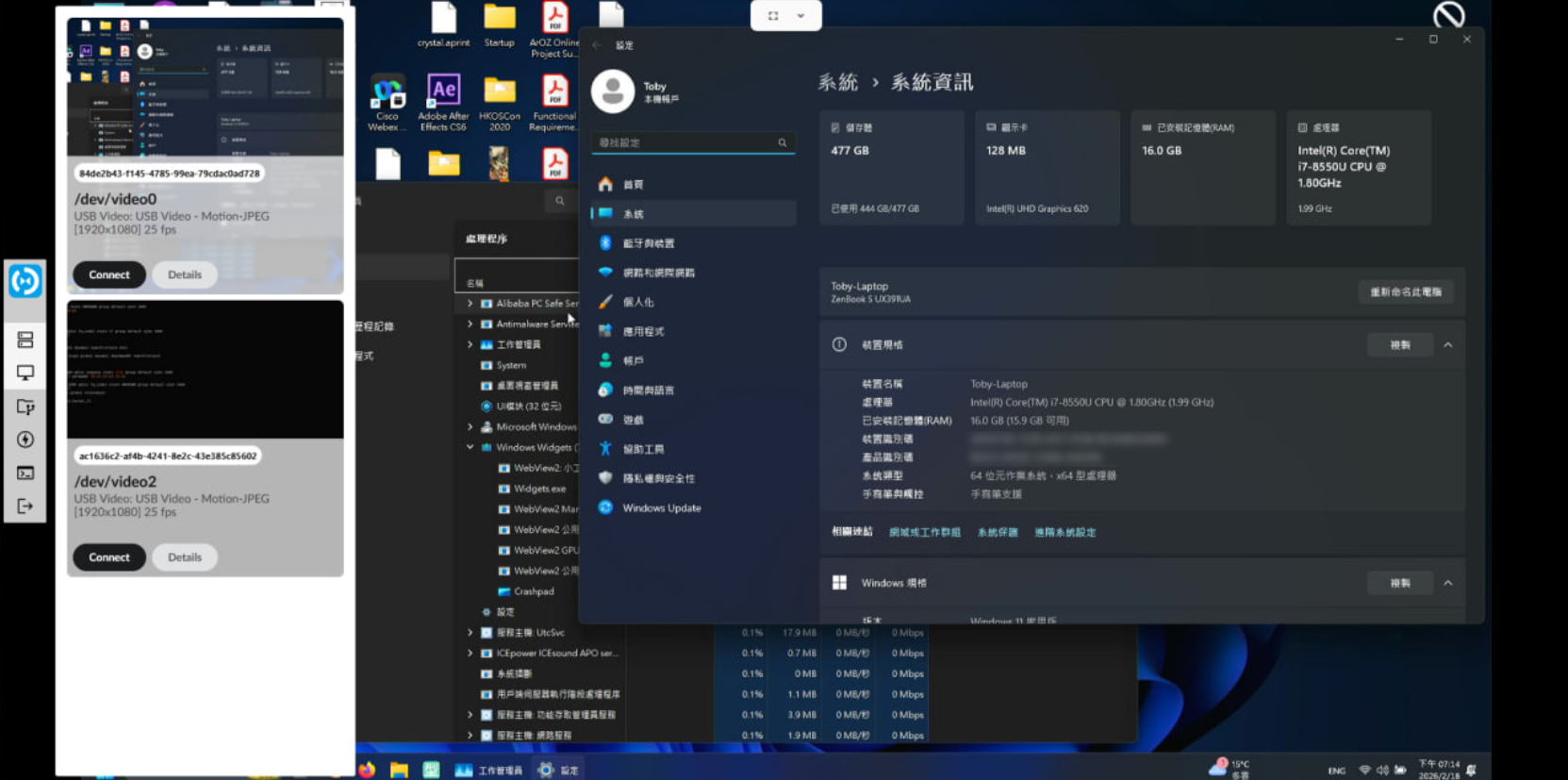
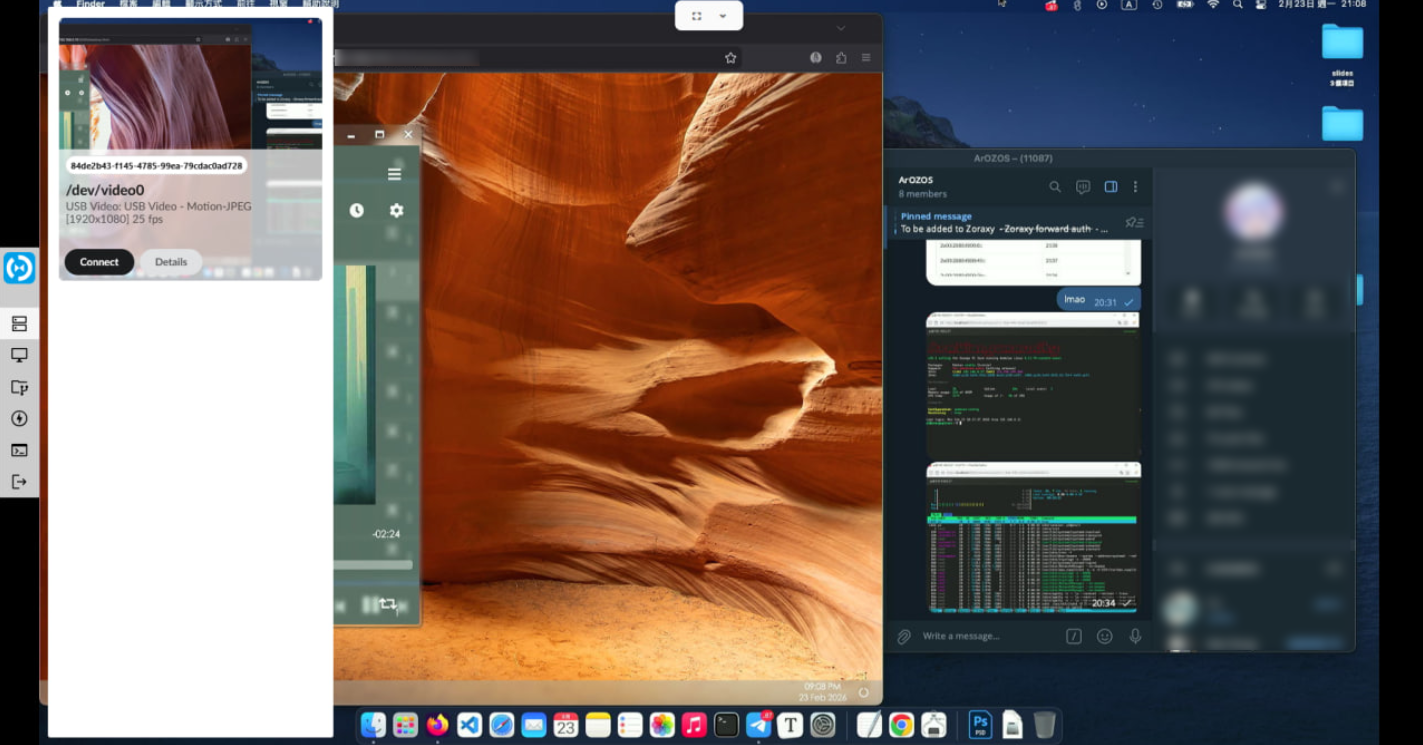
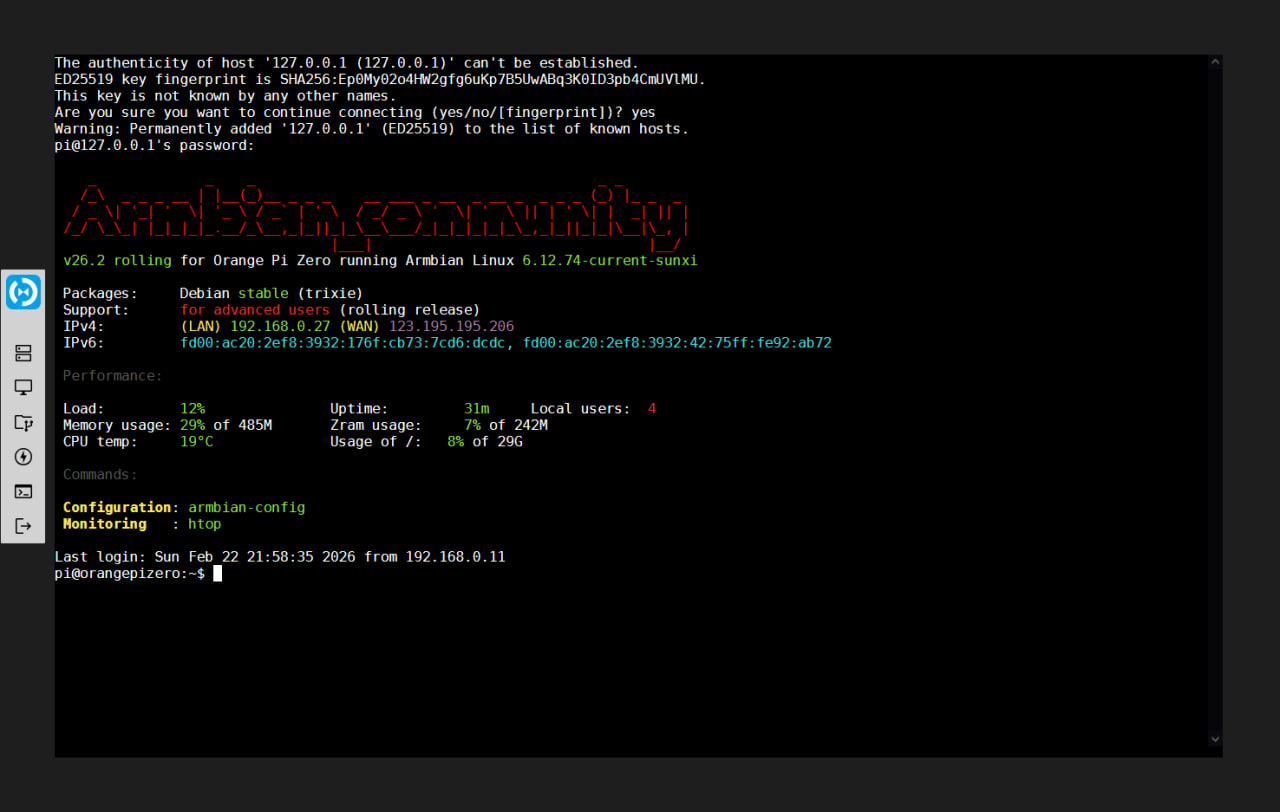
What is DezKVM?
DezKVM is a DIY IP-KVM (Keyboard-Video-Mouse over IP) system that runs on standard Linux single-board computers or mini PCs. Unlike commercial KVMs or PiKVM, it uses only upstream Linux drivers (V4L2 for video, ALSA for audio, USB HID for keyboard/mouse) with off-the-shelf USB capture cards and UART-to-HID chips, requiring no custom kernel patches. Each KVM port is a separate USB module containing an HDMI capture device (MS2109), a CH9329 UART-to-HID bridge for keyboard/mouse, and a CH552G MCU for ATX power control and mass-storage switching. Multiple port modules connect to the host SBC via a USB hub, enabling simultaneous multi-port and multi-view operation. The dezkvmd Go daemon provides a web UI on port 9000 with HTTPS, WebRTC streaming, virtual media (ISO mounting), ATX power control, and a file manager for the mass-storage device. The project is in early alpha and not yet production-ready.
Should you self-host DezKVM?
DezKVM scores 36/100 on selfhost.directory (how scoring works) and ranks #22 of 23 in Remote Access. It has 140 GitHub stars.
There was no stable release in the past 12 months, so check the repository's recent activity before you rely on it.
Setup is advanced: plan for several services and some ongoing maintenance. It is GPL-3.0-licensed and written mostly in Go.
Its closest alternative on selfhost.directory is ESP-KVM (57/100, 562 stars). It scores higher overall, so compare the two before you pick. See DezKVM vs ESP-KVM side by side.
Features
- Password Authentication
DezKVM README
More in Remote Access
 Docker ZeroTier PlanetA self-hosted ZeroTier Planet you deploy with Docker on a Linux server, with a web management UI for networks and members plus planet/moon file downloads.
 DockTailOpen-source, self-hosted Go agent that watches Docker labels and publishes containers as native Tailscale Services, with HTTPS, TCP, PROXY protocol and Funnel support.
 DroneBridgeDroneBridge is an open-source, self-hosted long-range radio link for drones using WiFi. Supports 1080p video, MAVLink telemetry, RC control, and OSD.
 electerm-webelecterm-web is a self-hosted, open-source web terminal and SSH/SFTP client with AI assistance, multi-language support, cloud sync, and responsive mobile design.
 EpoptesOpen-source computer lab management tool for screen broadcasting, monitoring, remote command execution, and client control in educational environments.
 ESP-KVMOpen-source IP-KVM firmware for ESP32-P4 boards capturing HDMI video and presenting USB keyboard/mouse to any target, accessible via browser console.
 firefoxOpen-source, self-hosted Docker container running the Firefox browser, streamed to any web browser or VNC client with audio, clipboard sync, file manager and terminal.
 FirezoneZero-trust remote access built on WireGuard for teams: gateways run in your network, while policies, device trust and audit logs are managed from a hosted portal.
 friendupFriend OS is a self-hosted, open-source web OS providing a full desktop in the browser with file management, chat, video calls, and collaborative workspaces.
 gateway-gogateway-go is a self-hosted, open-source LAN gateway that pairs with OpenIoTHub client via QR code to expose local ports over NAT traversal and P2P tunnels.
 GLKVM CloudSelf-hosted KVM remote management platform with web SSH, remote desktop, batch ops, and LDAP/OIDC auth via Docker.
 gravitlSelf-hosted, open-source WireGuard automation: mesh VPNs, remote access gateways and site-to-site networks managed from a web UI with ACLs and DNS.
0 comments