Self-host GLKVM Cloud
v2.9.0Lightweight self-hosted KVM remote management platform
- Stars
- 343
- CPU
- 1 core
- RAM
- 1 GB
- Storage
- 40 GB
- Ports
- 443 (Web UI access), 10443 (WebSocket proxy), 5912 (Device connection), 3478 (TURN server for WebRTC)
glzhitong/glkvm-cloud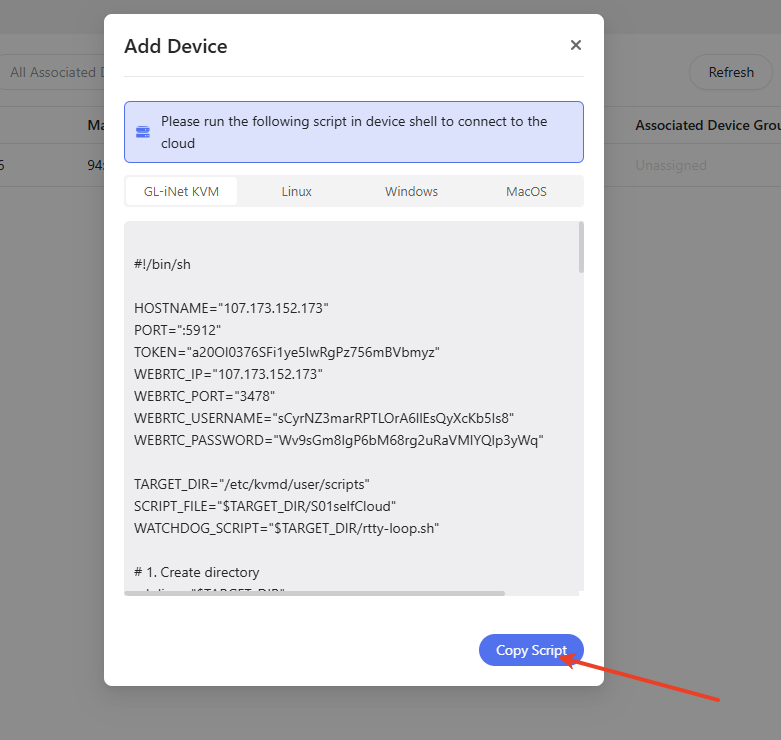
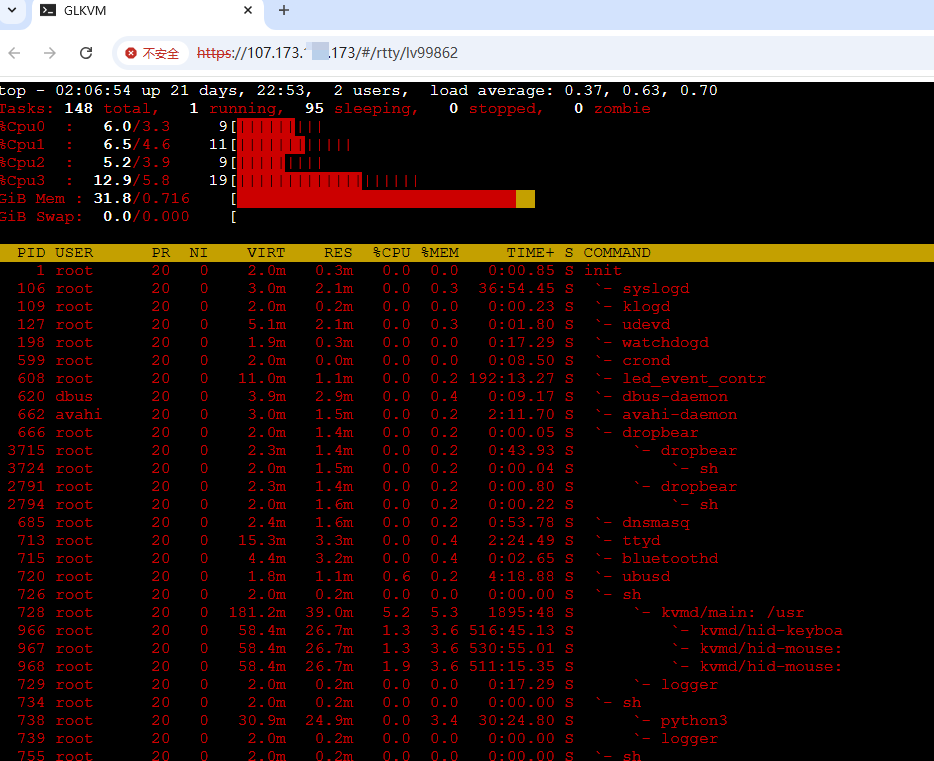
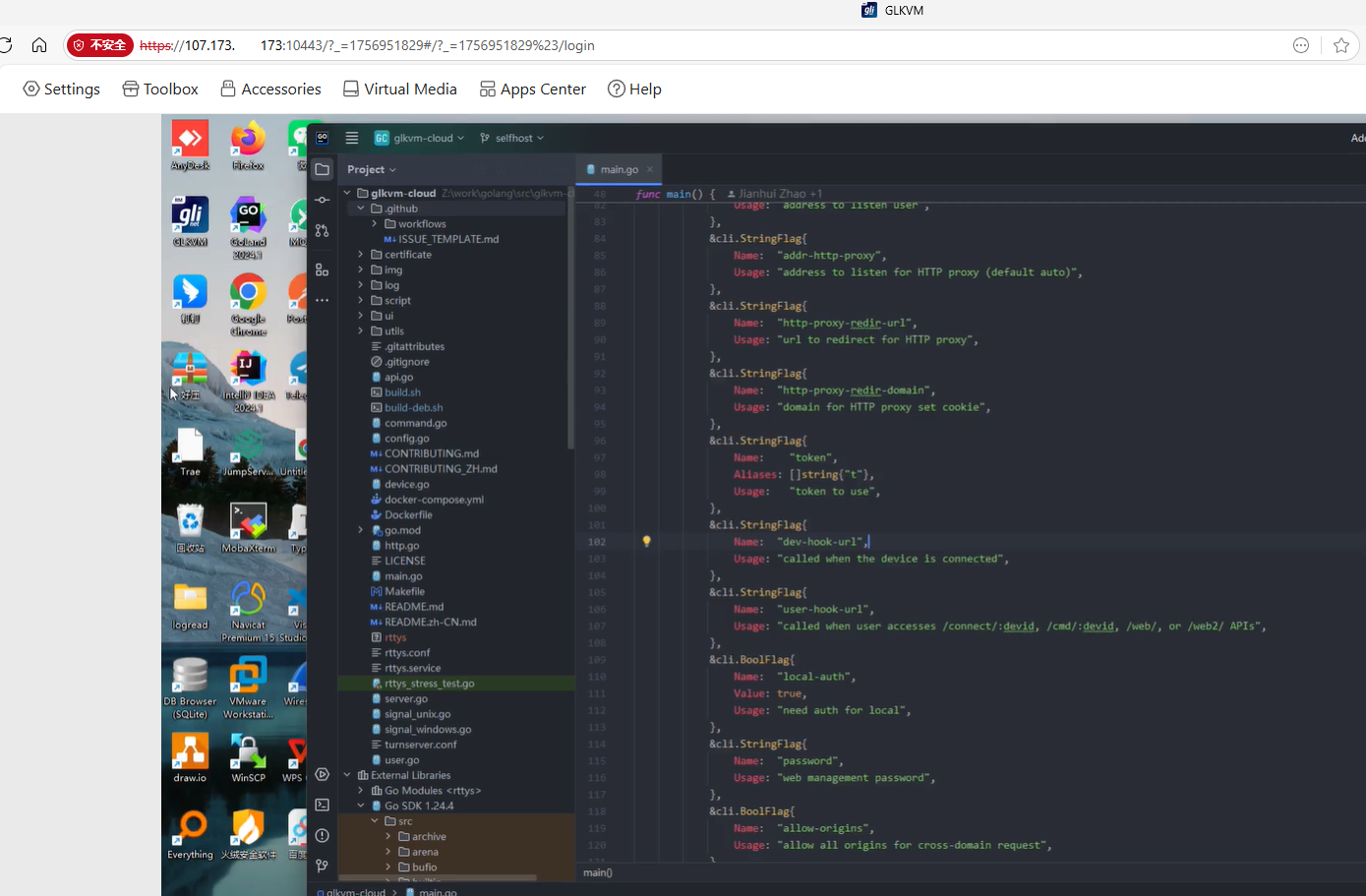
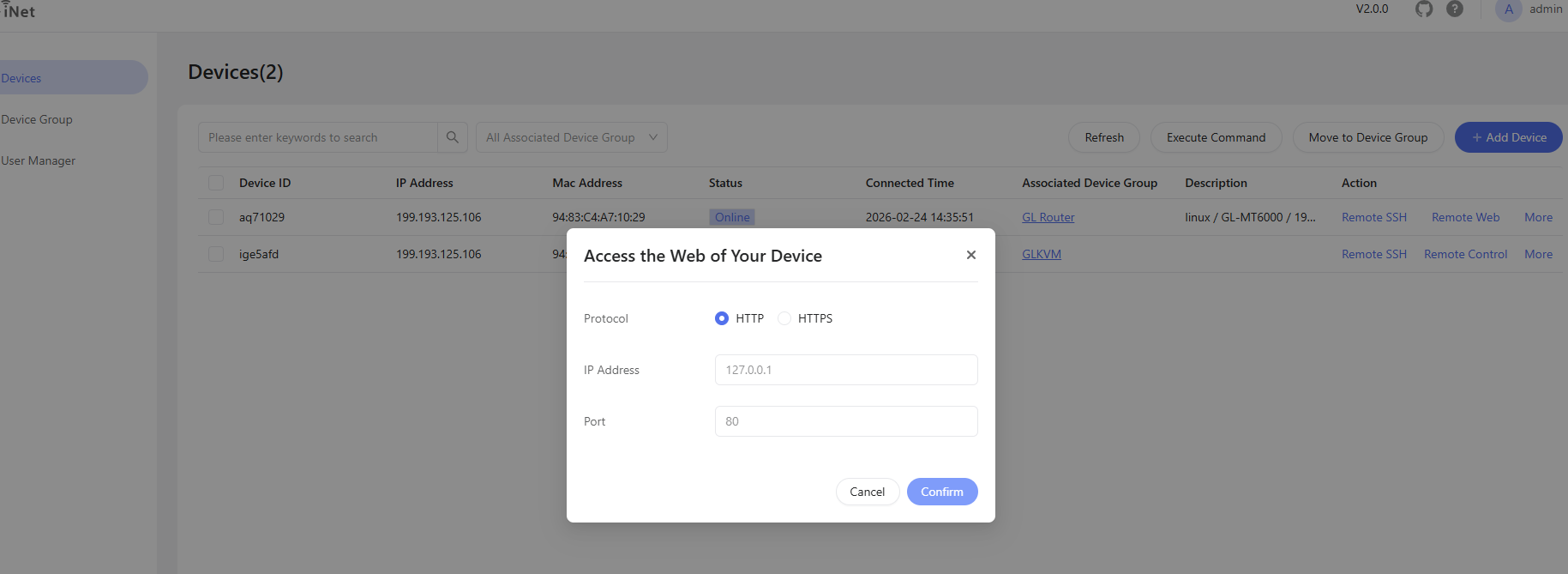
What is GLKVM Cloud?
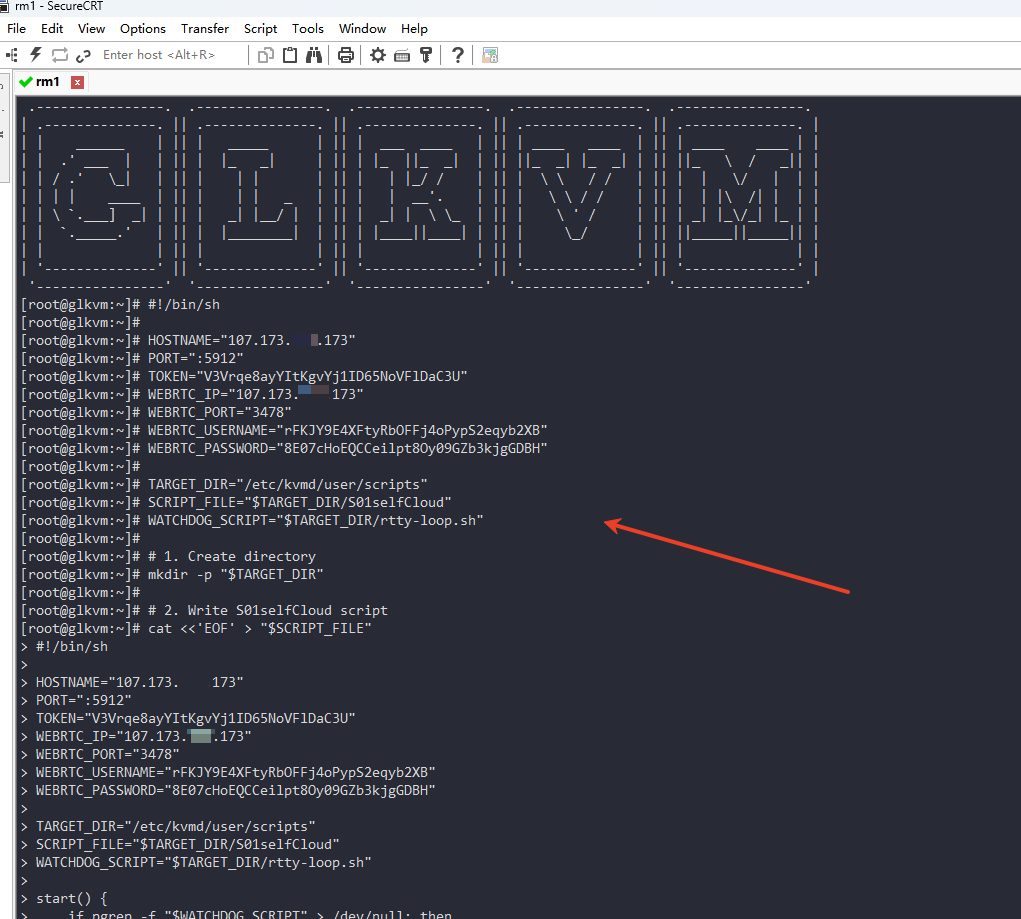
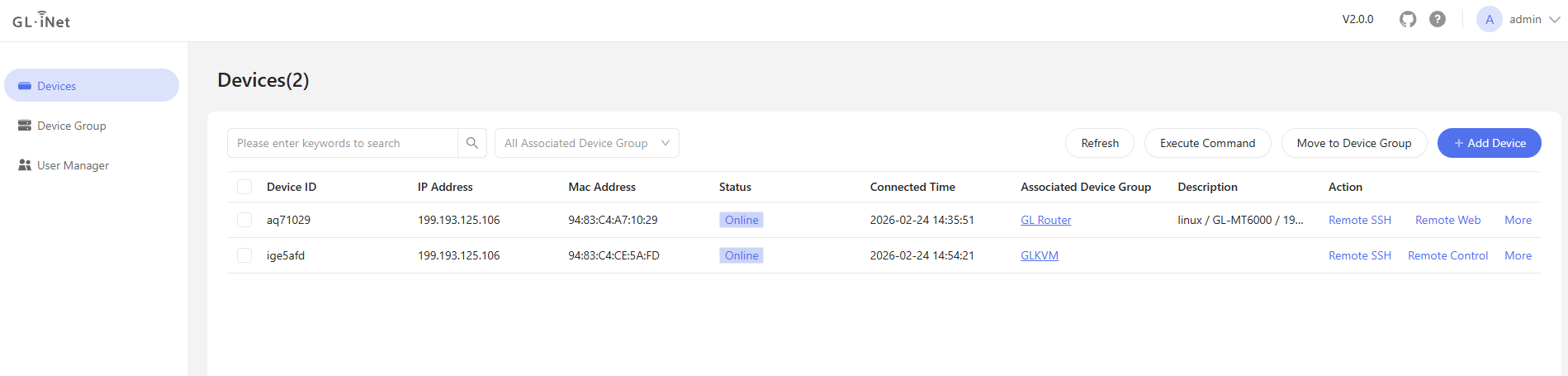
GLKVM Cloud is a self-deployed lightweight KVM cloud platform built on rttys that lets individuals and small businesses centrally manage KVM devices over the web. It provides web-based SSH terminals, remote desktop control (VNC/WebRTC), batch command execution, script-based device onboarding, HTTP/HTTPS web proxy for embedded devices, and enterprise authentication via LDAP and OIDC. The platform runs in Docker containers (x86_64 and arm64) with a coturn TURN server for WebRTC, and can be installed via a one-line script (x86_64) or manual Docker Compose. It requires at least 1 CPU core, 1 GB RAM, 40 GB storage, and 3 Mbps bandwidth. The software is licensed under Business Source License 1.1 (converting to GPLv3 in 2030), with production use requiring a commercial license.
Should you self-host GLKVM Cloud?
GLKVM Cloud scores 42/100 on selfhost.directory (how scoring works) and ranks #20 of 23 in Remote Access. It has 343 GitHub stars.
It shipped 13 stable releases in the past year. The latest, v2.9.0, came out on 14 October 2026. New versions land roughly every 2 weeks.
Setup is moderate: expect some configuration beyond a single command. An official Docker image is available. It is Other-licensed and written mostly in Go.
Its closest alternative on selfhost.directory is Pangolin (76/100, 23 258 stars). It scores higher overall, so compare the two before you pick. See GLKVM Cloud vs Pangolin side by side.
Features
- Batch Operations
- Custom SSL Certificates
- HTTP/HTTPS Web Proxy
- LDAP Authentication
- Multi-Platform Support
- OIDC Authentication
- Private Deployment
- Remote Desktop Control
- Remote SSH
- Reverse proxy mode
- Script-based Device Onboarding
- TURN Server for WebRTC
- User Groups and Device Groups
GLKVM Cloud README
More in Device Management
 HyperHDROpen-source, self-hosted ambient lighting: it analyses HDMI grabber or screen video and audio, then drives LED strips, WLED, Philips Hue or LIFX lights.
 LaraPaperLaraPaper is a self-hosted, open-source TRMNL BYOS server built with Laravel. It manages e-paper devices, generates screens via plugins, recipes, or API.
 mbentley/omada-controllerOpen-source, self-hosted Docker image of TP-Link's free Omada Software Controller for managing access points, switches, and routers, with rootless and OpenJ9 builds.
 monitorSelf-hosted BTLE presence detection: track phones, beacons and iBeacons on Raspberry Pi nodes and publish confidence-based occupancy updates to MQTT.
 MunkiReportMunkiReport is a self-hosted, open-source reporting server for macOS fleets that collects inventory from managed Macs and presents it in a customizable web dashboard.
 NutifyOpen-source, self-hosted UPS monitoring built on Network UPS Tools: live status, historical telemetry, alerts via mail, Ntfy, Telegram or webhooks, scheduled reports.
 OCO ServerSelf-hosted open-core endpoint management for inventory, software deployment, and MDM across Linux, macOS, Windows, Android, iOS. Free up to 20 devices.
 octofleetSelf-hosted, open-source endpoint management for Windows/Linux fleets with real-time inventory, vulnerability scanning, patch management, and remote access.
 OctoprintSelf-hosted open-source web UI to control and monitor 3D printers from a browser: webcam feed, GCODE viewer, slicing, timelapses, plugin system.
 OpenRemoteA self-hosted, open-source (AGPLv3) IoT platform for device management, rule-based automation, multi-protocol agents (MQTT, HTTP, KNX, Z-Wave), and real-time dashboards.
 openuem-consoleOpenUEM Console is the self-hosted, open-source web UI for managing IT assets, deploying software, and remote assistance across Windows, Linux, and macOS endpoints.
 plain-appOpen-source, self-hosted Android app that runs a web server on your phone so you can manage files, photos, SMS, contacts and screen from any browser.
0 comments