
Self-host BroadlinkManager
5.9.1Web app to discover and control Broadlink IR/RF devices
- Stars
- 324
- Port
- 7020 (HTTP API and web UI)
techblog/broadlinkmanager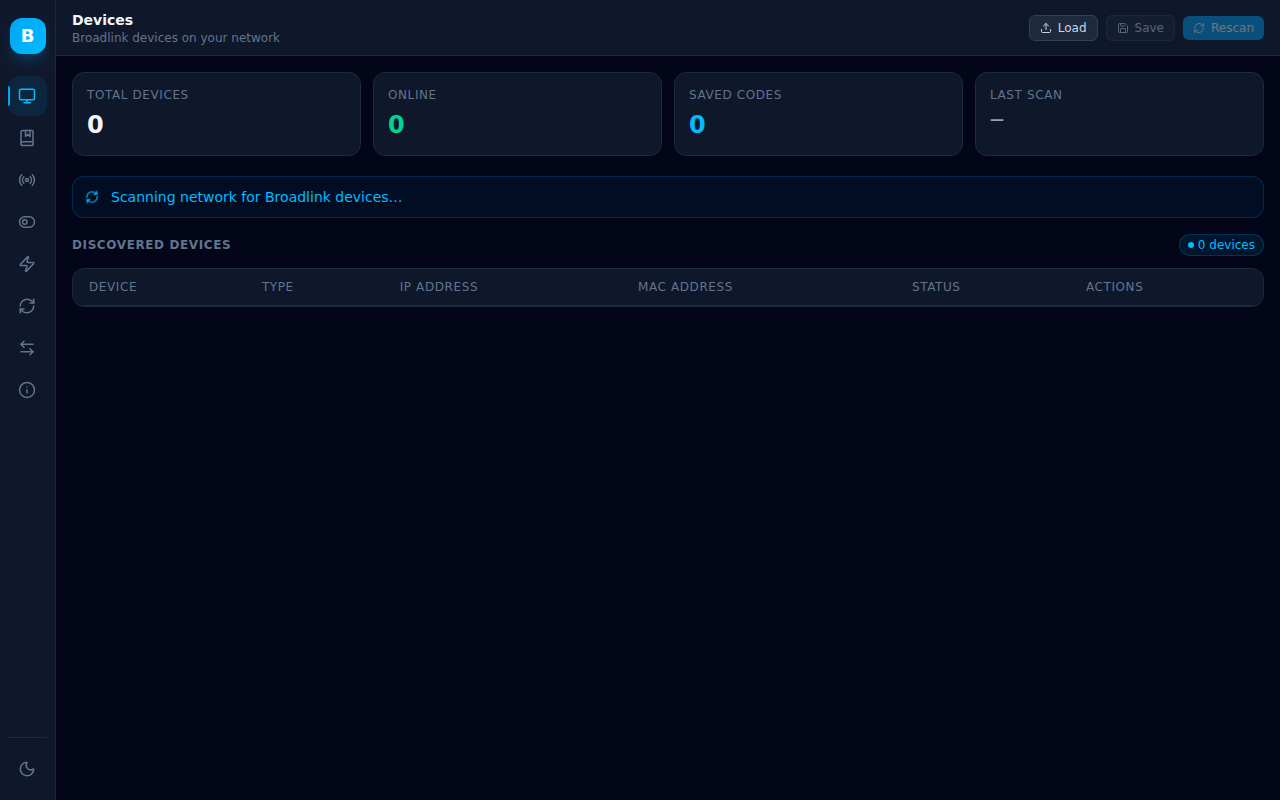
What is BroadlinkManager?
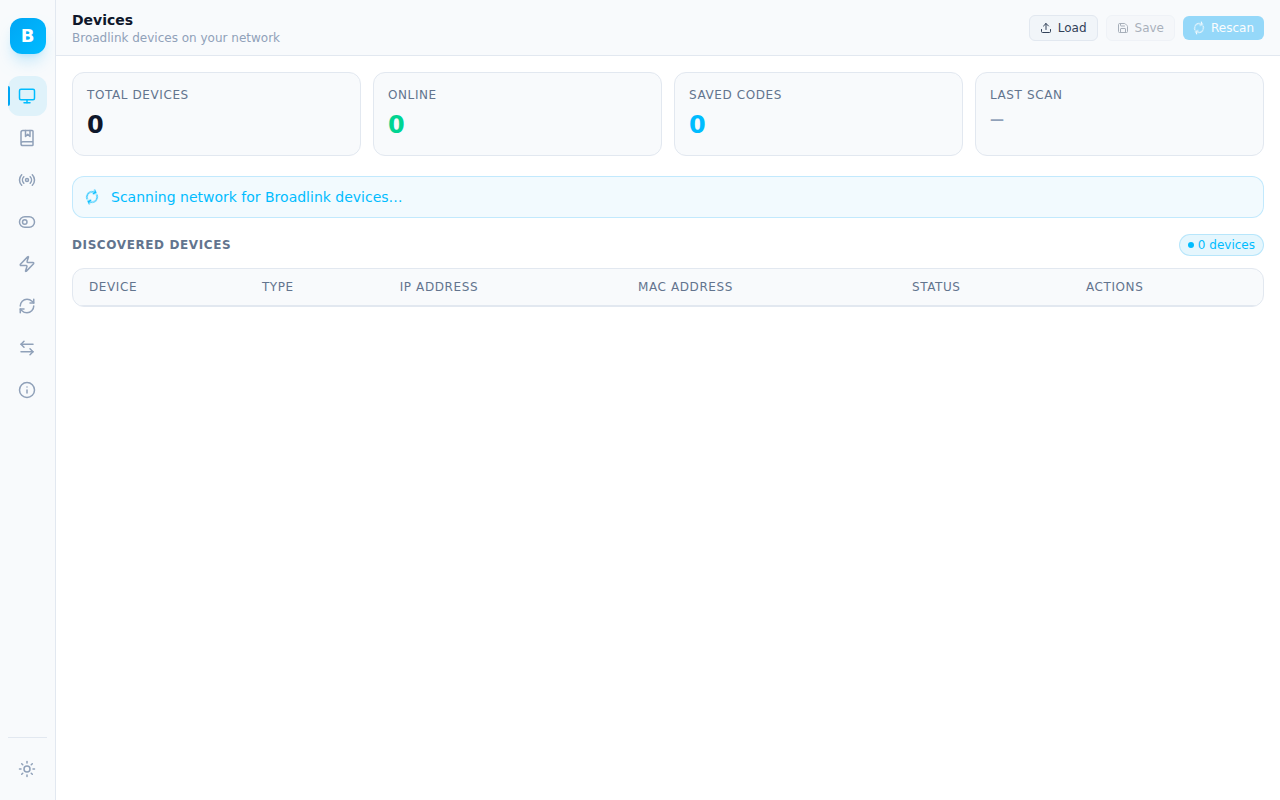
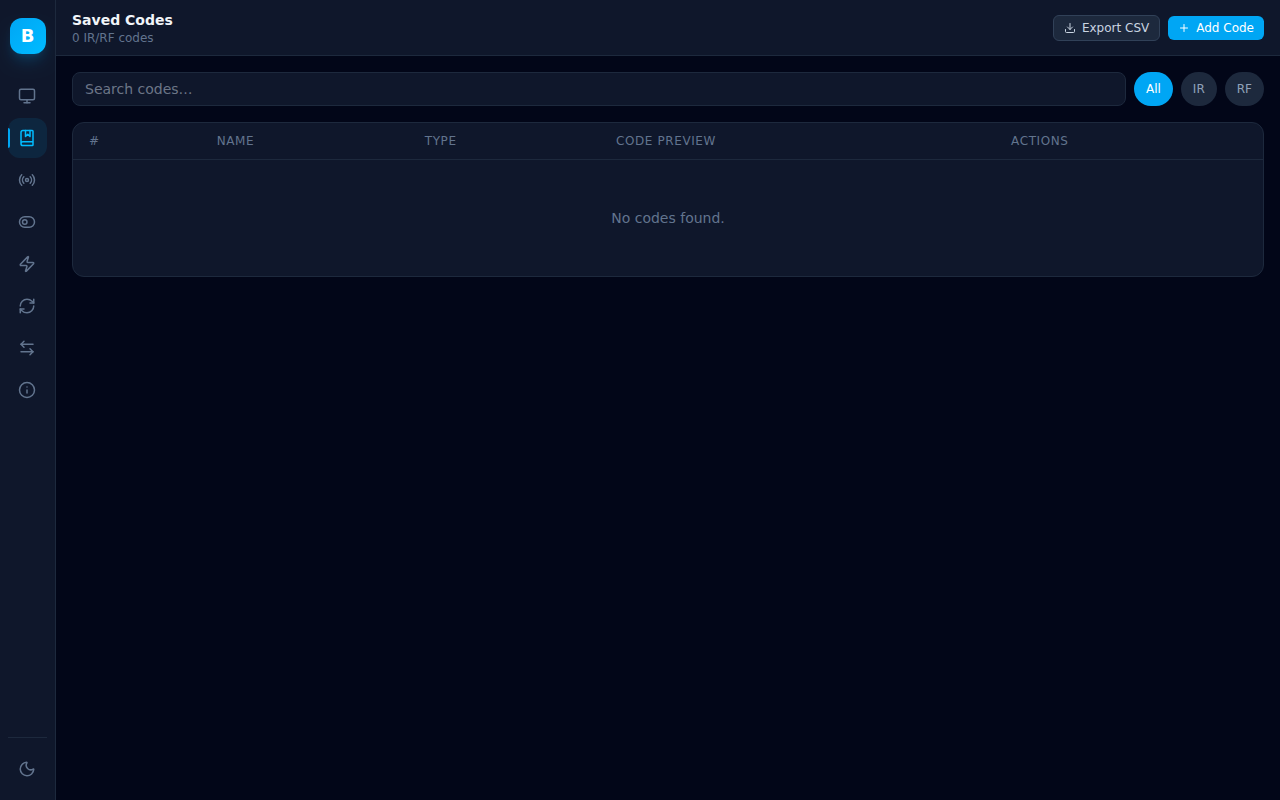
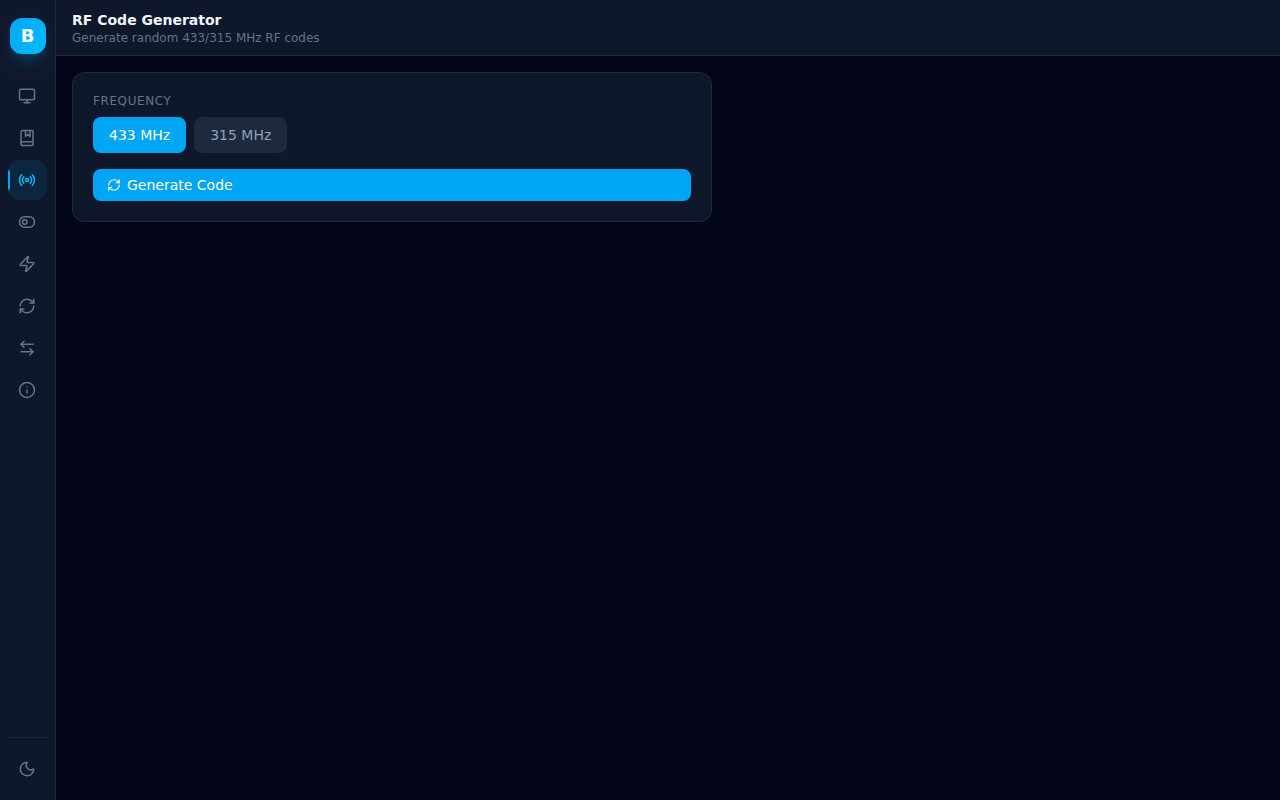
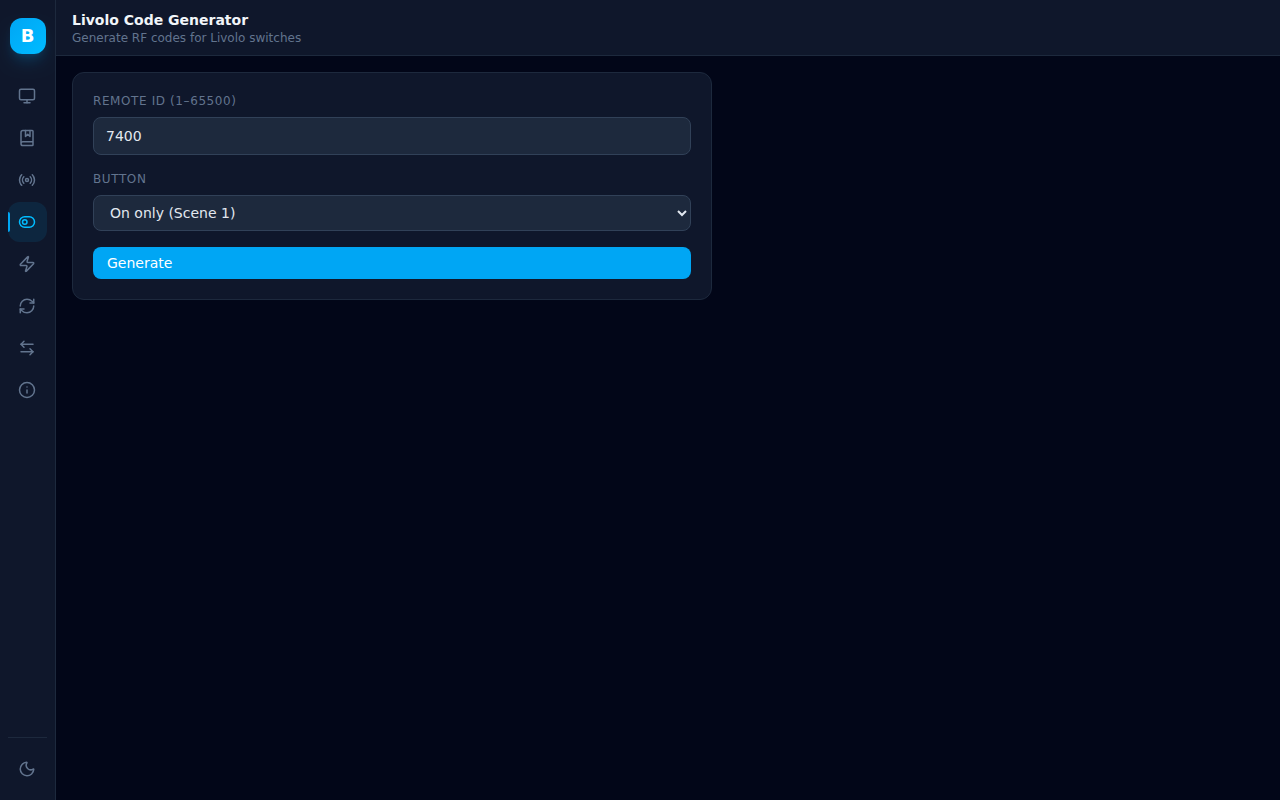
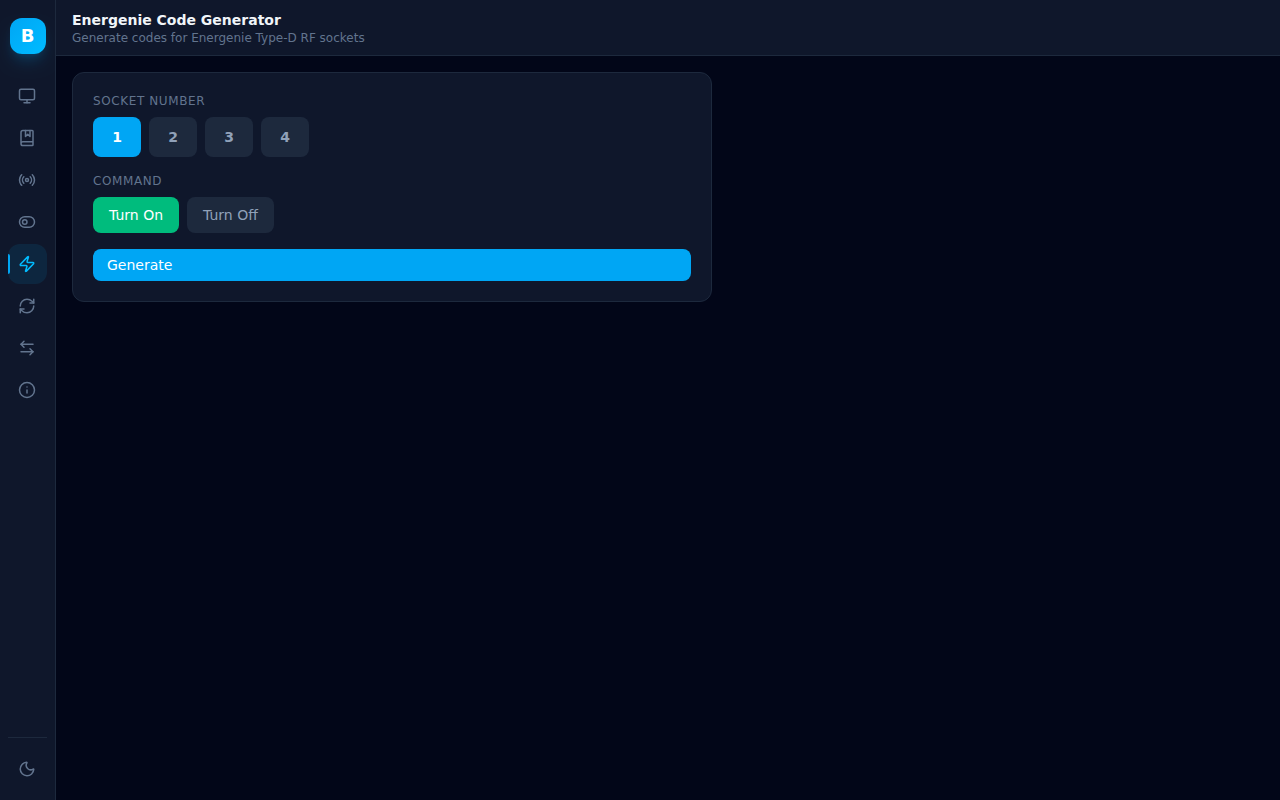
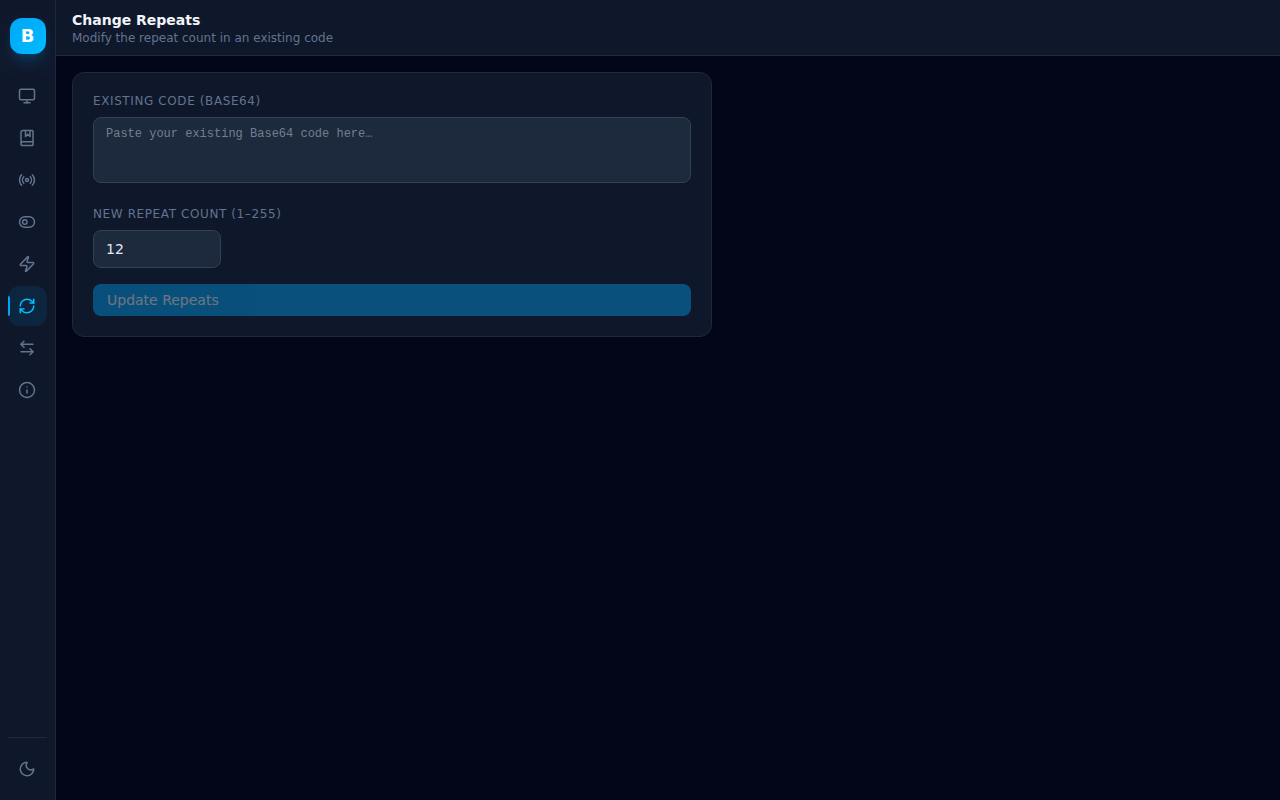
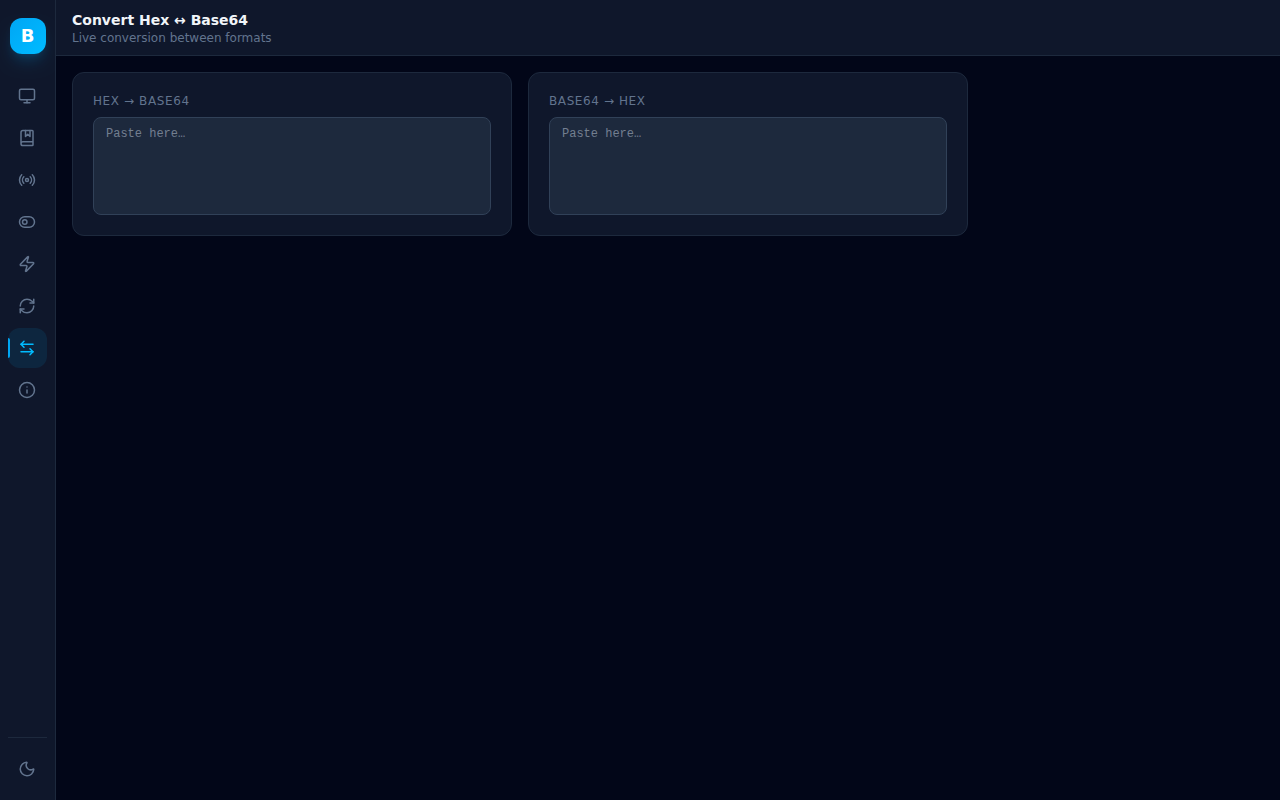
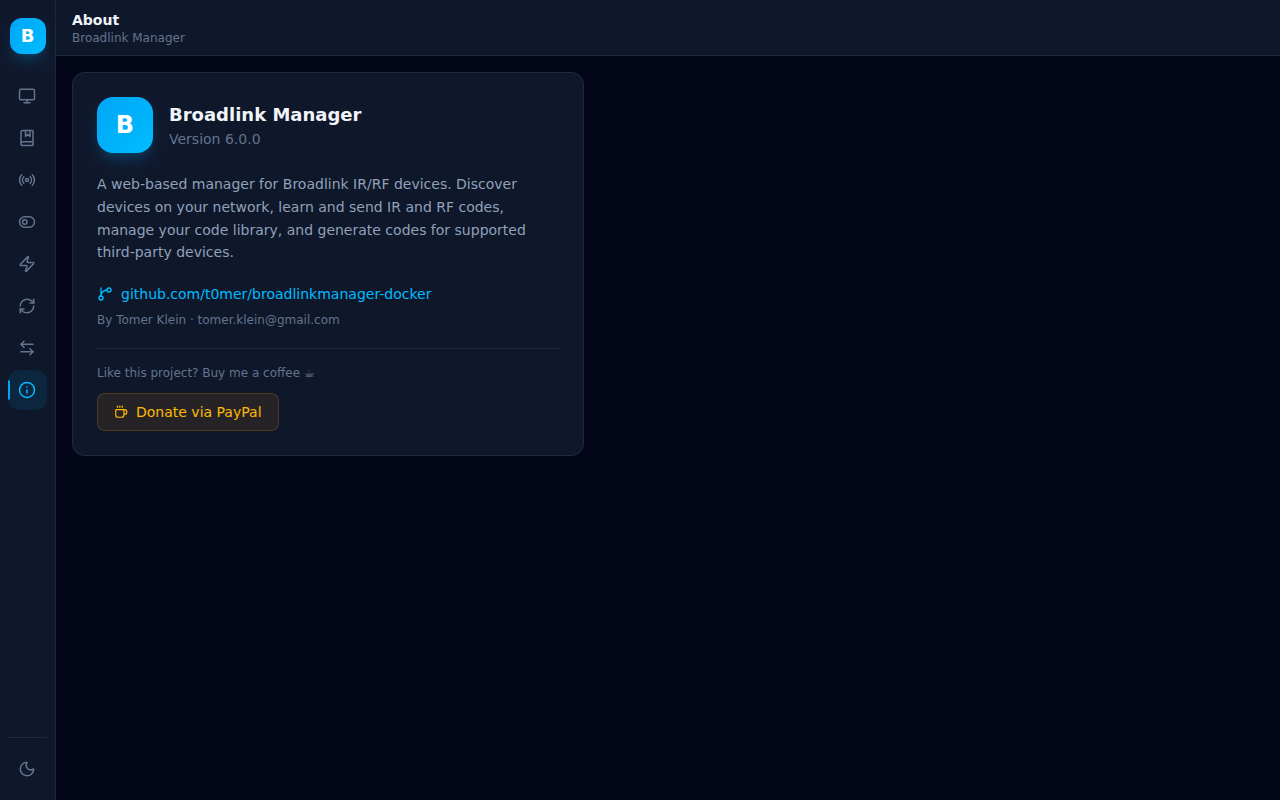
This self-hosted web application manages Broadlink IR/RF devices on a local network. It discovers hardware like RM Mini, RM Pro, and SP smart plugs via UDP broadcast. Users can learn IR codes with a 30-second capture window and RF codes through a guided three-step sweep. Codes are stored in a searchable SQLite database with CSV export. The React-based UI offers dark and light themes, works on mobile, and includes generators for random RF codes, Livolo switches, and Energenie sockets, plus a hex/Base64 converter and repeat-count editor. A REST API with Swagger documentation and Prometheus metrics are included. Deployment options are a single Docker container (requiring host networking) or a Home Assistant add-on. No authentication exists, so the service should stay on a trusted LAN or behind a reverse proxy. The current Docker Hub image is version 6.0.0 from July 2024; the repository source has a newer React UI not yet published.
Should you self-host BroadlinkManager?
BroadlinkManager scores 50/100 on selfhost.directory (how scoring works) and ranks #63 of 104 in Home Automation. It has 324 GitHub stars.
There was no stable release in the past 12 months, so check the repository's recent activity before you rely on it.
Setup is moderate: expect some configuration beyond a single command. An official Docker image is available. It is Apache-2.0-licensed and written mostly in HTML.
Its closest alternative on selfhost.directory is Home Assistant (91/100, 91 789 stars). It scores higher overall, so compare the two before you pick. See BroadlinkManager vs Home Assistant side by side.
Features
- Change Repeats
- Dark / Light Mode
- Device Discovery
- Energenie Code Generator
- Hex ↔ Base64 Converter
- IR Code Learning and Sending
- Livolo Code Generator
- Online Status Monitoring
- Prometheus Metrics
- REST API with Swagger UI
- RF Code Generator
- RF Code Learning and Sending
- Saved Codes Library
- Temperature ReadingThe thermometer button on the Devices page currently opens the Send panel instead of reading the temperature.
BroadlinkManager README
More in Device Management
 CNCjsAn open-source, self-hosted web interface for running CNC machines on Grbl, Marlin, TinyG or Smoothie firmware, with a widget workspace, 3D tool-path view and DRO.
 CortenDeskSelf-hosted RustDesk console bundling ID server, relay, and browser client in one Docker image. Fixes signed-in client issues, adds fleet management, access control.
 CUPSOpenPrinting CUPS is a self-hosted, open-source printing system supporting AirPrint, IPP Everywhere, and legacy PPD drivers with web admin, CLI tools, and C API.
 cups-avahi-airprintSelf-hosted Docker image that runs CUPS with Avahi to make network printers discoverable via AirPrint on iOS and macOS devices.
 ESPConnectOpen-source, self-hosted browser tool for ESP32 and ESP8266 boards: read chip info, map partitions, manage SPIFFS/LittleFS/FAT files, back up and flash firmware.
 ESPHomeOpen-source firmware toolchain for DIY smart home devices: describe an ESP32 or RP2040 in YAML, then compile, flash and update it via a self-hosted web dashboard.
 FleetOpen-source MDM and endpoint management for macOS, Windows, Linux and mobile: self-hosted software patching, vulnerability tracking and live device reports.
 fogprojectFOG is a free, self-hosted computer cloning and imaging solution that deploys Windows, Linux, and macOS over PXE with a web-based management interface.
 free-sleepOpen-source, self-hosted server that runs on jailbroken Eight Sleep pods for local web control of temperature, schedules, alarms and sleep biometrics.
 garlic-hubSelf-hosted open-source digital signage CMS using SMIL for playlists, managing devices and content with multi-zone layouts, REST API, and player-agnostic compatibility.
 genieacs-containerDocker image and Helm chart packaging GenieACS TR-069 ACS with MongoDB for self-hosted router and CPE device management.
 GLKVM CloudSelf-hosted KVM remote management platform with web SSH, remote desktop, batch ops, and LDAP/OIDC auth via Docker.
0 comments