
Self-host Belullama
v1All-in-one AI bundle: Ollama, Open WebUI, Stable Diffusion
- Stars
- 209
- Requires
- Docker, Docker Compose
ghcr.io/ai-joe-git/open-webui:latest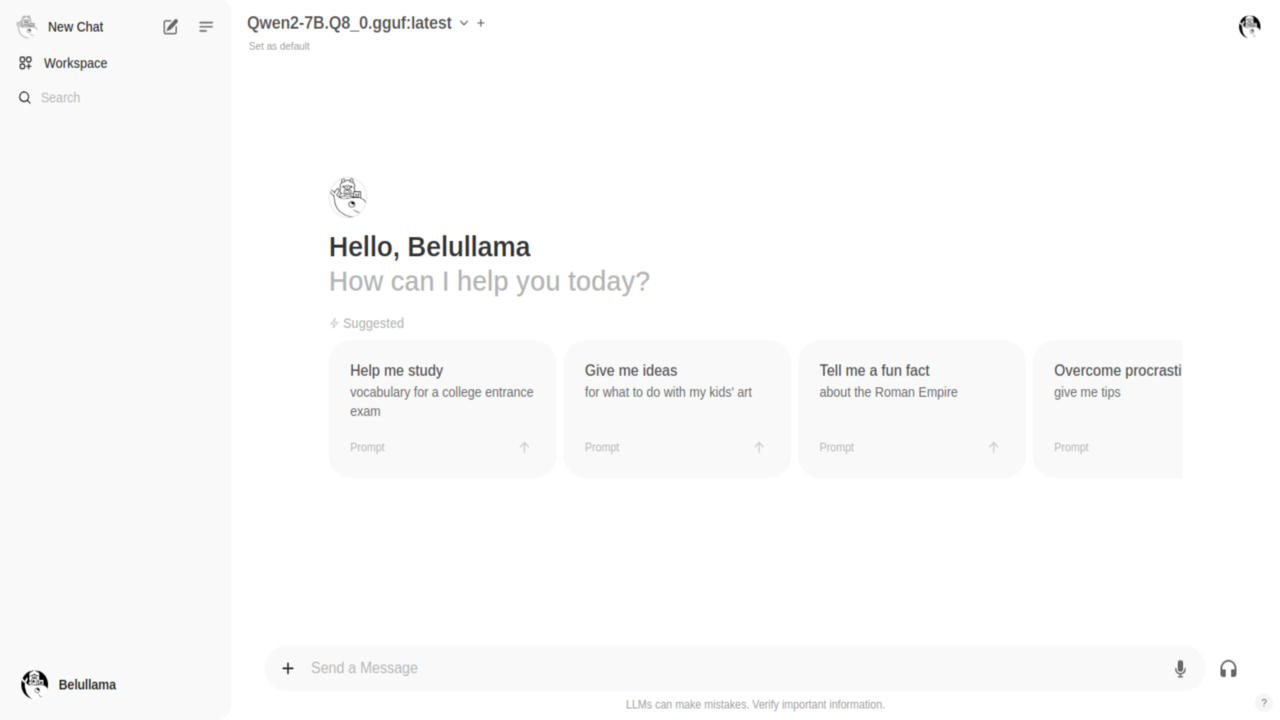
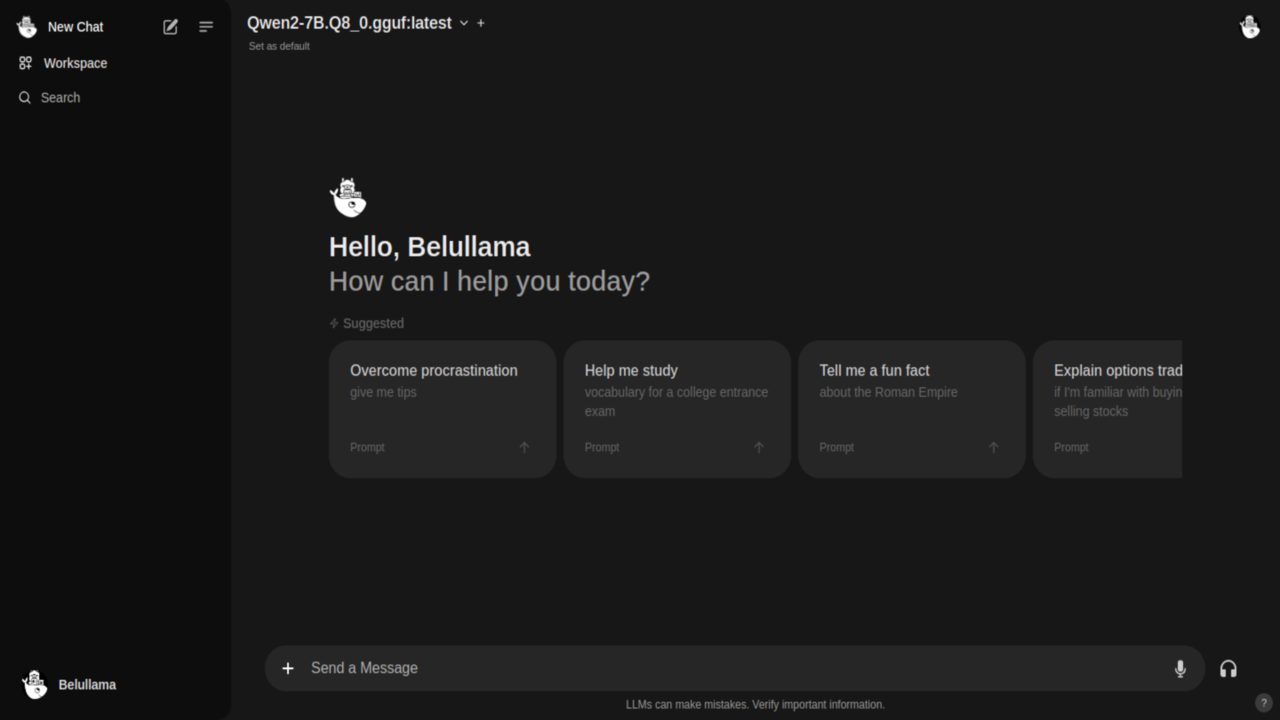
What is Belullama?
Belullama packages Ollama for LLMs, Open WebUI for chat, and Automatic1111 for Stable Diffusion into a single Docker Compose stack. A shell script installs Docker if needed and launches all three services. It runs fully offline for privacy, supports both CPU and GPU (NVIDIA CUDA and AMD ROCm in beta), and includes RAG with DuckDuckGo web search. A CasaOS app is also available. The code is MIT-licensed.
Should you self-host Belullama?
Belullama scores 43/100 on selfhost.directory (how scoring works) and ranks #49 of 69 in AI Chat. It has 209 GitHub stars.
There was no stable release in the past 12 months, so check the repository's recent activity before you rely on it.
Setup is moderate: expect some configuration beyond a single command. An official Docker image is available. It is MIT-licensed and written mostly in Shell.
Its closest alternative on selfhost.directory is LibreChat (85/100, 46 430 stars). It scores higher overall, so compare the two before you pick. See Belullama vs LibreChat side by side.
Features
- All-in-one AI platform
- CasaOS support
- Conversational AI
- Easy setup with installer script
- Extensibility
- GPU support (NVIDIA/AMD)GPU version is in beta testing phase
- Image generation with Stable Diffusion
- Offline Operation
- RAG with web search
- User-friendly interface
Belullama README
More in Image Generation
 ChatGPT Web Midjourney ProxySelf-hosted open-source web UI that combines ChatGPT, Midjourney, Suno, Luma, Runway, Pika, and other AI models into a single interface with PWA support.
 ComfyUISelf-hosted, open-source AI engine for visual creators with a node-based workflow system covering images, video, 3D, audio, and text.
 ComfyUI Agent PanelSelf-hosted ComfyUI sidebar with AI agent powered by your Claude/ChatGPT sub. Edits workflows live, installs nodes, one-shot loads, rewind/rollback — no API keys.
 comfyui-mcpLocal-first agent for ComfyUI generating images, video, audio via MCP server and Claude Code plugin. Works with Claude, ChatGPT, Gemini, or local LLMs.
 ComfyUI-Nvidia-DockerComfyUI for NVIDIA GPU in a Docker container with user configurable uid/gid
 GuaardvarkSelf-hosted AI studio on your own GPU: chat with your files (RAG), screen and browser agents, coding swarms, LoRA training, an MCP server for Claude Code and Cursor, and local video, image, music and voice generation. No telemetry.
 InvokeAISelf-hosted, open-source AI image generation studio with a layered Unified Canvas, node-based workflows, ControlNet, and broad local model support from SD 1.5 to Flux.
 JaazAn open-source AI creative agent with an infinite canvas for one-prompt image and video generation, a Canva alternative that runs locally on Windows and macOS.
 LanceOpen-source, self-hosted unified multimodal model from ByteDance: 3B active parameters covering text-to-image, video synthesis, media editing, and visual Q&A.
 Mix StudioSelf-hosted, open-source AI workspace built on ComfyUI that runs curated image and video workflows locally with a touch-friendly web interface.
 MxPageSelf-hosted AI workspace for e-commerce product images and Xiaohongshu posts. Runs locally on Windows/macOS via Electron or from source with your own AI API keys.
 oxigenOxigen is a self-hosted, open-source social media image generator creating Open Graph images via web UI and REST API, as Docker container or standalone binary.
0 comments