
Self-host ComfyUI-Nvidia-Docker
20261018Containerized ComfyUI Stable Diffusion WebUI for NVIDIA GPUs
- Stars
- 441
- Port
- 8188 (ComfyUI WebUI)
hub.docker.com/r/mmartial/comfyui-nvidia-docker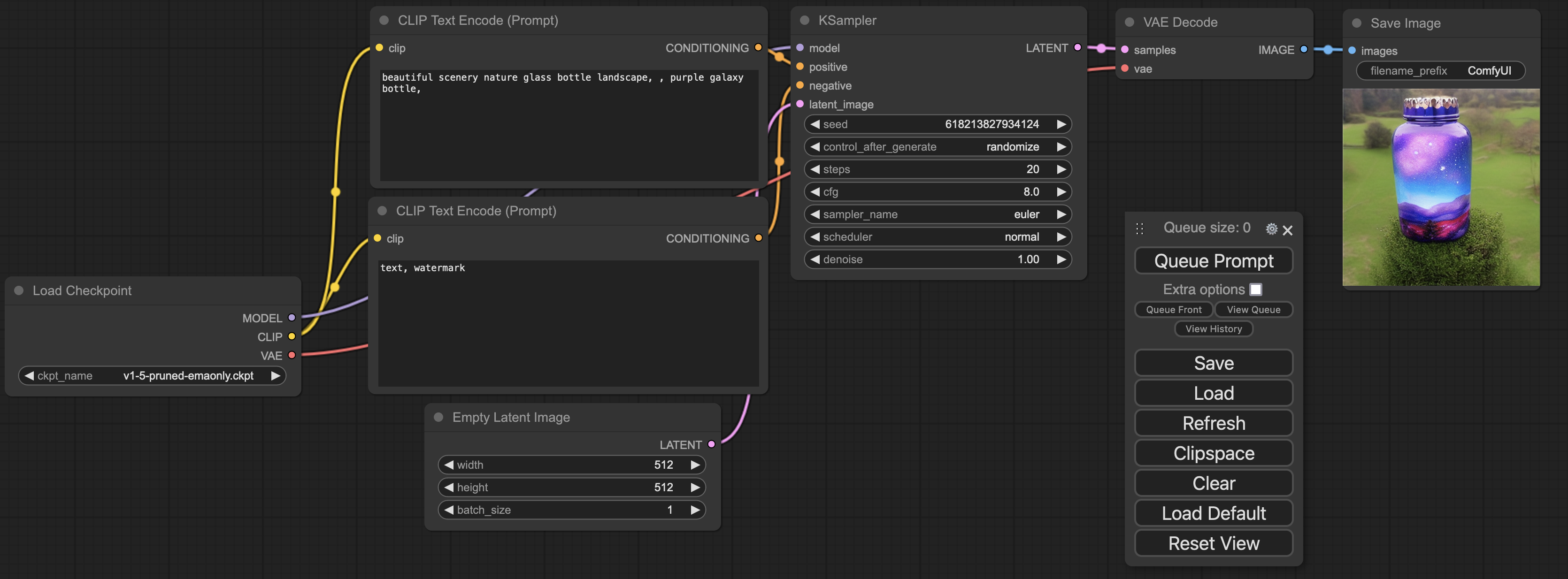
What is ComfyUI-Nvidia-Docker?
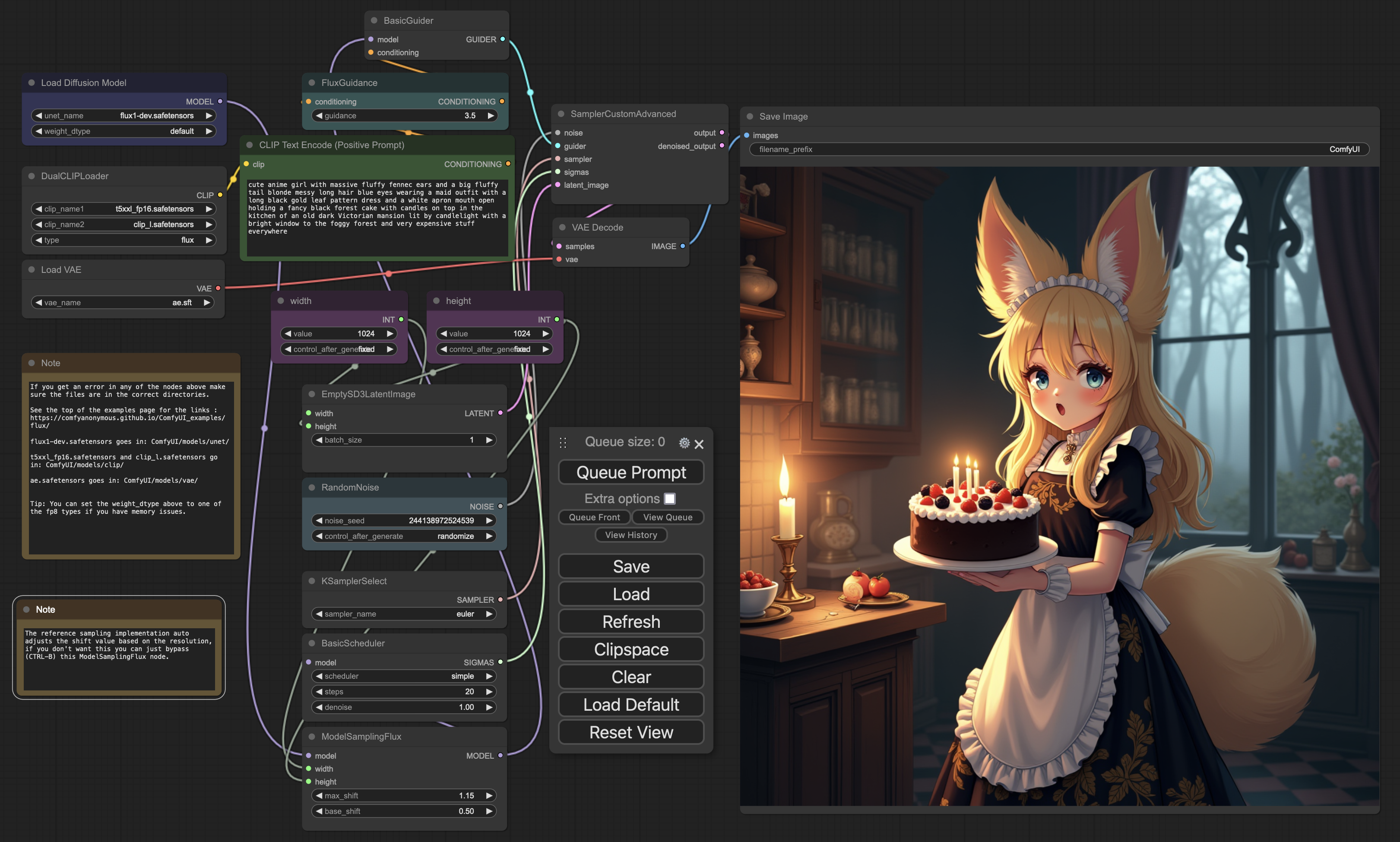
A Docker container solution for running ComfyUI, a Stable Diffusion WebUI, on NVIDIA GPUs. The container provides process isolation with drop privileges to a regular user, integrated ComfyUI-Manager for updates, and supports multiple Ubuntu plus CUDA version combinations. It exposes port 8188 by default on localhost only. Pre-built images are available on DockerHub including Unraid-compatible versions.
ComfyUI-Nvidia-Docker alternatives
 aisuiteDocker Compose suite bundling N8N, Flowise, Langflow, LocalAI, Ollama, VLLM, Qdrant, ChromaDB, and Stable Diffusion behind Traefik with auto HTTPS.Compareaisuite with ComfyUI-Nvidia-Docker
 Stable Diffusion WebUI ForgeSelf-hosted, open-source Stable Diffusion web UI that improves GPU memory management and speeds up inference, with ControlNet, IP-Adapter and Flux quant support.CompareStable Diffusion WebUI Forge with ComfyUI-Nvidia-Docker
 locate-anythingSelf-hosted web UI for NVIDIA LocateAnything-3B: find objects, text, and UI elements in images via plain-language prompts on your GPU.Comparelocate-anything with ComfyUI-Nvidia-Docker
 InvokeAISelf-hosted, open-source AI image generation studio with a layered Unified Canvas, node-based workflows, ControlNet, and broad local model support from SD 1.5 to Flux.CompareInvokeAI with ComfyUI-Nvidia-Docker
 sdnextSelf-hosted, open-source Stable Diffusion web UI to generate, caption, upscale and edit images and video, with many GPU backends and model quantization for low VRAM.Comparesdnext with ComfyUI-Nvidia-Docker
 stable-diffusion-webuiA self-hosted, open-source web UI for Stable Diffusion with txt2img, img2img, inpainting, outpainting, upscaling, and extensive customization options.Comparestable-diffusion-webui with ComfyUI-Nvidia-Docker
 app.enfugue.aiSelf-hosted open-source web app for studio-quality AI image/video generation with Stable Diffusion, unified pipeline, CivitAI browser, optional auth, and JSON API.Compareapp.enfugue.ai with ComfyUI-Nvidia-Docker
 Sygil-webuiSelf-hosted open-source web UI for Stable Diffusion with dual Streamlit/Gradio interfaces, dynamic previews, VRAM optimization, upscalers, and text-to-video.CompareSygil-webui with ComfyUI-Nvidia-Docker
Should you self-host ComfyUI-Nvidia-Docker?
ComfyUI-Nvidia-Docker scores 53/100 on selfhost.directory (how scoring works) and ranks #8 of 11 in Image Generation. It has 441 GitHub stars, +5 in the last 30 days.
It shipped 16 stable releases in the past year. The latest, 20261018, came out on 18 October 2026. New versions land roughly every 9 days.
Setup is moderate: expect some configuration beyond a single command. An official Docker image is available. It is MIT-licensed and written mostly in Shell.
Its closest alternative on selfhost.directory is stable-diffusion-webui (89/100, 165 287 stars). It scores higher overall, so compare the two before you pick. See ComfyUI-Nvidia-Docker vs stable-diffusion-webui side by side.
Features
- Custom nodes management
- Flux model support
- Multiple CUDA Versions
- Security levelsnormal, normal-, weak, strong
- Stable Diffusion WebUI
- User configurable UID/GID
FAQ
How does virtual environment work?
The container creates a virtual environment in /comfy/mnt/venv. After running docker exec, activate it with source /comfy/mnt/venv/bin/activate to use pip3 commands.
Can I use API nodes?
The container is not designed to be used with API nodes; it is intended for running self-hosted models only. For API nodes, use the Desktop version of ComfyUI.
More in Image Generation
 GuaardvarkSelf-hosted AI studio on your own GPU: chat with your files (RAG), screen and browser agents, coding swarms, LoRA training, an MCP server for Claude Code and Cursor, and local video, image, music and voice generation. No telemetry.
- InvokeAISelf-hosted, open-source AI image generation studio with a layered Unified Canvas, node-based workflows, ControlNet, and broad local model support from SD 1.5 to Flux.
 JaazAn open-source AI creative agent with an infinite canvas for one-prompt image and video generation, a Canva alternative that runs locally on Windows and macOS.
 LanceOpen-source, self-hosted unified multimodal model from ByteDance: 3B active parameters covering text-to-image, video synthesis, media editing, and visual Q&A.
 Mix StudioSelf-hosted, open-source AI workspace built on ComfyUI that runs curated image and video workflows locally with a touch-friendly web interface.
 MxPageSelf-hosted AI workspace for e-commerce product images and Xiaohongshu posts. Runs locally on Windows/macOS via Electron or from source with your own AI API keys.
 oxigenOxigen is a self-hosted, open-source social media image generator creating Open Graph images via web UI and REST API, as Docker container or standalone binary.
 ProductFlowProductFlow is an open-source, self-hosted product creative workbench for solo merchants to manage assets, AI copy, and image workflows.
- sdnextSelf-hosted, open-source Stable Diffusion web UI to generate, caption, upscale and edit images and video, with many GPU backends and model quantization for low VRAM.
- stable-diffusion-webuiA self-hosted, open-source web UI for Stable Diffusion with txt2img, img2img, inpainting, outpainting, upscaling, and extensive customization options.
 Stable Diffusion WebUI DockerSelf-hosted Docker container bundling 14 Stable Diffusion WebUIs like Automatic1111, ComfyUI, Fooocus, and InvokeAI, each on its own port via docker-compose profiles.
- Stable Diffusion WebUI ForgeSelf-hosted, open-source Stable Diffusion web UI that improves GPU memory management and speeds up inference, with ControlNet, IP-Adapter and Flux quant support.
0 comments