
Self-host Mix Studio
v1.3.0Responsive AI workspace for curated image/video generation
- Stars
- 301
- Port
- 3300 (Mix Studio web interface)
- Requires
- Git, Node.js, Python with PyTorch
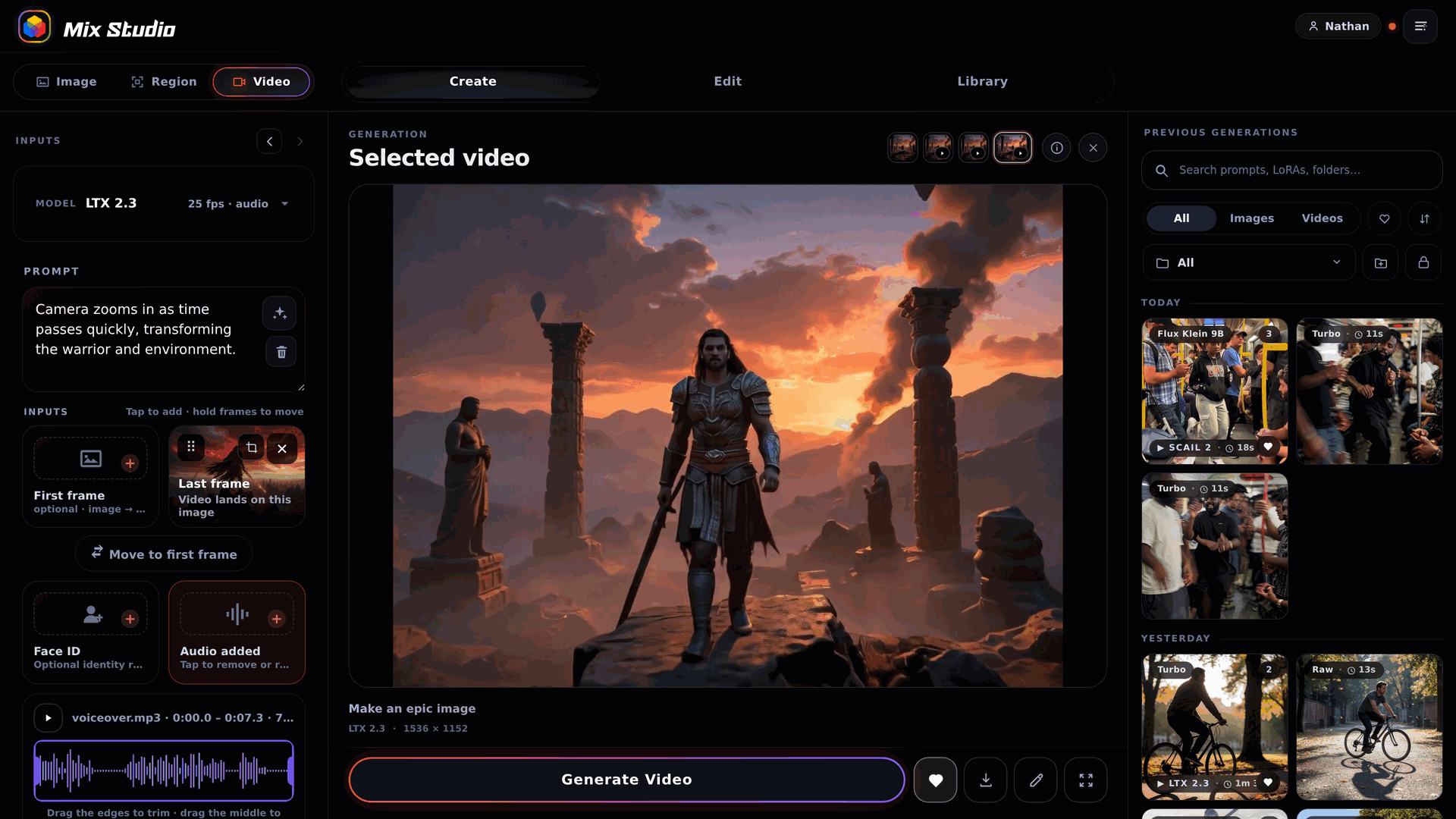
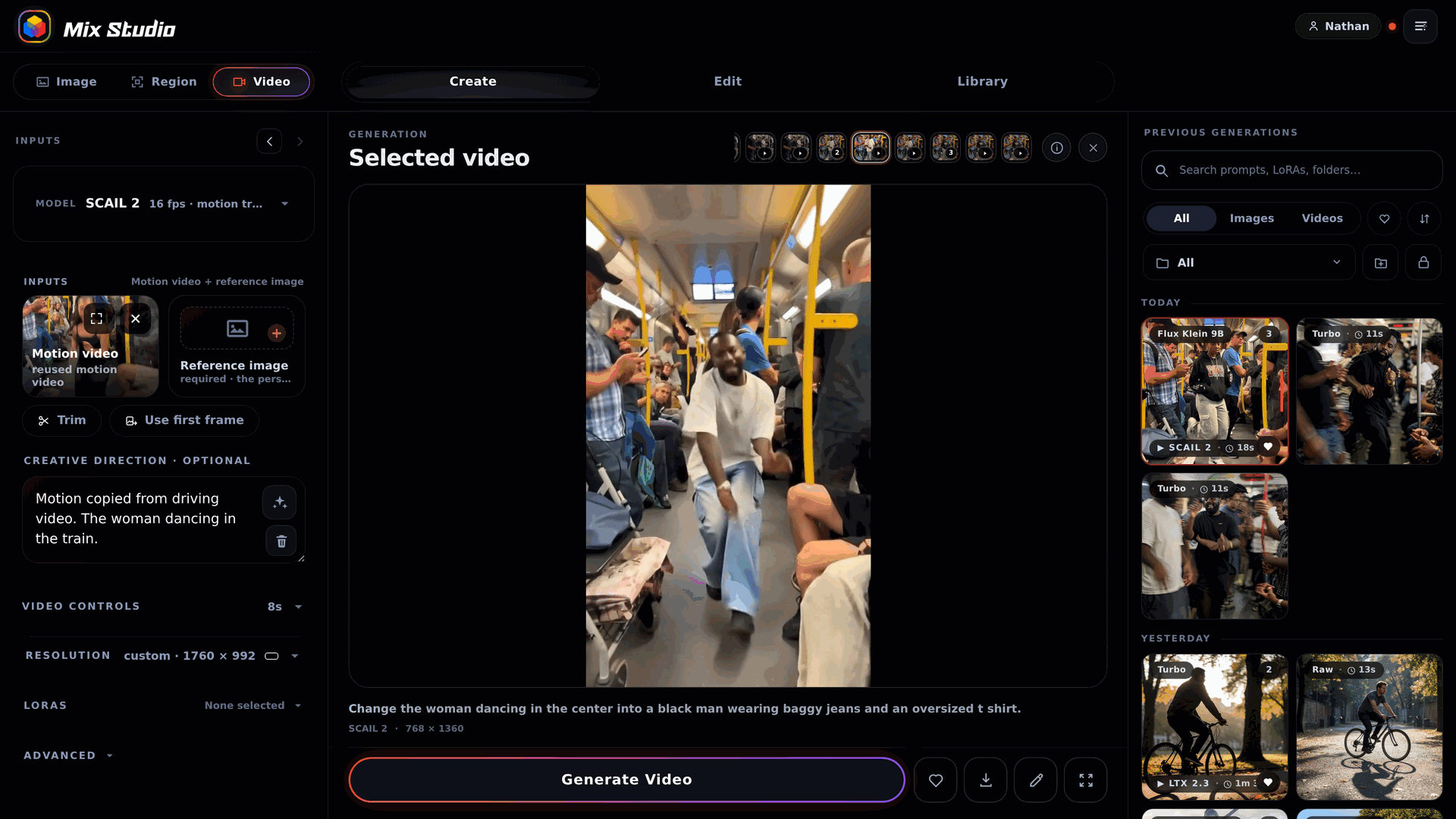
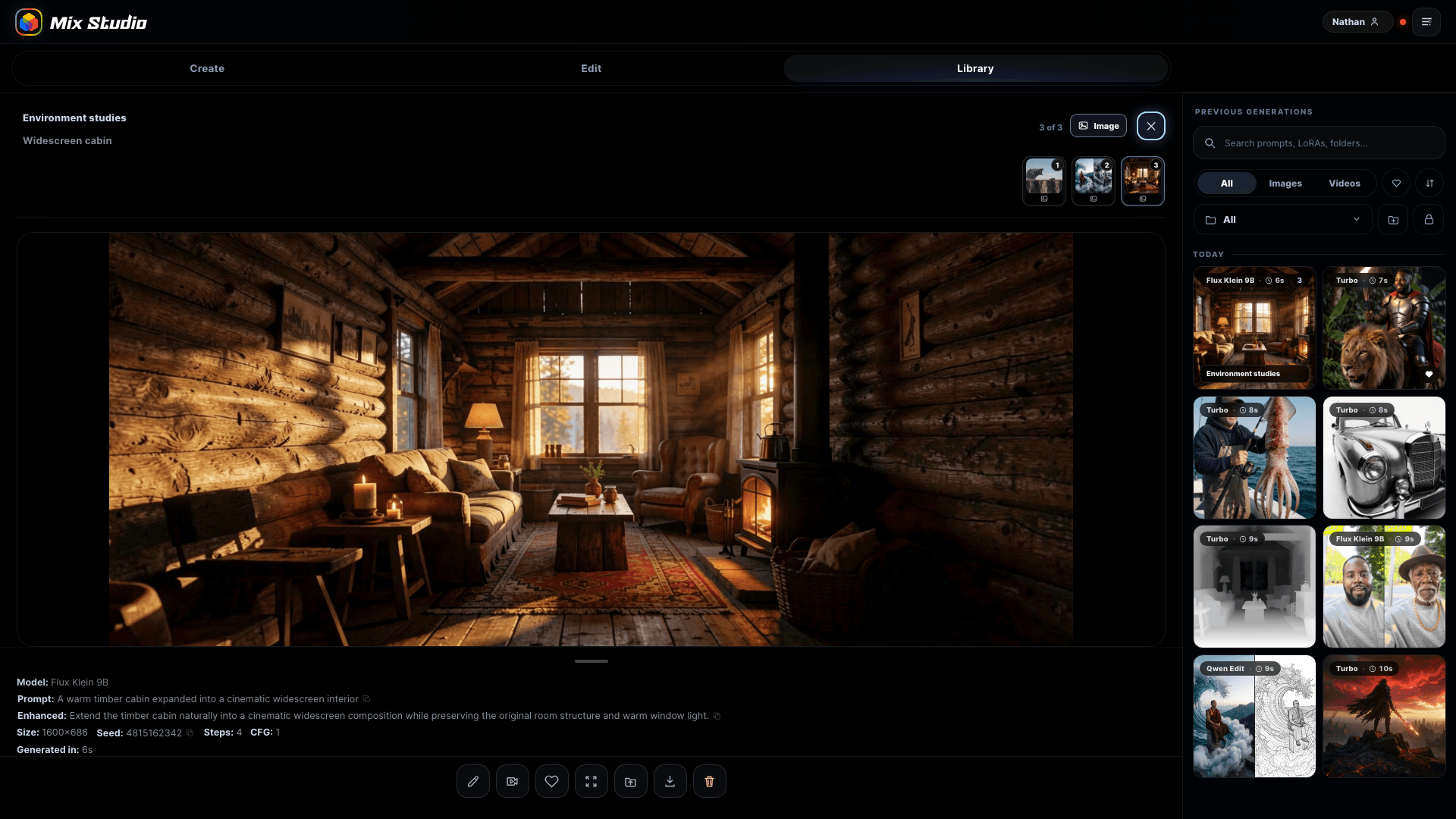
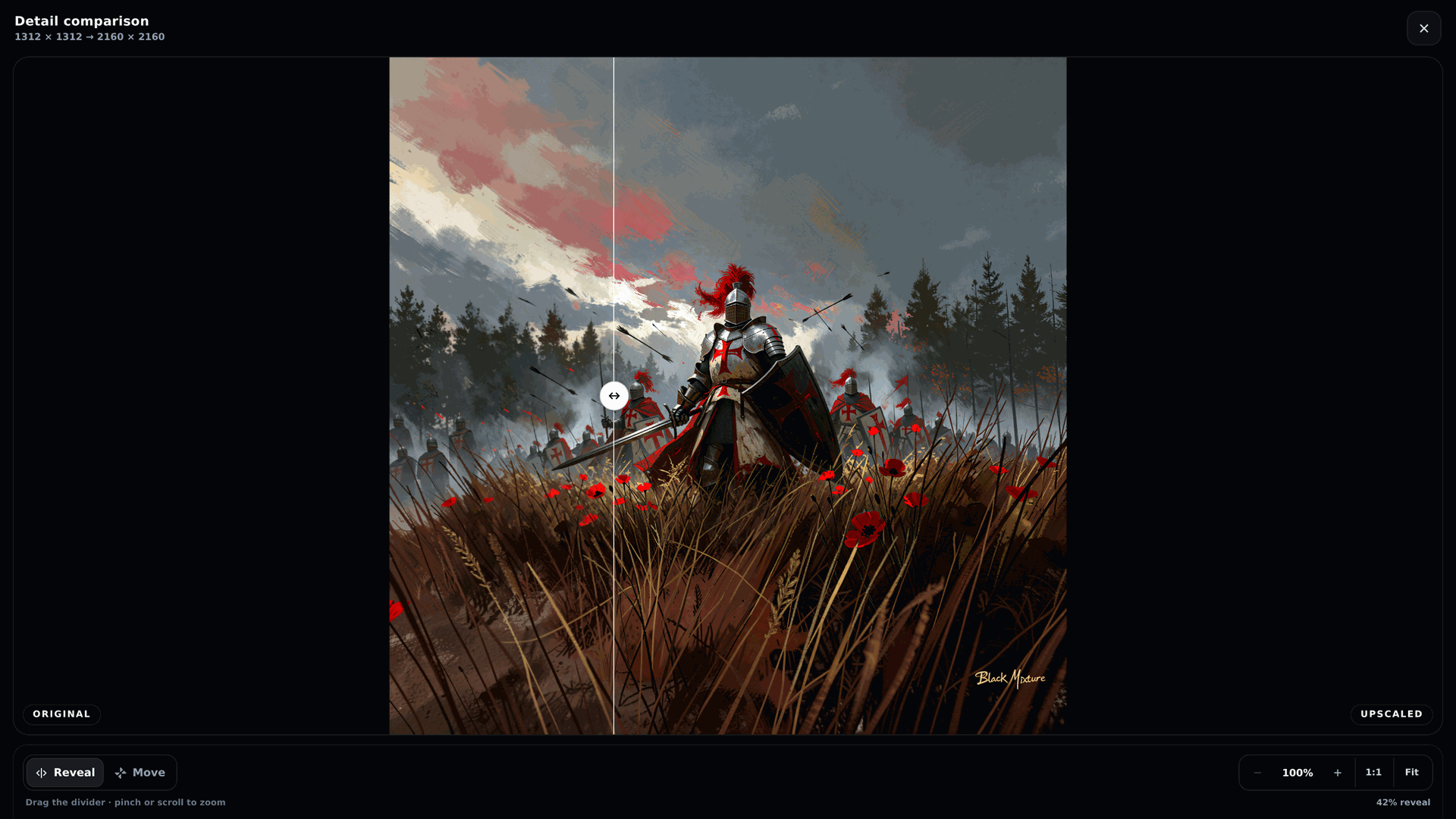

What is Mix Studio?
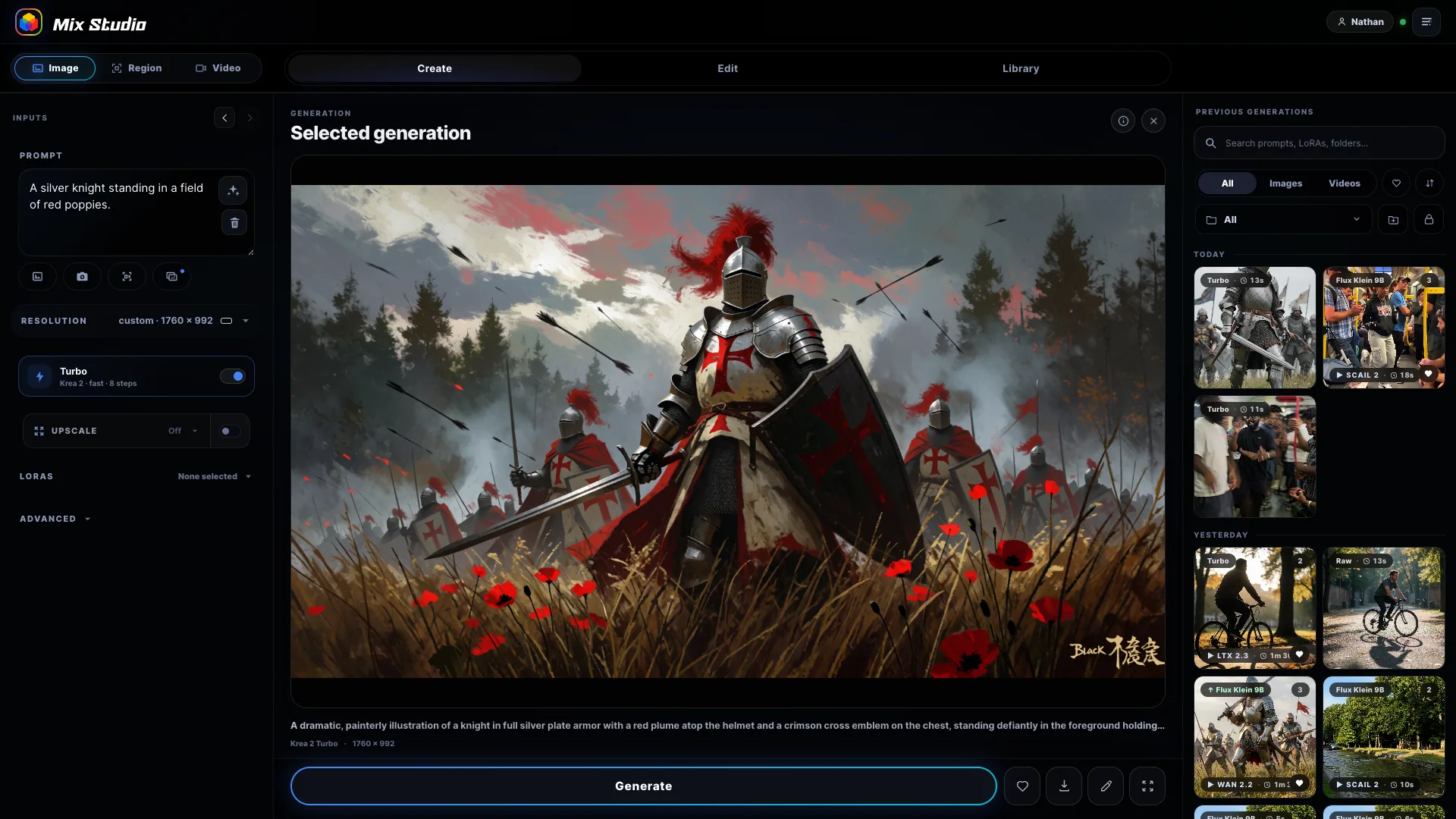
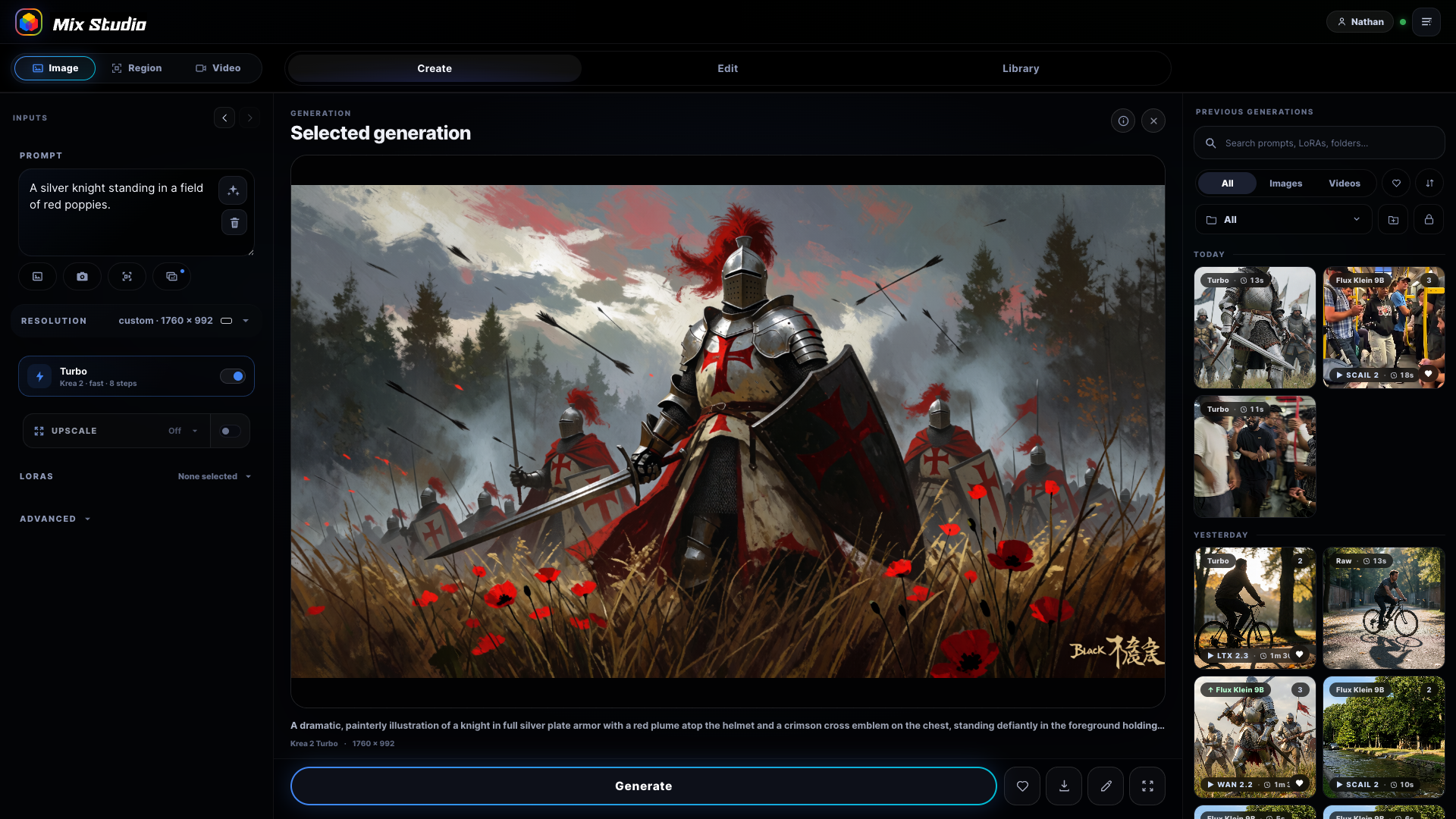
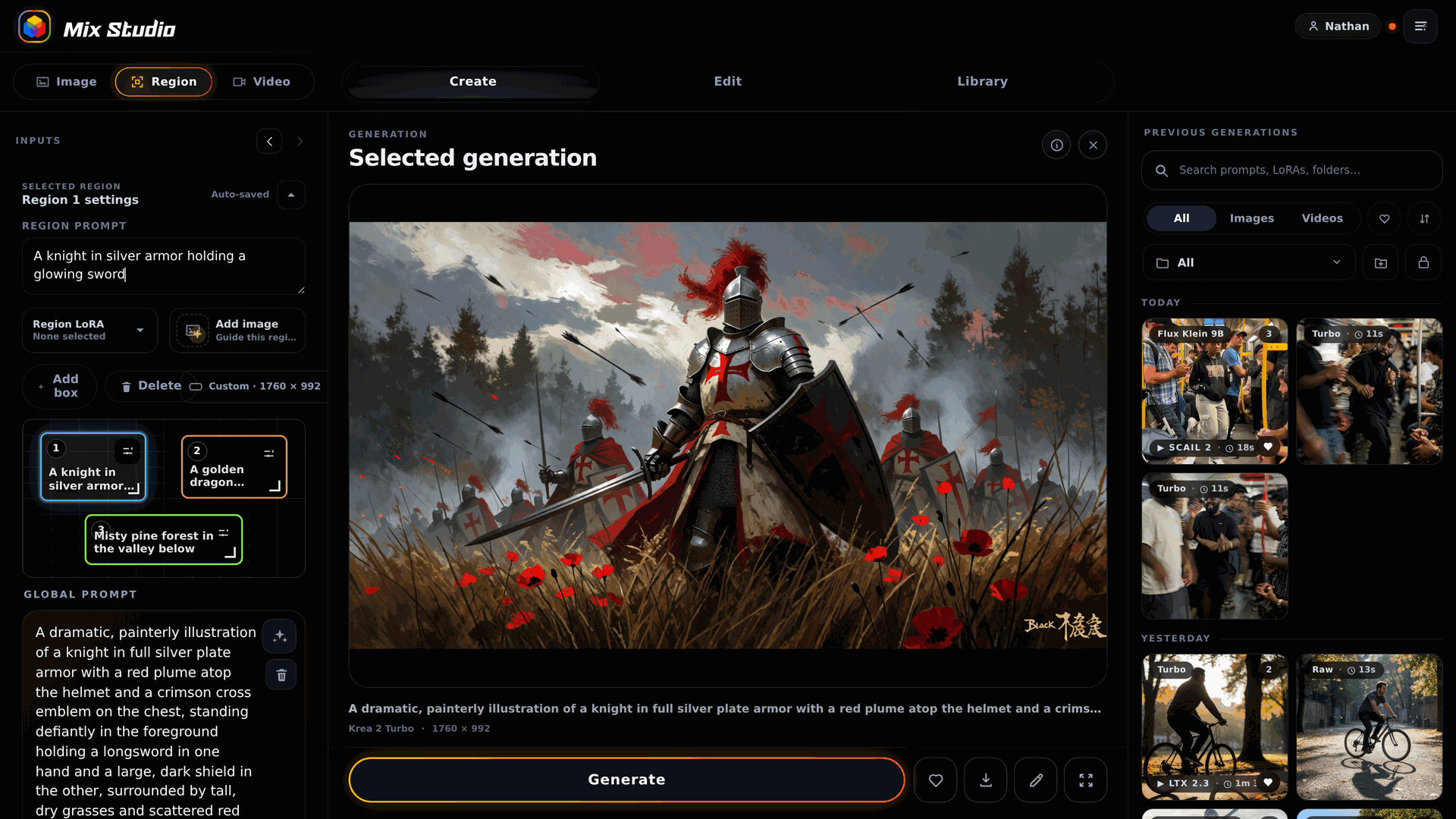
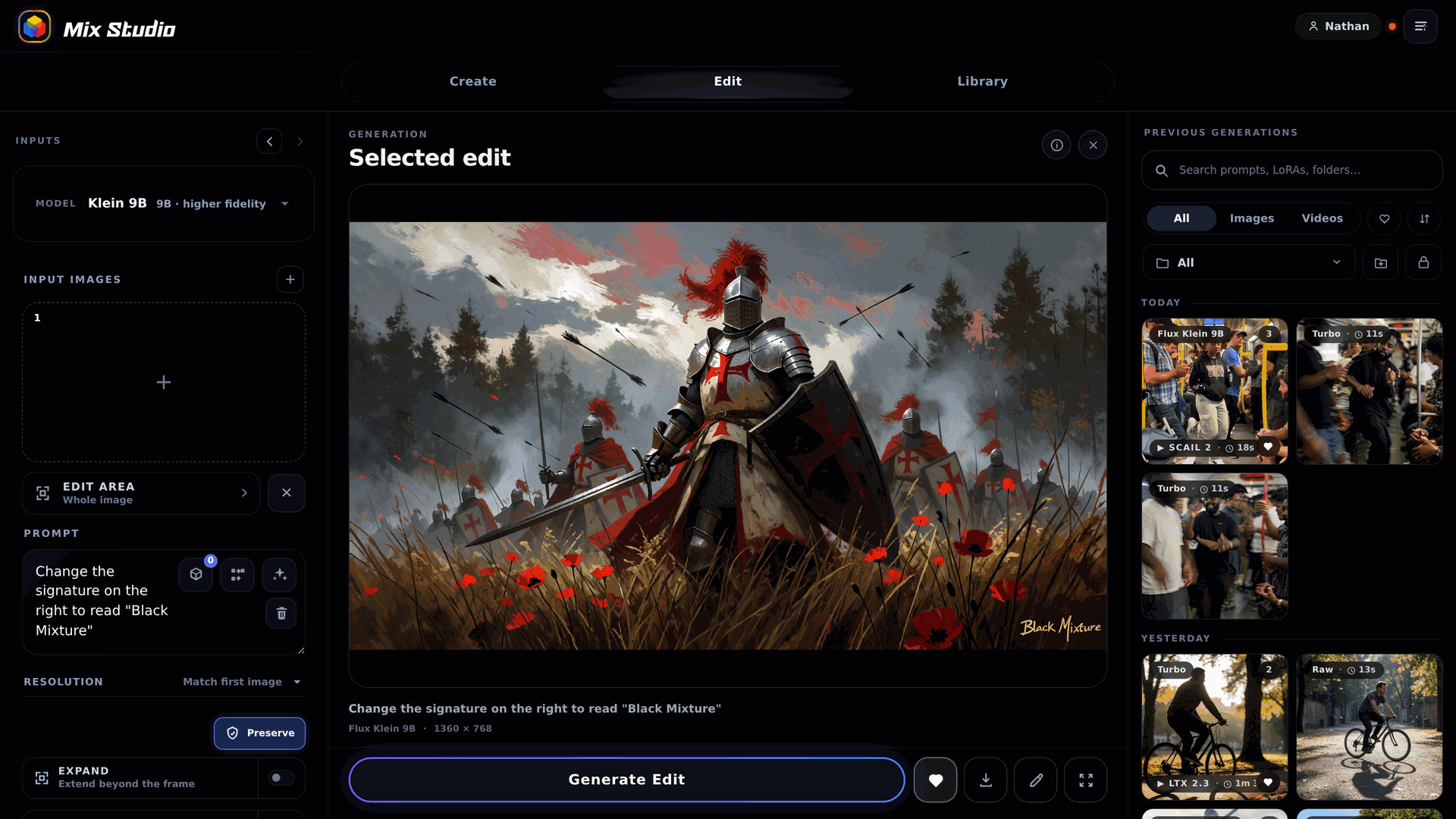
A self-hosted web application that runs locally and builds ComfyUI API graphs for image creation, regional prompting, image editing, video creation, motion transfer, and upscaling. It provides curated workflows for popular model families. The interface is responsive and works on desktop browsers and phones on the same network, with optional private remote access via Tailscale. All user data stays on the local machine. Installation uses a portable Git checkout with platform-specific installers for Windows, macOS, and Linux, requiring Node.js 22+, Git, and an existing ComfyUI environment. Hardware requirements range from 4 GB VRAM offload for basic editing up to 24 GB recommended for video workflows.
Should you self-host Mix Studio?
Mix Studio scores 50/100 on selfhost.directory (how scoring works) and ranks #9 of 11 in Image Generation. It has 301 GitHub stars.
It shipped 7 stable releases in the past year. The latest, v1.3.0, came out on 24 September 2026. New versions land roughly every 4 days.
Setup is advanced: plan for several services and some ongoing maintenance. It is GPL-3.0-licensed and written mostly in JavaScript.
Its closest alternative on selfhost.directory is stable-diffusion-webui (89/100, 165 173 stars). It scores higher overall, so compare the two before you pick. See Mix Studio vs stable-diffusion-webui side by side.
Features
- 3D generation (experimental)Experimental; generated backgrounds may contain inconsistent geometry or floaters
- Automatic database backups
- Image Editing
- In-app Updates
- Media Library
- Phone and remote access
- Regional prompting
- Text-to-image generation
- Upscaling
- User profiles with PIN
- Video Generation
- Visual Presets
Mix Studio README
More in Image Generation
 MxPageSelf-hosted AI workspace for e-commerce product images and Xiaohongshu posts. Runs locally on Windows/macOS via Electron or from source with your own AI API keys.
 oxigenOxigen is a self-hosted, open-source social media image generator creating Open Graph images via web UI and REST API, as Docker container or standalone binary.
 ProductFlowProductFlow is an open-source, self-hosted product creative workbench for solo merchants to manage assets, AI copy, and image workflows.
 sdnextSelf-hosted, open-source Stable Diffusion web UI to generate, caption, upscale and edit images and video, with many GPU backends and model quantization for low VRAM.
 stable-diffusion-webuiA self-hosted, open-source web UI for Stable Diffusion with txt2img, img2img, inpainting, outpainting, upscaling, and extensive customization options.
 Stable Diffusion WebUI DockerSelf-hosted Docker container bundling 14 Stable Diffusion WebUIs like Automatic1111, ComfyUI, Fooocus, and InvokeAI, each on its own port via docker-compose profiles.
 Stable Diffusion WebUI ForgeSelf-hosted, open-source Stable Diffusion web UI that improves GPU memory management and speeds up inference, with ControlNet, IP-Adapter and Flux quant support.
 Sygil-webuiSelf-hosted open-source web UI for Stable Diffusion with dual Streamlit/Gradio interfaces, dynamic previews, VRAM optimization, upscalers, and text-to-video.
 Text Generation WebUIAn open-source, self-hosted LLM chat app you run on your own machine: vision input, tool-calling, LoRA fine-tuning, and an OpenAI/Anthropic-compatible API.
 airunnerSelf-hosted, open-source desktop AI engine: local LLM chat companions, Stable Diffusion art generation, TTS/STT voice, and a headless Ollama/OpenAI-compatible API.
 app.enfugue.aiSelf-hosted open-source web app for studio-quality AI image/video generation with Stable Diffusion, unified pipeline, CivitAI browser, optional auth, and JSON API.
 avatarSelf-hosted open-source Node.js service generating random geometric or initials-based avatars via REST API with configurable shapes, colors, and symmetry.
0 comments