
Self-host web-portal
v2.6.0Personal web dashboard with widget plugins
- Stars
- 259
- Port
- 8000 (HTTP web interface)
ghcr.io/enchant97/web-portal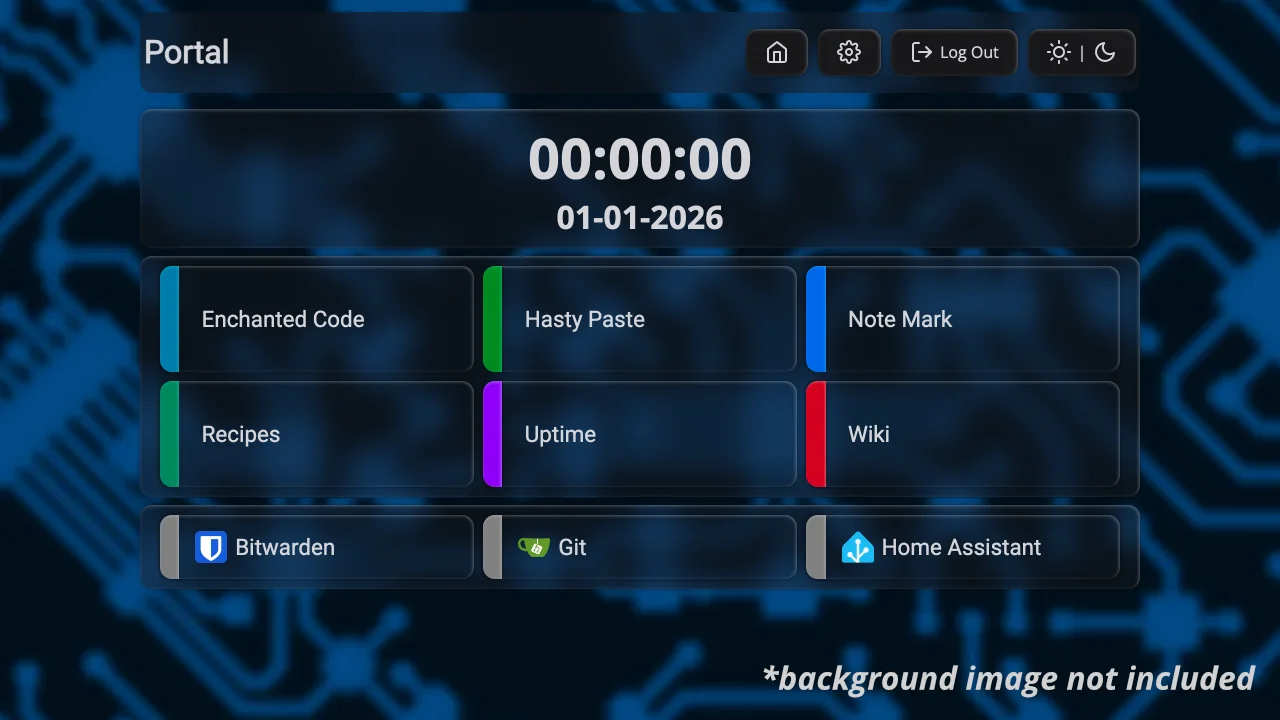
What is web-portal?
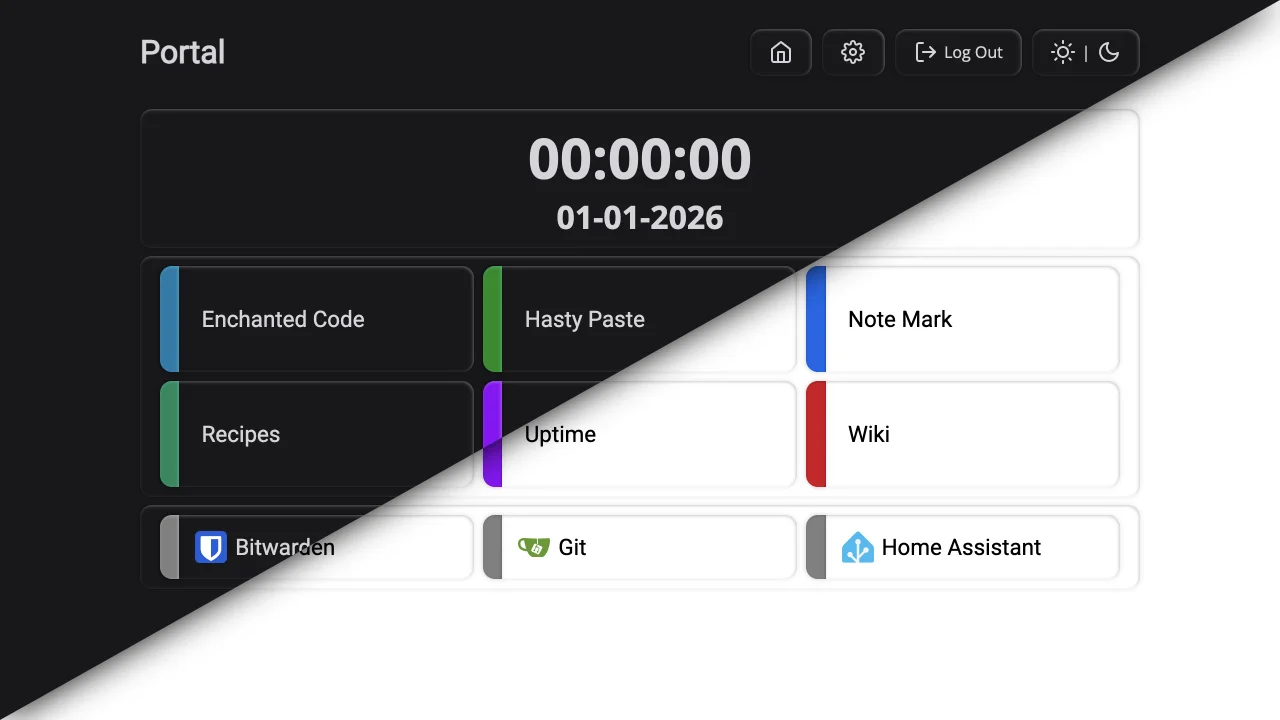
Web Portal is a self-hosted personal dashboard that lets users build a customizable homepage with widgets. It includes built-in widgets for digital clock, links with groups and icons, web search, HTML embeds, and website iframes. The plugin system allows extending functionality with third-party widgets. It supports both SQLite (default) and MySQL databases, offers adjustable themes with dark/light modes, configurable background images, and optional user authentication with password protection for admin functions. Installation is available via Docker (recommended) or direct Python 3.14 deployment. The project is feature-complete with ongoing bug fixes and security patches.
Should you self-host web-portal?
web-portal scores 48/100 on selfhost.directory (how scoring works) and ranks #23 of 44 in Dashboard. It has 259 GitHub stars.
It shipped 2 stable releases in the past year. The latest, v2.6.0, came out on 27 October 2026. New versions land roughly every 10 months.
Setup is moderate: expect some configuration beyond a single command. An official Docker image is available. It is AGPL-3.0-licensed and written mostly in Python.
Its closest alternative on selfhost.directory is Homepage by gethomepage (84/100, 33 419 stars). It scores higher overall, so compare the two before you pick. See web-portal vs Homepage by gethomepage side by side.
Features
- Admin password protection
- Built-in widgets
- Configurable background
- Icon-based UI
- Minimal JavaScript
- Multiple database support
- Plugin System
- User Authentication
- Widget-based dashboard
web-portal README
More in Dashboard
 XenonXenon is a self-hosted dashboard turning any spare screen into a PC control center with system stats, media controls, a Stream Deck-style key grid, and voice AI.
 your_lastfmYourLastFM is a self-hosted, open-source Node.js dashboard that syncs Last.fm scrobbles into SQLite for stats, friend comparisons, leaderboards, and recaps.
 adguard-buddySelf-hosted dashboard for monitoring and synchronizing multiple AdGuard Home servers with merged query logs, statistics, and drift detection.
 aegis_avataAEGIS is a self-hosted, open-source personal intelligence dashboard with Live2D avatar, Gemini voice briefings, and Notion, Google Calendar, YouTube Music integrations.
 Antigravity-DeckSelf-hosted web dashboard for Antigravity AI IDE — manage conversations, workspaces, cascades with full history, live control, and Cloudflare Tunnel remote access.
 AppsmithOpen-source low-code platform for self-hosted internal tools, admin panels and dashboards, deployed as one Docker container or via Helm with Git version control.
 arr-dashboardSelf-hosted open-source dashboard for *arr stack, Plex, Jellyfin, Emby, Seerr with global search, library cleanup, TRaSH Guides sync, automated hunting.
 astroSelf-hosted open-source dashboard for managing homelab services with a React frontend and Go backend, using SQLite for storage.
 AstrolumaAstroluma is a self-hosted, open-source home lab dashboard with link organization, task management, device monitoring, and 15+ service integrations.
 bitaxe-sentrySelf-hosted monitor for Bitaxe ASIC miners with Discord alerts, dark mode, and a responsive web dashboard showing live and historical metrics.
 botmuxBotMux is a self-hosted command center for managing multiple Telegram bots with reverse proxy, LLM routing, Slack bridges, and analytics in a single Go binary.
 ChronografChronograf is a self-hosted, open-source web app for visualizing InfluxDB data, creating dashboards, and managing Kapacitor alerts with Telegraf templates and OAuth.
0 comments