
Self-host Appsmith
v2.6.0Low-code builder for internal tools and admin panels
helm install appsmith-ee appsmith-ee/appsmith -n appsmith-ee --create-namespace -f values.yaml- Stars
- 41 242
- RAM
- at least 8 GB of RAM on the host for the all-in-one Docker Compose deployment
- Ports
- 80 (HTTP, Appsmith web UI (Caddy in the container)), 443 (HTTPS with custom or Let's Encrypt certificates)
appsmith/appsmith-ce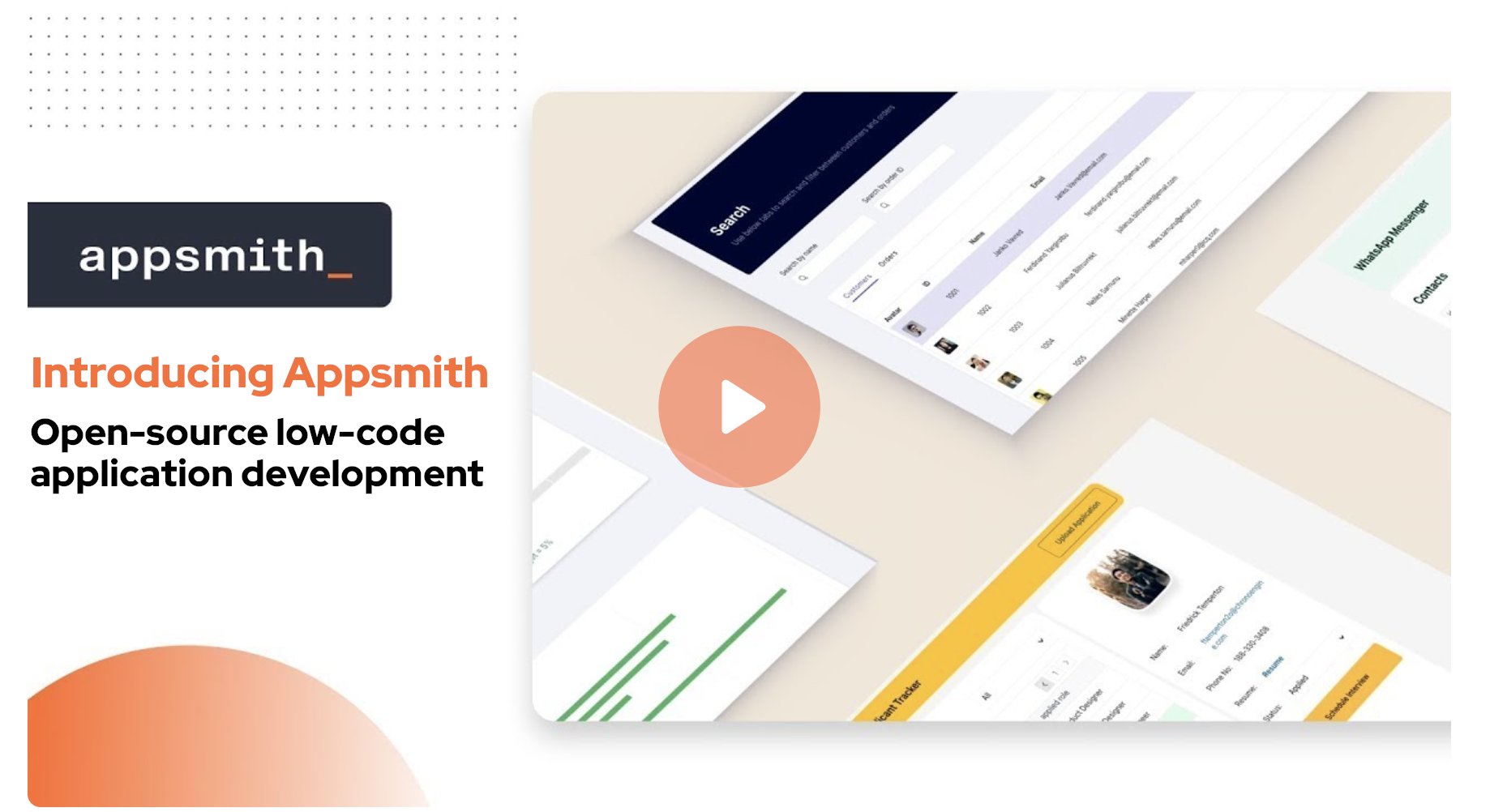
What is Appsmith?
A low-code platform for the custom software teams run their business on: admin panels, dashboards, CRUD front-ends, support consoles and other back-office tooling. Appsmith ships as an Apache-2.0 Community edition, and its canvas assembles screens from widgets that render responsively, while logic stays in plain JavaScript, edited in an environment offering auto-completion, multi-line editing, debugging and linting. Applications read data from a broad set of databases and from any REST or GraphQL API or LLM, and can be tracked in Git so several people work on branches, review changes, and promote merged work through dev, staging and production environments. Self-hosted instances add email notifications, scheduled and event-driven workflows, app-level roles, and backup or restore through the bundled appsmithctl utility, plus sign-in with Google or GitHub. Most operators deploy the all-in-one container, which already carries MongoDB, Redis, PostgreSQL and Caddy behind ports 80 and 443; the Community edition uses the appsmith-ce image and the commercial edition uses appsmith-ee. Kubernetes deployments come from an official Helm chart, and further guides cover AWS AMI, Azure Container Instances, Google Cloud Run, DigitalOcean, Ansible and an air-gapped edition. That all-in-one Docker layout wants at least 8 GB of host memory, and outbound access to cs.appsmith.com is expected for licensing and image dependencies. Advanced governance items, notably SAML or OIDC single sign-on, custom roles, audit logs, unlimited Git environments, SCIM provisioning and private app embedding, sit behind the paid Business and Enterprise plans.
Appsmith alternatives
 openrunA self-hosted GitOps platform that deploys web apps to Docker or Kubernetes using declarative config, with built-in SSO, RBAC, and database bindings.Compareopenrun with Appsmith
 nocodbSelf-hosted open-source Airtable alternative that turns any database into a no-code platform with spreadsheet-like interface, supporting PostgreSQL, MySQL, and SQLite.Comparenocodb with Appsmith
 FlagsmithA self-hosted platform for feature flags, remote configuration, and experiments with broad SDK support and flexible deployment options.CompareFlagsmith with Appsmith
 self-hostedSelf-hosted low-code platform for internal tools with 45+ connectors, drag-and-drop builder, AI assistance, RBAC, audit logs, and SSO. Free tier available.Compareself-hosted with Appsmith
 CodinIT.devSelf-hosted open-source AI full-stack dev platform for building Node.js apps with code generation and 19+ AI providers.CompareCodinIT.dev with Appsmith
 OpenshipSelf-hosted open-source PaaS: hand it a repo, a folder or an artifact and it detects your stack, builds it, then serves it on your domain with free certificates.CompareOpenship with Appsmith
 AppFlowyA self-hosted AI workspace that lets teams run projects, wikis, and knowledge bases on their own infrastructure with private AI and complete data ownership.CompareAppFlowy with Appsmith
 windmillOpen-source, self-hosted developer platform that turns scripts into APIs, background jobs, workflows and internal UIs, pitched as an alternative to Retool and Temporal.Comparewindmill with Appsmith
Should you self-host Appsmith?
Appsmith scores 80/100 on selfhost.directory (how scoring works) and ranks #1 of 3 in Internal Tools. It has 41 242 GitHub stars, +201 in the last 30 days.
It shipped 19 stable releases in the past year. The latest, v2.6.0, came out on 28 October 2026. New versions land roughly every 2 weeks.
Setup is moderate: expect some configuration beyond a single command. An official Docker image is available. It is Apache-2.0-licensed and written mostly in Typescript.
Its closest alternative on selfhost.directory is Dropbase (41/100, 1 283 stars). Appsmith scores higher overall. See Appsmith vs Dropbase side by side.
Features
- AI prompt-based building
- Air-gapped deploymentPriced as an Enterprise add-on.
- Audit LogsBusiness plan feature on the pricing page.
- Backup and Restore
- Database and API connectivity
- Drag-and-drop UI builder
- Email notifications
- Git-based version control
- JavaScript customization
- Multi-user editingEdits to the same page on the same branch can cause lost work.
- Role-based Access ControlFree plan ships 3 standard roles; custom roles and access controls are Business plan.
- SAML and OIDC single sign-onListed under the Enterprise plan; SAML requires a high-availability instance configuration.
- Single sign-on (Google / GitHub OAuth)
- Workflow Automation
Appsmith README

Organizations build custom applications like dashboards, admin panels, customer 360, IT automation, and service management tools to help their teams work more efficiently and effectively. Appsmith is an open-source low-code platform that streamlines custom application development, deployment, and maintenance. Learn more on our website.
FAQ
What is the pricing plan?
The docs point to the Appsmith pricing page for plan details.
Does Appsmith support multi-user editing?
Yes, through Git version control: users edit pages on separate branches and merge into master, since editing the same page on the same branch can lose work.
How secure is Appsmith?
Apps are secure by default; self-hosting keeps data inside your own VPC, which the docs cite as the route for HIPAA-style requirements. Cloud data is stored and processed on US servers.
How is Appsmith different from other no-code or low-code tools?
It is open source and self-hostable, so data stays under your control, and it takes a developer-first route with full JavaScript and Git workflow integration rather than pure no-code.
What kind of apps can I build on Appsmith?
Forms, admin panels, dashboards and other complex workflows: database GUIs, customer-support tools, back-office and approval apps, trackers, or a clean UI layer over scripts and CRUD operations.
More in Internal Tools
 BackstageSelf-hosted, open-source developer portal framework born at Spotify and now CNCF-hosted: central software catalog, TechDocs docs-as-code, service templates, plugins.
 budibaseOpen-source low-code platform for building AI agents, internal apps and automations; self-hosted via Docker, Compose, Kubernetes or Digital Ocean.
 DropbaseSource-available, self-hosted low-code tool where AI generates Python app code for admin panels and internal tools; runs locally as Docker Compose services.
 illa-builderSelf-hosted open-source low-code platform for internal tools: dashboards, CRUD apps, admin panels, with database/API connectors and scheduled or webhook automation.
 open-sparrowOpenSparrow is a self-hosted, open-source PHP platform generating CRUD apps, dashboards, calendars from JSON schema on PostgreSQL. Includes RAG, workflows, Kanban, 2FA.
 pocketblocksSelf-hosted open-source low-code platform combining Openblocks UI builder with PocketBase backend for internal tools and dashboards.
 RapidForgeRapidForge is an open-source, self-hosted automation platform turning Bash, Lua, or mRuby scripts into webhooks, APIs, scheduled jobs, and dynamic pages. Single binary.
 releaseRapidForge is an open-source, self-hosted automation platform turning Bash, Lua, or mRuby scripts into webhooks, jobs, and pages from a single binary.
 SaltcornSaltcorn is an open-source, self-hosted no-code app builder: design PostgreSQL tables, then build views, workflows and native mobile apps with drag-and-drop builders.
- self-hostedSelf-hosted low-code platform for internal tools with 45+ connectors, drag-and-drop builder, AI assistance, RBAC, audit logs, and SSO. Free tier available.
 ToolJetSelf-hosted, open-source low-code platform for internal tools and dashboards: visual builder, 90+ data sources, built-in database, AI app generation and MCP agent access.
0 comments