
Self-host WackoWiki
6.3.0Light multilingual wiki engine with WYTIWYG editing
- Stars
- 55
What is WackoWiki?
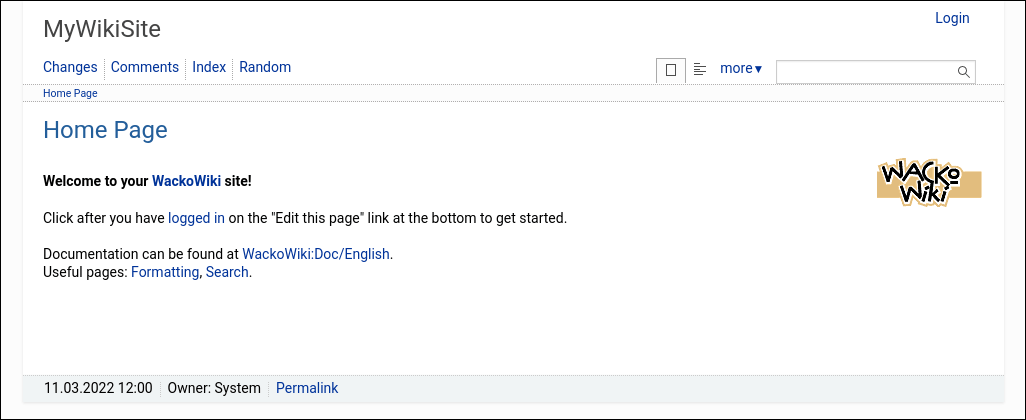
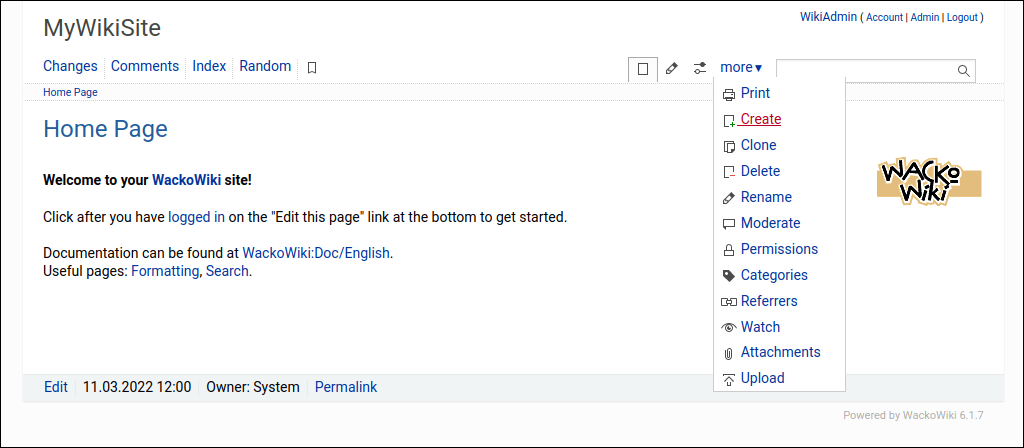
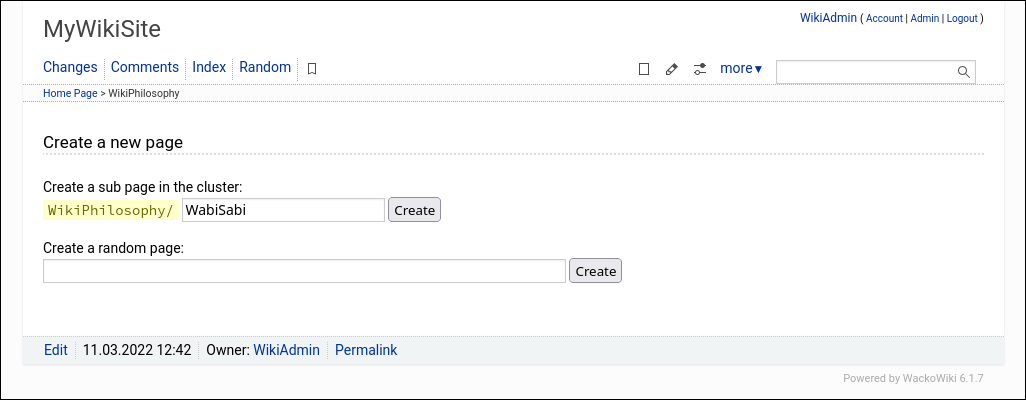
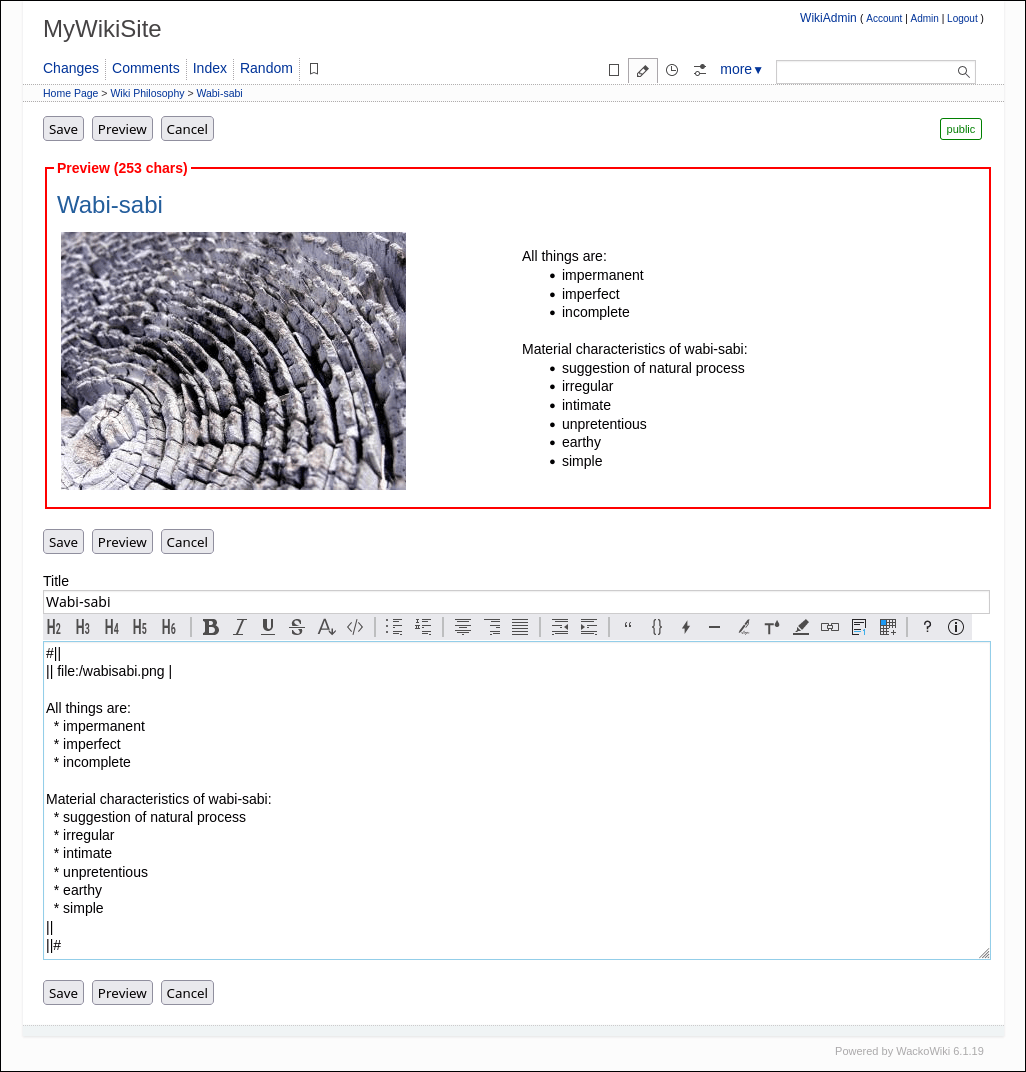
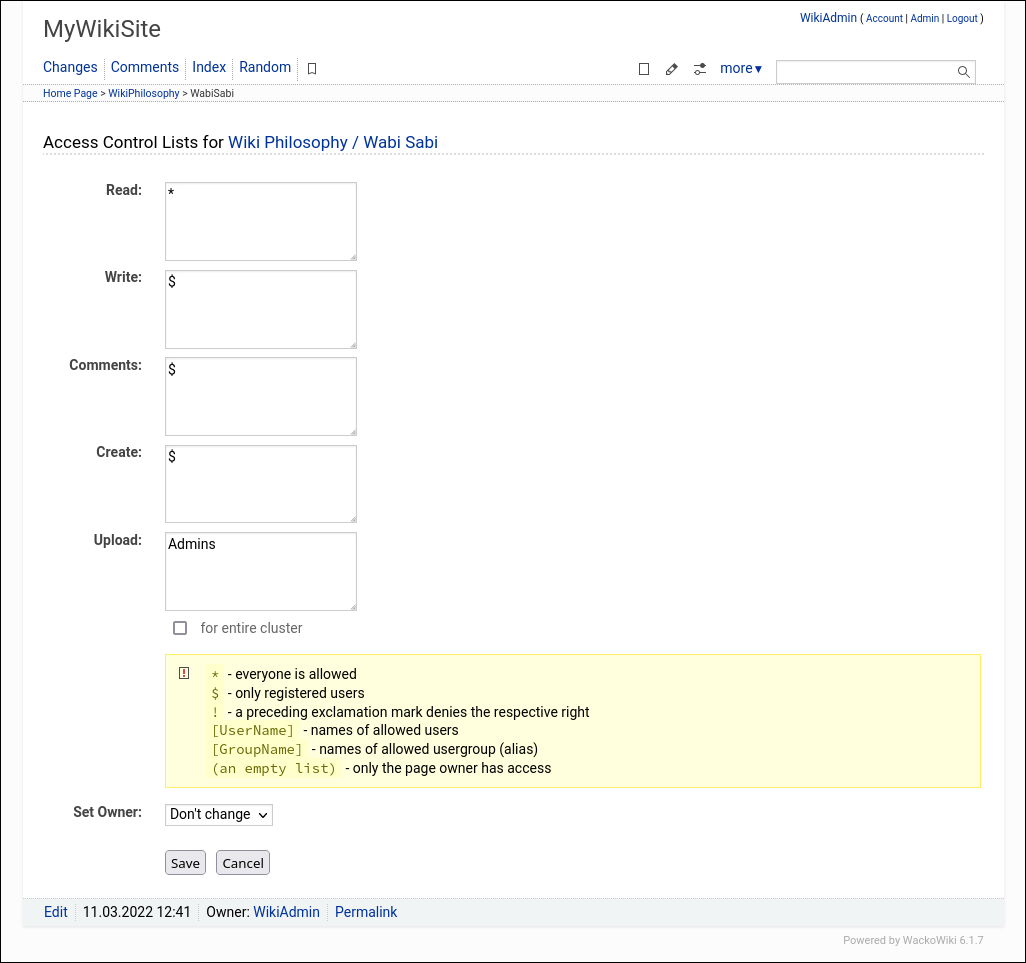
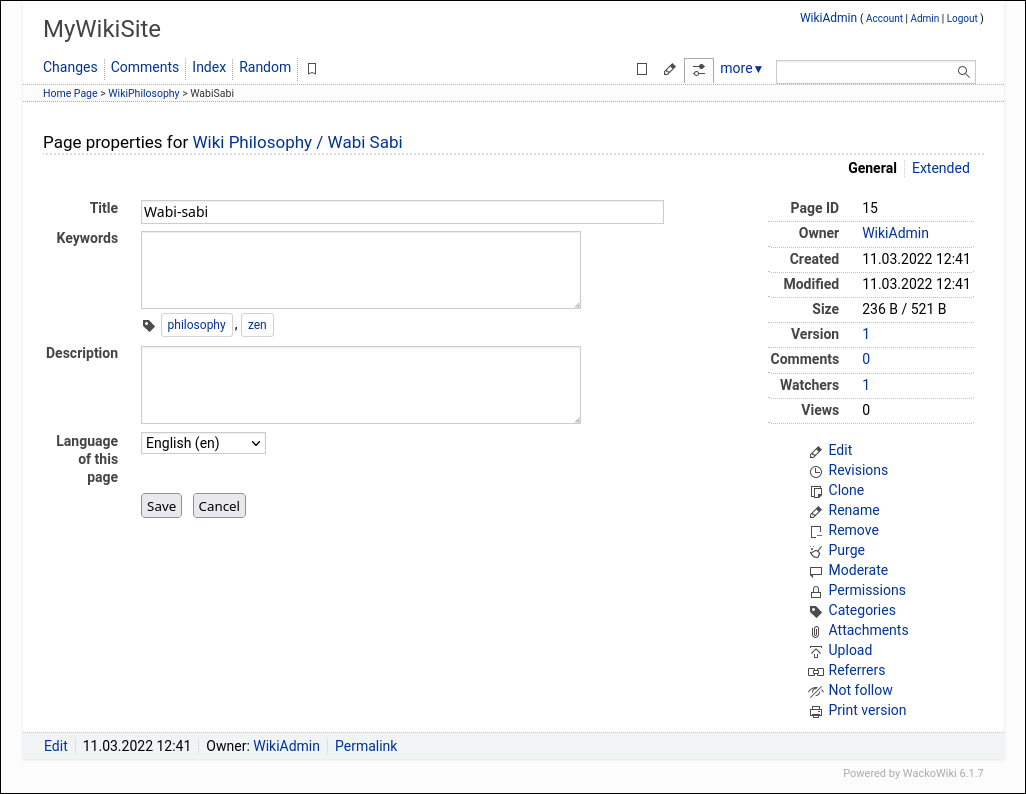
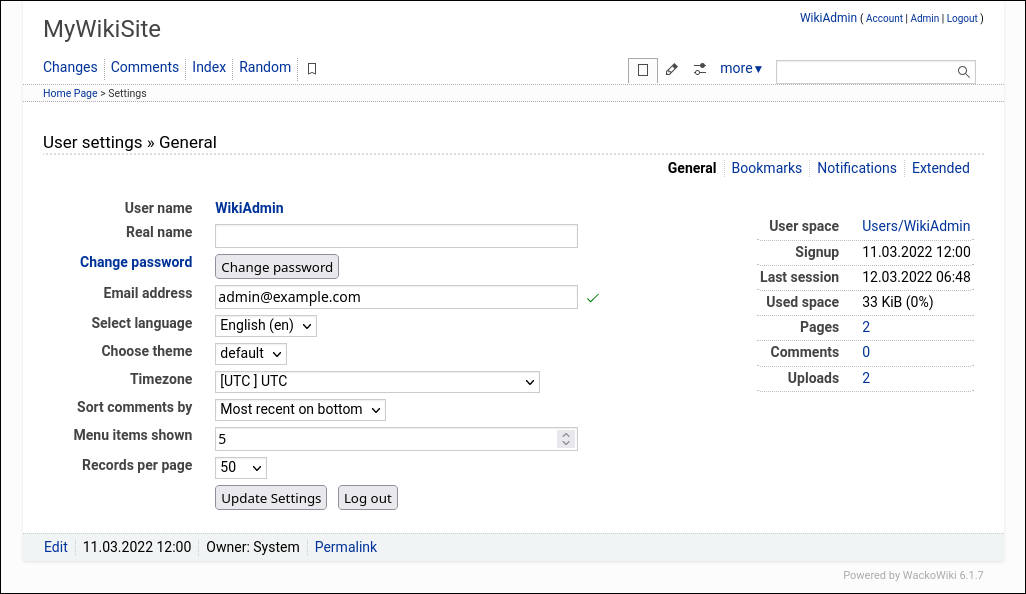
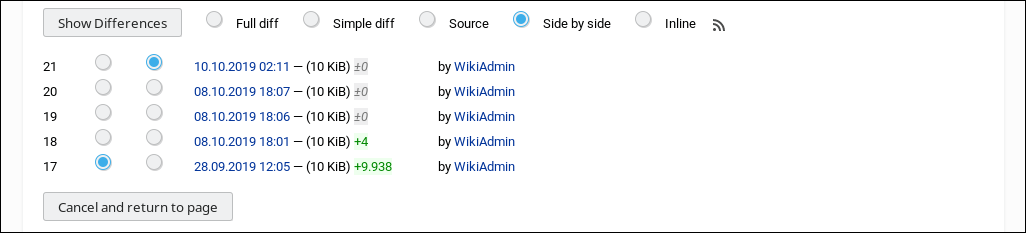
WackoWiki is a lightweight wiki engine built for collaborative writing and knowledge management. It uses an easy-to-learn markup language and provides a WYTIWYG editor so contributors can see changes as they type. Each page has its own access control lists covering five permission types. The software includes full revision history with visual diffs, file attachments with automatic thumbnails, and a theming system. Email notifications keep users informed of changes. It runs on PHP 8.3 through 8.5 with Apache, Nginx, or Caddy and stores data in MariaDB, MySQL, or SQLite. Installation is done by downloading a zip archive from SourceForge, GitHub, or Codeberg and running the web-based setup wizard. The codebase is licensed under BSD-3-Clause and the maintainers offer commercial support options.
Should you self-host WackoWiki?
WackoWiki scores 44/100 on selfhost.directory (how scoring works) and ranks #27 of 31 in Wikis. It has 55 GitHub stars.
It shipped 7 stable releases in the past year. The latest, 6.3.0, came out on 6 September 2026. New versions land roughly every 4 weeks.
Setup is moderate: expect some configuration beyond a single command. It is BSD-3-Clause-licensed and written mostly in PHP.
Its closest alternative on selfhost.directory is outline (78/100, 41 098 stars). It scores higher overall, so compare the two before you pick. See WackoWiki vs outline side by side.
Features
- Actions & Highlighters
- Auto Table of Contents
- Caching
- Clusters & Relative Addressing
- Design Themes (Skins)
- Email notifications
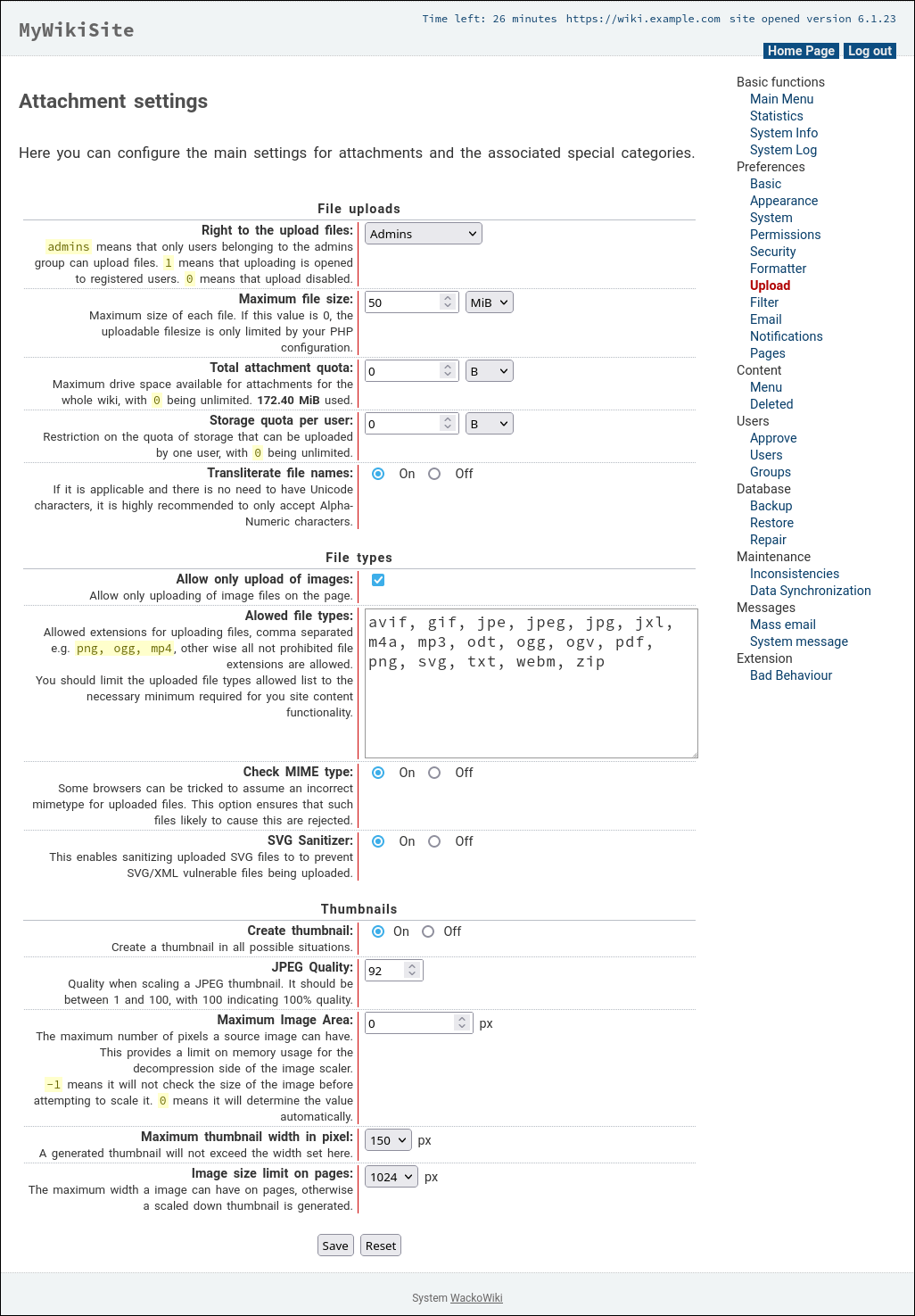
- File Uploads with Thumbnails
- Multilingual Support
- Page Comments
- Per-page Access Control Lists
- Revision Control with Diffs
- Section Editing
- Typographic Correction
- WYTIWYG Editing
WackoWiki README
FAQ
How can I use multiple Wackos with table prefixes (wacko1_, wacko2_)?
Install WackoWiki twice in separate directories (e.g., wacko1 and wacko2), then during setup specify table prefixes wacko1_ and wacko2_ respectively.
More in Wikis
 WeKnoraTencent's open-source knowledge framework for teams: self-hosted RAG Q&A with citations, agents with sandboxed skills, and auto-generated wikis on swappable LLMs.
 WikiDocs📗 Just a databaseless markdown flat-file wiki
 Wiki-GoOpen-source, self-hosted flat-file wiki in Go with Markdown editing, full-text search, version history, access rules, comments and kanban boards. No database needed.
 Wiki.jsWiki.js is a self-hosted, open-source wiki engine with a live-preview markdown editor, two-way Git sync and OIDC/LDAP/SAML sign-in, running on Node.js plus PostgreSQL.
 wiki-serverA self-hosted, open-source Federated Wiki server in Node.js that enables collaborative writing across distributed wiki instances with plugin extensibility.
- WiKissWiKiss is a lightweight, self-hosted wiki engine designed for simplicity and ease of deployment, requiring only PHP and no external database.
 WorldLoomSelf-hosted offline worldbuilding and storywriting app with rich-text articles, maps, manuscripts, timelines, and HTML export. Node.js, file-based storage, no database.
 XWikiSelf-hosted, open-source enterprise wiki written in Java: WYSIWYG editing, semantic annotations, advanced permissions, structured data and in-page server-side macros.
 YellowSelf-hosted flat-file CMS for small websites, wikis and blogs. Runs on PHP 7.0+ with no database, uses Markdown, extensible with plugins and themes.
 yeswikiYesWiki is a self-hosted, open-source PHP wiki for collaborative sites with drag-and-drop forms, maps, calendars, and directory views.
 AlexandrieSelf-hosted, open-source alternative to Notion, Obsidian and Confluence: a team wiki with an advanced Markdown editor, offline PWA support, OIDC SSO and S3-based backups.
 amusewikiSelf-hosted wiki engine using Emacs Muse markup with Git backend, multi-site support, EPUB/PDF output via LaTeX, OPDS server, and bookbuilder.
0 comments