
Self-host amusewiki
v_2.6112Wiki engine with Git backend and EPUB/PDF publishing
- Stars
- 221
- Storage
- 5Gb recommended minimum free space
- Requires
- Fontconfig, Ghostscript, Git, Libexpat1-dev, Libxml2-dev, Nginx, OpenSSL, Perl with Carton, Shared-mime-info, TeX Live, Xapian, Zlib1g-dev
rojen/amusewiki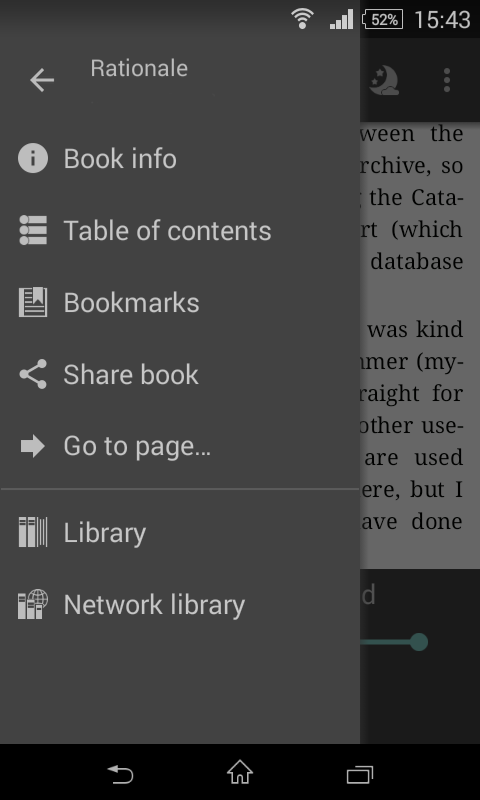


What is amusewiki?
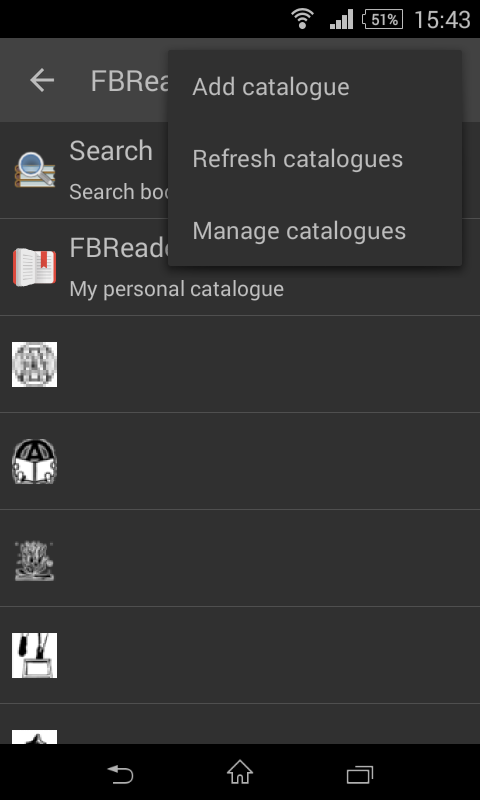
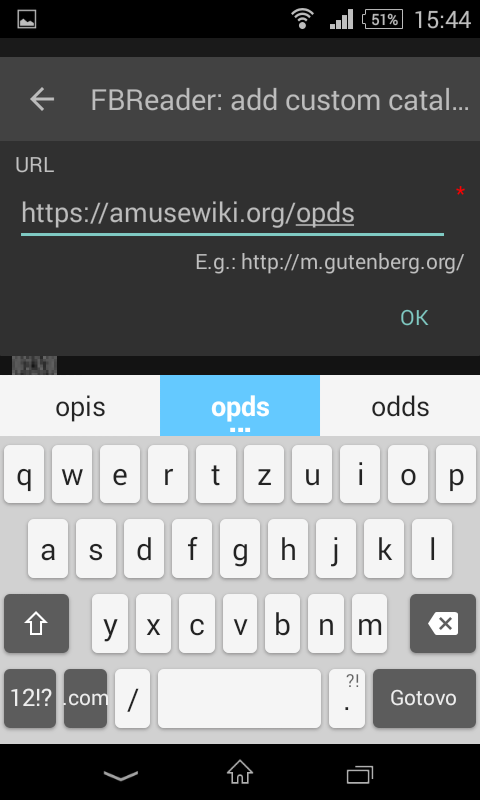
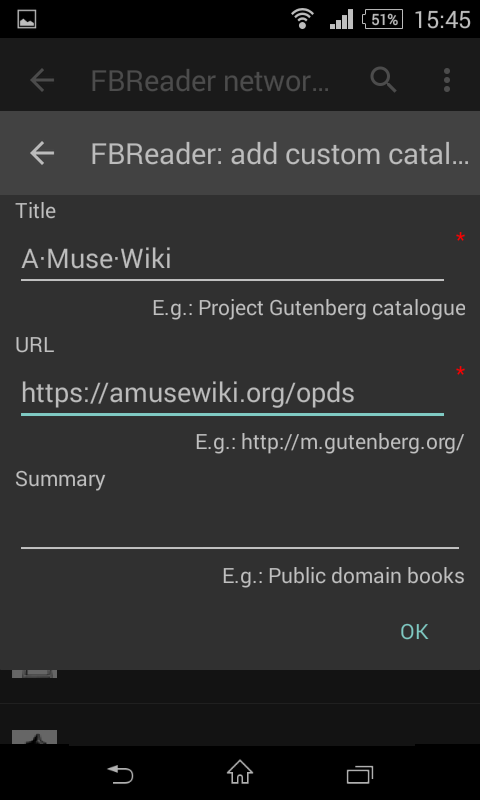
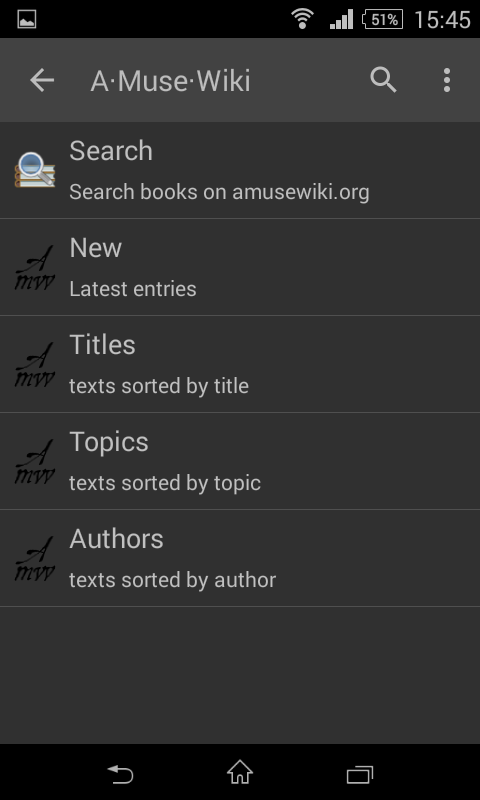
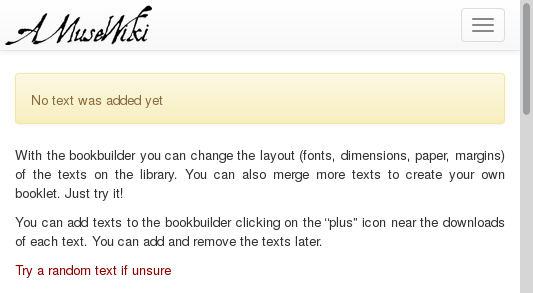
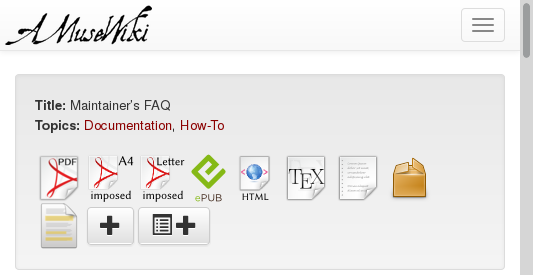
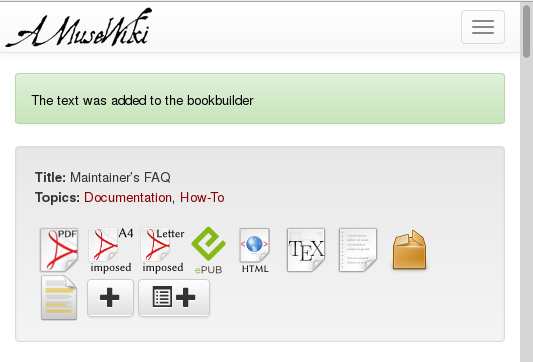
Amusewiki is a Perl-based wiki engine using Text::Amuse markup (compatible with Emacs Muse) with a Git backend for version control. It supports running multiple independent sites on one instance with flexible access modes (private, blog, moderated wiki, open wiki). Core features include high-quality EPUB and PDF output via LaTeX, a bookbuilder for compiling collections, an OPDS server for delivering content to mobile reading apps, offline editing via Git, full-text search via Xapian, and localization for over 20 languages. It can use PostgreSQL, MySQL/MariaDB, or SQLite as a database. Installation options include Debian/Ubuntu packages, Docker images, or manual installation from source with Carton. The application runs as an FCGI process behind nginx (or Apache/Caddy) and includes role-based access control with root, admin, librarian, human, and robot permissions.
Should you self-host amusewiki?
amusewiki scores 50/100 on selfhost.directory (how scoring works) and ranks #22 of 31 in Wikis. It has 221 GitHub stars.
It shipped 4 stable releases in the past year. The latest, v_2.609, came out on 27 November 2025.
Setup is advanced: plan for several services and some ongoing maintenance. An official Docker image is available. It is Other-licensed and written mostly in Perl.
Its closest alternative on selfhost.directory is outline (78/100, 41 093 stars). It scores higher overall, so compare the two before you pick. See amusewiki vs outline side by side.
Features
- Bookbuilder
- EPUB output
- Full-Text Search
- Let's Encrypt SSL integration
- Multi-language Support
- Multi-site Support
- OPDS Server
- PDF output via LaTeX
- Role-based Access Control
- Site access modes
- Site customization via CSS/JS
- Wiki engine with Text::Amuse markup
amusewiki README
More in Publishing
 CookCLIA self-hosted, open-source recipe manager in one binary: it parses plain .cook files, builds shopping lists and meal plans, and serves a browsable cookbook web UI.
 CoralSelf-hosted, open-source comment platform from Vox Media for news sites: moderation queues, banned-word lists, Perspective toxicity and Akismet spam filters, SSO.
 cStateAn open-source, self-hosted status page built with Hugo: Markdown incidents, a read-only JSON API, RSS/Atom feeds, SVG badges, and auto dark mode.
 HyphanetFred, the open-source Hyphanet/Freenet reference node, is a self-hosted encrypted P2P network for anonymous freesites, forums, microblogging and file sharing.
 OJSOpen Journal Systems (OJS) is a self-hosted, open-source platform for managing scholarly journals with manuscript submission, peer review, and publishing workflows.
 outstaticA self-hosted Git-based CMS: Outstatic adds an editing dashboard for the Markdown and MDX files in your GitHub repository, with no database and no hosted CMS backend.
 SuperdeskSuperdesk is a self-hosted, open-source digital newsroom platform for news organizations, combining headless CMS with editorial workflows and multi-channel publishing.
 TextpatternSelf-hosted, open-source PHP/MySQL CMS with a tag-based template language, themes, plugins, multi-site support, and an admin panel in 50+ languages.
 TypstOpen-source, self-hosted markup typesetting system: a CLI and Rust library that compiles Typst files to PDF, PNG, SVG, or HTML as an easier alternative to LaTeX.
 VonCMSVonCMS is a self-hosted, open-source CMS for publishers. Runs on PHP/MySQL with no Node.js, offering editorial workflow, bundled themes, built-in SEO, GPL-3.0-only.
 WeChat Markdown EditorOpen-source WeChat Markdown editor turning plain Markdown into styled Official Account posts with image hosts, themes and AI; run it self-hosted via Docker or npm.
0 comments