
Self-host Virtual Radar Server
v2.4.4Aircraft tracking web server for ADS-B receivers
- Stars
- 315
- Port
- 8080 (Web server HTTP)
- Requires
- Mono runtime
What is Virtual Radar Server?
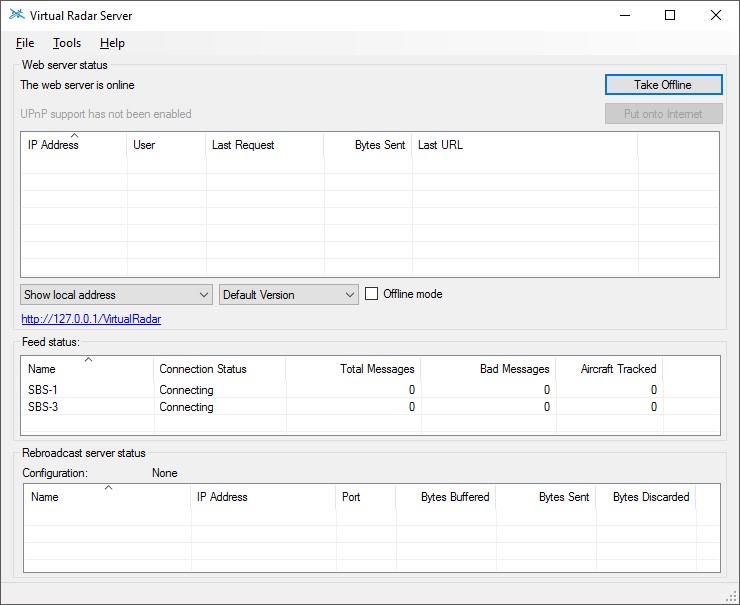
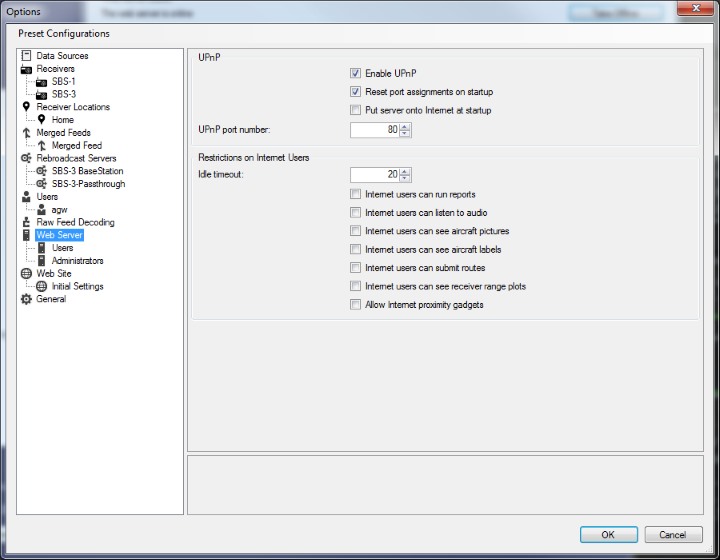
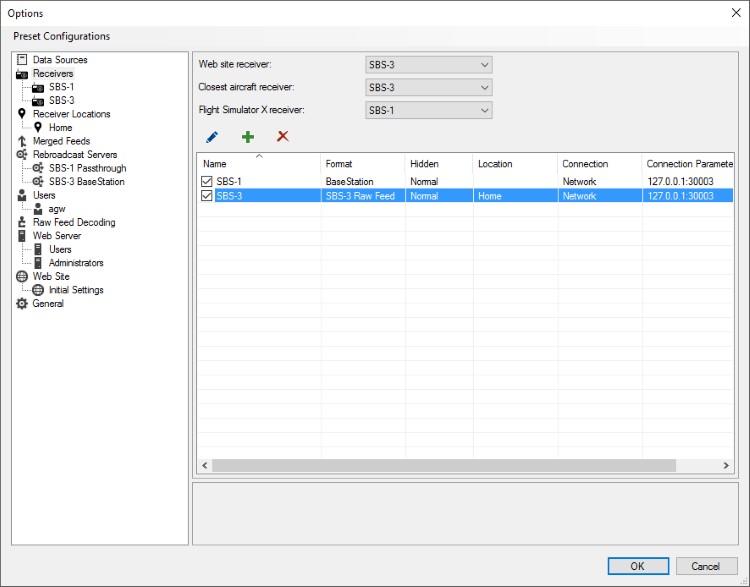
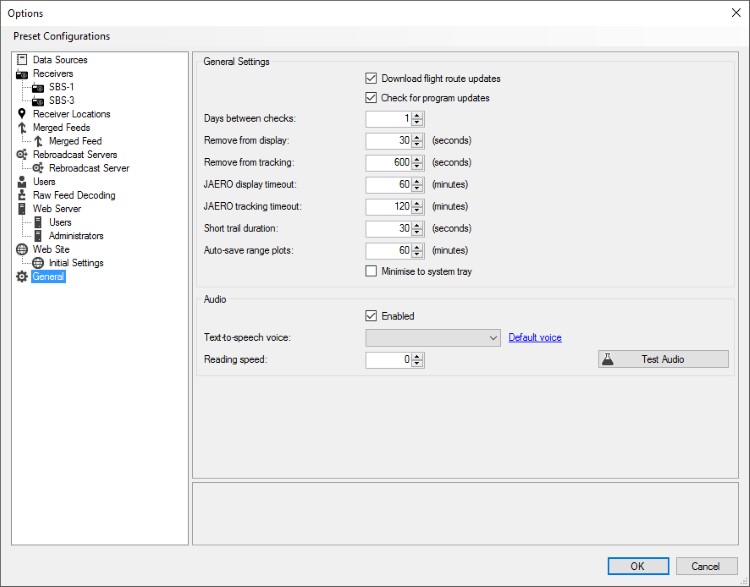
Virtual Radar Server (VRS) is a self-hosted .NET application that receives ADS-B/Mode-S data from compatible receivers (SBS-1, SBS-3, RTL-SDR, and other SDRs producing Kinetic, AVR, or Beast formats) and plots aircraft positions on a Google Maps or Leaflet web interface. It runs on Windows natively and on Linux/macOS via Mono. The server provides a desktop web UI and a mobile-optimized version for phones and tablets. It supports multiple simultaneous receivers, merged feeds, rebroadcasting to other VRS instances, and optional plugins for web administration, database writing, and custom content. Configuration is done through a GUI or web admin plugin. No Docker image is officially provided; installation uses a Windows installer or a Mono tarball.
Should you self-host Virtual Radar Server?
Virtual Radar Server scores 49/100 on selfhost.directory (how scoring works) and ranks #6 of 9 in Mapping & GPS. It has 315 GitHub stars.
There was no stable release in the past 12 months, so check the repository's recent activity before you rely on it.
Setup is moderate: expect some configuration beyond a single command. It is Other-licensed and written mostly in C.
Its closest alternative on selfhost.directory is God's Eye View (83/100, 60 881 stars). It scores higher overall, so compare the two before you pick. See Virtual Radar Server vs God's Eye View side by side.
Features
- Flight simulator integration
- Headless Mode
- Merged feeds
- Multiple receiver format support
- Plugin System
- Real-time aircraft tracking
- Rebroadcast server
- UPnP port mapping
- User Authentication
- Web-based map interface
- Windows service installation
Virtual Radar Server README
More in Mapping & GPS
 wandererSelf-hosted, open-source trail database to store, plan, and share GPX routes: ActivityPub federation, Valhalla routing, Meilisearch search, iOS/Android app.
 AkashicSelf-hosted open-source geospatial intelligence workspace combining live aircraft, satellite, seismic, weather, radio, and OSINT data on an interactive map.
 facilmapFacilMap is a self-hosted, open-source OpenStreetMap web map for collaborative maps with markers, routes, live editing, multiple styles, routing, and GPX/GeoJSON import.
 farmOSSelf-hosted, open-source farm record keeping web app built on Drupal: map fields, track assets and logs, collect sensor data, and use a JSON:API.
 God's Eye ViewSelf-hosted open-source CesiumJS globe with live flights, ships, satellites, weather and public camera feeds, voice AI control and an MCP server.
 OpenMapTilesOpen-source vector tile schema stack for generating OpenStreetMap map tiles. Includes ready-to-use styles and Docker tools with PostgreSQL/PostGIS.
 OwnTracks RecorderOpen-source, self-hosted recorder that saves OwnTracks location data from MQTT or HTTP and serves it via REST API, live map, and the ocat CLI with CSV/GPX/GeoJSON export.
 Project OSRMOpen Source Routing Machine - C++ backend
 QFieldCloudSelf-hosted open-source platform for synchronizing geospatial field data between QGIS desktop and QField mobile app with offline support.
 QGISOpen-source GIS for Windows, macOS and Linux: map authoring, geospatial analysis and a self-hosted QGIS Server publishing WMS, WFS, WMTS and OGC API services.
 roadbookRoadbookMaker is a self-hosted, open-source web app for creating travel itineraries on interactive maps with AI-assisted planning and offline-first design.
 safehavenSafeHaven is a self-hosted, open-source web app for collaborative safe-space maps. Runs via Docker with PostgreSQL/PostGIS and an admin panel.
0 comments