
Self-host God's Eye View
v0.3.0OSINT-style live 3D globe fed by public data
- Stars
- 63 433
- Port
- 4173 (Local web app server (bound to localhost by default))
What is God's Eye View?
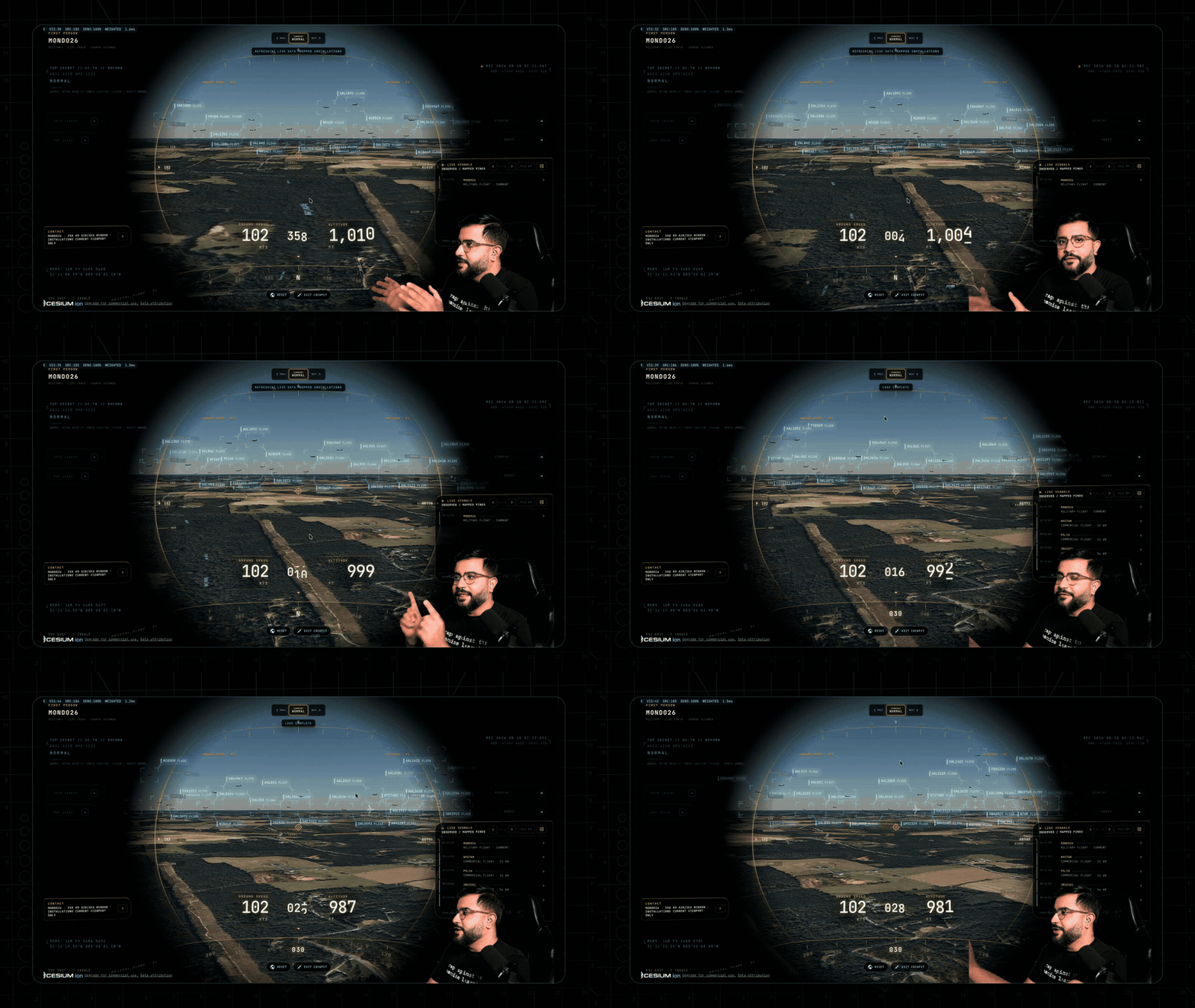
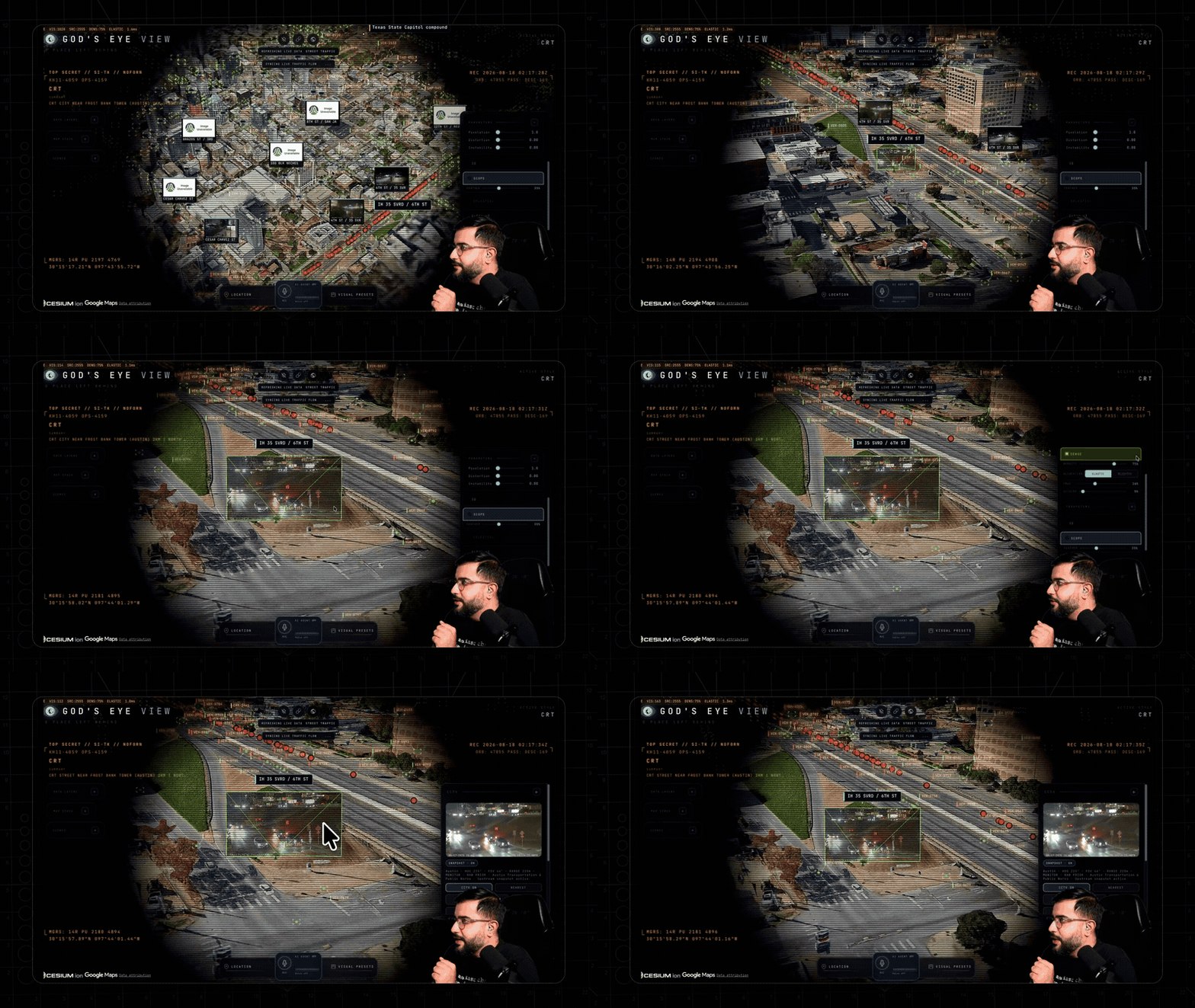
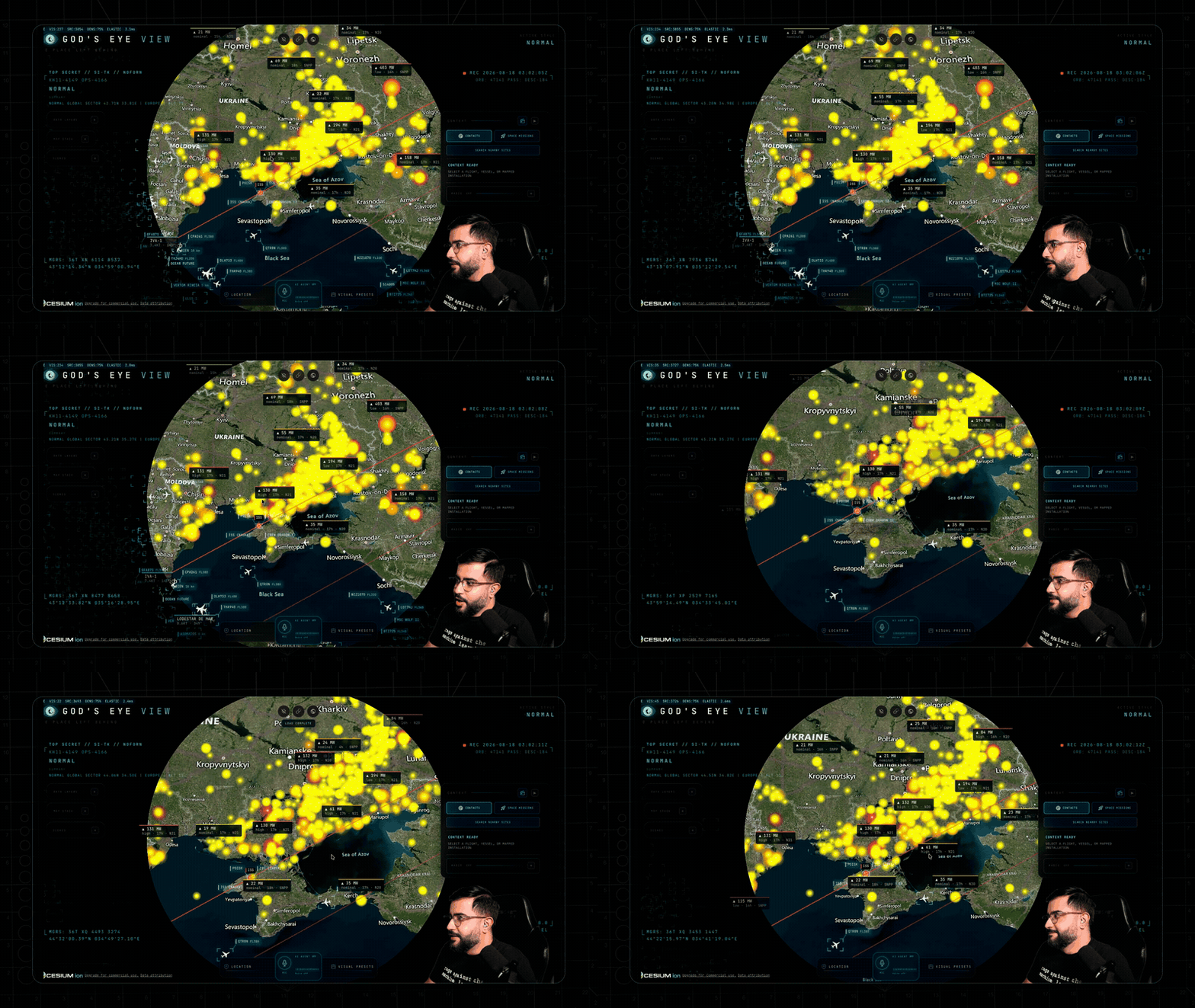
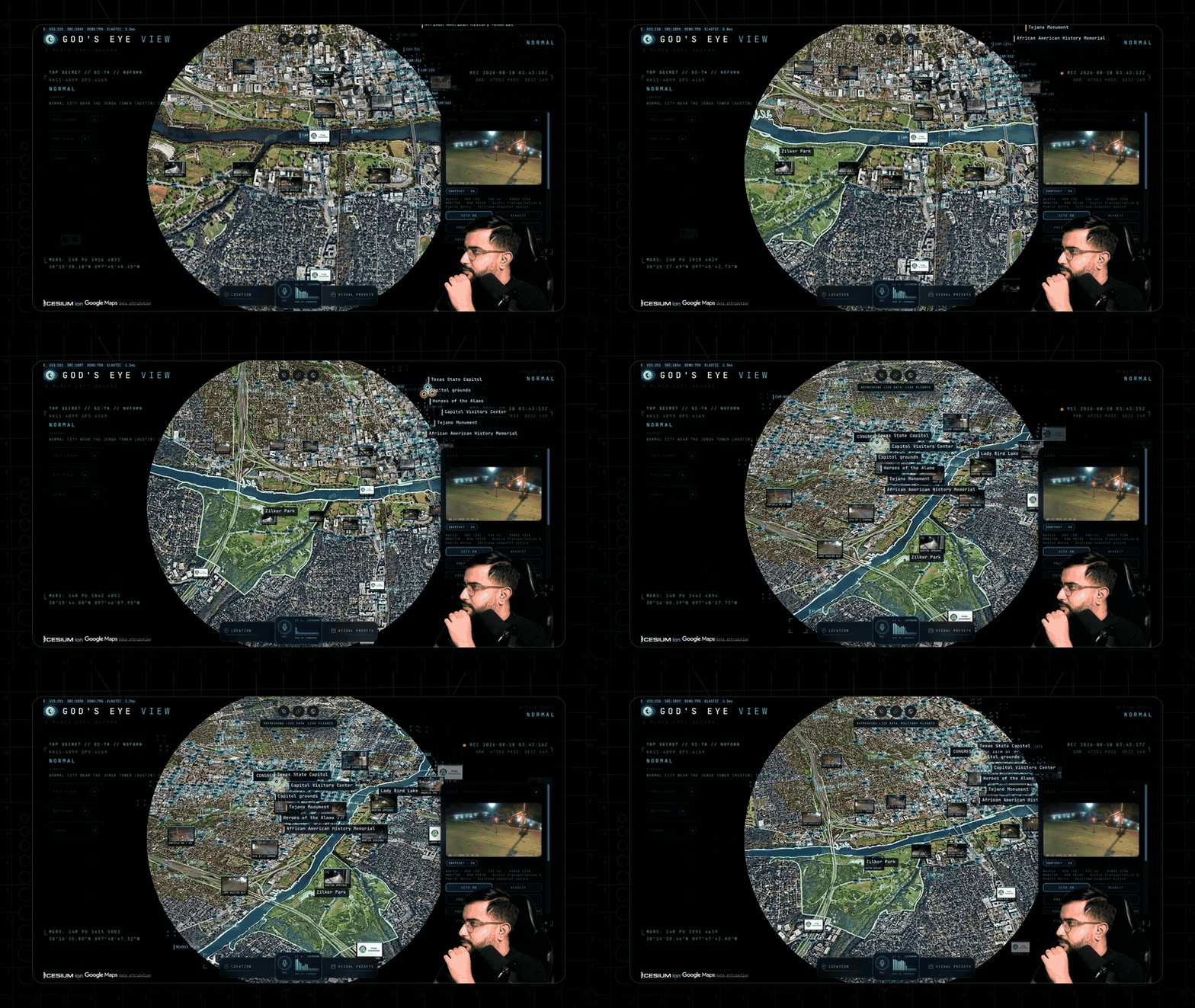
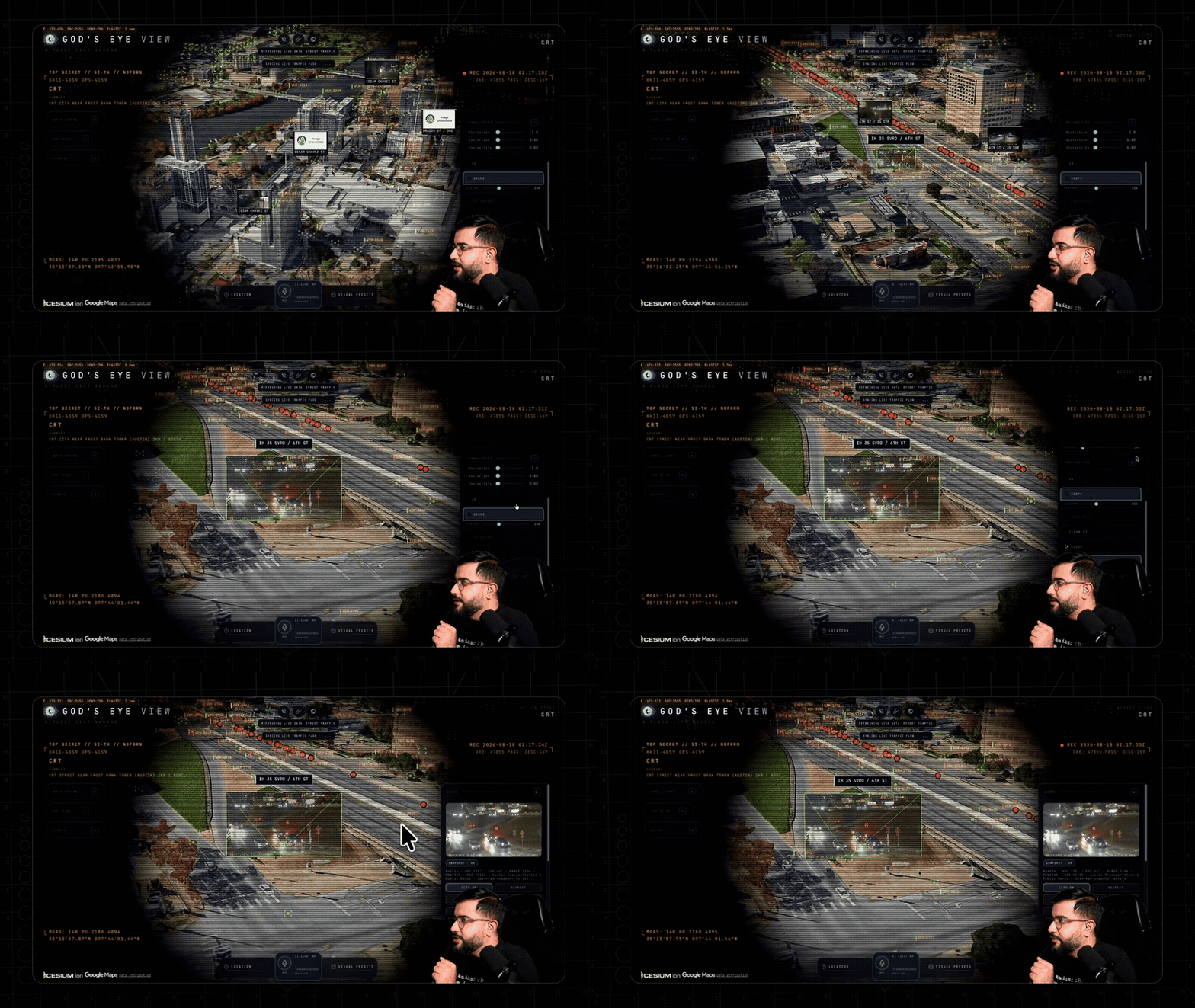
God's Eye View is a browser-based situational-awareness globe: a photorealistic 3D Earth layered with real, publicly available telemetry rather than simulated game data. Twenty layers and map sources put live aircraft, military ADS-B traffic, vessels, orbiting satellites, earthquakes, forecast wind and observed radar, transit and bikeshares, rocket launches, road congestion and public CCTV feeds into a single explorable scene, and almost any contact can be clicked and followed — including a cockpit mode that rides a real flight down over terrain while you switch sensor looks such as night vision or thermal. An optional OpenAI-powered voice agent exposes roughly thirty tools for flying the camera, drawing boundary and route annotations, and answering questions about what is currently on screen; the app additionally acts as an MCP server that desktop agents like Claude, Codex and ChatGPT can drive. Seventeen of the layers work with no credentials at all. Self-hosting means running it on your own machine: either a one-click Pinokio install (8.2 or later) on Windows, macOS or Linux, or a terminal clone served by Node.js 24.x or 26.x on port 4173, which only reaches other machines if you deliberately set HOST=0.0.0.0 and allow the hostname. Keys are optional upgrades pasted into an in-app provider panel rather than prerequisites, and the local server brokers the private ones so the browser only ever sees Google Maps, Cesium ion and Mapillary tokens. The source is MIT-licensed vanilla JavaScript built on CesiumJS and Vite, with no framework, though the bundled datasets and imagery keep their own terms, some of them non-commercial. The authors position it as an evolving client for exploration and learning rather than a hardened service, and warn it must not drive navigation, emergency response or other safety-critical decisions. An official hosted version is announced but not yet available.
God's Eye View alternatives
 Global Threat MapSelf-hosted, open-source OSINT command center: a Next.js Mapbox app plotting real-time global events, wars, conflicts and military bases, with AI intel dossiers.CompareGlobal Threat Map with God's Eye View
 World MonitorSelf-hosted open-source dashboard streaming 460 news feeds from 761 providers onto a live map with 57 layers, correlating geopolitics, markets, shipping, aviationCompareWorld Monitor with God's Eye View
 Traefik Log DashboardSelf-hosted, open-source dashboard for analyzing Traefik logs with IP geolocation, status codes, service metrics, and 3D globe visualization. Runs via Docker Compose.CompareTraefik Log Dashboard with God's Eye View
 GeoLensGeoLens is an open-source, self-hosted geospatial catalog and map builder for teams to search, style, and serve spatial data over OGC APIs.CompareGeoLens with God's Eye View
 monoscopeOpen-source, self-hosted observability that keeps logs, metrics and traces in your own S3 buckets, with plain-English queries, scheduled AI agents and session replay.Comparemonoscope with God's Eye View
 OnlookOpen-source, self-hosted visual code editor: build and style Next.js + Tailwind apps in a Figma-like canvas with AI, editing real code directly.CompareOnlook with God's Eye View
 my-virtual-worldSelf-hosted 3D voxel world for people and local AI agents. Connects OpenClaw, Hermes to show live agent activity. Docker deploy with license key for advanced features.Comparemy-virtual-world with God's Eye View
 checkmateSelf-hosted, open-source uptime and infrastructure monitor: HTTP, ping, DNS, Docker and gRPC checks with incidents, status pages and Slack or email alerts.Comparecheckmate with God's Eye View
Should you self-host God's Eye View?
God's Eye View scores 84/100 on selfhost.directory (how scoring works) and ranks #1 of 10 in Mapping & GPS. It has 63 433 GitHub stars, +4 877 in the last 30 days.
It shipped 5 stable releases in the past year. The latest, v0.3.0, came out on 28 October 2026. New versions land roughly every 2 weeks.
Setup is moderate: expect some configuration beyond a single command. It is MIT-licensed and written mostly in JavaScript.
Its closest alternative on selfhost.directory is Project OSRM (69/100, 8 196 stars). God's Eye View scores higher overall. See God's Eye View vs Project OSRM side by side.
Features
- Cockpit view
- Earthquake & active fire feeds
- Live flight tracking
- Map annotations & drawing
- MCP Server
- Photorealistic 3D globe
- Public camera (CCTV) overlayCoverage limited to the bundled city/agency packs.
- Route directions
- Satellite tracking
- Sensor visual styles
- Shareable state links
- Ship trackingNeeds a free AISStream key.
- Transit & bikeshare feedsOnly the listed GTFS-Realtime regions.
- Voice-controlled AI agentRequires an OpenAI key or an opt-in local ChatGPT/Codex sign-in.
- Weather & radar layers
God's Eye View README

A spy-satellite simulator in your browser — then you realize the sources are public and the data is real.
Photorealistic 3D globe. Live aircraft, ships, satellites, earthquakes, traffic, and public cameras. Hands-free voice control powered by a realtime AI agent.
No place left behind.


▶️ From the project behind the viral God's Eye View series (formerly WorldView) — 5M+ on YouTube · 25M+ across socials
🏆 Reached #1 on GitHub Trending, daily and weekly · August 2026
#8 Product of the Day · Hunted by Chris Messina, creator of the hashtag
“pretty cool” — Brendan Eich, creator of JavaScript and co-founder of Mozilla and Brave · Featured on Pinokio
⚡ Start without API keys. Install with Pinokio or run locally from the terminal. Add optional keys inside the app. → Quick Start


More in Mapping & GPS
- GoGoCartoSelf-hosted, open-source GoGoCarto lets teams publish collaborative geo maps with their own categories and moderation rules, or run a multi-instance subdomain farm.
 OpenMapTilesOpen-source vector tile schema stack for generating OpenStreetMap map tiles. Includes ready-to-use styles and Docker tools with PostgreSQL/PostGIS.
 OwnTracks RecorderOpen-source, self-hosted recorder that saves OwnTracks location data from MQTT or HTTP and serves it via REST API, live map, and the ocat CLI with CSV/GPX/GeoJSON export.
 Project OSRMOpen Source Routing Machine - C++ backend
 QFieldCloudSelf-hosted open-source platform for synchronizing geospatial field data between QGIS desktop and QField mobile app with offline support.
 QGISOpen-source GIS for Windows, macOS and Linux: map authoring, geospatial analysis and a self-hosted QGIS Server publishing WMS, WFS, WMTS and OGC API services.
 roadbookRoadbookMaker is a self-hosted, open-source web app for creating travel itineraries on interactive maps with AI-assisted planning and offline-first design.
 safehavenSafeHaven is a self-hosted, open-source web app for collaborative safe-space maps. Runs via Docker with PostgreSQL/PostGIS and an admin panel.
 TrailkeeprTrailkeepr is a self-hosted, open-source app for archiving hikes and climbs with GPX import, photos, notes, and an interactive map — all on your own hardware via Docker.
 ulogger-serverSelf-hosted, open-source PHP app to collect and view GPS tracks uploaded from the μlogger Android client, with live tracking, statistics and GPX/KML export.
 uMapSelf-hosted open-source map creator using OpenStreetMap layers with embedding, real-time collaboration, and data import features.
 Virtual Radar ServerVirtual Radar Server is a self-hosted, open-source .NET app that plots real-time aircraft positions from ADS-B receivers on a web map with mobile-friendly UI.
0 comments