
Self-host Vigil365
v1.1.0Microsoft 365 security dashboard for Defender alerts
- Stars
- 284
- Port
- 8080 (HTTP web UI and API)
What is Vigil365?
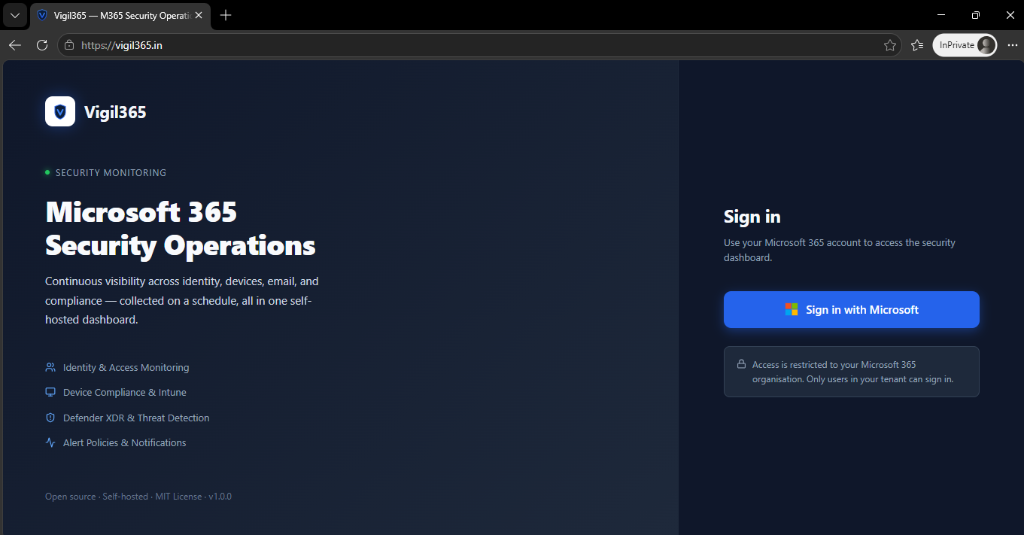
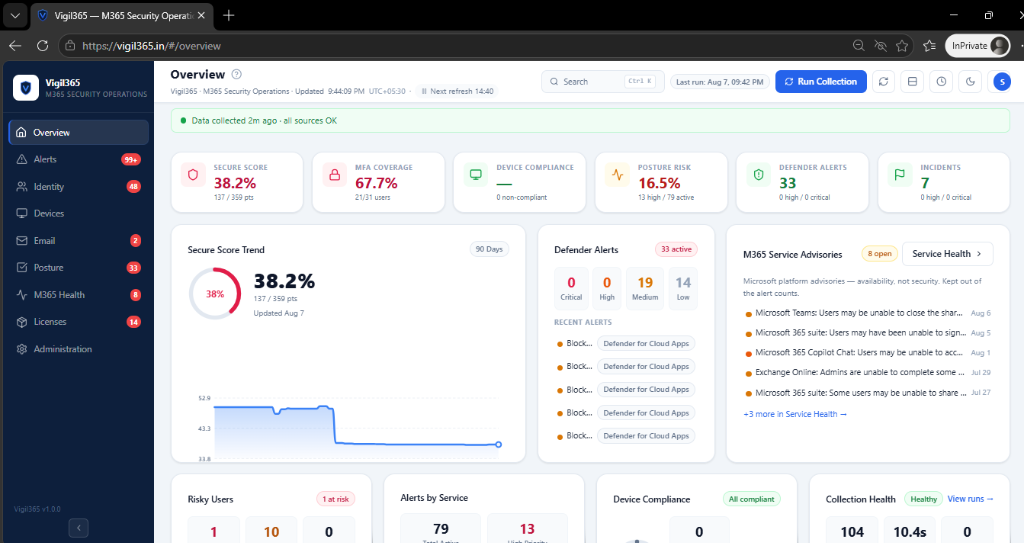
Vigil365 pulls security telemetry from Microsoft 365 — Defender XDR incidents, Entra ID risky users and sign-ins, Intune device compliance, Exchange email protection, Defender for Cloud Apps, and service health — and shows it in a unified web dashboard. Sections cover overview, identity, devices, email, incidents, compliance, alert center, service health, licenses, conditional access, tenant audit logs, and sign-in locations. The alert policy engine supports metric, activity, and anomaly rules with a complete triage workflow (acknowledge, snooze, resolve, assign, notes). Notifications route to Microsoft Teams, SMTP email, or generic webhooks with digest options. Scheduled executive digests deliver daily, weekly, or monthly with CSV attachments. Historical trends track Secure Score, risky users, and compliance over time. A recommendations hub surfaces Conditional Access gaps and sharing posture. Entity investigation combines alert and audit timelines per user or device. Role-based access control (Admin, Analyst, Viewer) includes a tamper-evident audit trail. The interface offers dark mode, responsive layout, global search, and CSV export everywhere. Deploy via a Windows installer that provisions a database, registers an Entra app, configures HTTPS, and runs as a Windows Service, or via Docker Compose with SQL Server (single-tenant) or PostgreSQL (MSP multi-tenant). Authentication uses Microsoft Entra ID via MSAL. Data stores in SQL Server or PostgreSQL 14+ with EF Core migrations. MIT licensed, version v1.1.0.
Should you self-host Vigil365?
Vigil365 scores 49/100 on selfhost.directory (how scoring works) and ranks #46 of 78 in Security. It has 284 GitHub stars.
It shipped 2 stable releases in the past year. The latest, v1.1.0, came out on 28 August 2026. New versions land roughly every 3 weeks.
Setup is advanced: plan for several services and some ongoing maintenance. It is MIT-licensed and written mostly in C#.
Its closest alternative on selfhost.directory is pentagi (83/100, 32 648 stars). It scores higher overall, so compare the two before you pick. See Vigil365 vs pentagi side by side.
Features
- Alert Policy Engine
- Conditional Access Gap Analysis
- Detail Panels with Deep Links
- Entity Investigation
- Global Search
- Historical Trends
- Multi-tenant MSP Mode
- Notifications
- RBAC user management
- Recommendations Hub
- Scheduled reports
- Search, Filter, Export
- Security Dashboard
Vigil365 README
More in Dashboard
 WarmbOSWarmbOS is a self-hosted, open-source web desktop environment for homelab dashboards with drag-and-drop windows, persistent state, and themeable UI.
 WeatherStarA self-hosted, open-source simulator of the 1990s Weather Channel WeatherStar 4000 that builds retro forecast screens from NOAA/NWS data for US locations.
 web-portalSelf-hosted, open-source personal web dashboard with widget plugins, dark/light themes, and SQLite/MySQL support.
 XenonXenon is a self-hosted dashboard turning any spare screen into a PC control center with system stats, media controls, a Stream Deck-style key grid, and voice AI.
 your_lastfmYourLastFM is a self-hosted, open-source Node.js dashboard that syncs Last.fm scrobbles into SQLite for stats, friend comparisons, leaderboards, and recaps.
 adguard-buddySelf-hosted dashboard for monitoring and synchronizing multiple AdGuard Home servers with merged query logs, statistics, and drift detection.
 aegis_avataAEGIS is a self-hosted, open-source personal intelligence dashboard with Live2D avatar, Gemini voice briefings, and Notion, Google Calendar, YouTube Music integrations.
 Antigravity-DeckSelf-hosted web dashboard for Antigravity AI IDE — manage conversations, workspaces, cascades with full history, live control, and Cloudflare Tunnel remote access.
 AppsmithOpen-source low-code platform for self-hosted internal tools, admin panels and dashboards, deployed as one Docker container or via Helm with Git version control.
 arr-dashboardSelf-hosted open-source dashboard for *arr stack, Plex, Jellyfin, Emby, Seerr with global search, library cleanup, TRaSH Guides sync, automated hunting.
 astroSelf-hosted open-source dashboard for managing homelab services with a React frontend and Go backend, using SQLite for storage.
 AstrolumaAstroluma is a self-hosted, open-source home lab dashboard with link organization, task management, device monitoring, and 15+ service integrations.
0 comments