
Self-host unifi-voucher-site
8.13.2Web-based UniFi guest voucher generator and manager
- Stars
- 311
- Port
- 3000 (HTTP web UI and API)
- Requires
- UniFi OS Console
glenndehaan/unifi-voucher-site
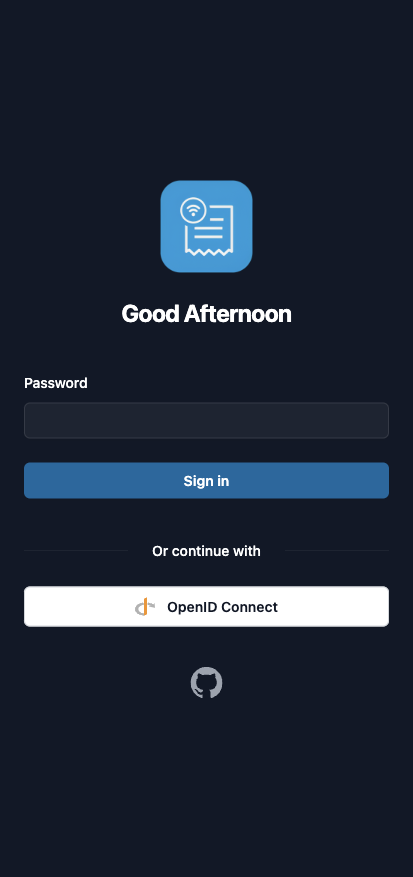
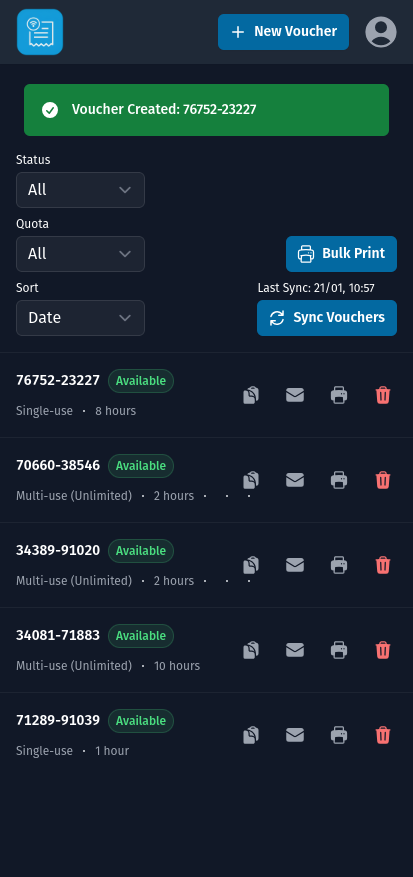
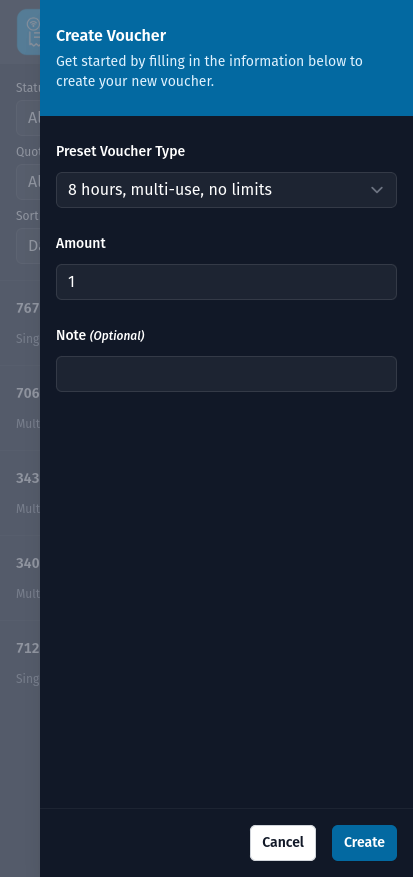
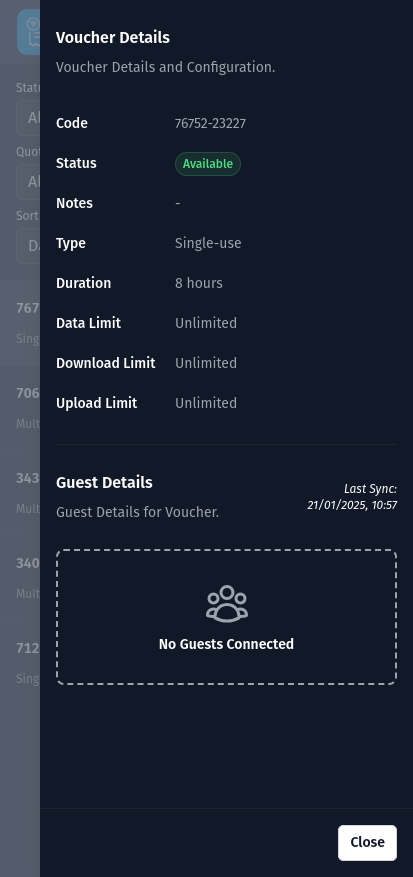
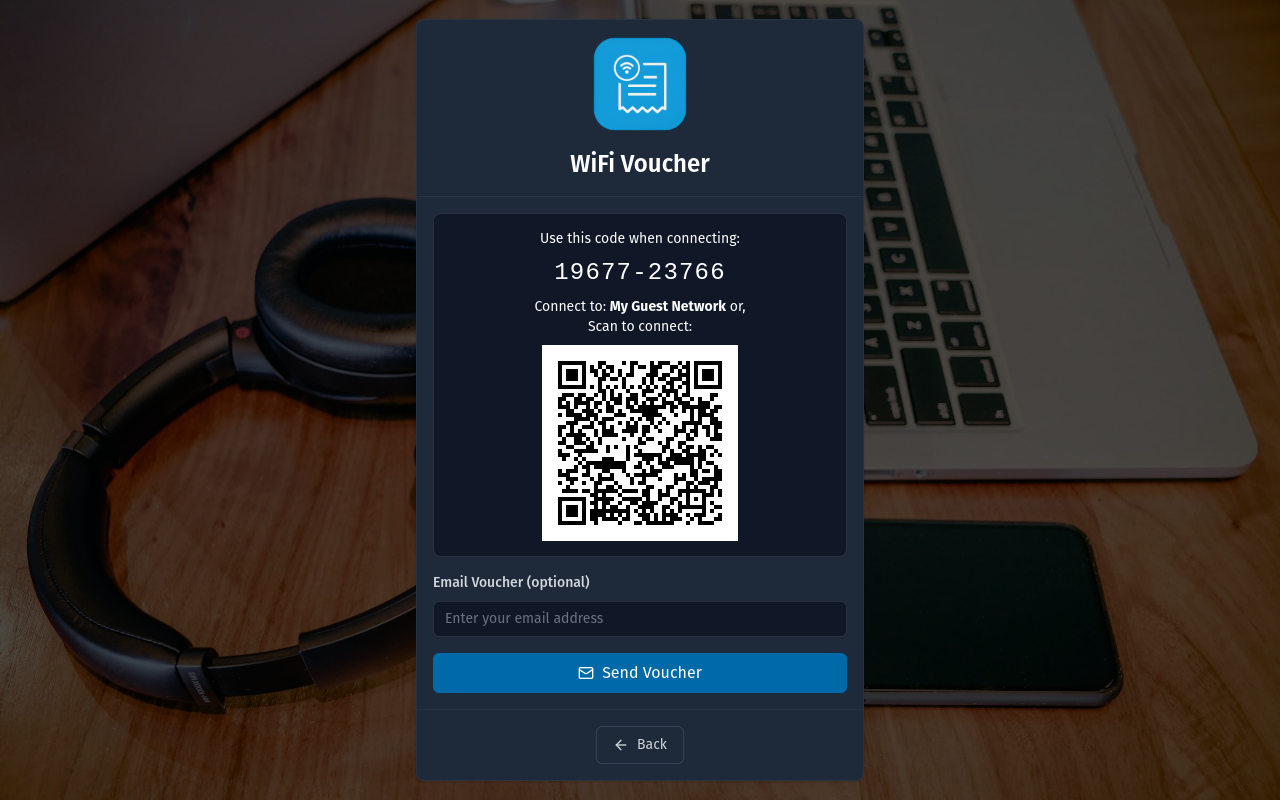
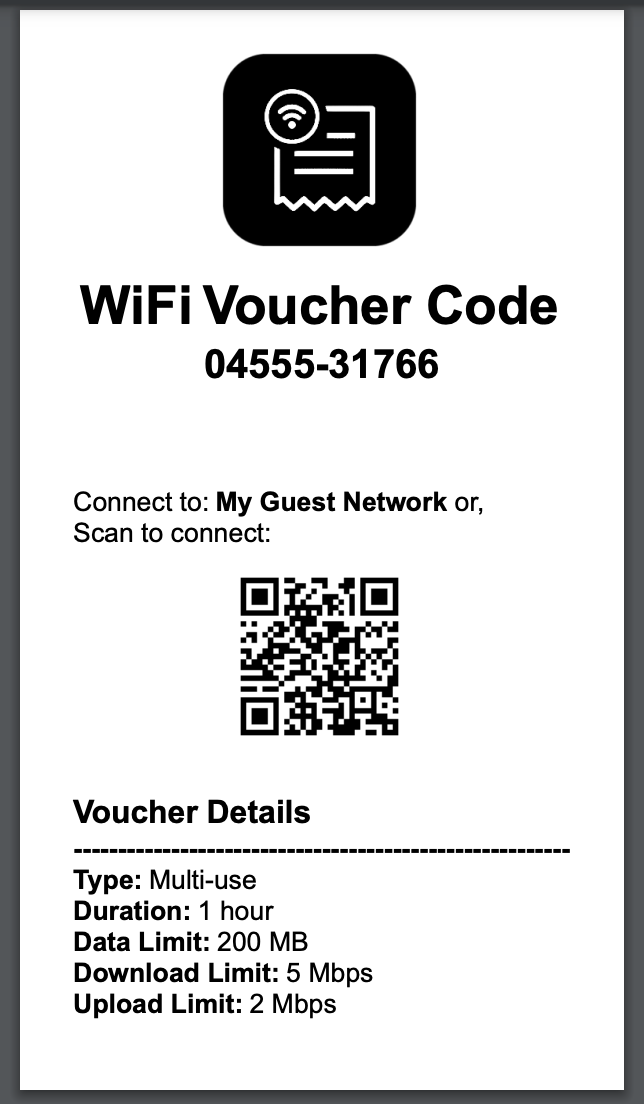
What is unifi-voucher-site?
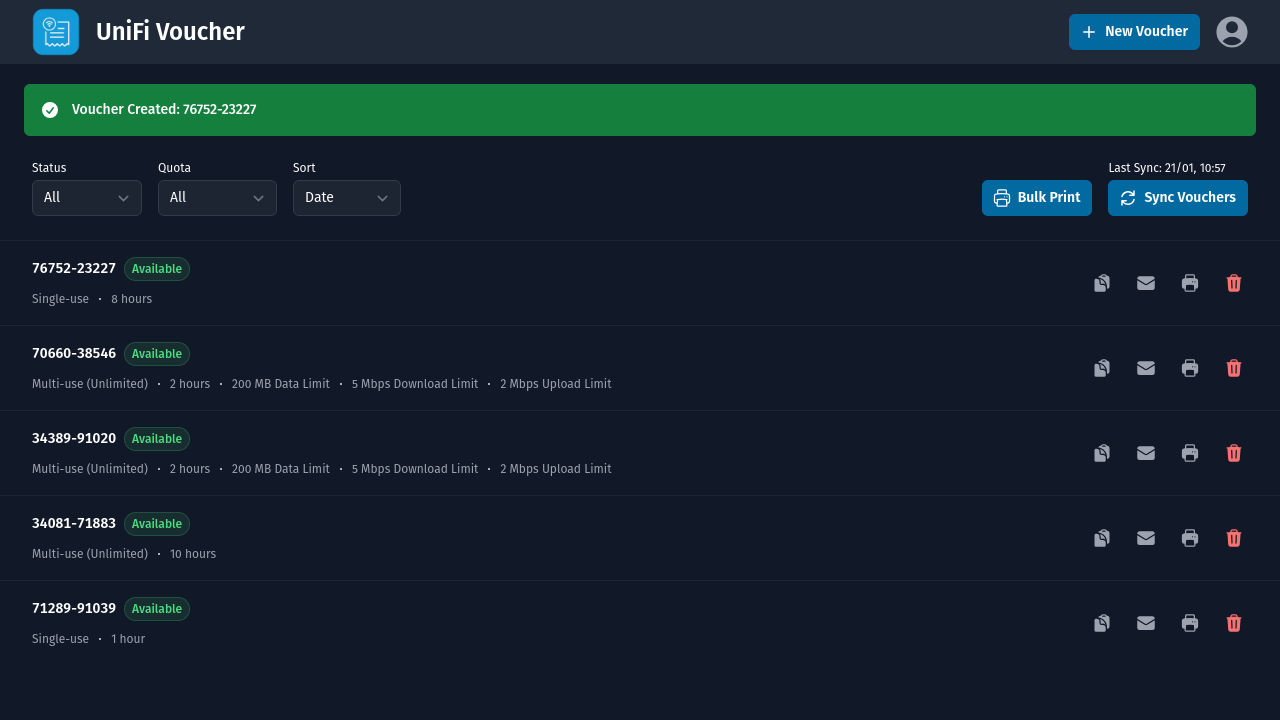
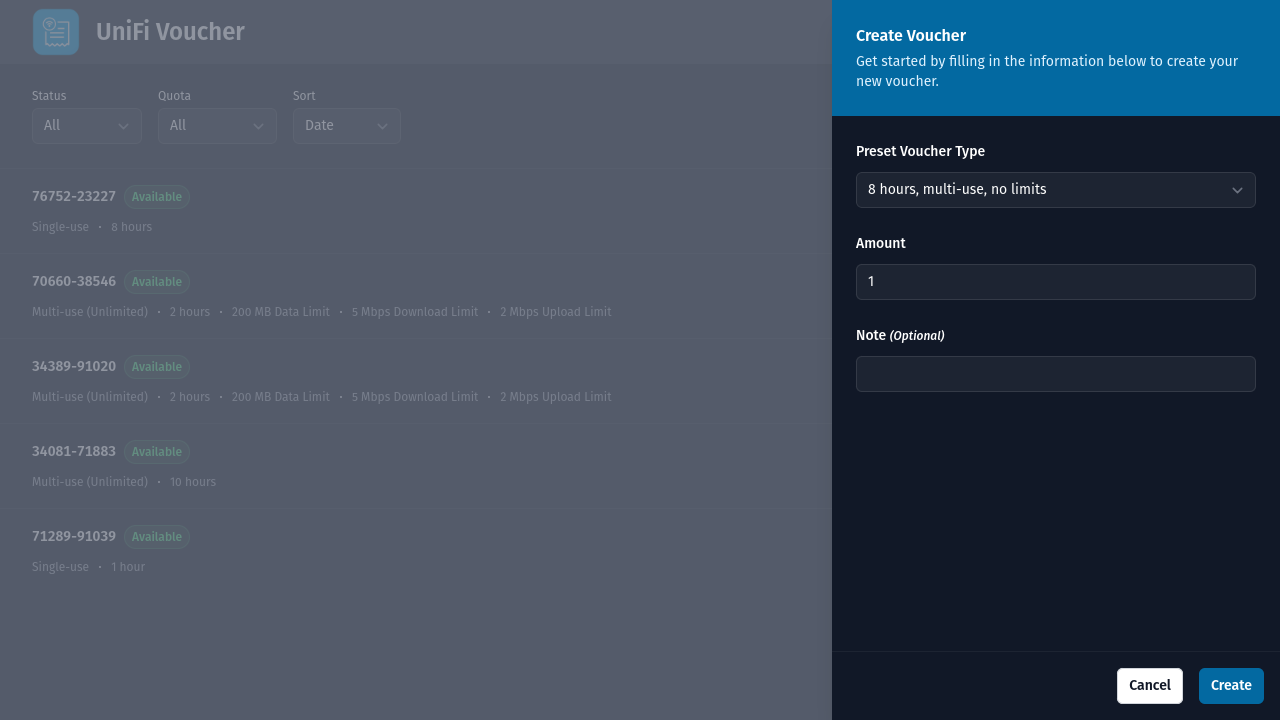
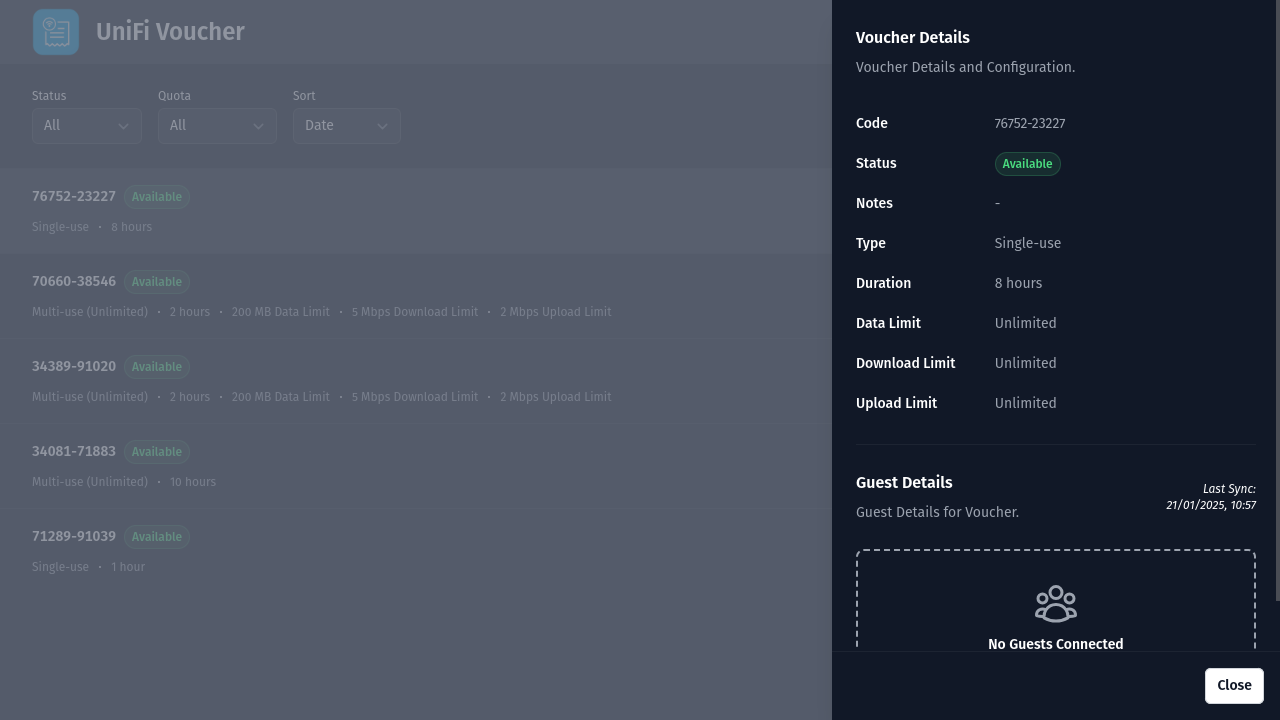
UniFi Voucher Site is a self-hosted web application for generating and managing guest vouchers on UniFi networks. It provides a web interface and REST API to create vouchers with custom expiration times, data caps, and bandwidth limits. Users can authenticate via OpenID Connect for single sign-on, a built-in password, or run without any login. The software includes a self-service kiosk for guest voucher creation, thermal receipt printing through PDF or ESC/POS network printers, email delivery using SMTP, QR codes for easy device connection, and support for multiple languages. The Node.js and Express application runs in Docker and is configured through environment variables or a JSON file. It requires a UniFi OS Console such as a Cloud Gateway, Cloud Key, or UniFi OS Server with an authentication token from the Integrations tab or a Site Manager credential.
Should you self-host unifi-voucher-site?
unifi-voucher-site scores 52/100 on selfhost.directory (how scoring works) and ranks #18 of 34 in Network Management. It has 311 GitHub stars.
It shipped 15 stable releases in the past year. The latest, 8.13.2, came out on 18 October 2026. New versions land roughly every 3 weeks.
Setup is moderate: expect some configuration beyond a single command. An official Docker image is available. It is MIT-licensed and written mostly in EJS.
Its closest alternative on selfhost.directory is 3x-ui (84/100, 48 764 stars). It scores higher overall, so compare the two before you pick. See unifi-voucher-site vs 3x-ui side by side.
Features
- Automated Voucher Cleanup
- Bulk Printing
- Config file support
- Custom Branding
- Email delivery
- Home Assistant Integration
- Multi-language Support
- Multiple Voucher Types
- OIDC Authentication
- QR Code Generation
- REST API
- Self-Service Kiosk Mode
- Thermal Receipt Printing
- Voucher Management
unifi-voucher-site README
More in Network Utilities
 v2rayAOpen-source, self-hosted proxy client with a browser UI over its own Xray-based core: subscriptions for VMess, VLESS, Hysteria2 and more, plus transparent proxy.
 vnstatSelf-hosted, open-source network traffic monitor for Linux/BSD using kernel counters — no sniffing, minimal resources, optional web UI with charts and Prometheus metrics.
 WarpgateSelf-hosted, clientless bastion and PAM proxy giving audited access to internal SSH, web, Kubernetes, database and desktop targets via SSO, RBAC and recorded sessions.
 WatchYourLANSelf-hosted, open-source LAN IP scanner in Go: inventories devices via arp-scan, tracks online/offline history, alerts on new hosts; exports to InfluxDB2 or Prometheus.
 wifi-card📶 Print a QR code for connecting to your WiFi (wificard.io)
 wolA self-hosted Wake-On-LAN tool written in Go that wakes network devices via CLI or web UI, supports scheduled wake-ups and custom broadcast settings.
 bittorrent-trackerOpen-source Node.js BitTorrent tracker you can self-host: run your own HTTP, UDP and WebSocket tracker server, with a client library and a /stats web interface.
 blockyFast and lightweight DNS proxy as ad-blocker for local network with many features
 cloudflare-ddnsSelf-hosted Dynamic DNS client that updates Cloudflare DNS records with your public IP for custom domain access without a static IP.
 d2c.shd2c.sh is a self-hosted, open-source Bash script that keeps Cloudflare A and AAAA records in sync with your public IP, with optional Gotify and Telegram notifications.
 ddns-goOpen-source self-hosted DDNS tool that detects your public IPv4/IPv6 and updates Cloudflare, Dnspod, Aliyun and more via API, with a web UI, webhooks and Docker images.
 ddns-route53Dynamic DNS for Amazon Route 53 on a time-based schedule
0 comments